
Infinite Display
作者:Klugheimer
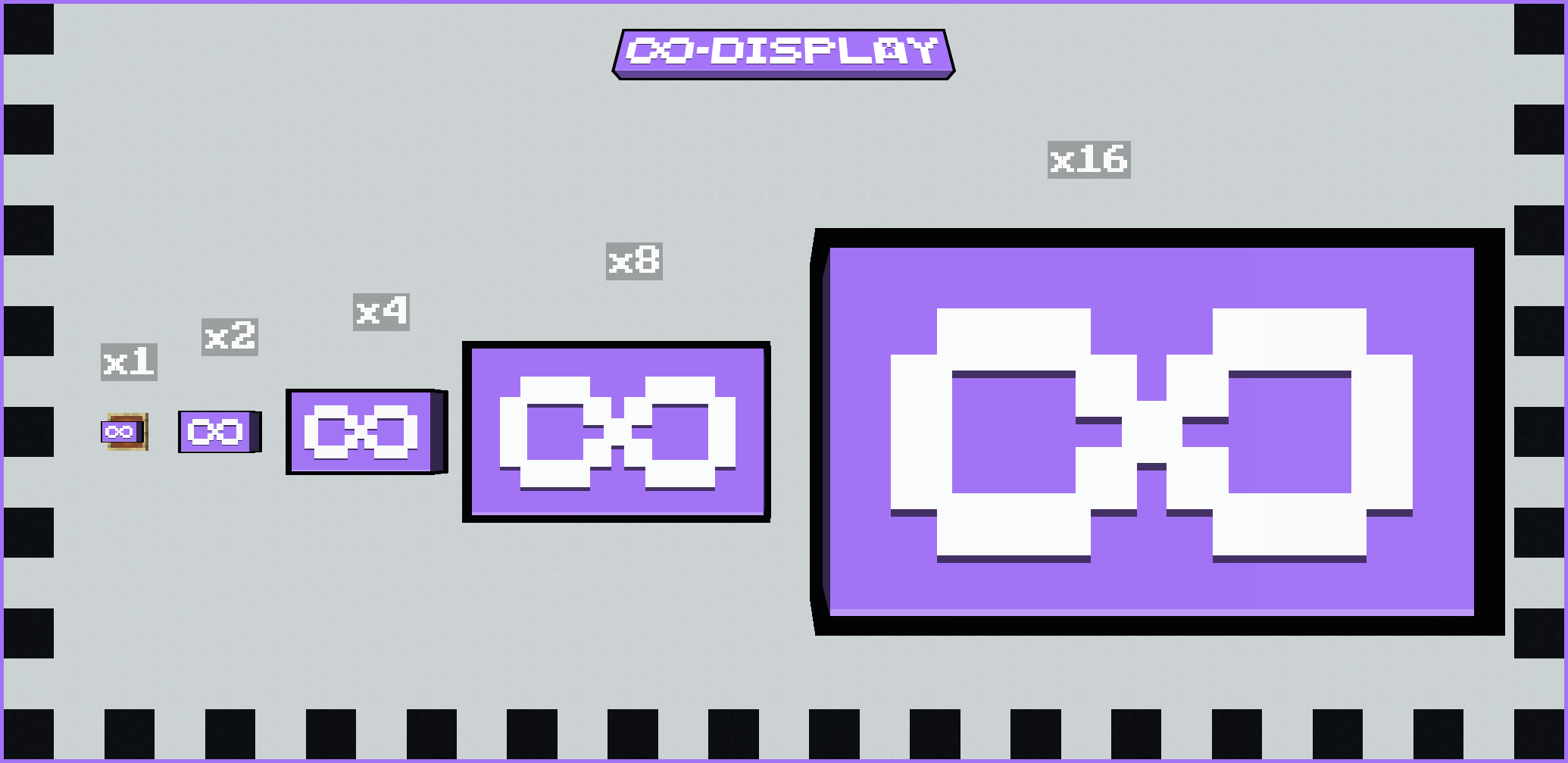
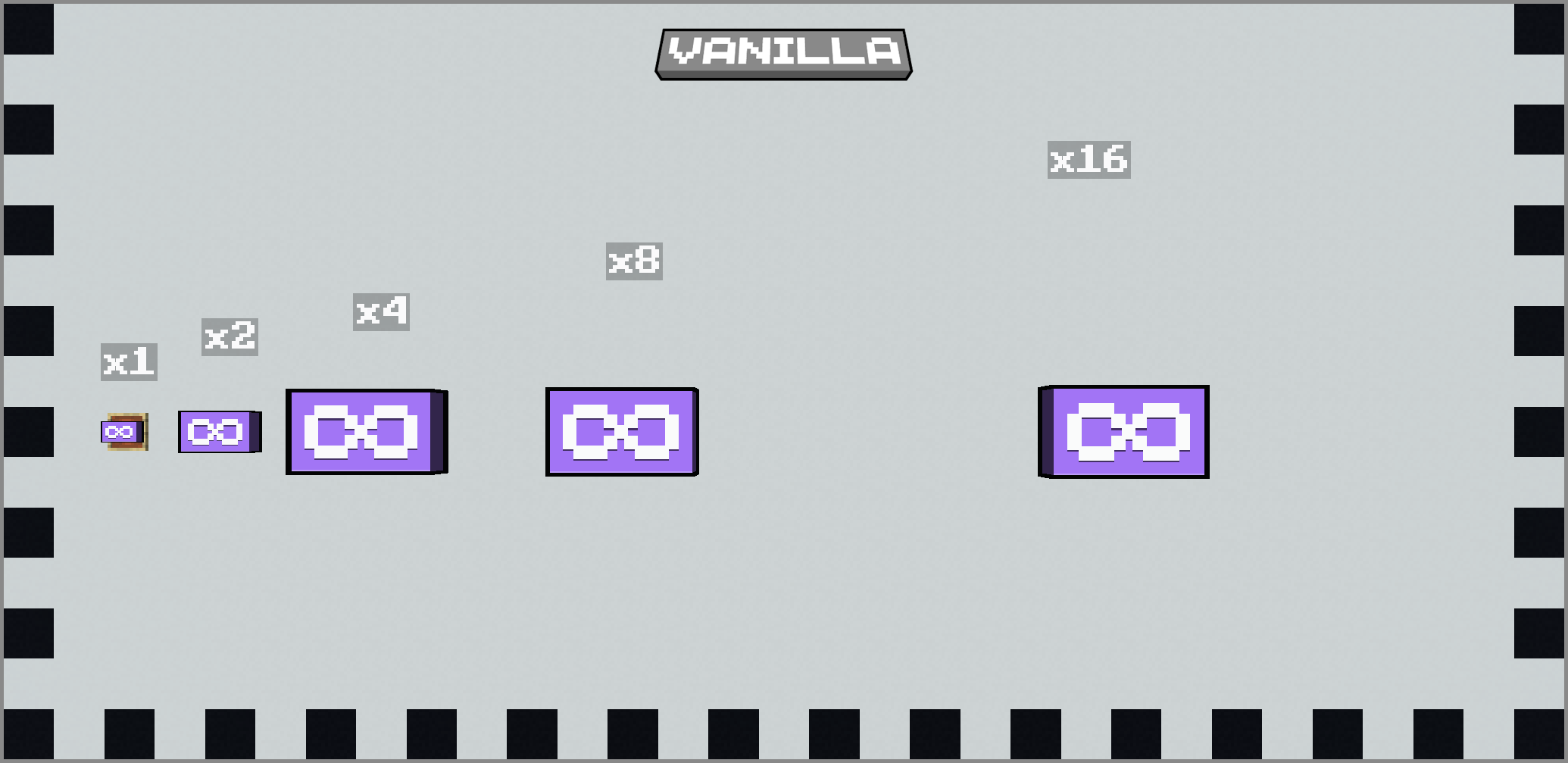
This mod removes the vanilla limits on display settings, allowing much larger models to be shown in item frames, GUIs, and beyond.
截图
介绍
中文介绍正在准备中,下面暂时显示原文。


Infinite Display
Infinite Display removes the vanilla limits on display settings, allowing much larger models to be shown in item frames, GUIs, and beyond.
Installation
Requirements
- Minecraft Fabric Loader and API for 1.21.10 — Download from FabricMC
Steps
1\. Install Minecraft Fabric\
2\. Download the mod\
3\. Place the .jar file into your Minecraft mods folder\
4\. Launch Minecraft — done!
Item Model Display Settings Example
Translation values can exceed vanilla’s limit of 5 and scale values can exceed vanilla’s limit of 4
"display": {
    "fixed": {
        "translation": [16, 32, 8],
        "scale": [8, 12, 6]
    }
}
Screenshots
Enabled

Disabled

License
常见问题
Infinite Display 支持哪些 Minecraft 版本?
Infinite Display 支持 Minecraft Java 版 1.21.10,可用的加载器:Fabric。下载时注意选择和你游戏版本一致的文件。
Infinite Display 怎么安装?
先用 PCL2 或 HMCL 启动器安装对应版本的 Fabric,再把下载的 .jar 文件放进游戏目录的 mods 文件夹,重新启动游戏即可。开启了版本隔离的,mods 文件夹在 versions/版本名 下面。运行环境:仅客户端。
评论
登录后评论和评分