
In-Game Trade Tweaker
Modify villager trades directly in-game without coding or restarting!
截图
介绍


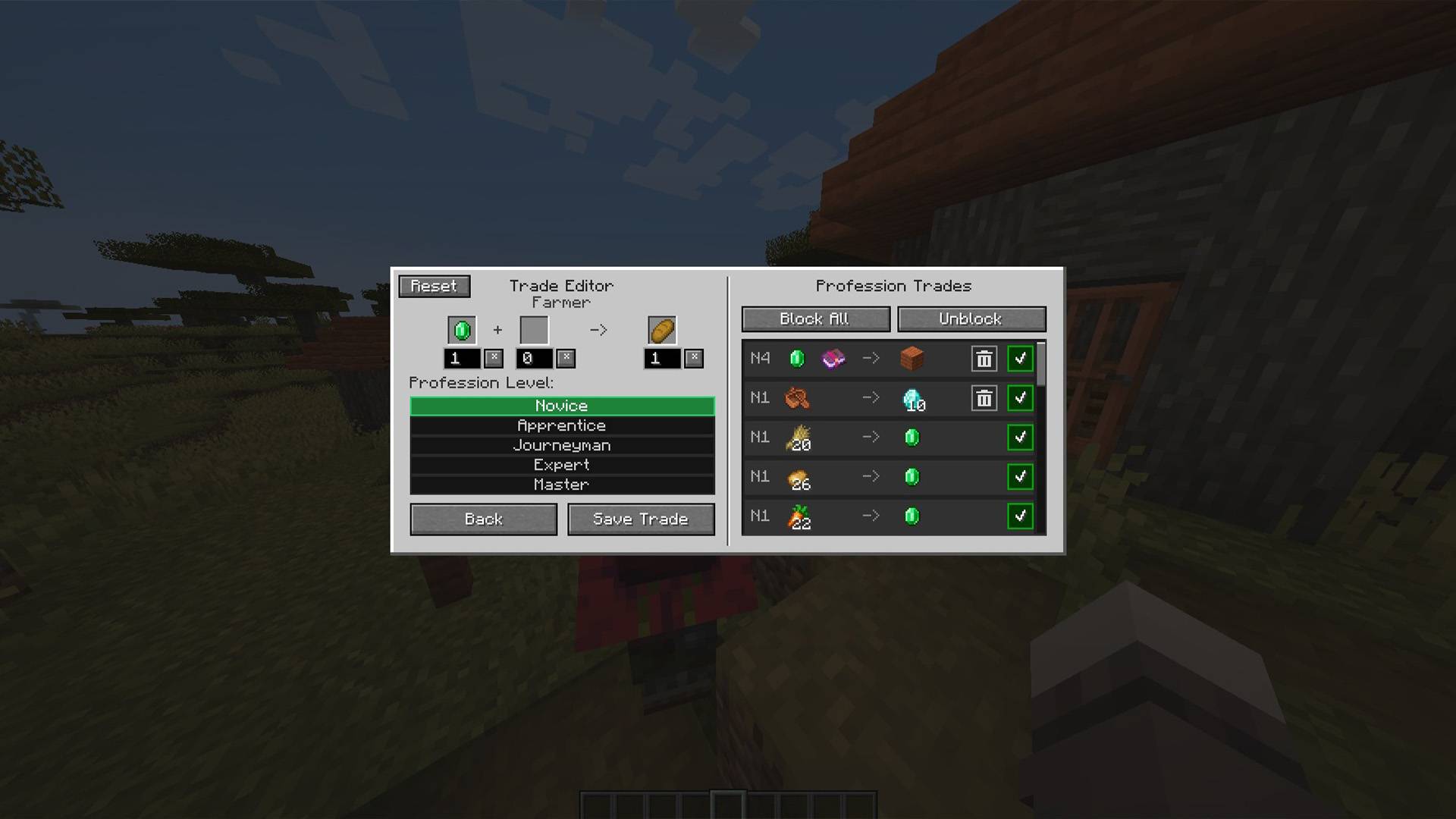
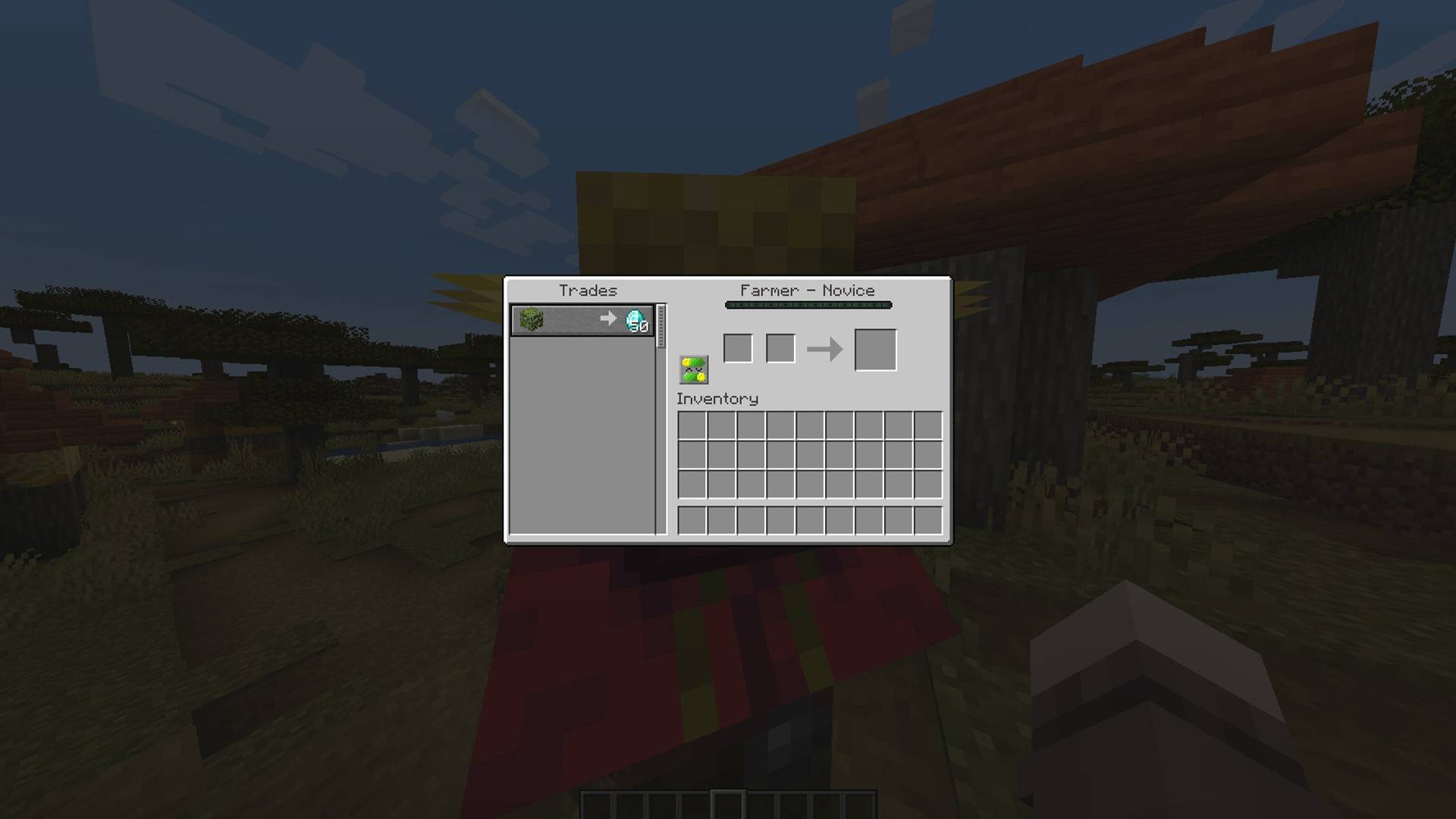
In-Game Trade Tweaker allows players, server administrators, and modpack creators to customize, add, and remove villager trades directly inside the game through a clean and intuitive user interface—no JSON editing by hand, coding, or game restarts required!
✨ Features
- In-Game GUI Editor: Access the editor directly from any trading screen by clicking the gear icon.
- Instant Live Updates: Every change is saved to a clean JSON file and applied to villagers immediately in real-time.
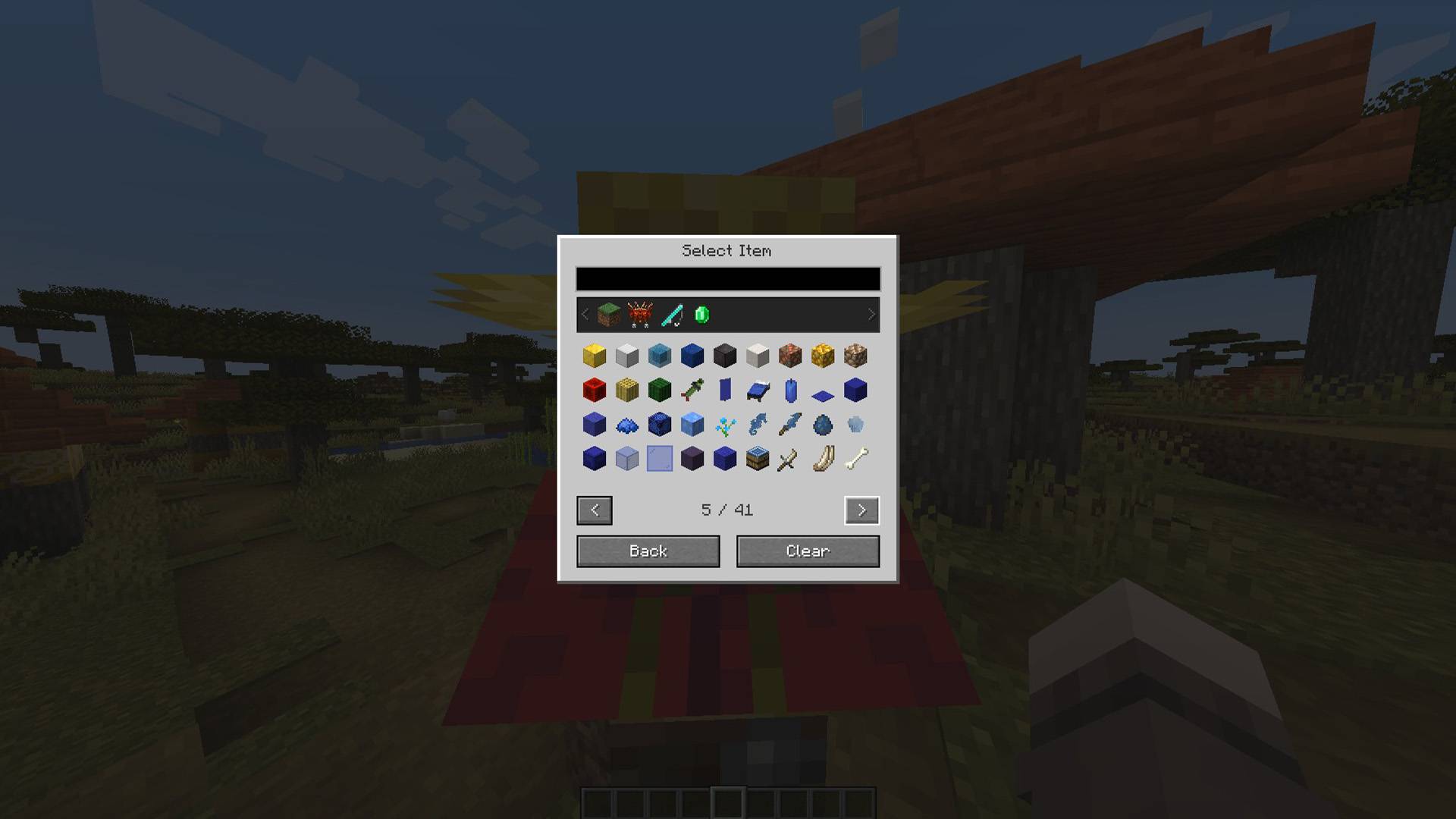
- Add Custom Trades: Set primary cost, secondary cost, and output item, along with the required profession tier (Novice to Master).
- Block & Unblock Trades: Easily lock unwanted vanilla or modded trades with a single click, or block all default trades to create a completely custom economy.
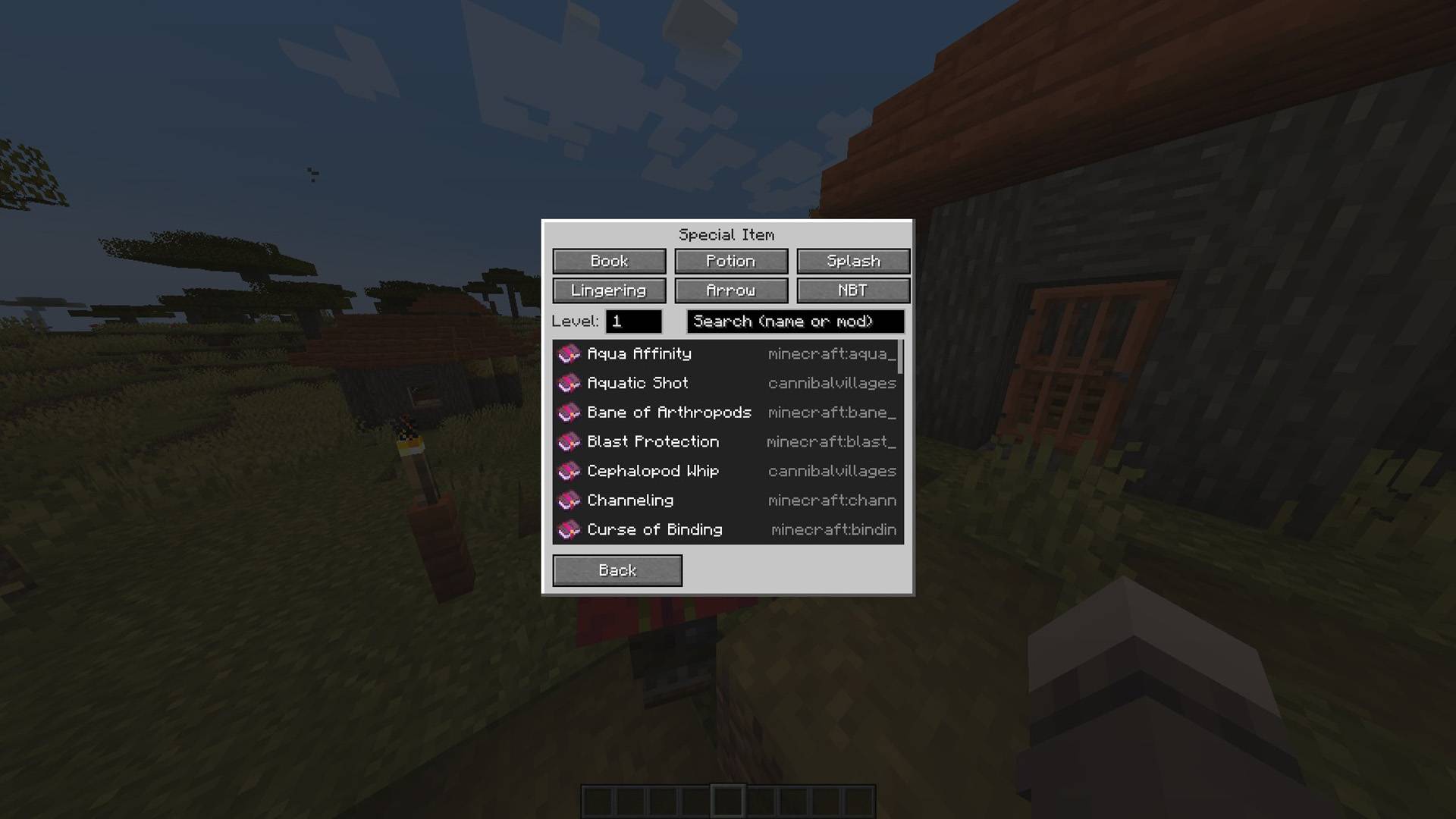
- Full Special Item & NBT Support: Built-in picker for Enchanted Books, Potions, Splash/Lingering Potions, Tipped Arrows, and custom NBT data.
- Safe & Non-Destructive: Reset any profession back to its default state at any time with a confirmation prompt.
- Server & Multiplayer Ready: Server-authoritative architecture ensures synchronization between server and players (restricted to server operators and creative mode players).
- Multi-Language Support: Fully localized out of the box in 10 languages (English, Portuguese, Spanish, German, French, Russian, Simplified Chinese, Italian, Turkish, and Japanese).
—
📖 How to Use
1. Open the trading interface of any villager (requires Creative Mode or OP permissions level 2+).
2. Click the gear button next to the trade interface to open the Trade Editor.
3. Select your input items, quantities, output item, and desired profession level.
4. Click “Save Trade” your new trade is active immediately!
5. Use the right-hand panel to change levels, delete custom trades, or block vanilla trades.
—
📦 Modpacks & Permissions
Can I include this in my modpack?
Yes! You are completely free to use this mod in any public or private modpack.
Client & Server:
Required on both client and server for full functionality.
常见问题
In-Game Trade Tweaker 支持哪些 Minecraft 版本?
In-Game Trade Tweaker 支持 Minecraft Java 版 1.20.1,可用的加载器:Forge。下载时注意选择和你游戏版本一致的文件。
In-Game Trade Tweaker 怎么安装?
先用 PCL2 或 HMCL 启动器安装对应版本的 Forge,再把下载的 .jar 文件放进游戏目录的 mods 文件夹,重新启动游戏即可。开启了版本隔离的,mods 文件夹在 versions/版本名 下面。

评论
登录后评论和评分