
In-Game Music Player
在玩 Minecraft 时播放你自己的音乐——放入你的 .ogg 或 .mp3 文件,它们会显示在游戏内播放器中,支持歌词、封面艺术和完整的曲库编辑。无需重启,无需切换窗口。
截图
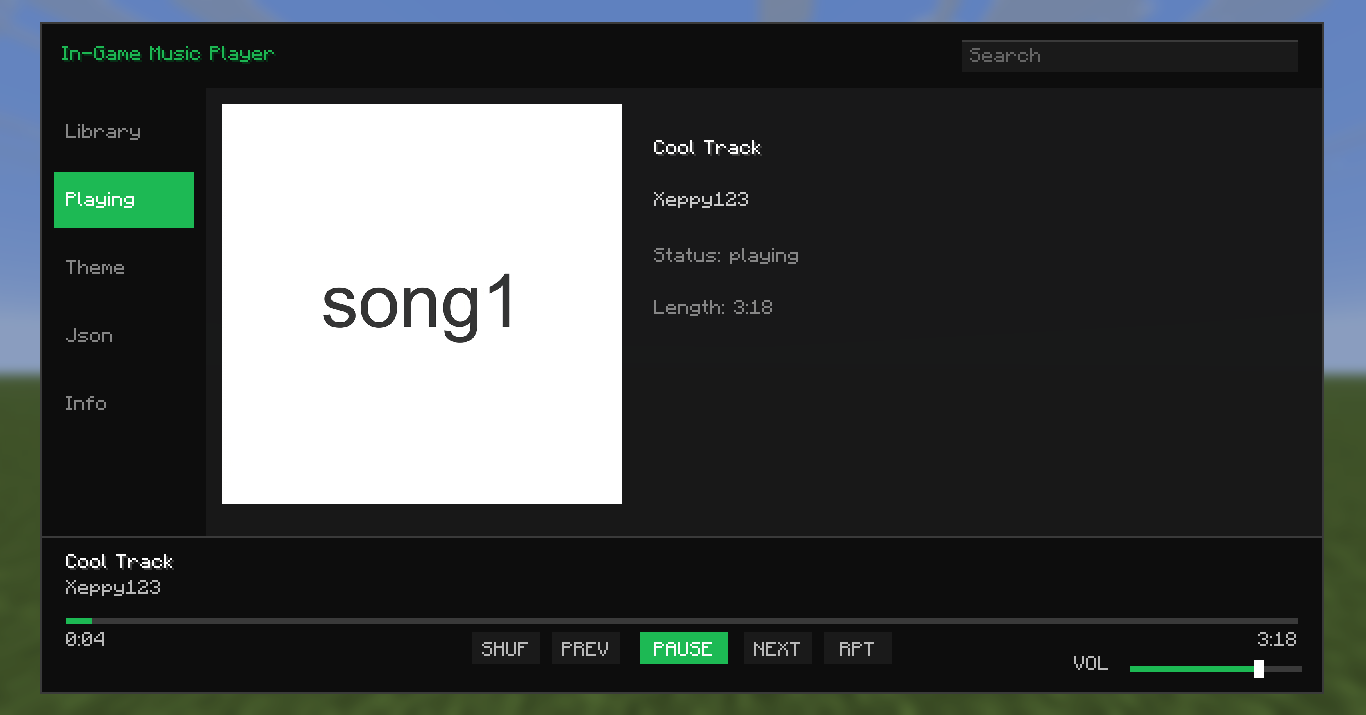
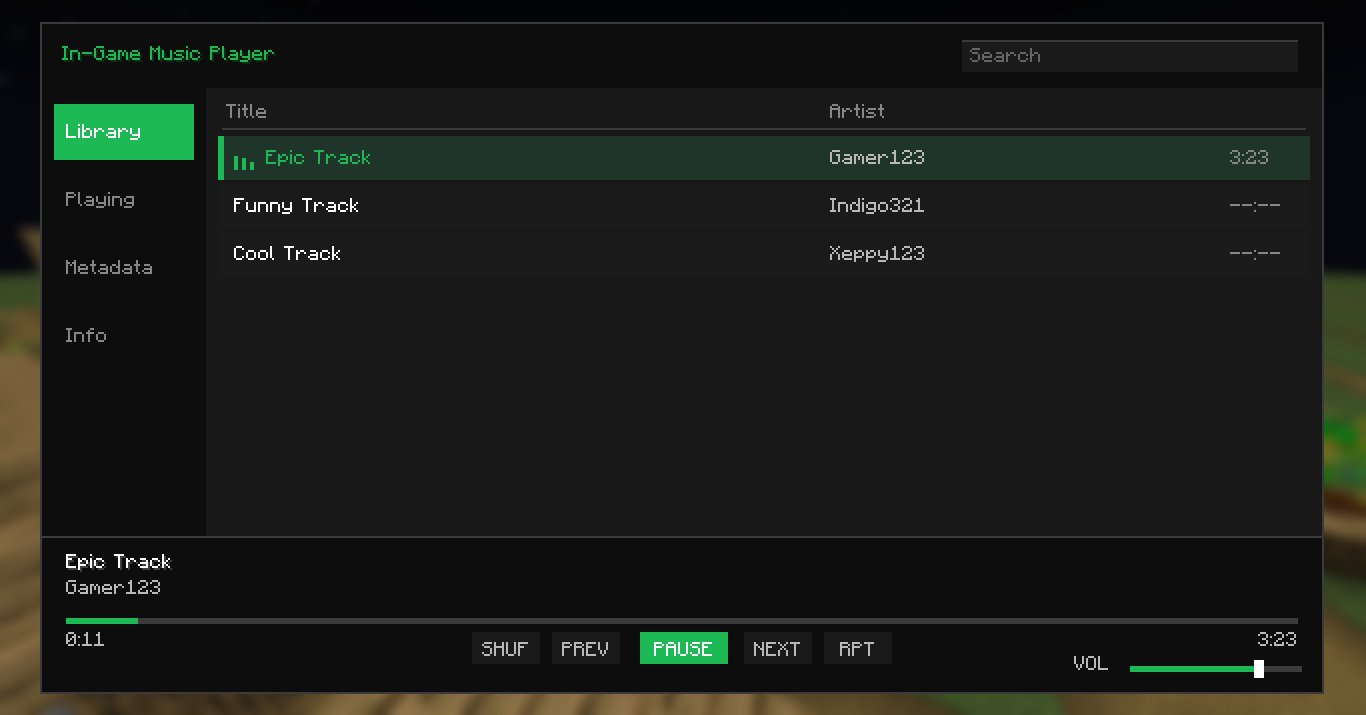
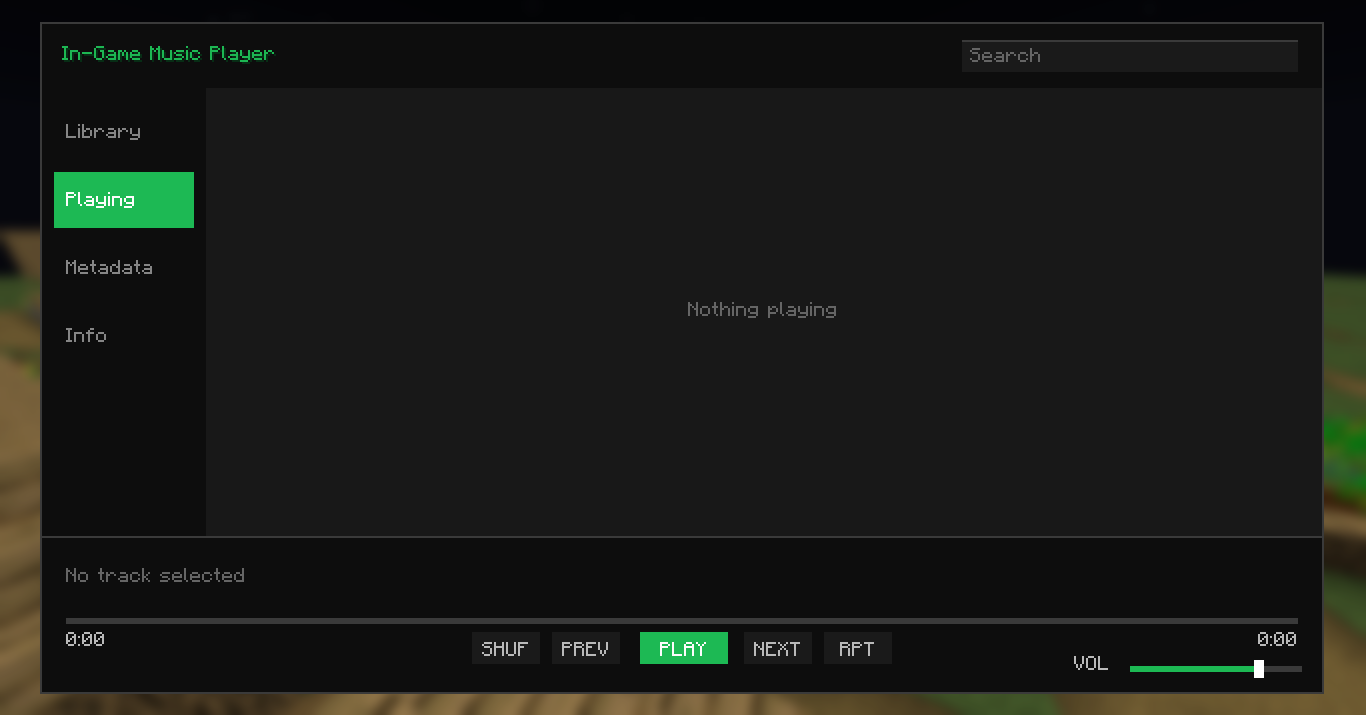
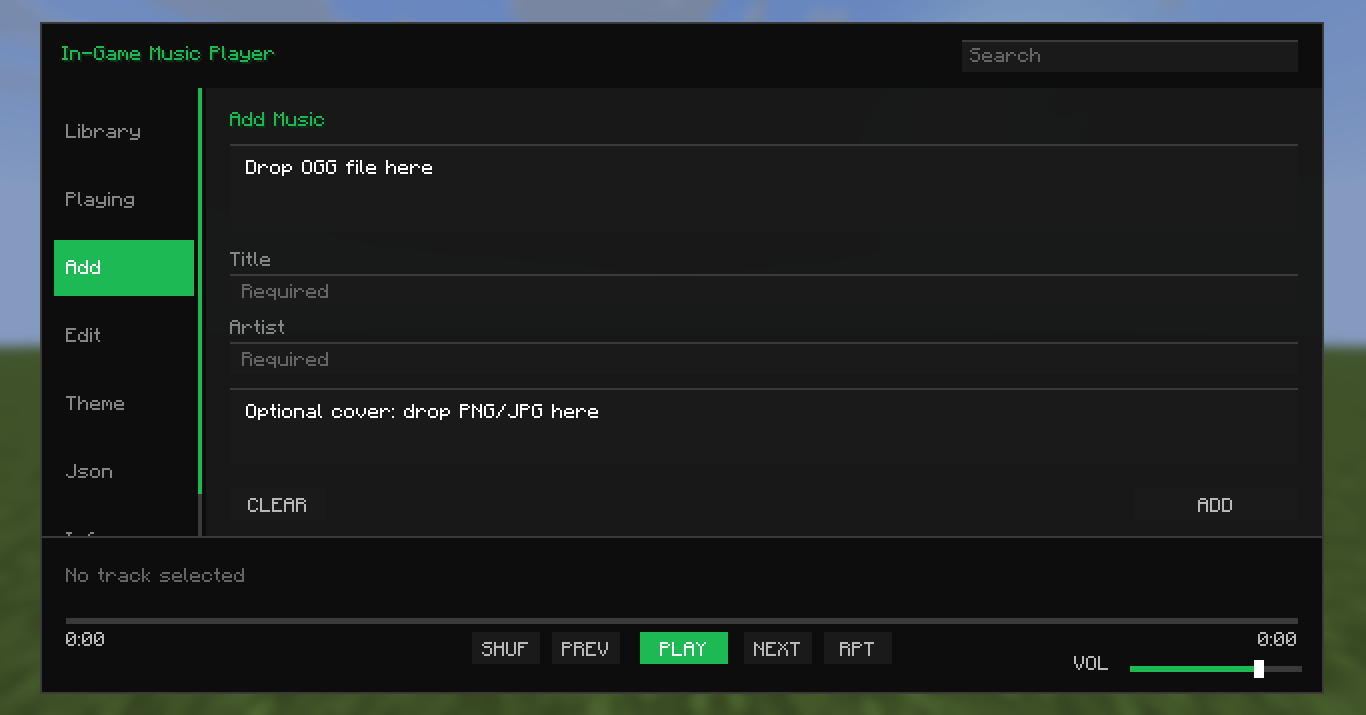
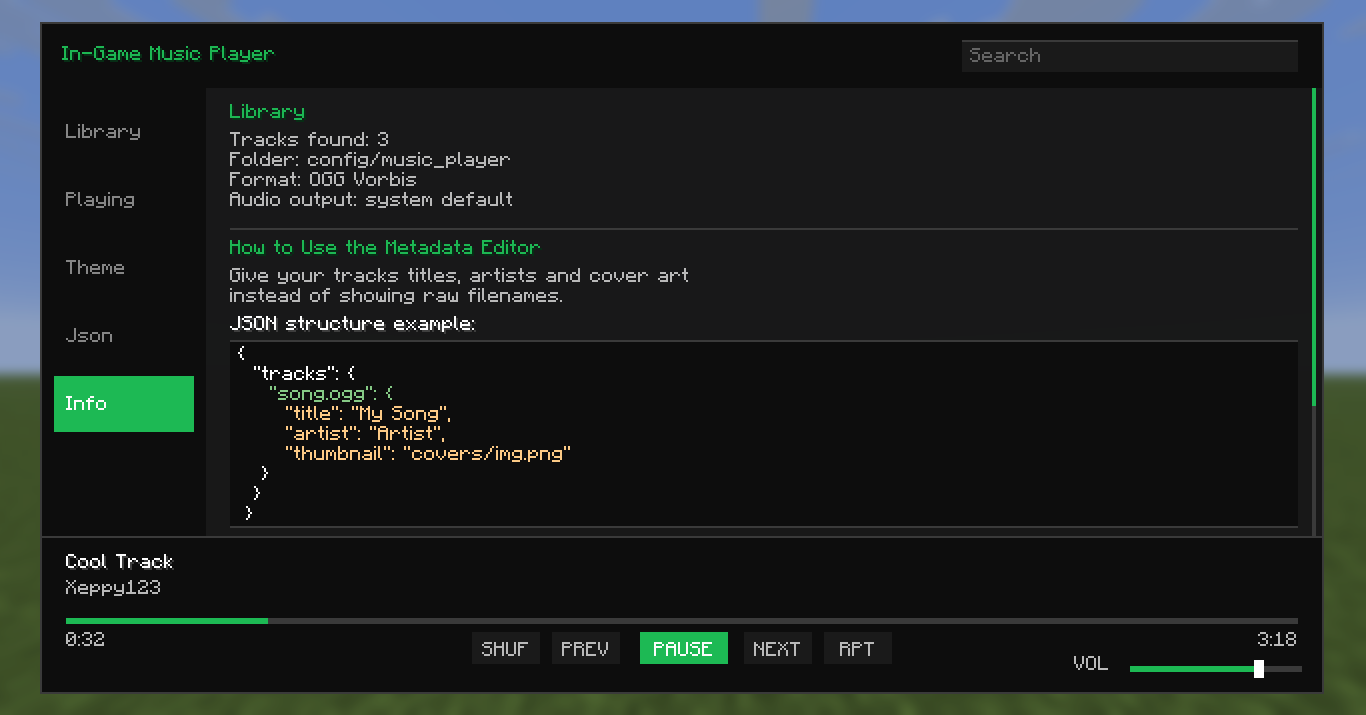
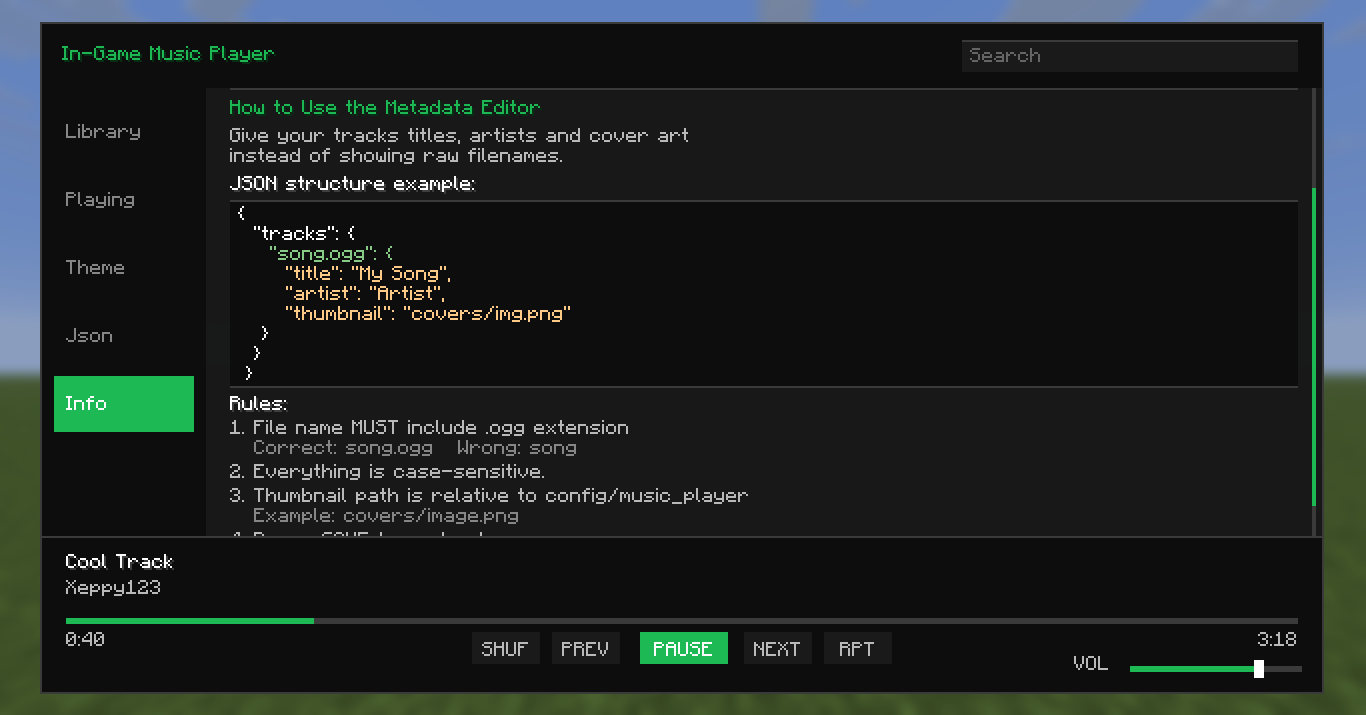
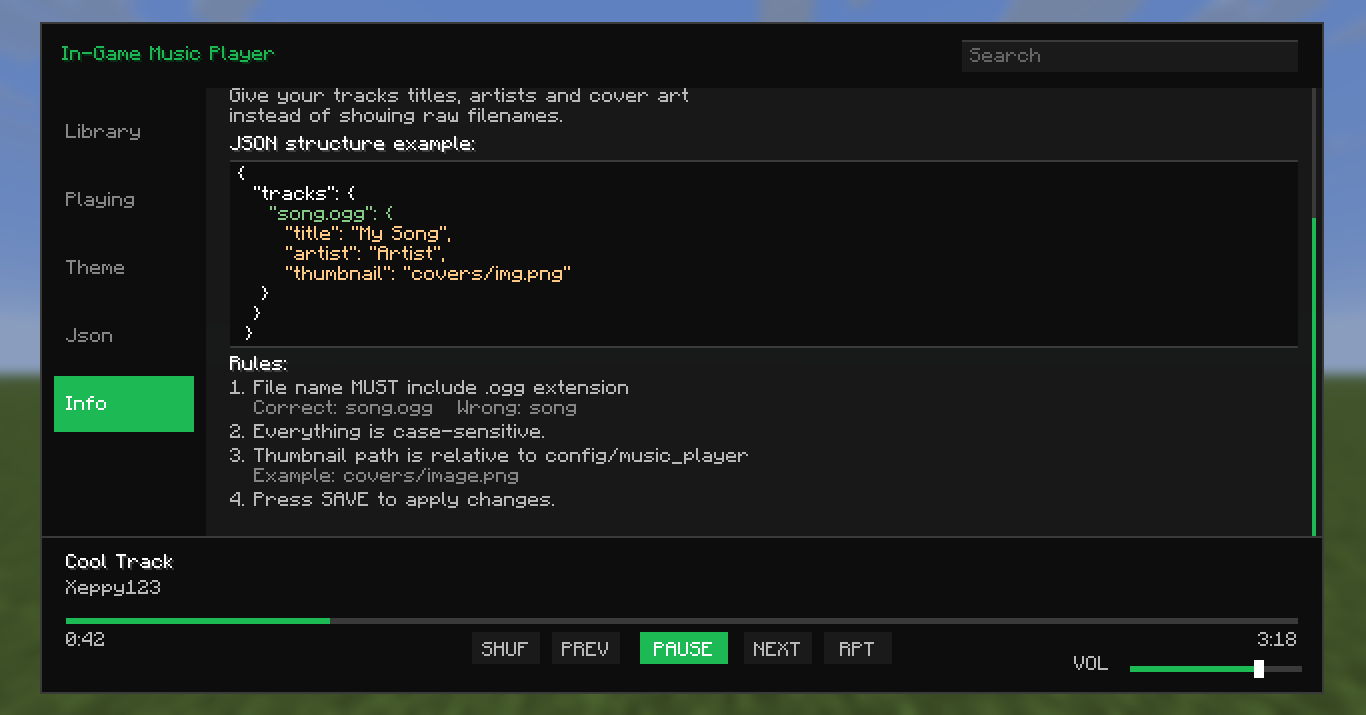
介绍

Play your own music without ever leaving Minecraft





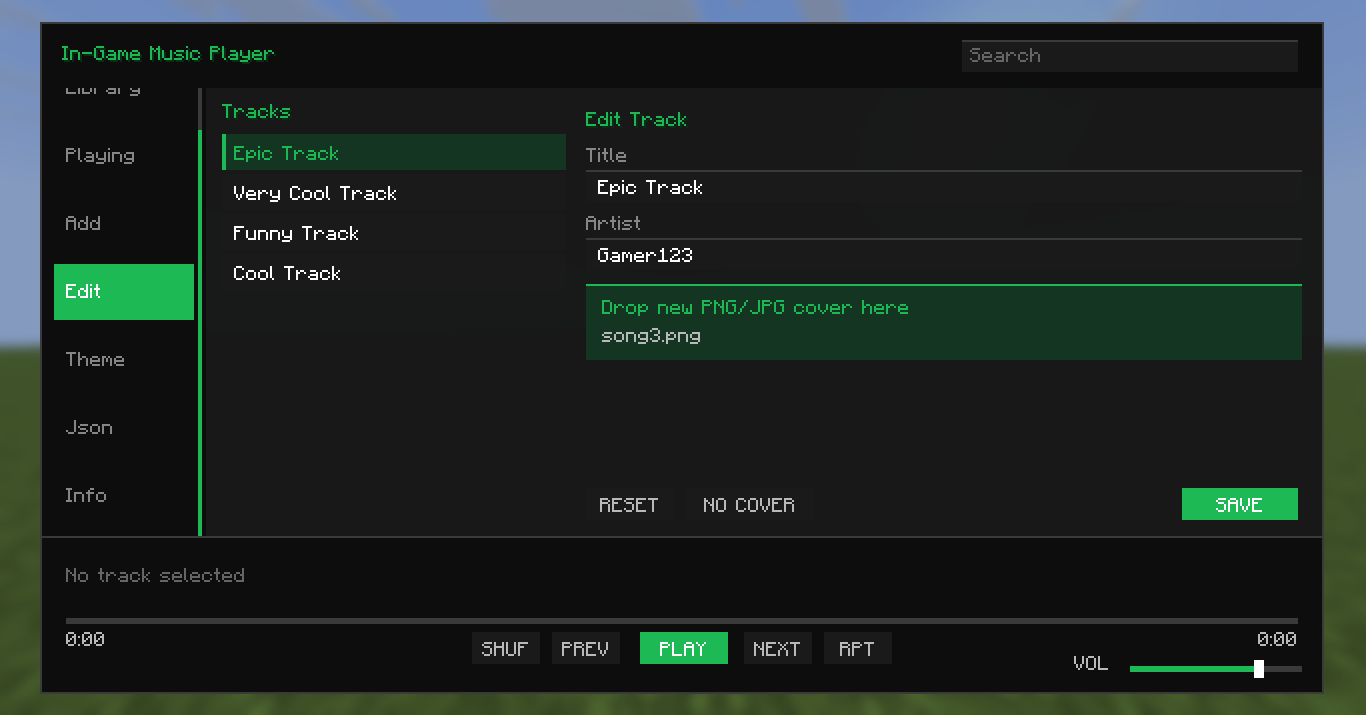
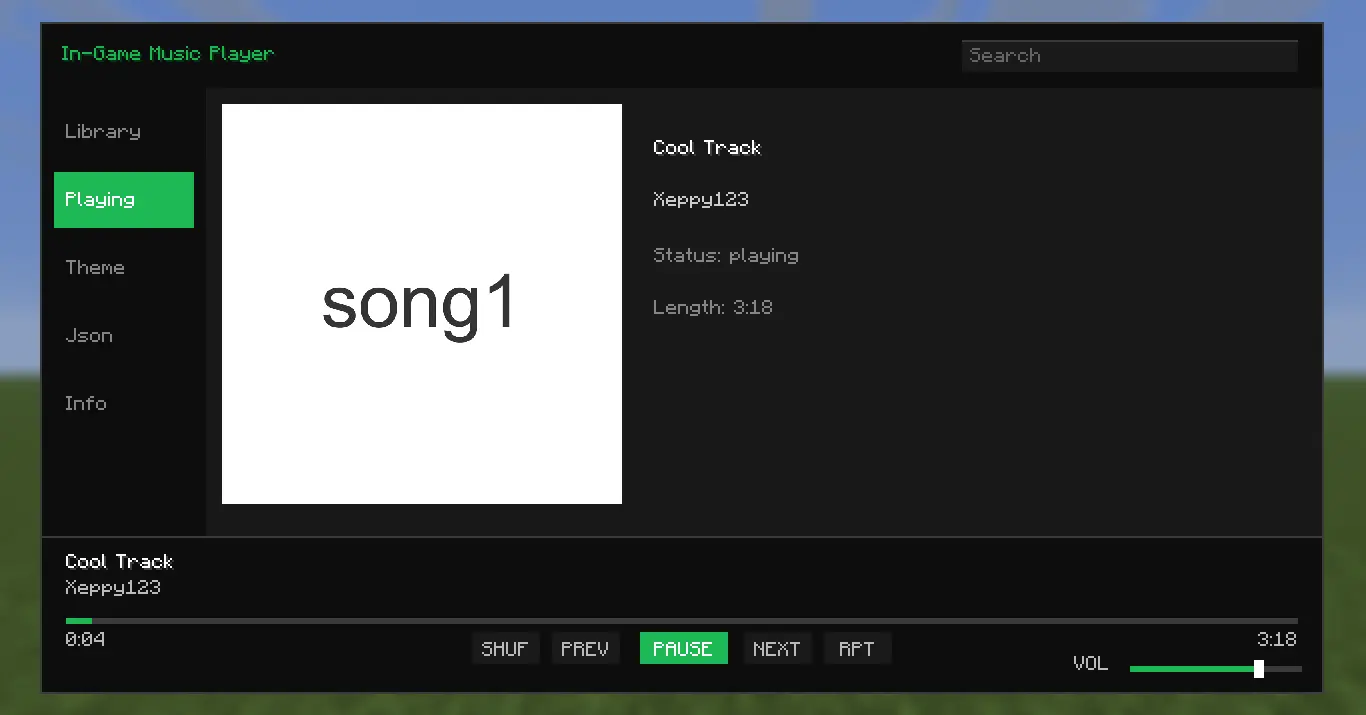
Play your own music while you’re playing Minecraft — no alt-tabbing, no external apps. Drop your .ogg or .mp3 files in and they show up in a music player built right into the game, cover art and lyrics included, all editable without touching a config file.
Features
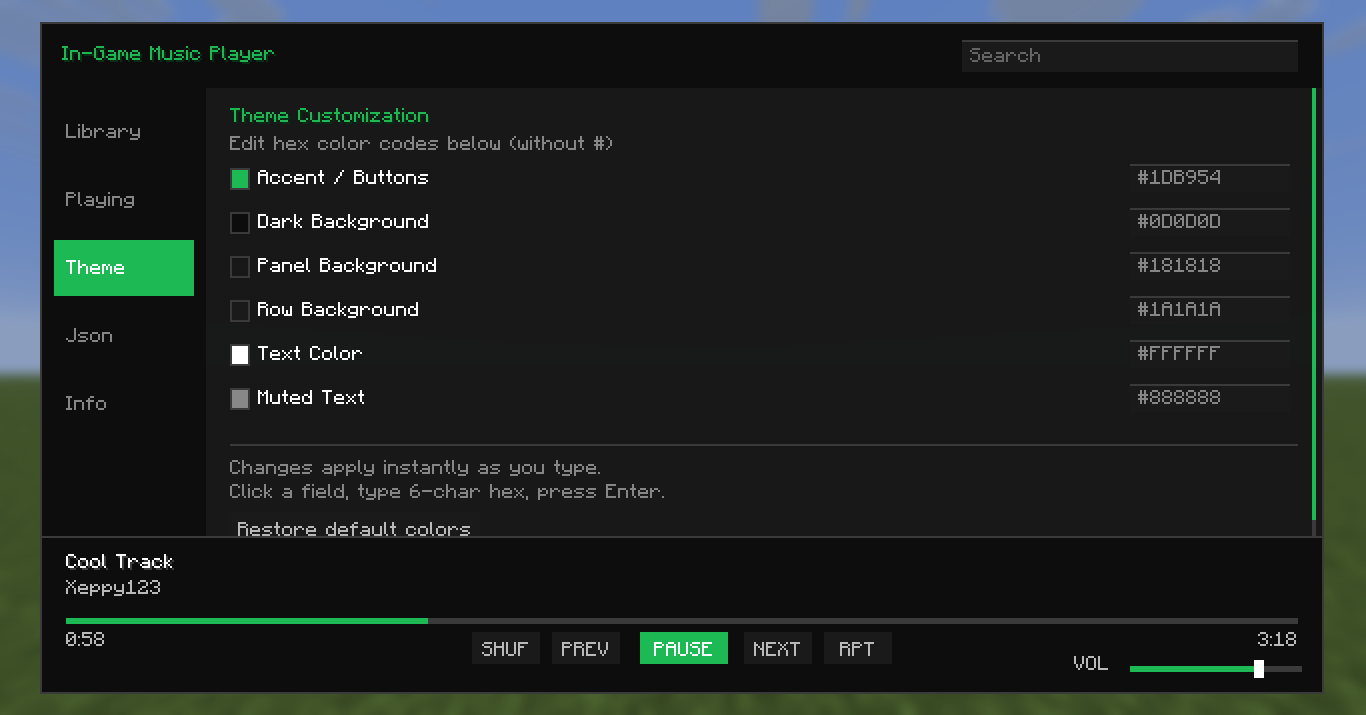
- In-game player — Library, Now Playing, and Editor tabs, themeable to match your HUD
.oggand.mp3support — bring your existing collection over as-is- Lyrics — type them in or drop a
.txtfile next to the track - Drag-and-drop importing — no digging through config folders
- Live editing — rename tracks, fix artist names, swap cover art, all from the UI
- Real clipboard support — paste straight from a browser into any text field
- Global keybind — open the player from any screen, not just in-world
- Live file scanning — add music while the game’s running and it just shows up
- Full playback controls — play, pause, skip, repeat, shuffle, seek, independent volume
- Handles big libraries — cover art loads without stuttering your game
Setup
In-game (recommended)
- Open the player with your keybind (set it in Controls)
- Drag your
.ogg/.mp3files into the Add tab - Edit titles, artists, and covers from the Editor tab
Manual
- Drop your audio files into
config/music_player - Put cover art in
config/music_player/covers/ - Put lyrics
.txtfiles inconfig/music_player/lyrics/ - (Optional) Edit
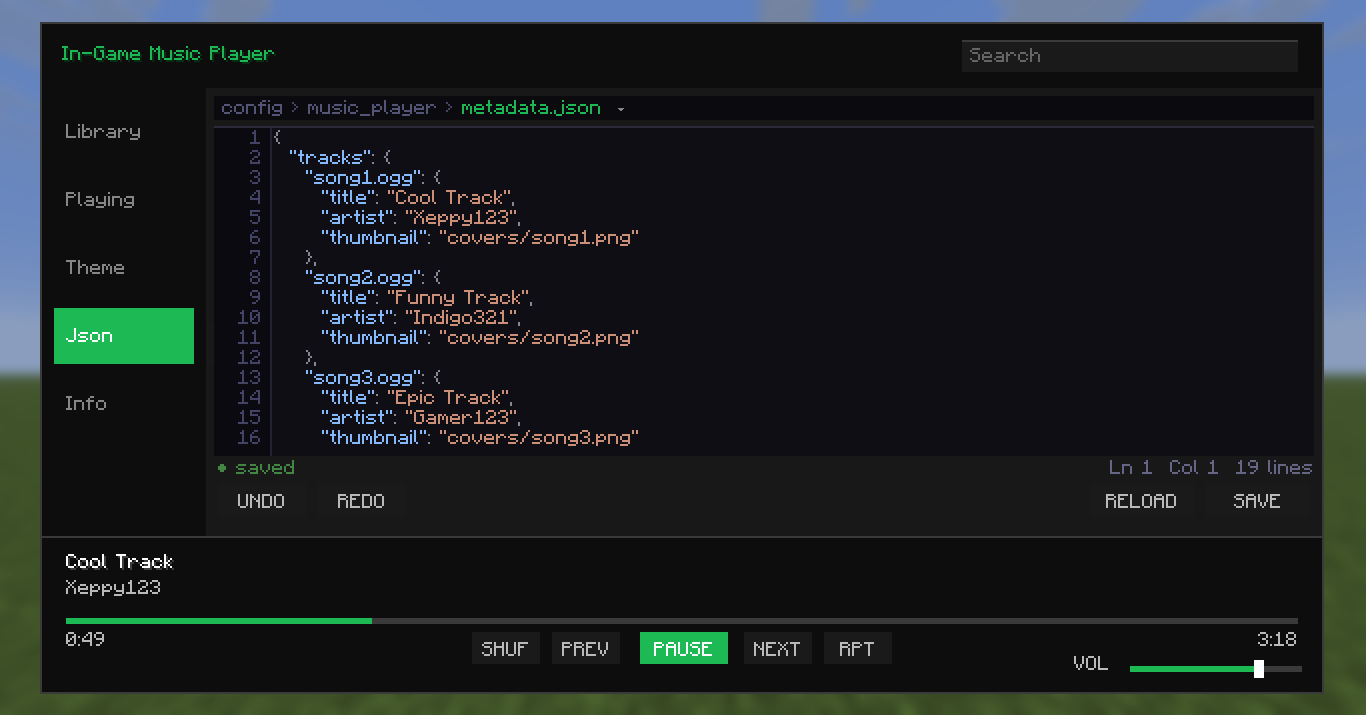
metadata.jsondirectly:
{
  "tracks": {
    "song1.ogg": {
      "title": "Cool Track",
      "artist": "Xeppy123",
      "thumbnail": "covers/song1.png",
      "lyrics": "lyrics/song1.txt"
    }
  }
}
Roadmap
- YouTube streaming (via lavaplayer) — no downloads needed
- SoundCloud integration
Spoiler
_these are the features I’m trying to add soon._
Alternatives
- Music Player>) — better than mine to be honest, has availability to streaming services.
- Melodix Music Player>) — cool mod, it has the same functionality or works the same way.
License
In-Game Music Player is closed-sourced under the ARR>).
(might be open-sourced soon tho)
常见问题
In-Game Music Player 支持哪些 Minecraft 版本?
In-Game Music Player 支持 Minecraft Java 版 1.19.1–26.1.2,共 19 个版本,可用的加载器:Fabric。下载时注意选择和你游戏版本一致的文件。
In-Game Music Player 怎么安装?
先用 PCL2 或 HMCL 启动器安装对应版本的 Fabric,再把下载的 .jar 文件放进游戏目录的 mods 文件夹,重新启动游戏即可。开启了版本隔离的,mods 文件夹在 versions/版本名 下面。运行环境:仅客户端。

评论
登录后评论和评分