In Combat
Detect when the player is in combat and prevent actions! Highly configurable & with mod integrations!
截图
介绍
In Combat




Installation ⚙️
Requires
Features ✨
The Effects
- There are 2 effects: Combat and Grace
- Combat is the main effect applied when the player is in combat
- Grace is an effect for modpack and mod developers to be used for creating safe areas
Becoming In Combat
There are 2 ways the player can become in combat:
- Receiving damage
- Dealing damage
When In Combat
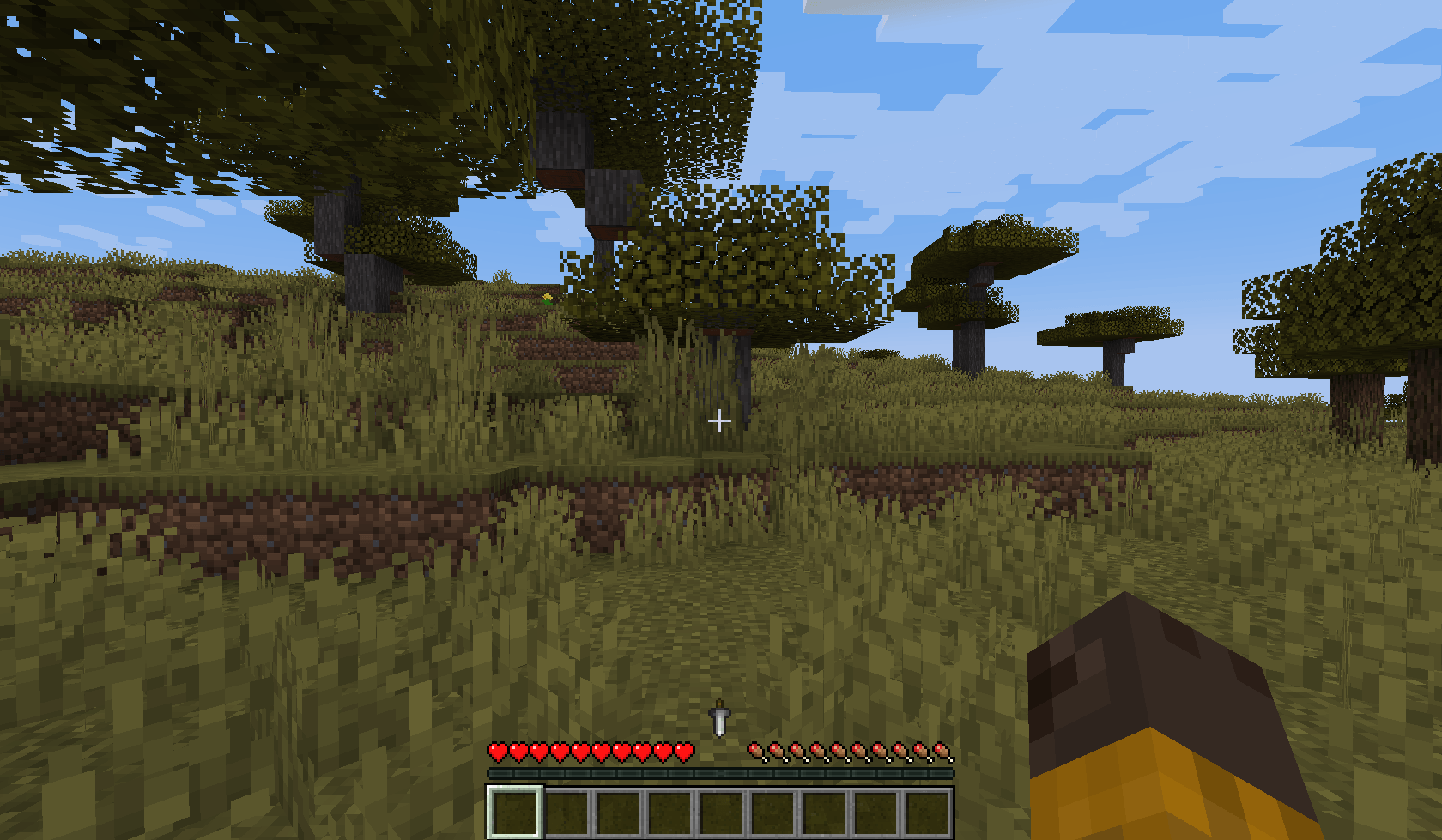
- A HUD element indicates that the player is in combat (see gallery)
- The following restrictions can be enabled/disabled in the config:
- Death on disconnect
- Disable natural health regeneration
- Disable block breaking
- Disable block placing
Configuration ⚙️
There are many config options allowing for full customization.
Server Config
Combat Settings
- In Combat duration
- Should attacking entities put the player In Combat (with a blacklist)
- The damage sources that will put the player In Combat:
- All damage sources
- Players
- Entities
- Fire damage
- Fall damage
- The restrictions while in combat:
- Disable block breaking (with a whitelist)
- Disable block placing (with a whitelist)
- Kill the player on disconnect
- Prevent natural health regeneration
Grace Settings
- The restrictions while having Grace:
- Disable block breaking (with a whitelist)
- Disable block placing (with a whitelist)
- Kill the player on disconnect
- Prevent natural health regeneration
- Heal while having Grace
- Healing amount per tick while having Grace
Client Config
Configurable for Both Combat and Grace
- Should the HUD be rendered
- HUD icon X offset
- HUD icon Y offset
In Combat API
There is an extensive API that allows mod developers to use many of the features of this mod.
- Add the mod to your project through the Modrinth Maven API.
- Learn more about the In Combat API here!
常见问题
In Combat 支持哪些 Minecraft 版本?
In Combat 支持 Minecraft Java 版 1.20.1–1.21.1,共 2 个版本,可用的加载器:Fabric。下载时注意选择和你游戏版本一致的文件。
In Combat 怎么安装?
先用 PCL2 或 HMCL 启动器安装对应版本的 Fabric,再把下载的 .jar 文件放进游戏目录的 mods 文件夹,重新启动游戏即可。开启了版本隔离的,mods 文件夹在 versions/版本名 下面。
EaglesEye 的其他作品
查看全部 →
Tooltip Attribute Icons
Adds Icons to Attribute Tooltips, like Attack Damage & Armor! With Mod Support!

Vanilla: Expanded!
A Modpack for Everyone! Feel like your Playing Minecraft for the First Time Again! MC 1.21.1

Elden Flasks (RPG Additions)
Heal yourself in the midst of battle! Adds enhanceable Healing Flasks inspired by Elden Ring. Highly configurable.

Vanilla II: The Journey
Go on an Amazing Journey in a Familiar World. A Modpack for Everyone! MC 1.21.1
评论
登录后评论和评分