
截图
介绍
If you want to put this mod in your modpack, feel free to use it 🙂
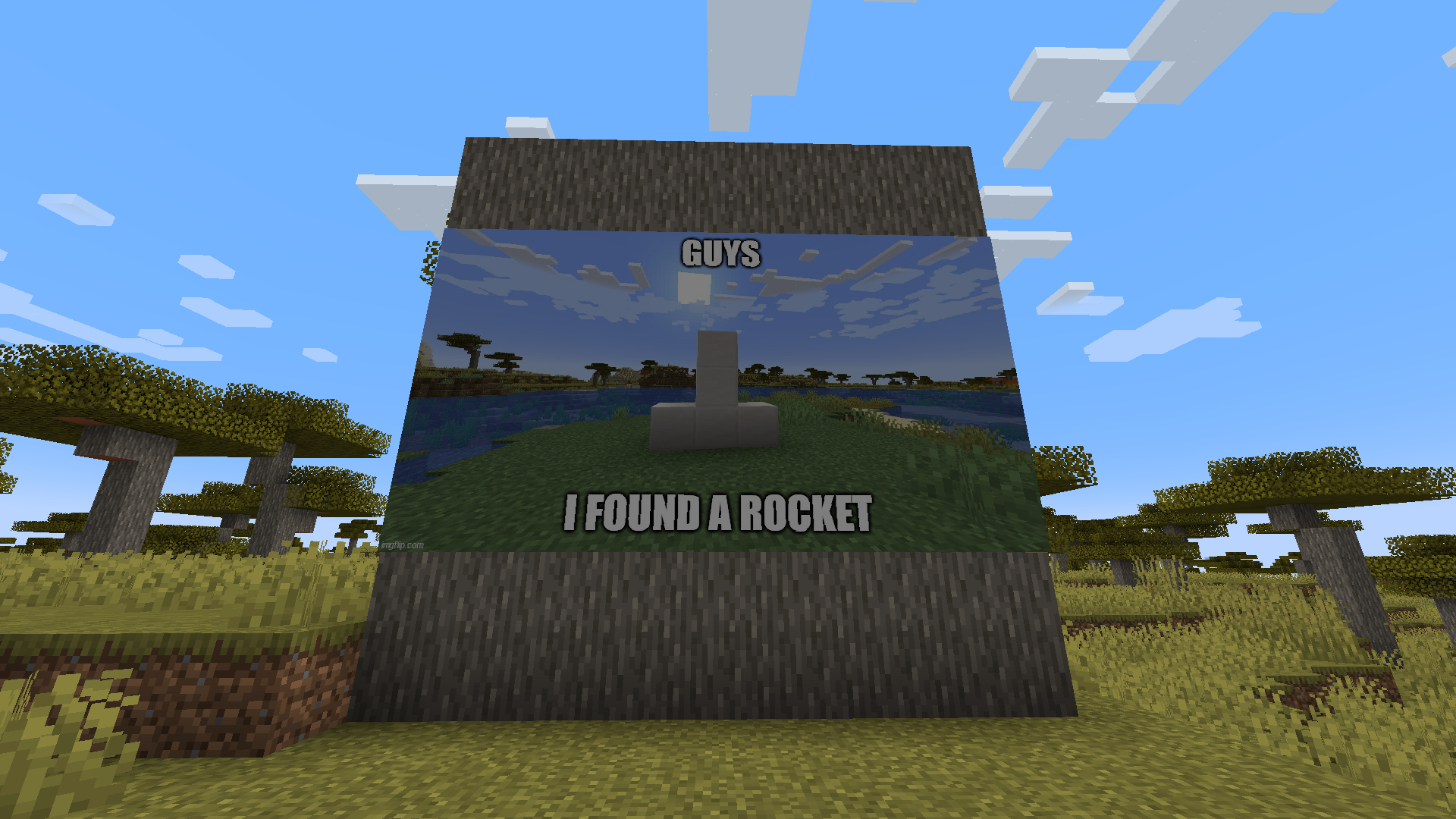
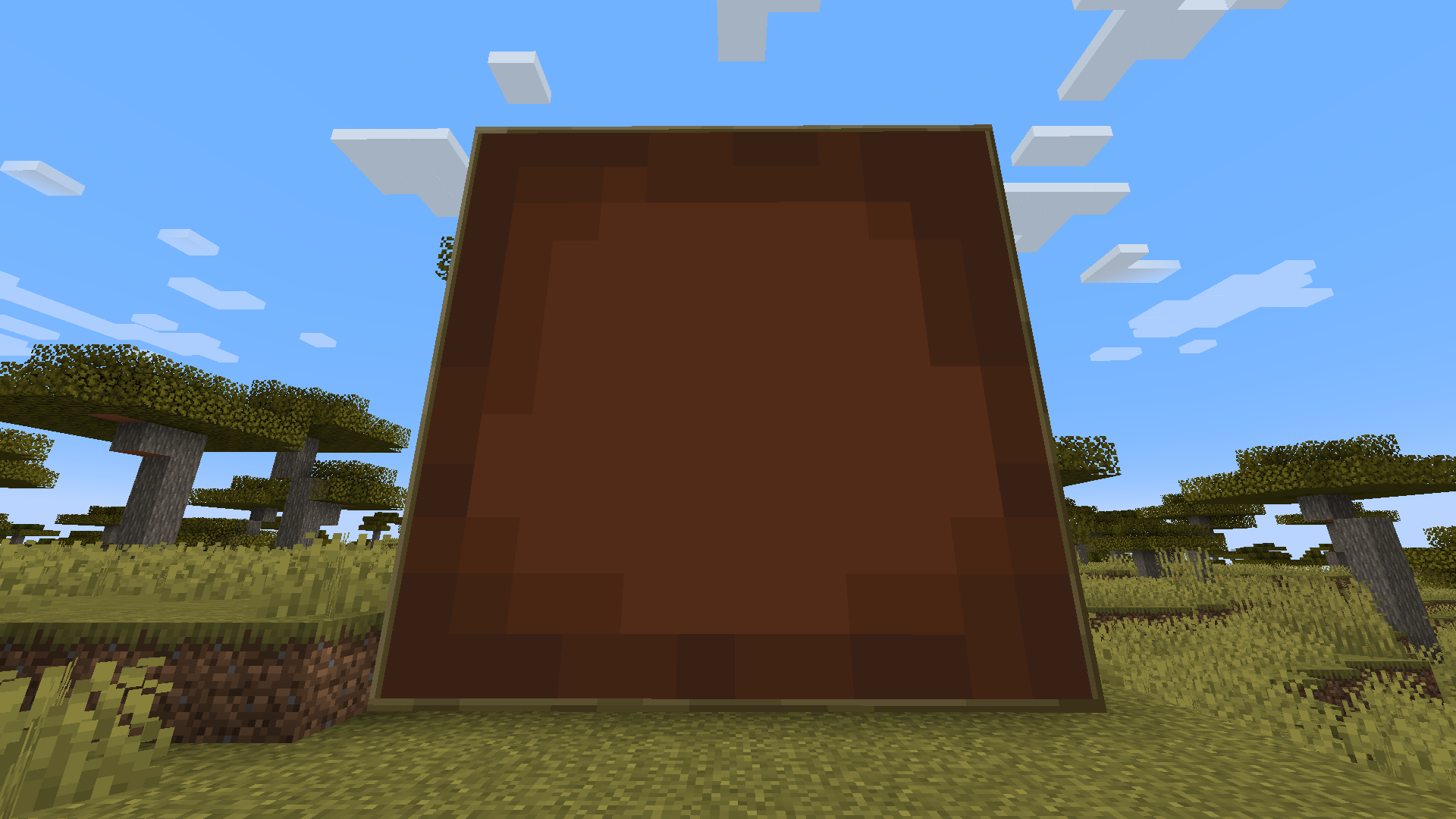
This mod adds a new block called “Display” that allows you to showcase images directly from Imgur (Only imgur is allowed to prevent porn from being displayed).
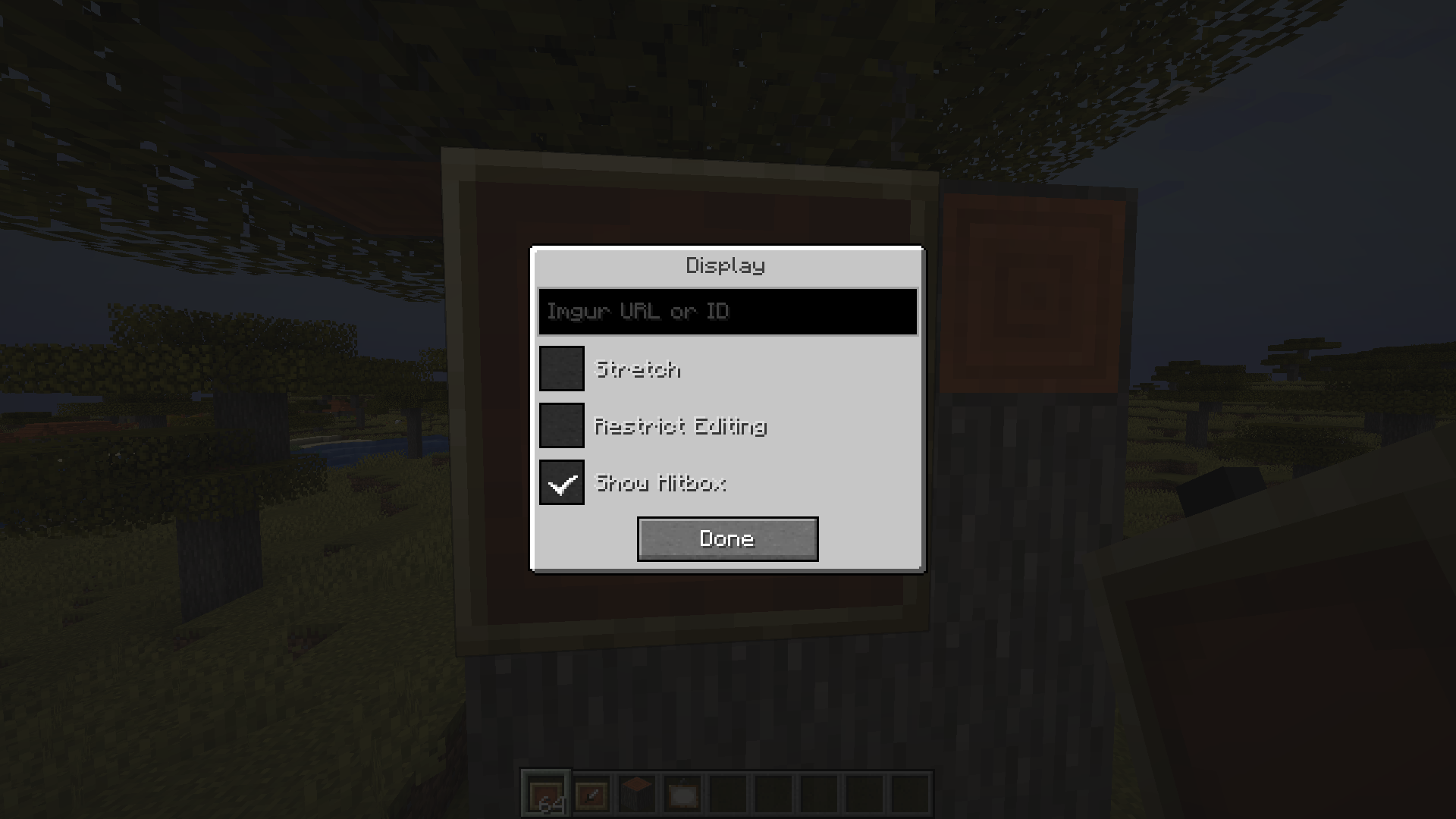
The maximum allowed size is 8×8 (by default). To display an image, simply right-click the block and paste the image URL (e.g., “https://i.imgur.com/W7lJrbu.jpeg” or “W7lJrbu”).
Only png, jpg, jpeg or gif files are allowed.

Stretch: Scales the image to fill the entire space.
Restrict Editing: Limits access to the GUI, allowing only the owner to make changes.
Show Hitbox: Toggles the visibility of the bounding box, which appears when the crosshair is over the block.
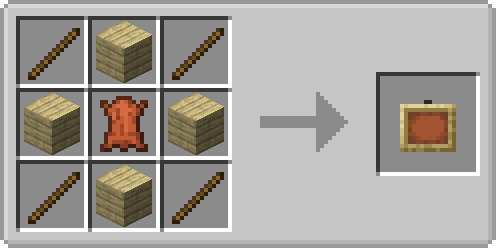
Recipe
常见问题
Imgur Display 支持哪些 Minecraft 版本?
Imgur Display 支持 Minecraft Java 版 1.20.1–1.21.1,共 3 个版本,可用的加载器:Forge / NeoForge。下载时注意选择和你游戏版本一致的文件。
Imgur Display 怎么安装?
先用 PCL2 或 HMCL 启动器安装对应版本的 Forge / NeoForge,再把下载的 .jar 文件放进游戏目录的 mods 文件夹,重新启动游戏即可。开启了版本隔离的,mods 文件夹在 versions/版本名 下面。运行环境:客户端和服务端都要装。
Ultramega 的其他作品
查看全部 →
Cable Tiers
为精致存储和 RSRequestify 添加更强大的导出器、导入器、建造器、拆解器、磁盘接口、自动合成器、接口和请求器。
AE2 Import Export Card
为应用能源2添加导入、导出和方块选取卡。

Universal Grid
为精致存储添加通用网格

Showcase Item
允许在聊天中展示物品栏中的物品
评论
登录后评论和评分