
ImGui Blaze3D
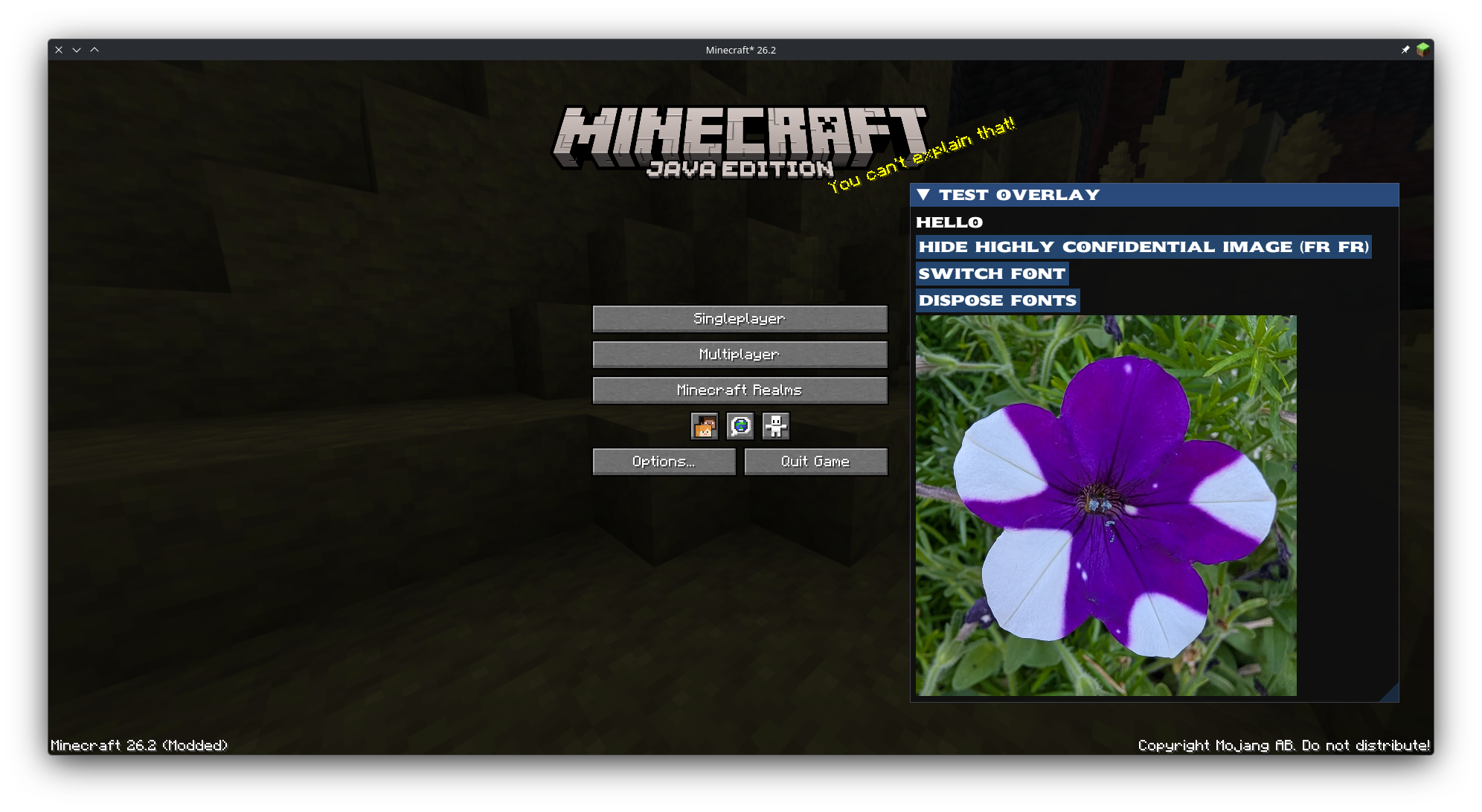
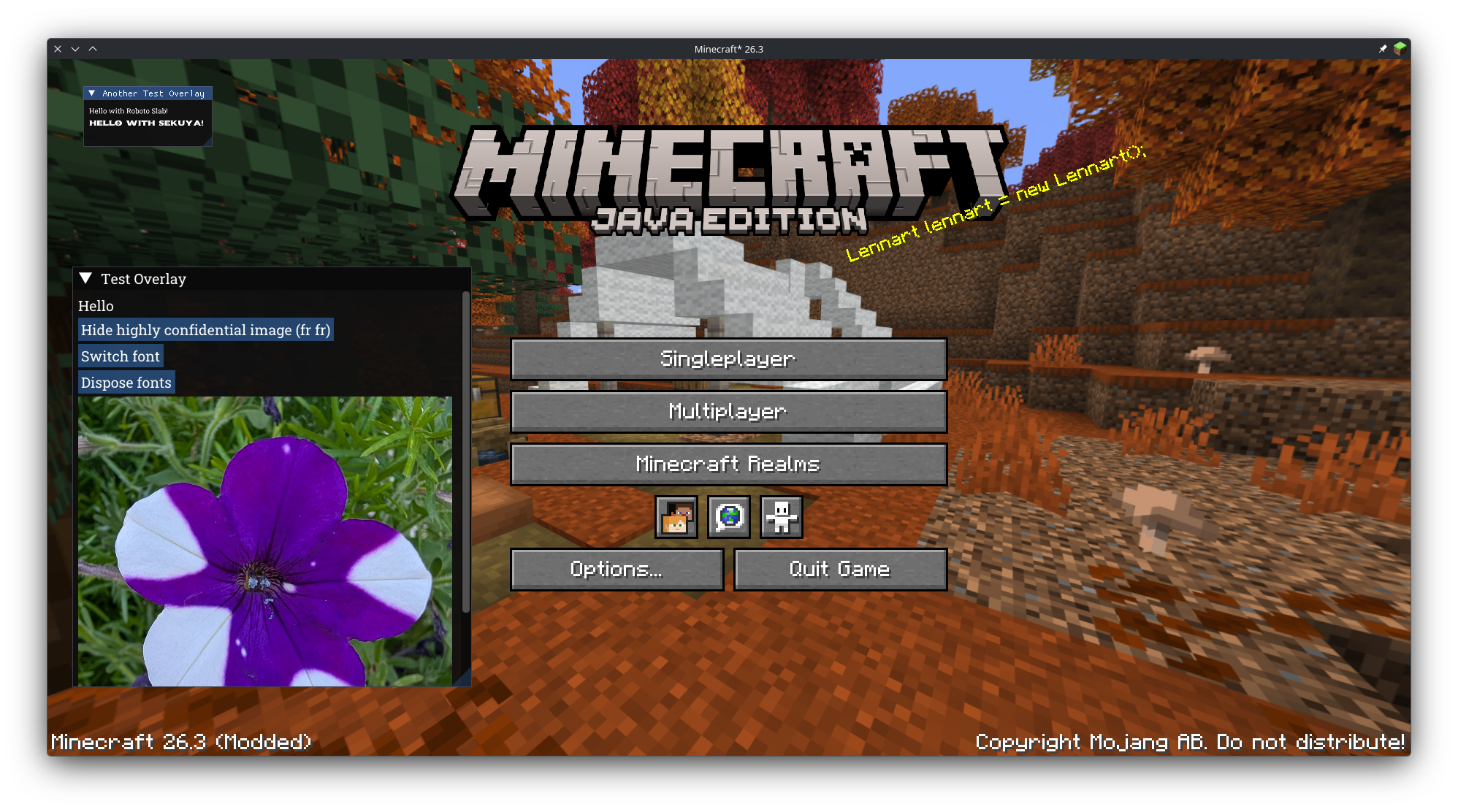
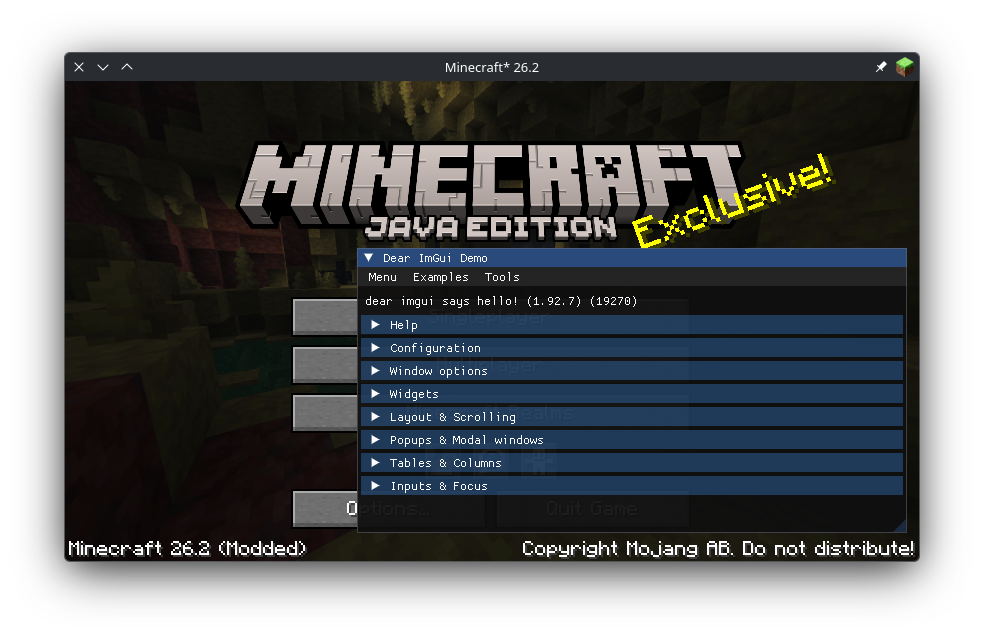
An easy-to-use library for using ImGui in Minecraft with Blaze3D support (works 26.2+) and convenient feature for fonts, textures, etc. No need to worry about lifecycles or uploading textures to the GPU!
截图
介绍
ImGui Blaze3D
ImGui Blaze3D (ImGuiB3D for short) provides support for ImGui inside of Minecraft 26.2+! Enjoy easy and convenient features such as a font API, which automatically handles the font atlas, and a texture API, which automatically uploads given textures to the GPU, handles different rendering APIs as well as lifecycles.
Demonstration
Motivation
I wanted to make an independent ImGui library for Minecraft Blaze3D, which is compatible with multiple versions of Minecraft. It is extended with an easy method to load both fonts and textures.
This library was intended to be used in my own projects, specifically in my mod
MyWorld Traffic Addition, but I thought it would be a good idea to make it its own library so that other developers can use it in their own projects as well.
Credit
Thanks to Enaium for his implementation of ImGui for Minecraft, which served as a reference for this library.
You can find their respository here.
Licensing
The project is licensed under the LGPL-3.0 License. The full license text can be found in the LICENSE.txt file.
Note:
Some parts of the library are based on the ìmgui-java library, which is licensed under MIT, and some parts are based
on Enaium’s implementation of ImGui for Minecraft, which is licensed under the Apache 2.0 license. You can find Enaium’s
repository here. You’ll find the appropriate license texts in
licenses/third_party/enaium_imgui_fabric and licenses/third_party/imgui_java directories accordingly. The affected
classes, files and co. contain a header comment with the license information.
常见问题
ImGui Blaze3D 支持哪些 Minecraft 版本?
ImGui Blaze3D 支持 Minecraft Java 版 26.2–26.3,共 2 个版本,可用的加载器:Fabric。下载时注意选择和你游戏版本一致的文件。
ImGui Blaze3D 怎么安装?
先用 PCL2 或 HMCL 启动器安装对应版本的 Fabric,再把下载的 .jar 文件放进游戏目录的 mods 文件夹,重新启动游戏即可。开启了版本隔离的,mods 文件夹在 versions/版本名 下面。运行环境:仅客户端。
Tobiazsh 的其他作品
查看全部 →
TT20 (TPS Fixer)
当服务器 TPS 较低时,TT20 会优化游戏刻的运行方式,帮助减少卡顿。

MyWorld Traffic Addition
A Minecraft mod that adds real-world traffic signs to the game. Explore all the features like fully customizable signs with a built-in Photoshop-like Editor to perfectly match your needs!
MyWorld Traffic Addition
A Minecraft mod that adds real-world traffic signs to the game. Explore all the features like fully customizable signs with a built-in Photoshop-like Editor to perfectly match your needs!

TabManager
TabManager gives you total control over your creative inventory by restructuring tabs, changing icons, and filtering items with Regex and Glob support. Easily manage, export, and switch between multiple configurations through an intuitive in-game GUI.
评论
登录后评论和评分