
截图
介绍
“After a deal goes bad, you are captured and scheduled for termination aboard a starship high above the desert wastelands of Tatooine.
Dodging the executioner’s blast, you bail out. Presumed dead or soon to be, you are now stranded and forgotten.”
This mod is meant to be roleplayed and was created for fun. It gives a Star Wars feel without breaking or confusing vanilla logic, eg items are renamed and tweaked but still identifiable and function the same, textures are updated in places but still have the same colours. This should mean it’s easy to play and enjoy as a vanilla player.
Get the texture pack to go with it – https://www.curseforge.com/minecraft/texture-packs/imagine-sw-textures
I recommend using https://www.curseforge.com/minecraft/mc-mods/xaeros-minimap positioned mid/left as it adds to the rpg element (sci fi scanner). There is space for it on the hud as I use it myself.
- There are 8 planets and no default overworld.
- Each planet is a single (parent) biome.
- You start on the desert planet of Tatooine.
- Set the mod resources to load above texture packs.
Contents:
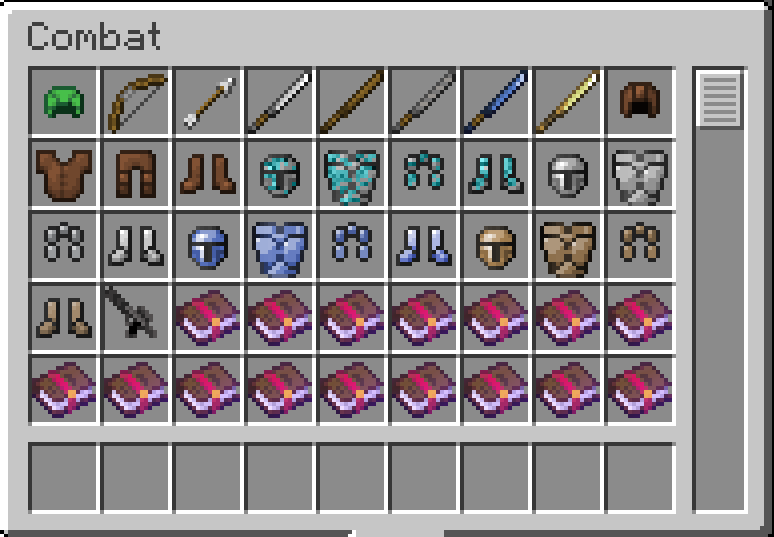
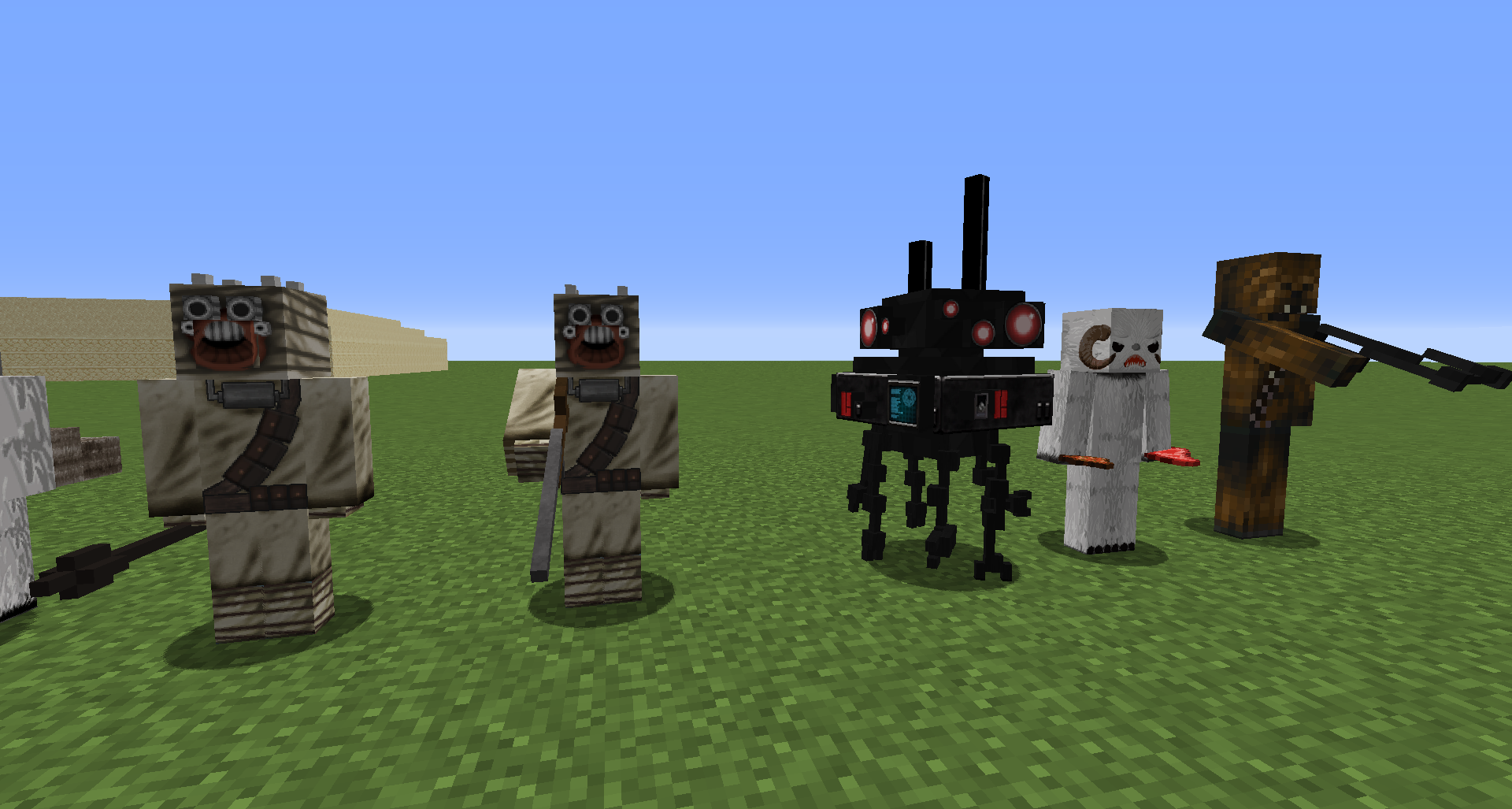
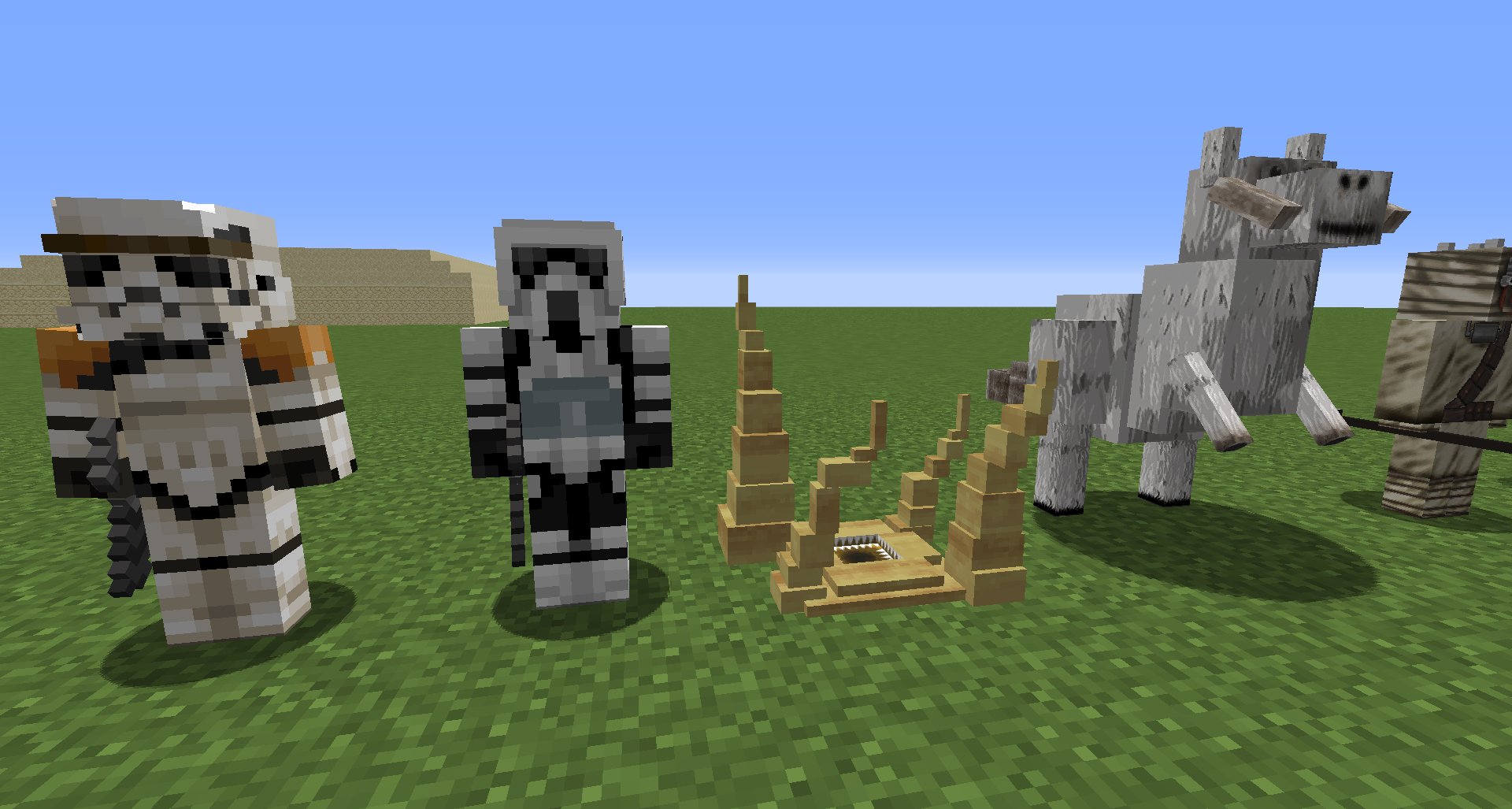
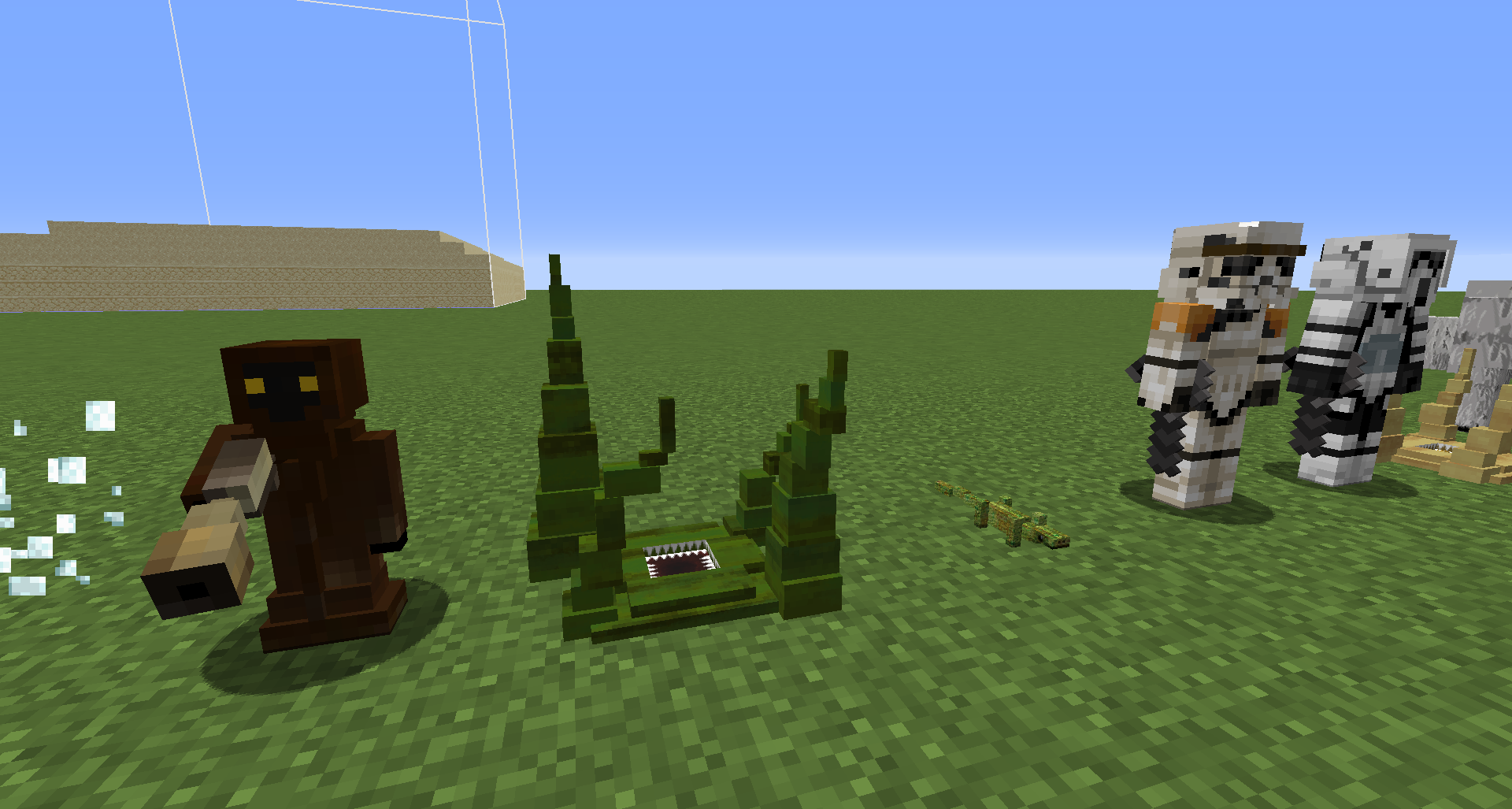
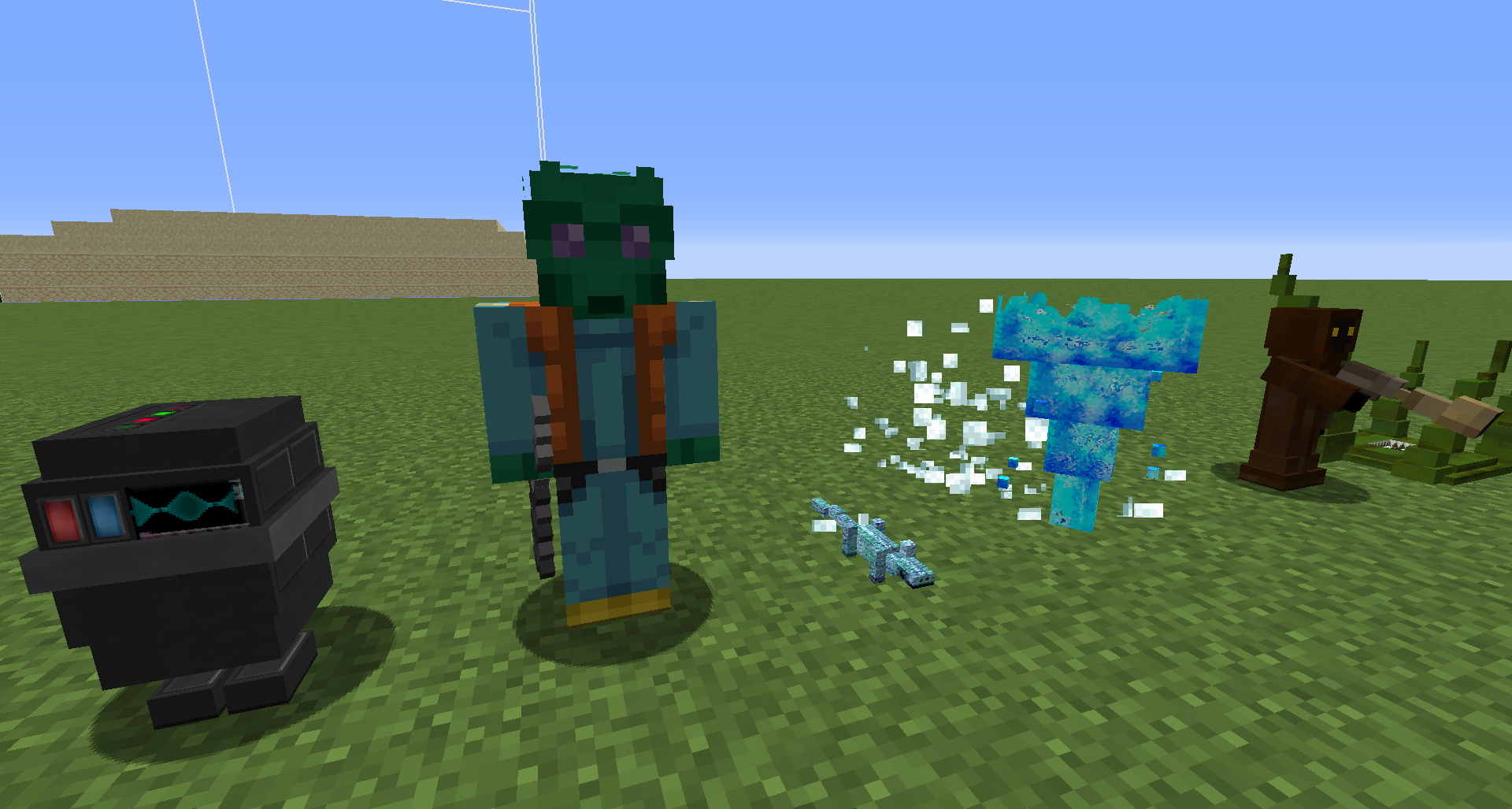
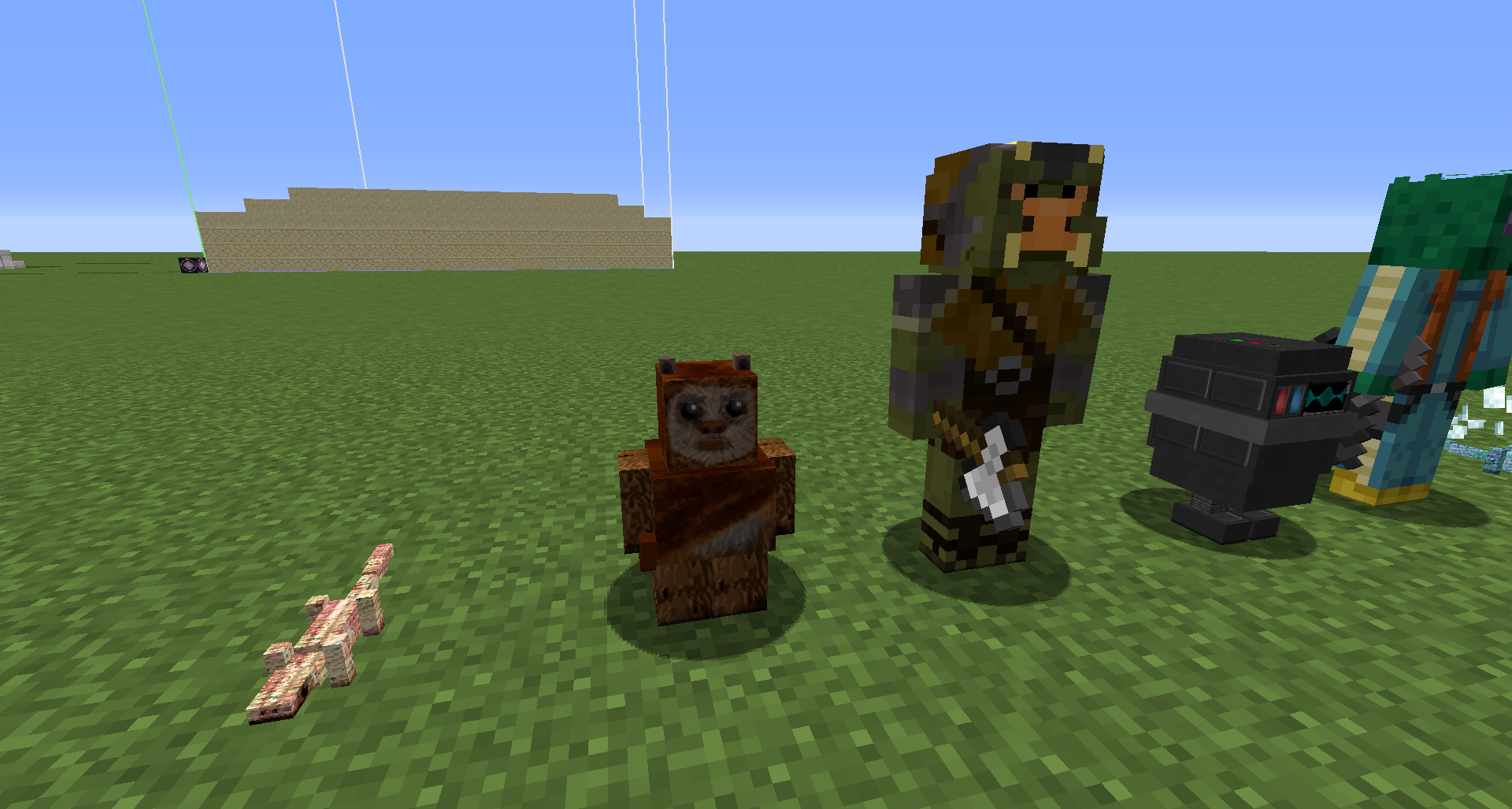
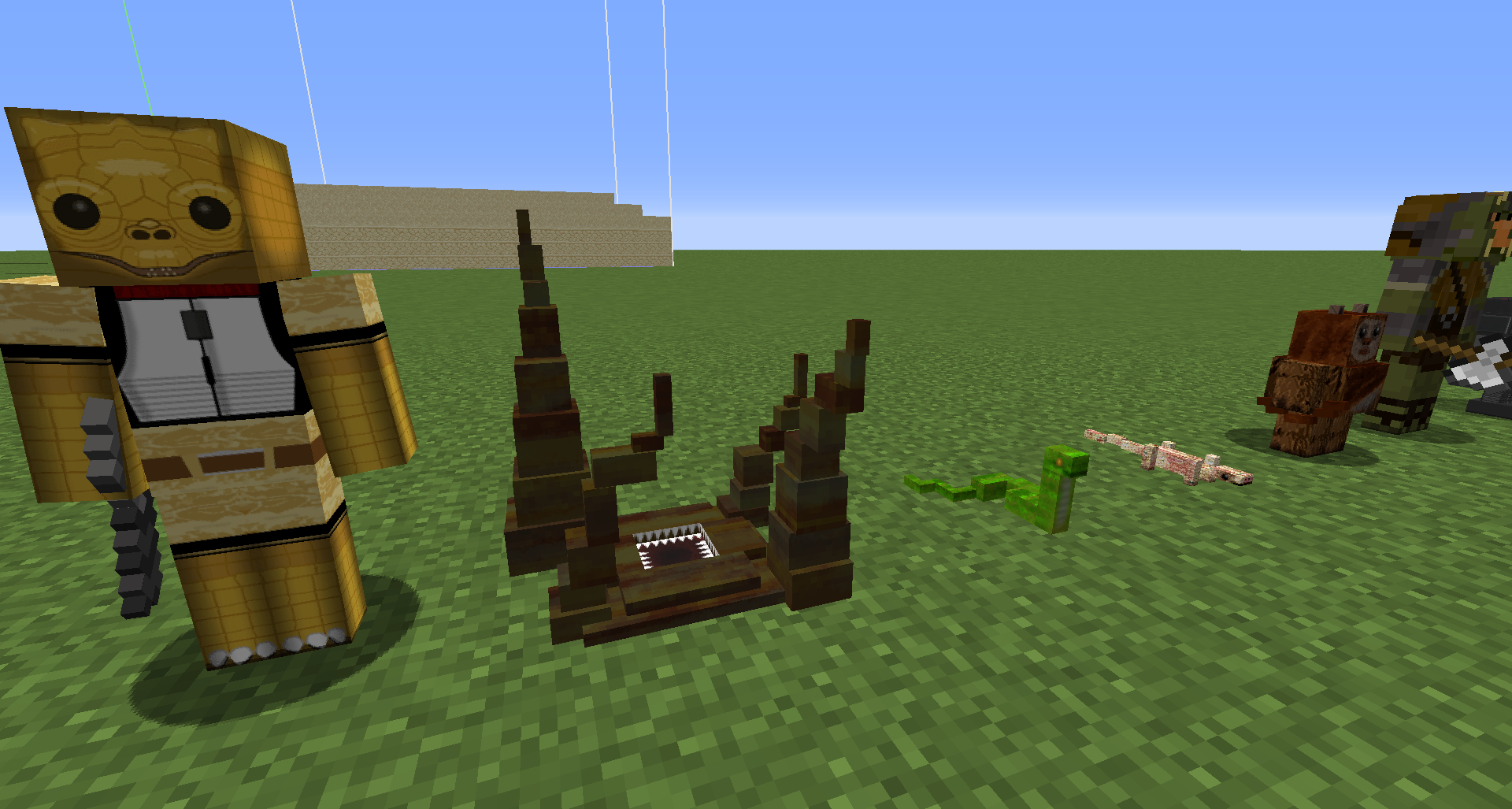
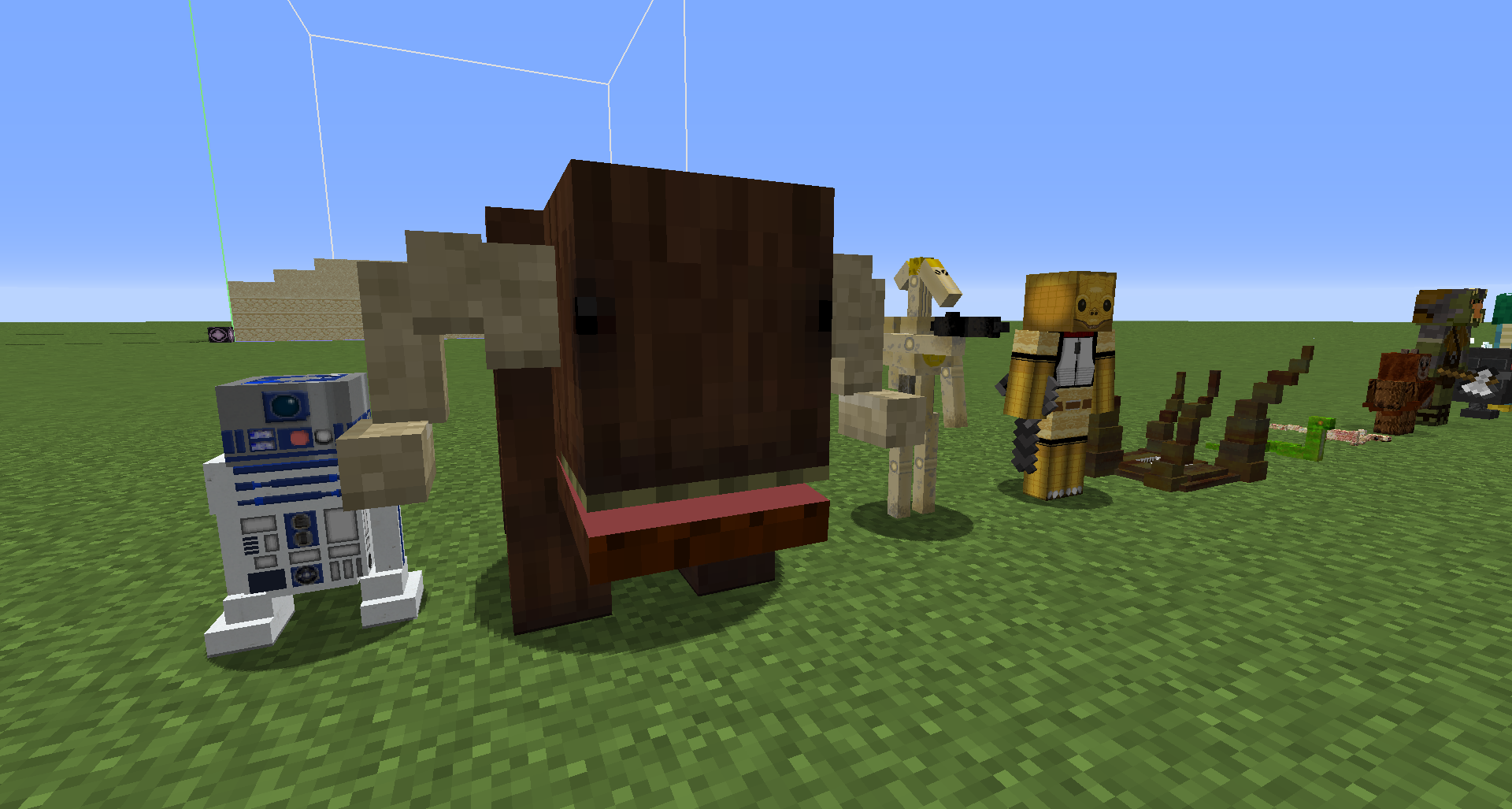
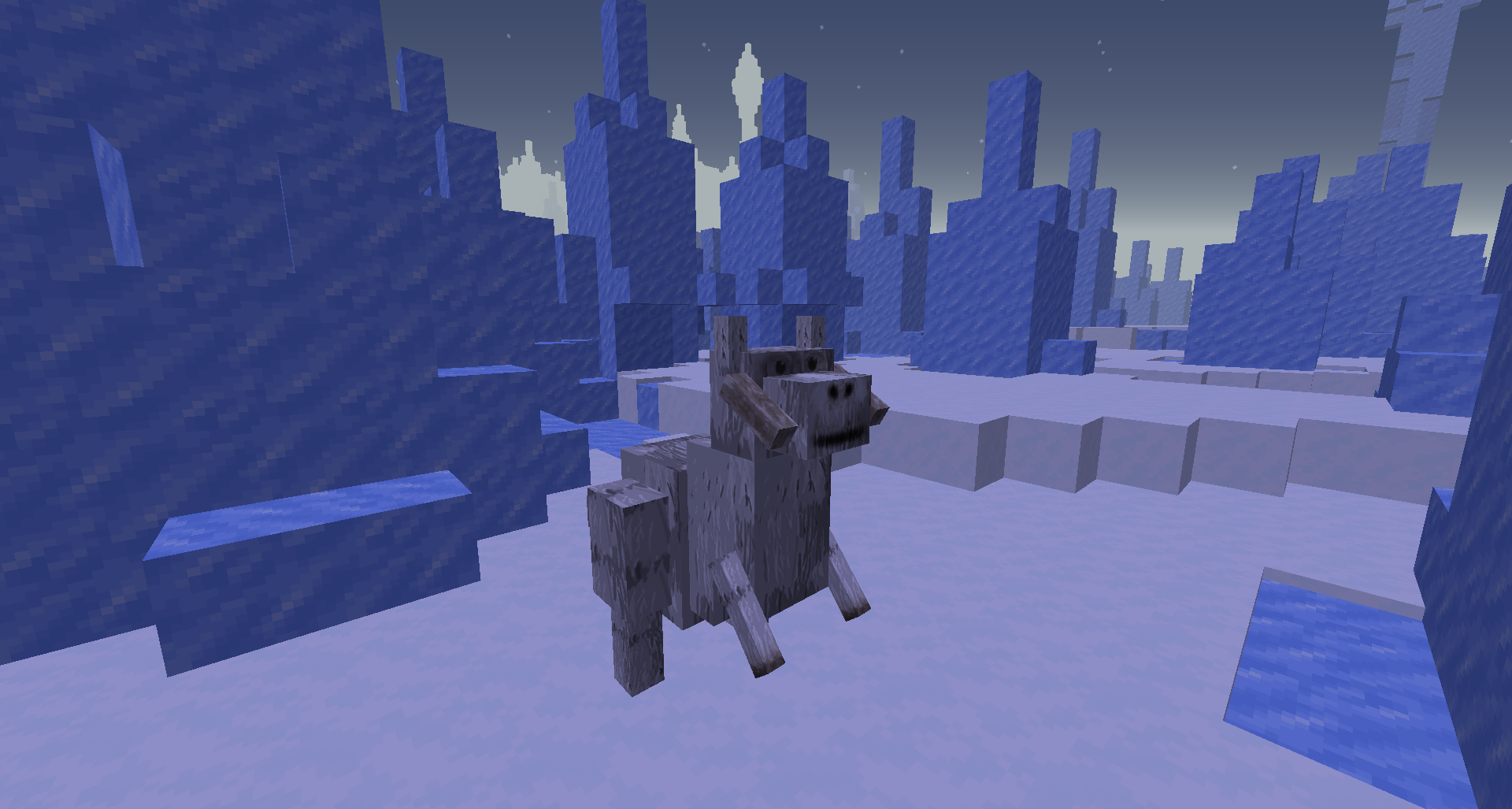
- Custom mobs: jawas, wookies, ewoks, trandoshans (bossk), tuskens, stormtroopers, scout troopers, greedos, wampas, gungans, banthas
- Vanilla hostile mobs are disabled except illagers.
- Weapons: E11 blaster & redstone ammo
- Dimensions: tatooine, hoth, ilum, naboo, endor, kashyyyk, dagobah, kamino – each is a SINGLE vanilla biome.
- Items: modified weapons and armour (E11 blaster, vibroblades etc), mandalorian armour. Navigation computer block, navigation data items, recall device, recall backpack.
- Language: Loads of items renamed to be from SW universe.
- Textures: Texture pack compliments vanilla should shouldn’t break existing builds and still “makes sense” with theme and colours.
- Structures: Huts, empire lookout posts, troop carriers, landing bays, outposts, moisture farm beacons, ruins,
Lightsabers? There are no lightsabers. Why? I felt theyre overpowered and would ruin the core function of vanilla.
A blaster can be obtained from mobs, using redstone as ammo.
Again, I’ve kept the core vanilla function, most hostile mobs spawn at night however, they stick around in day too.
Armour is all mandalorian styled with the models made invisible (at the moment). This is so your SW skin (preferably) can be seen and not covered by armour.
Renamed items are authentic to the SW universe.
For travel, build a flight computer. Build your ship around it. It is your ship’s central computer. Placing this block sets your home planet. You start your journey on Tatooine.
- There are 8 Navigation Data cards
- Use them on the flight computer.
- Your ship will drop you on the requested planet.
- Your ship will return to your home planet (it parks there, always)
- Craft different “navigation data” cards for travel to other planets. – The recipes are book, map, special item (related to planet) in a vertical column.
- You can craft a “Ship Recall” device, and “Recall Backpack”.
- Use the device on the pack (place the block) to send a signal to call your ship.
- Your ship will collect you and return to your home planet.
Credits: Zpej @ Planet Minecraft for Stormtrooper and Scout Trooper skins.
halucid @ Planet Minecraft for Chewie/Wookie skins.
Silverduke @ Planet Minecraft for Greedo skin.
_x_bow_ for Gammorean Guard skin.
常见问题
Imagine SW 支持哪些 Minecraft 版本?
Imagine SW 支持 Minecraft Java 版 1.14.4。下载时注意选择和你游戏版本一致的文件。
Imagine SW 怎么安装?
先用 PCL2 或 HMCL 启动器安装对应版本的 模组加载器,再把下载的 .jar 文件放进游戏目录的 mods 文件夹,重新启动游戏即可。开启了版本隔离的,mods 文件夹在 versions/版本名 下面。
评论
登录后评论和评分