
截图
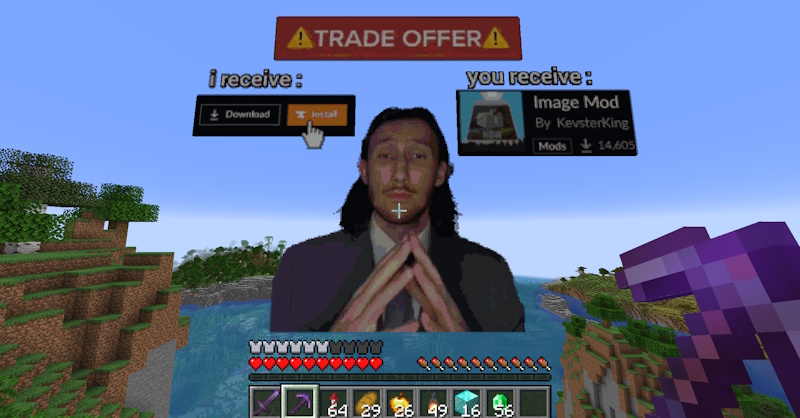
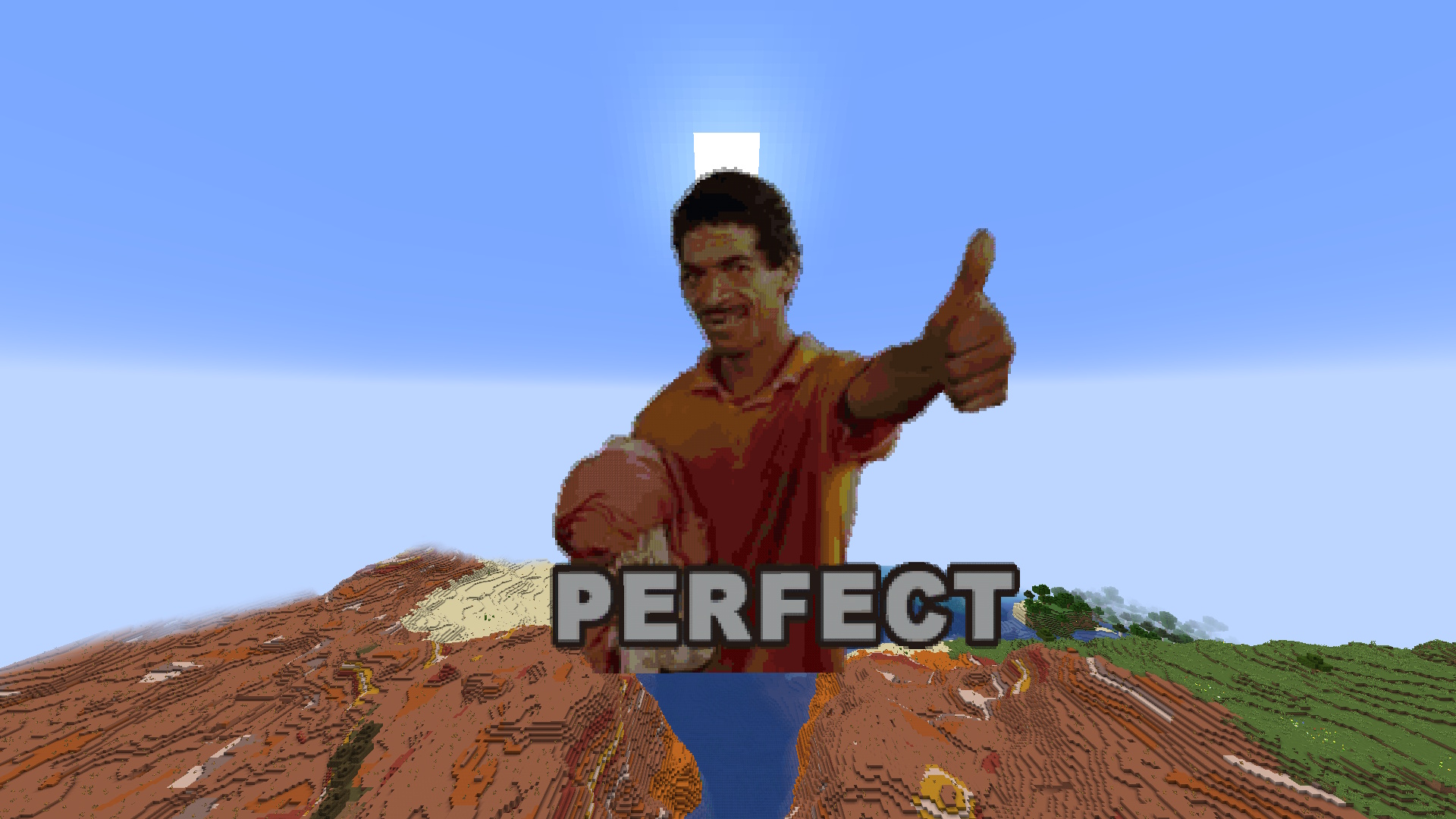
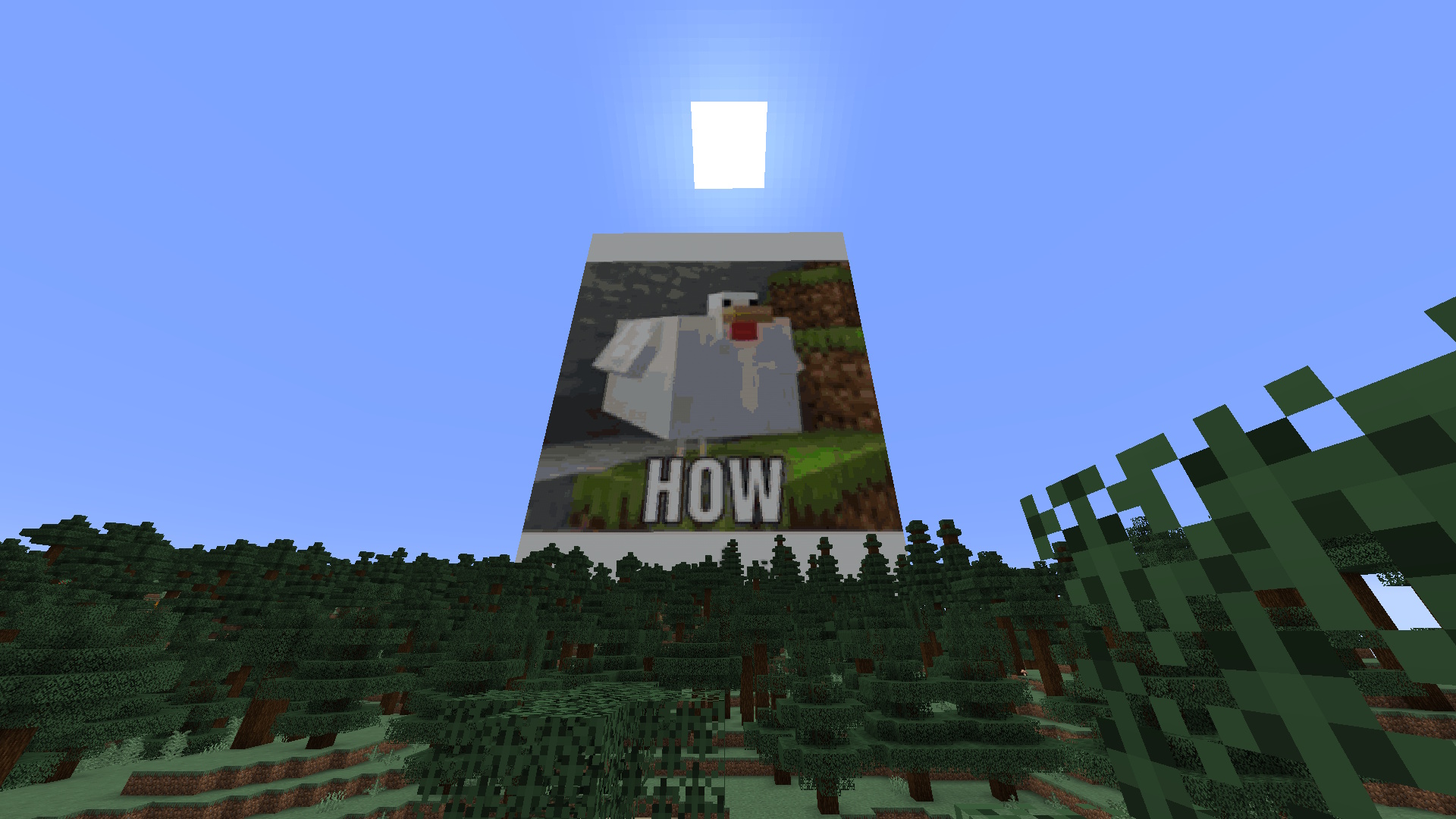
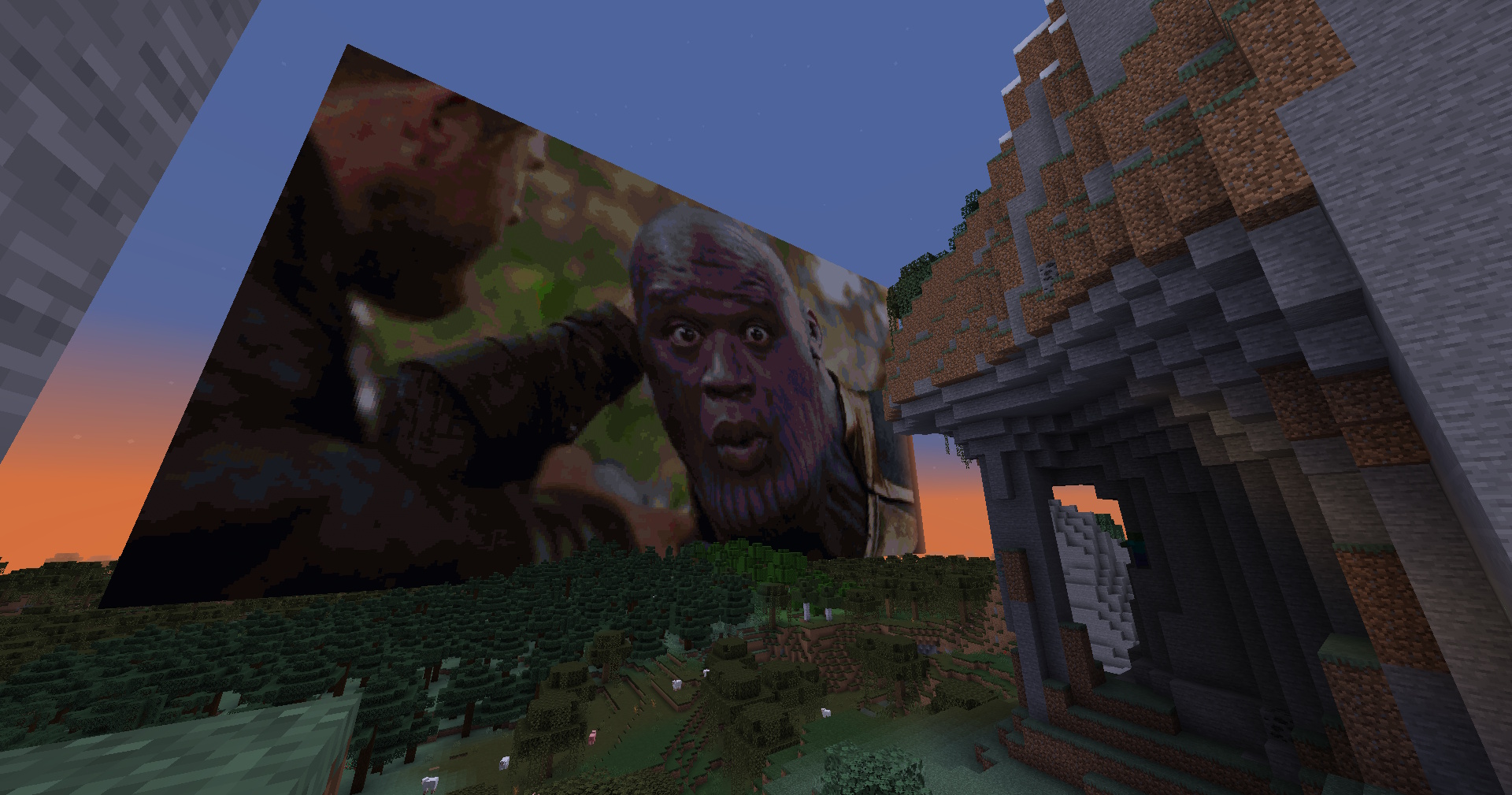
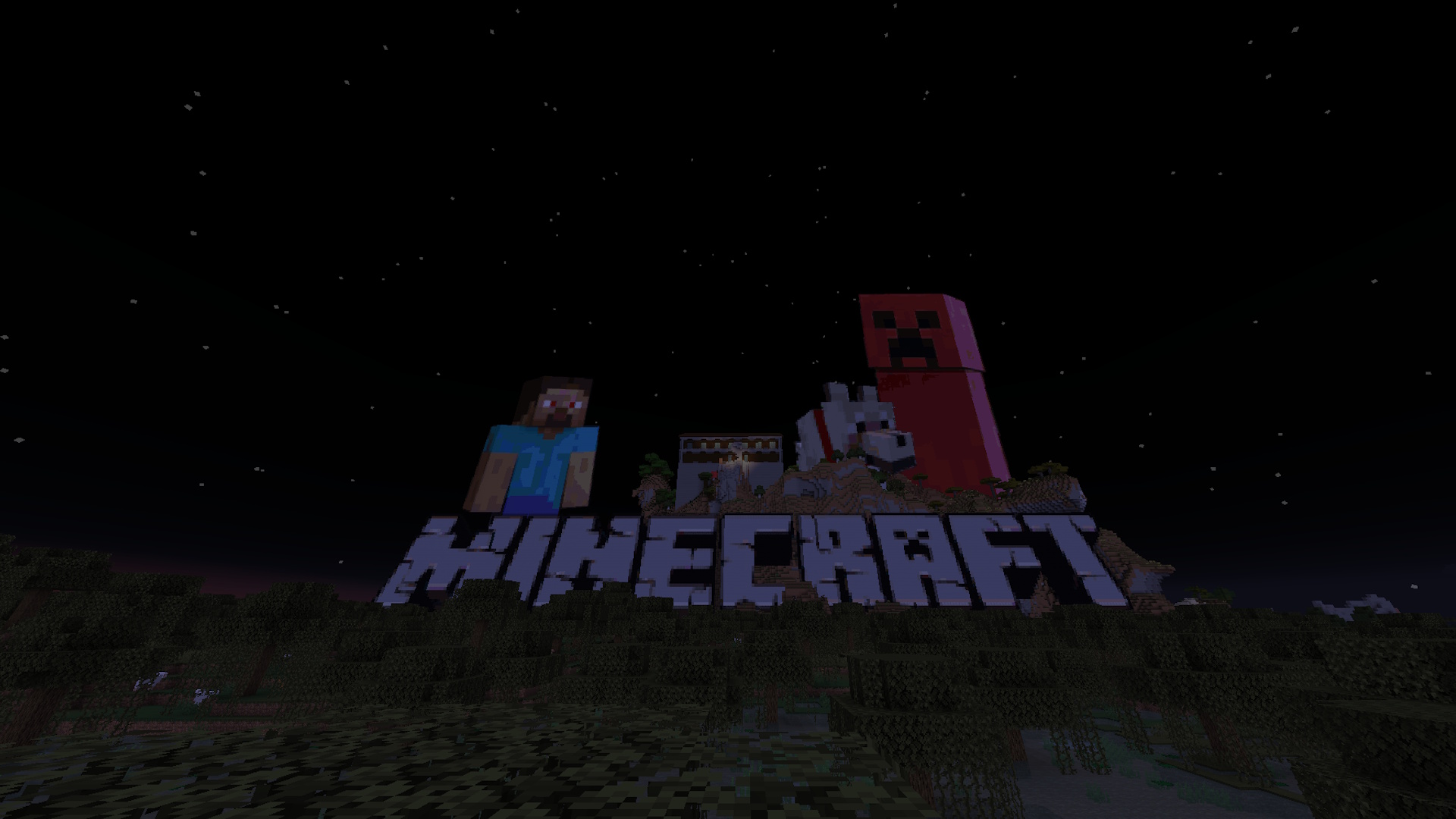
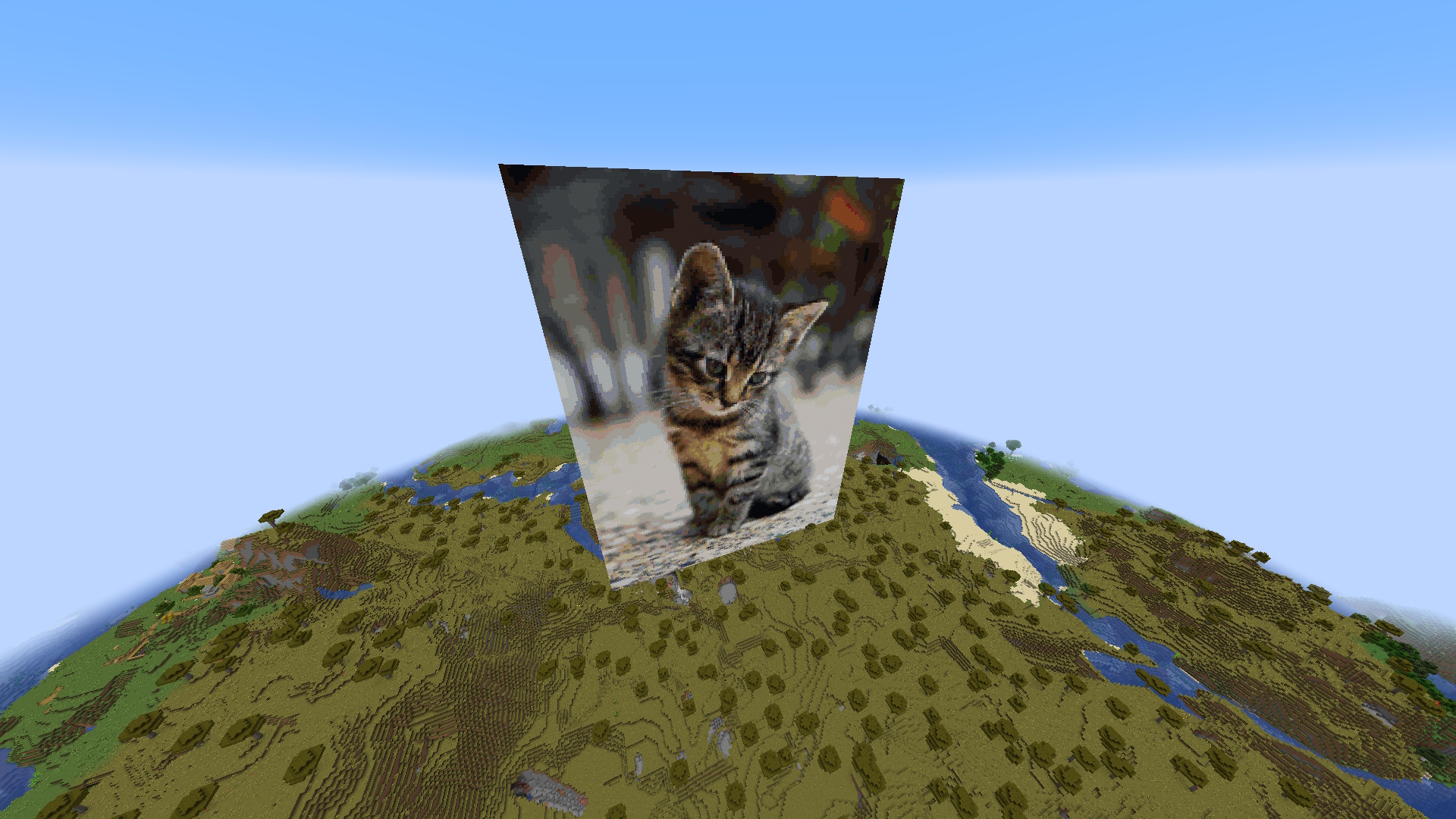
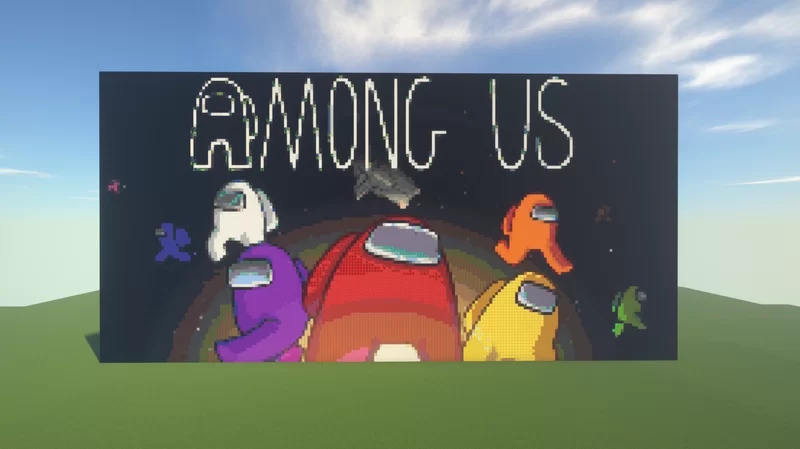
介绍
中文介绍正在准备中,下面暂时显示原文。
Image Mod
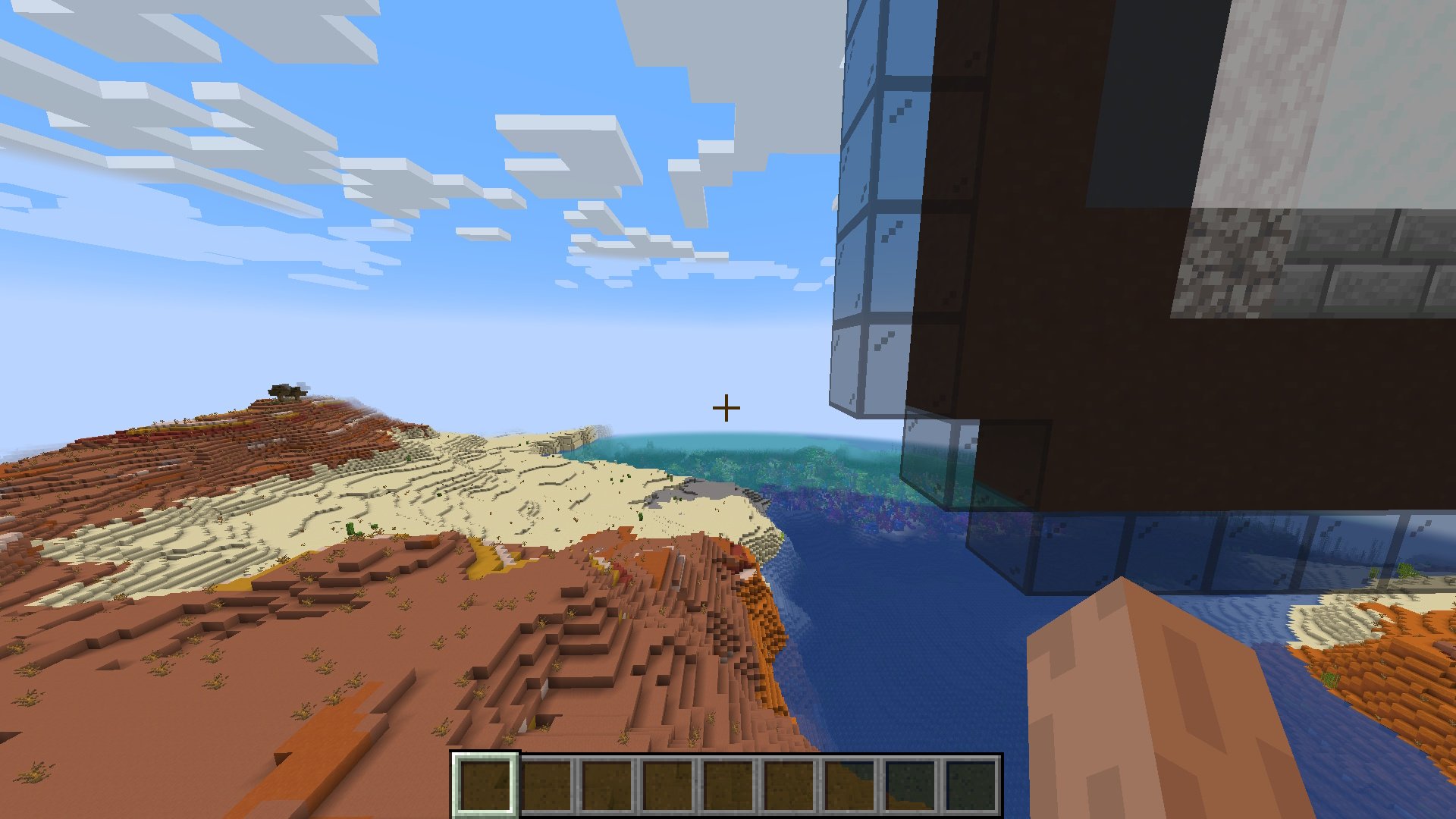
Automatically Generate Pixel-Art With A Single Command. Any Image File Is Turned Into Minecraft Blocks In Less Than A Second!
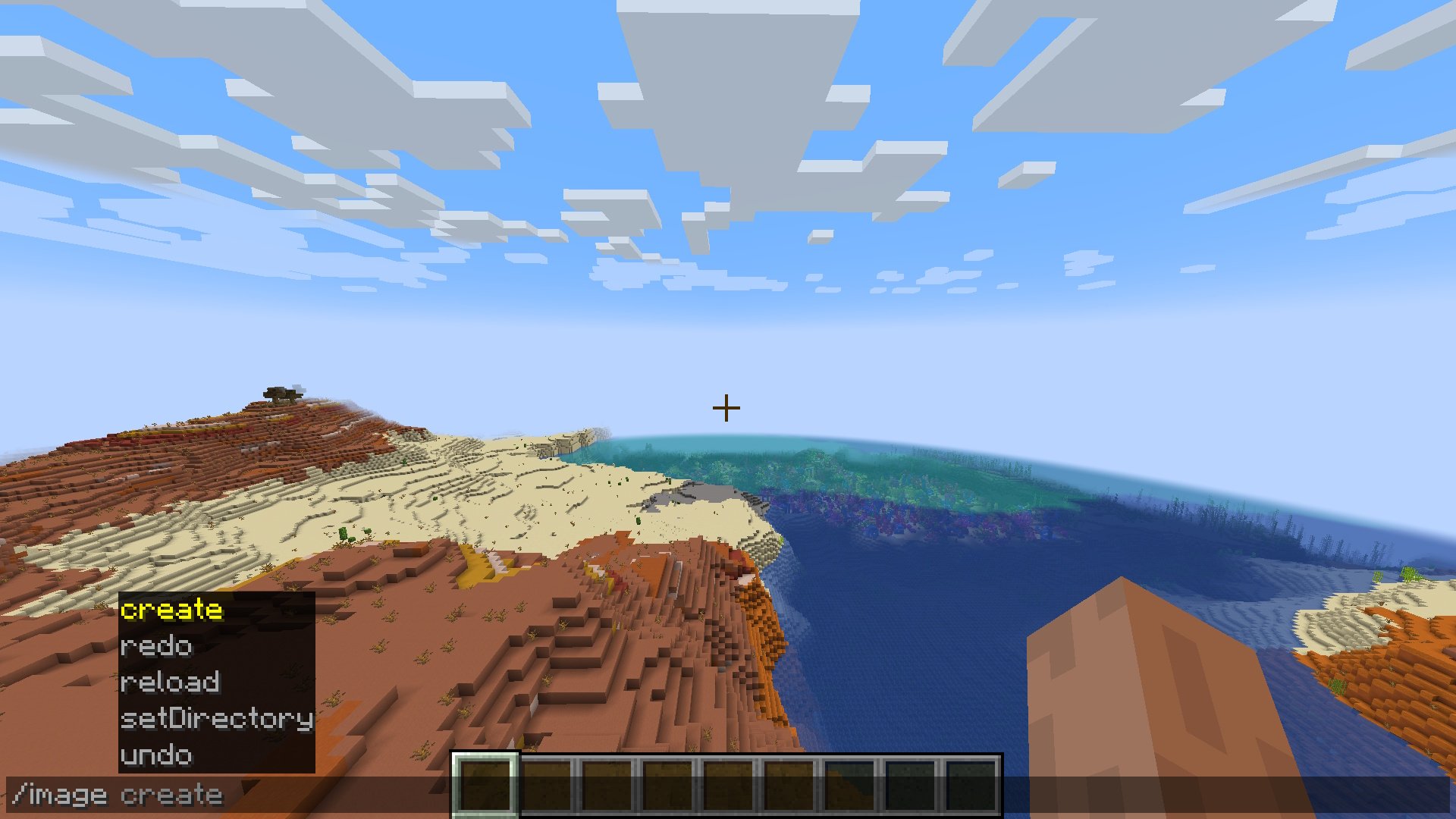
The command: _/image_
Usage
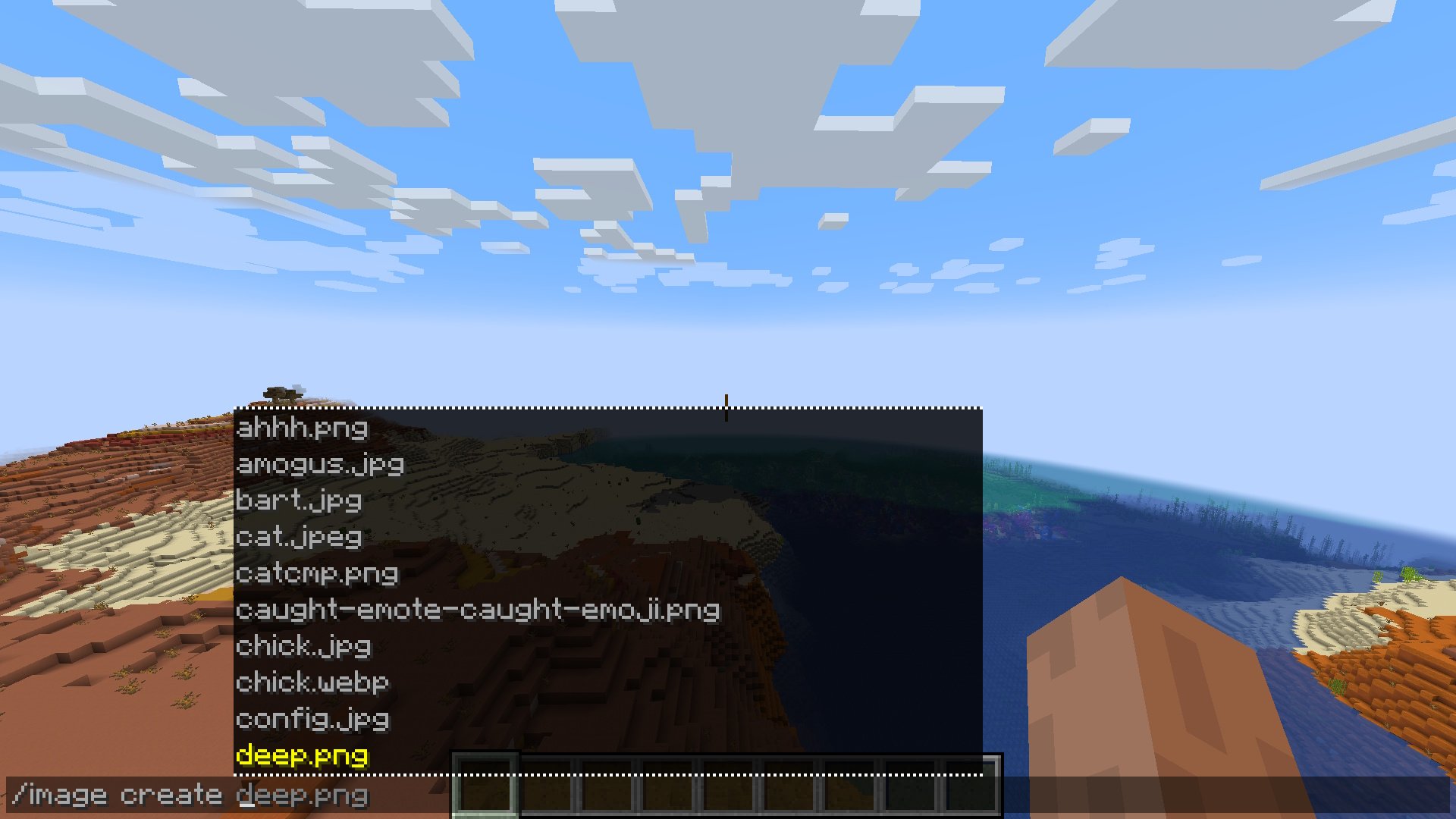
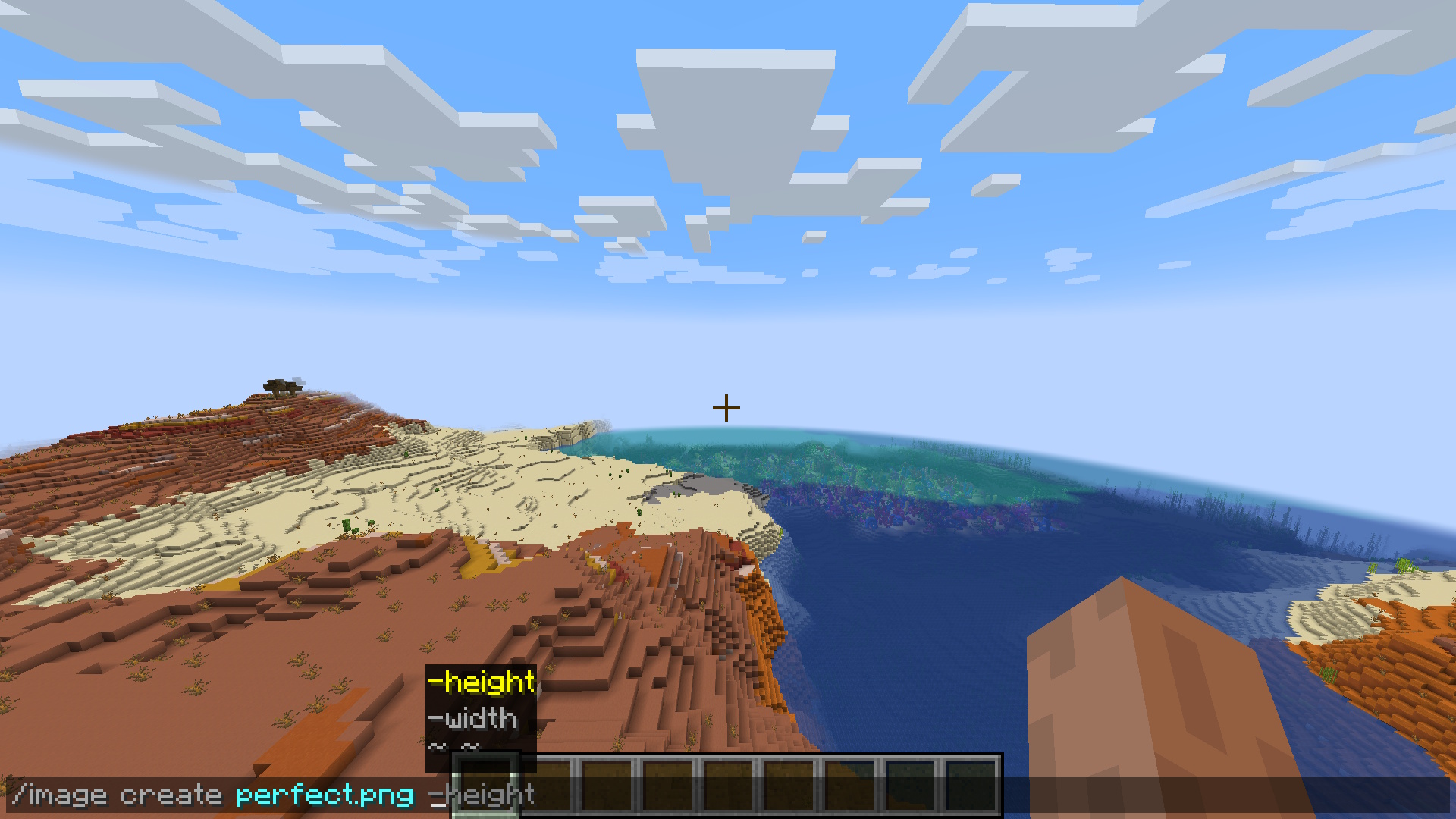
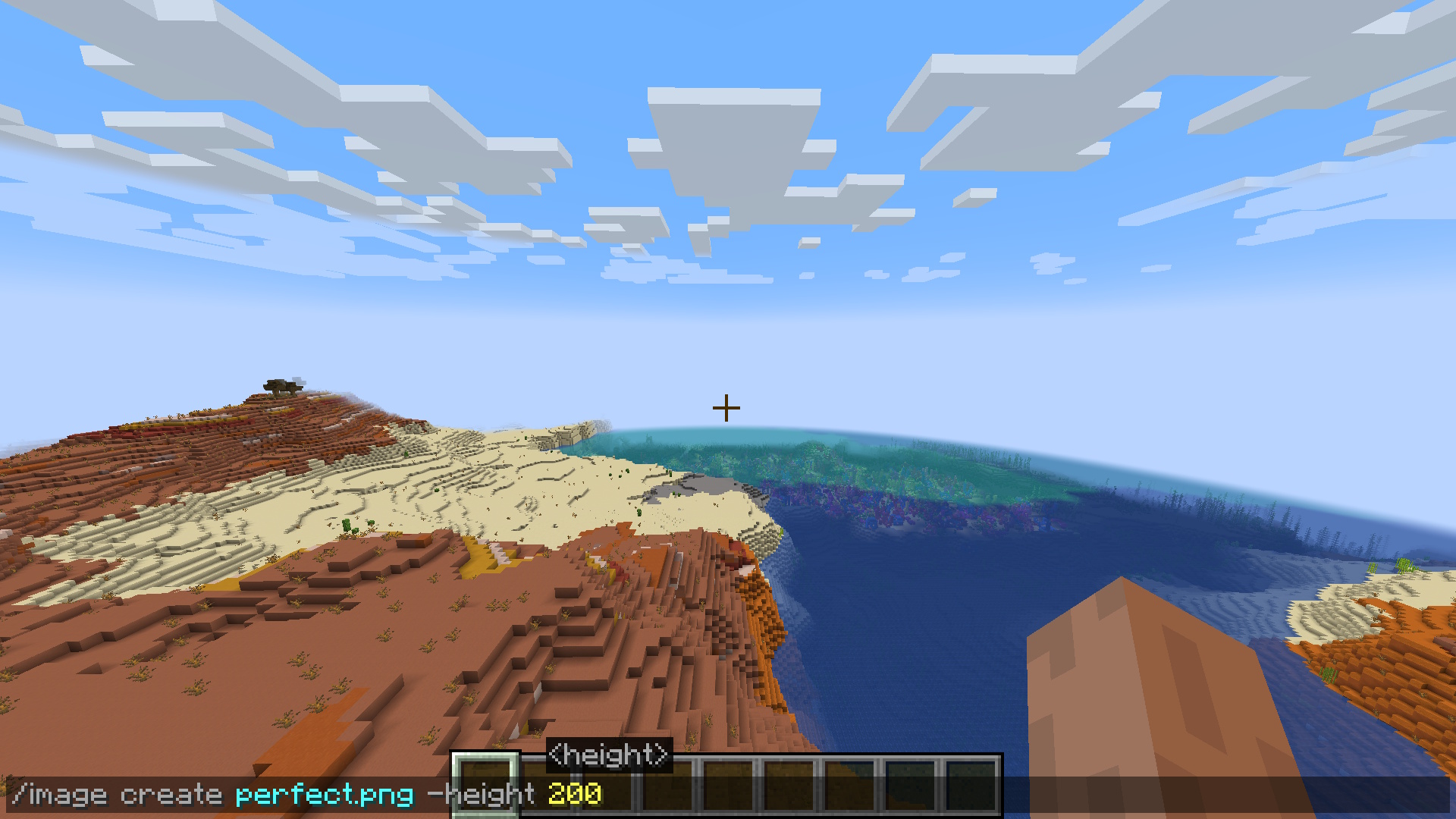
You are given a few dimension options for creating your pixel-art:
_/image create -width _ – create image with a defined block width (height to scale)
_/image create -height _ – create image with a defined block height (width to scale)
_/image create _ – create image with a defined block width & height
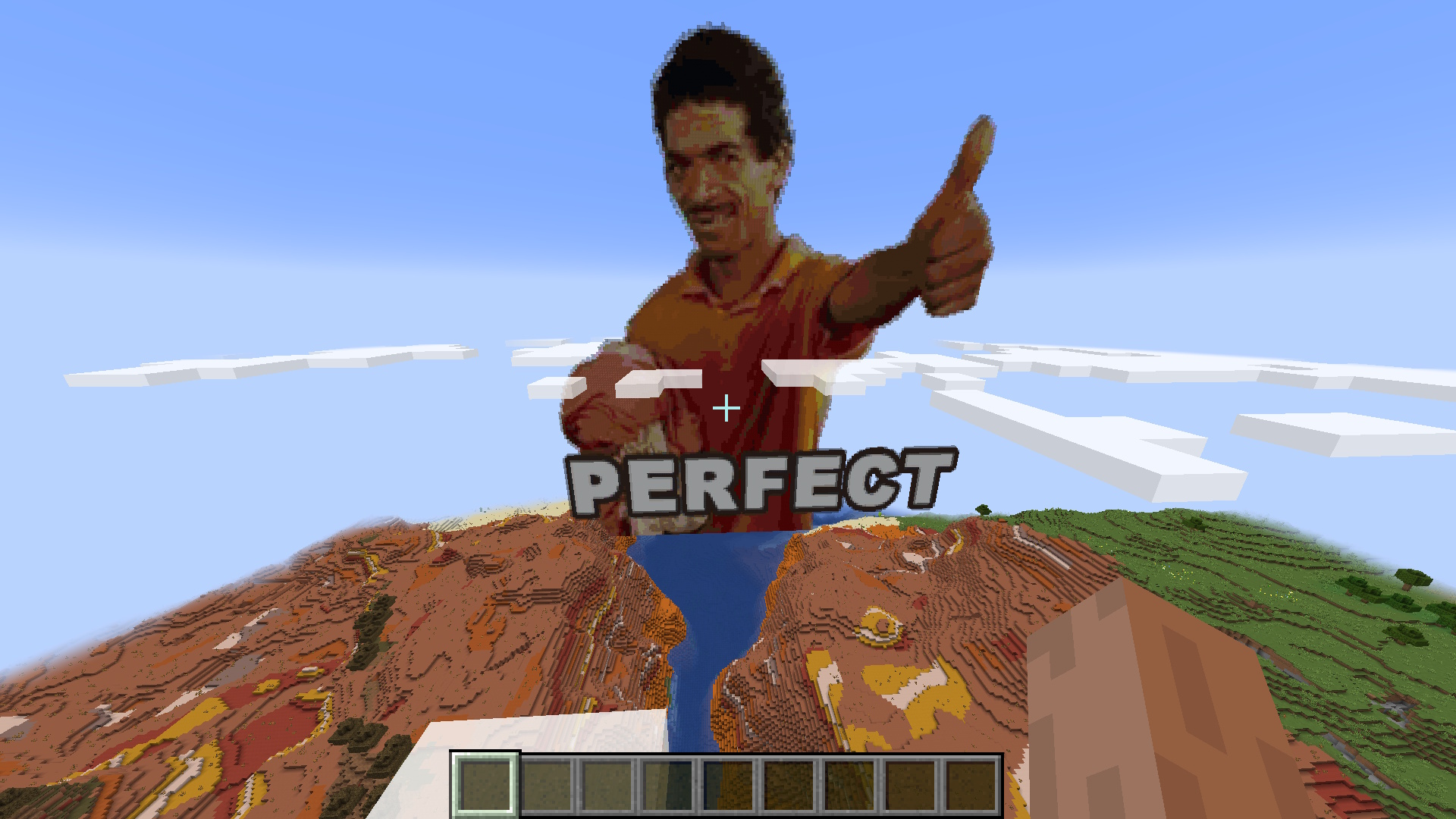
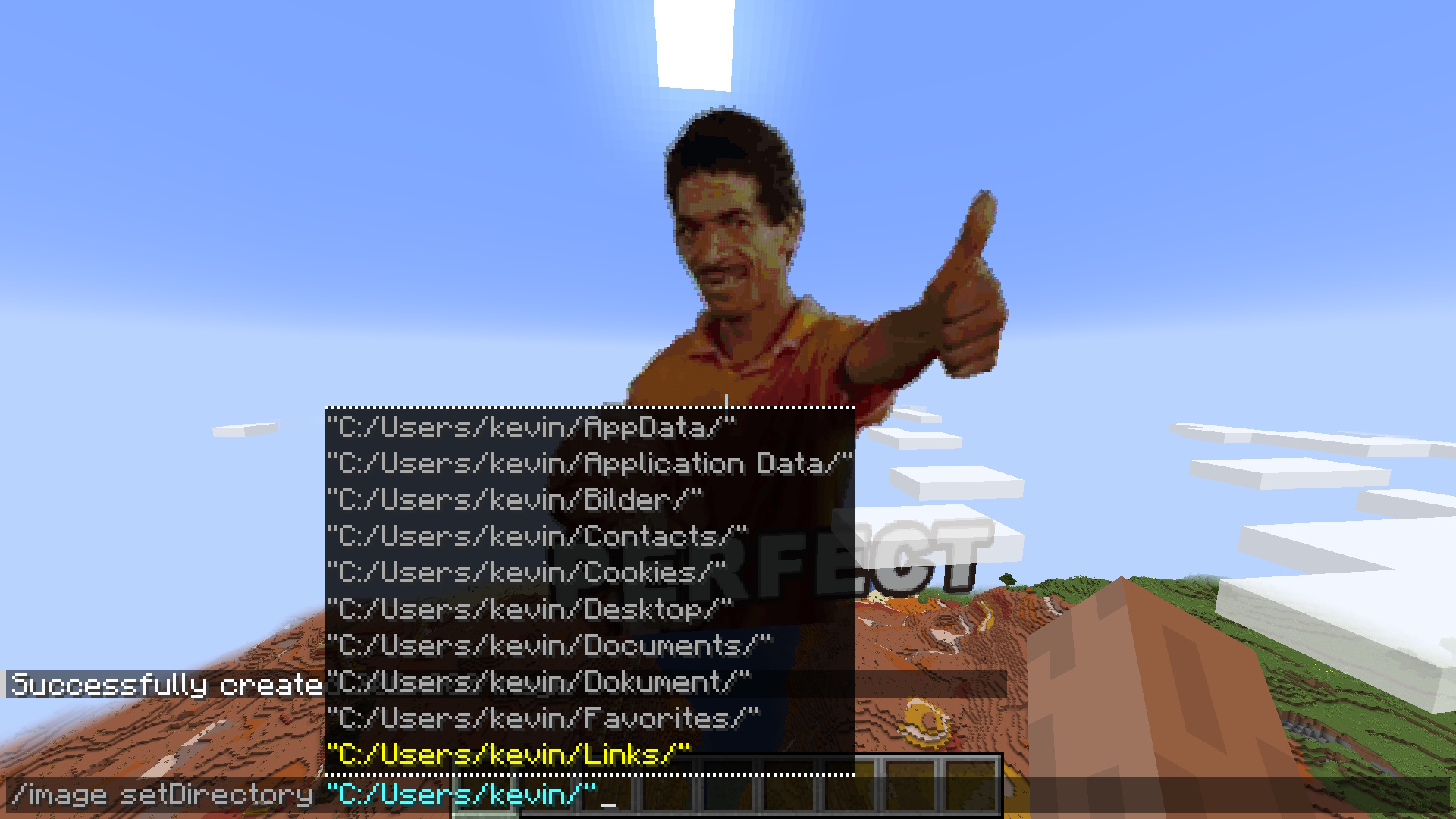
Configuration
Future
Make setDirectory persistent
Fix falling blocks on surface
Multiplayer/Server/Plugin support
Fix update on resource pack reload
Improve block filter further
常见问题
Image Mod 支持哪些 Minecraft 版本?
Image Mod 支持 Minecraft Java 版 1.21–1.21.11,共 12 个版本,可用的加载器:Fabric / NeoForge。下载时注意选择和你游戏版本一致的文件。
Image Mod 怎么安装?
先用 PCL2 或 HMCL 启动器安装对应版本的 Fabric / NeoForge,再把下载的 .jar 文件放进游戏目录的 mods 文件夹,重新启动游戏即可。开启了版本隔离的,mods 文件夹在 versions/版本名 下面。运行环境:客户端和服务端都要装。
评论
登录后评论和评分