
Idle Chatter
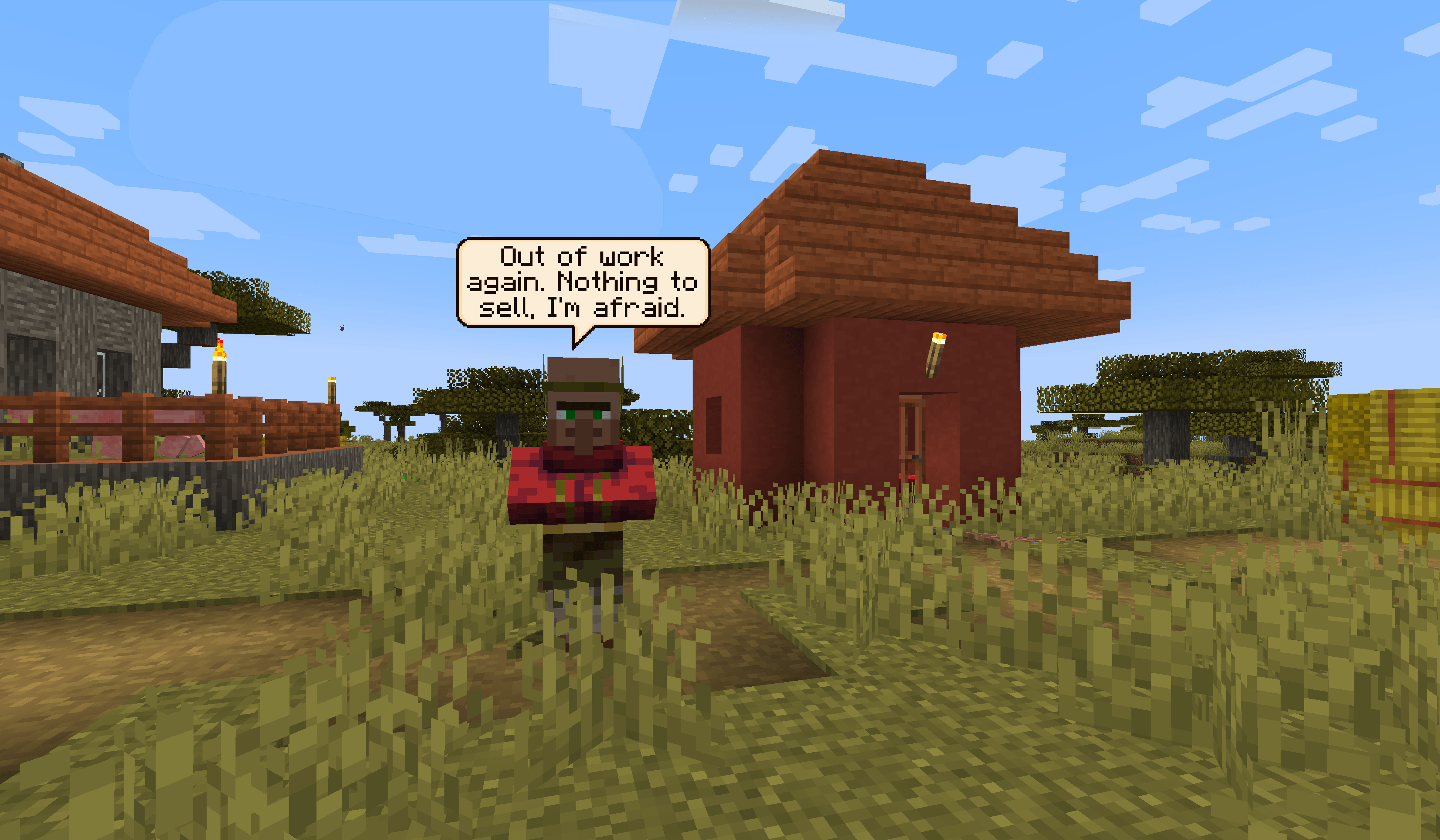
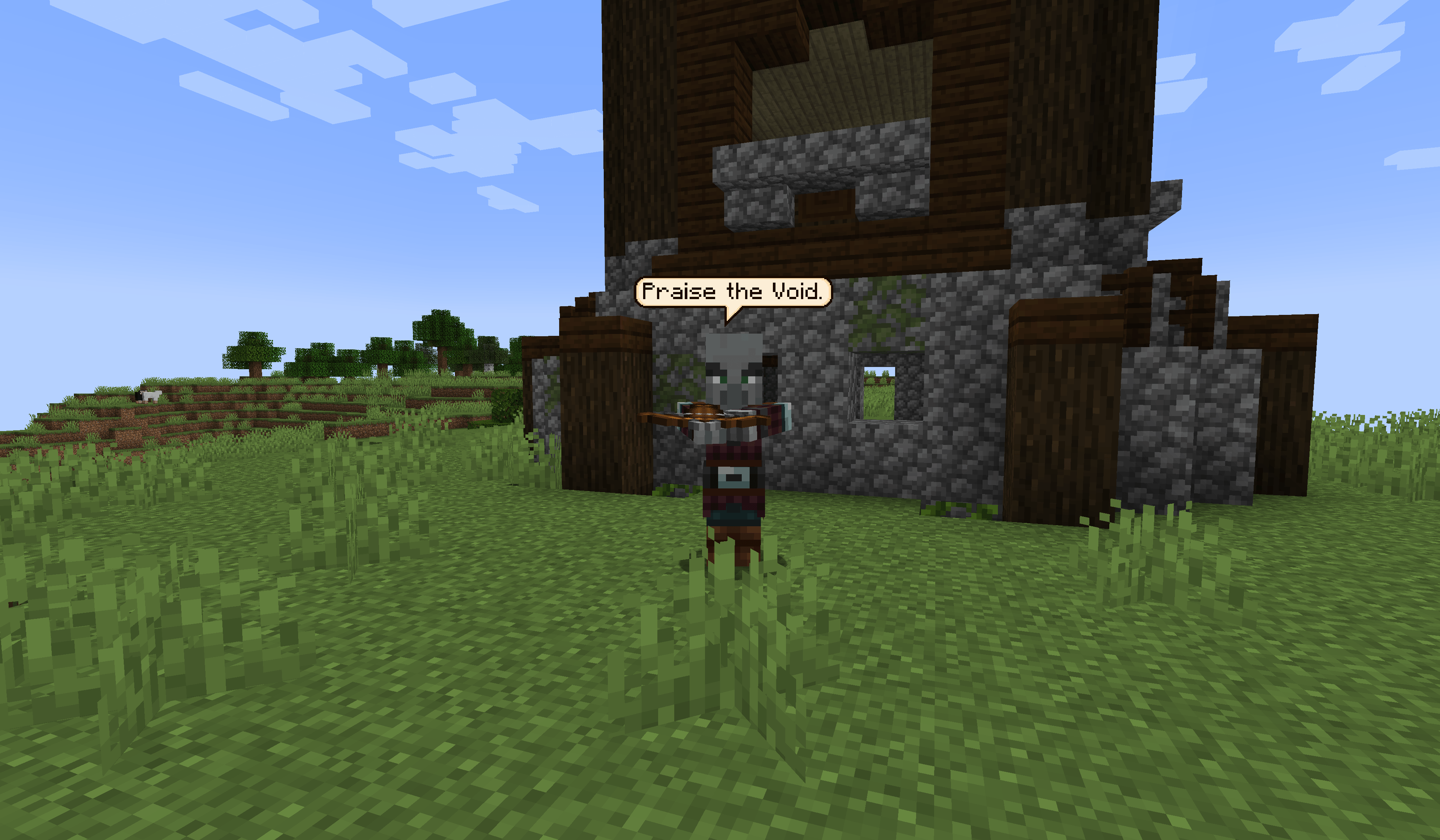
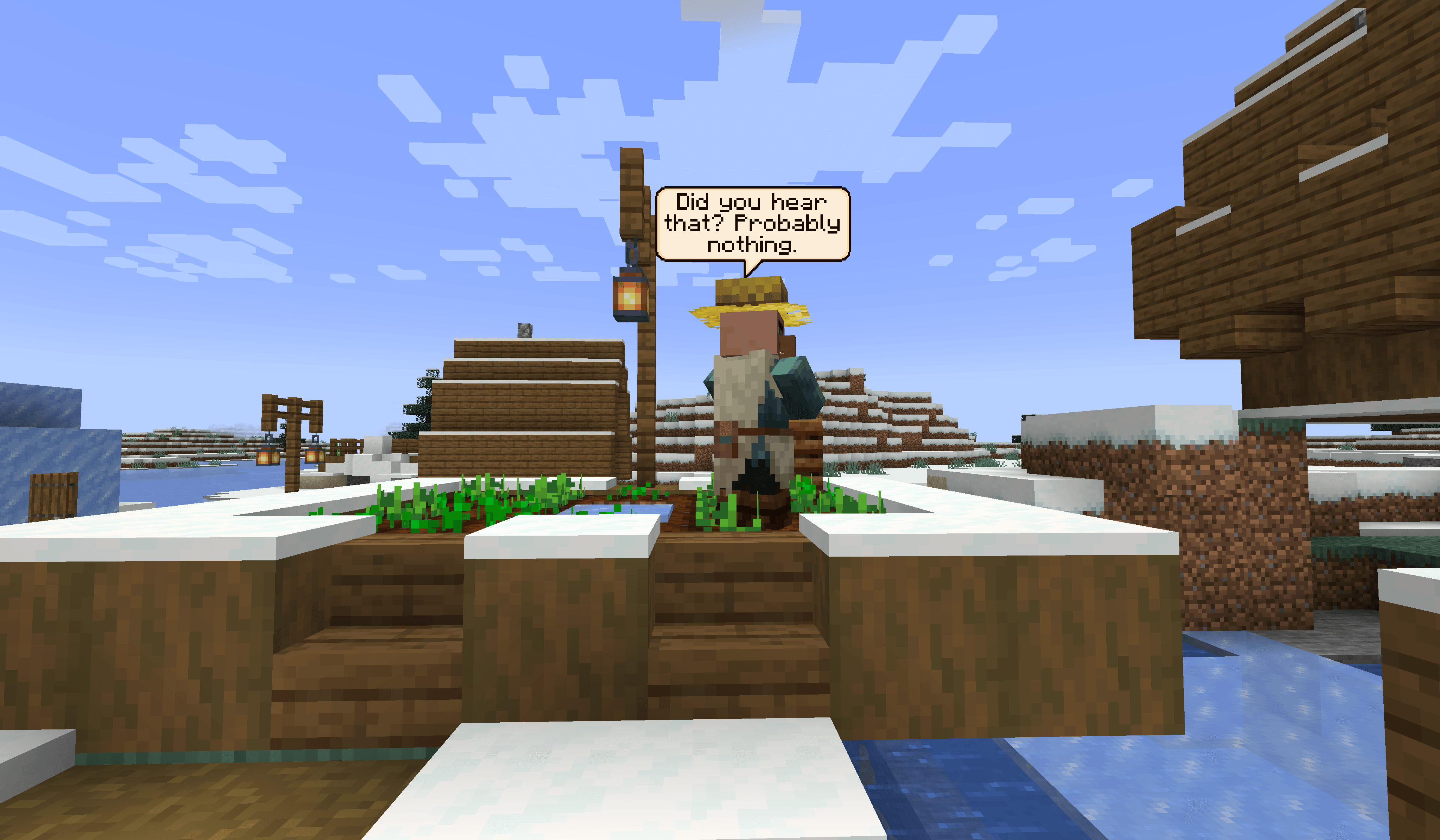
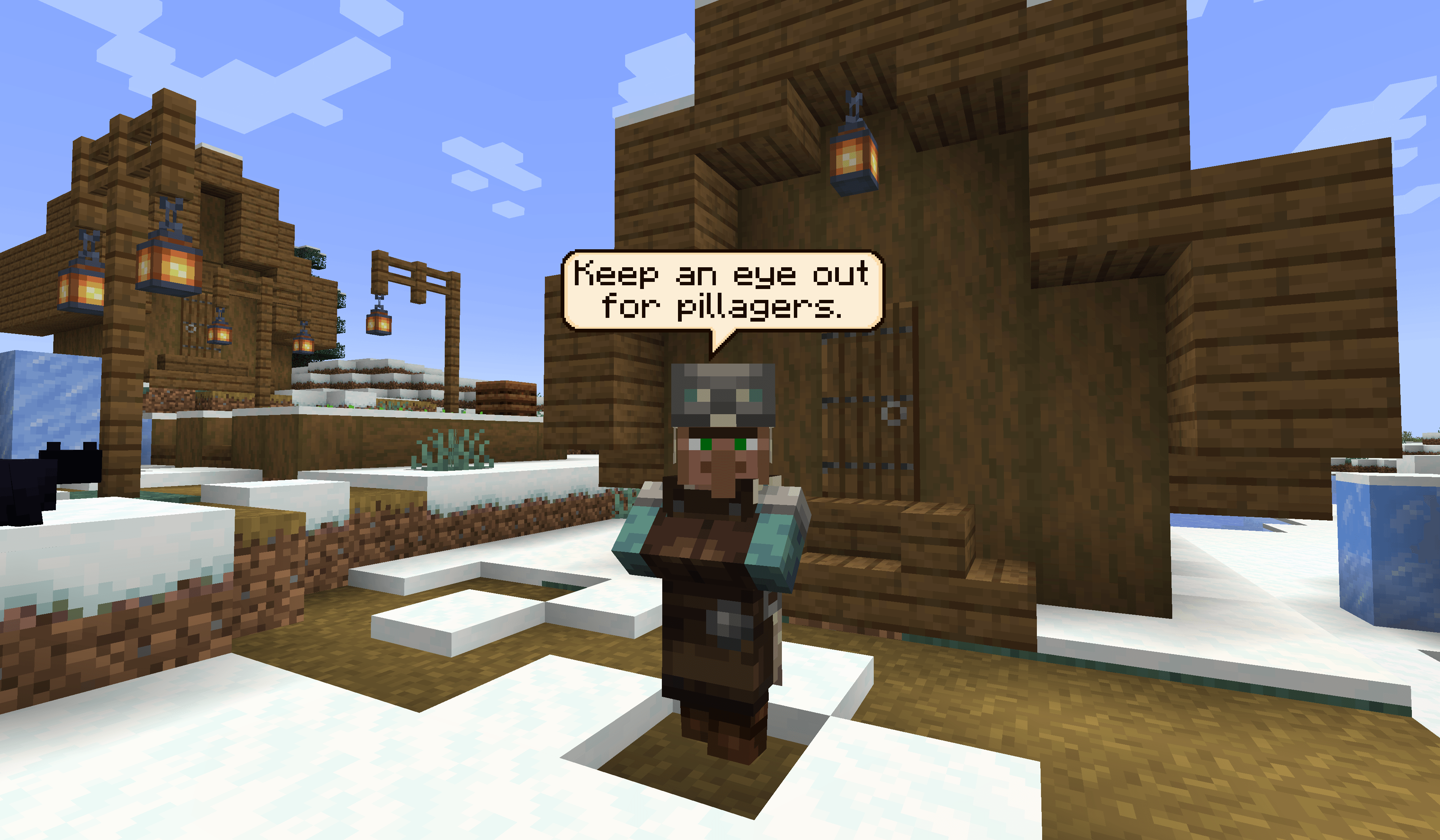
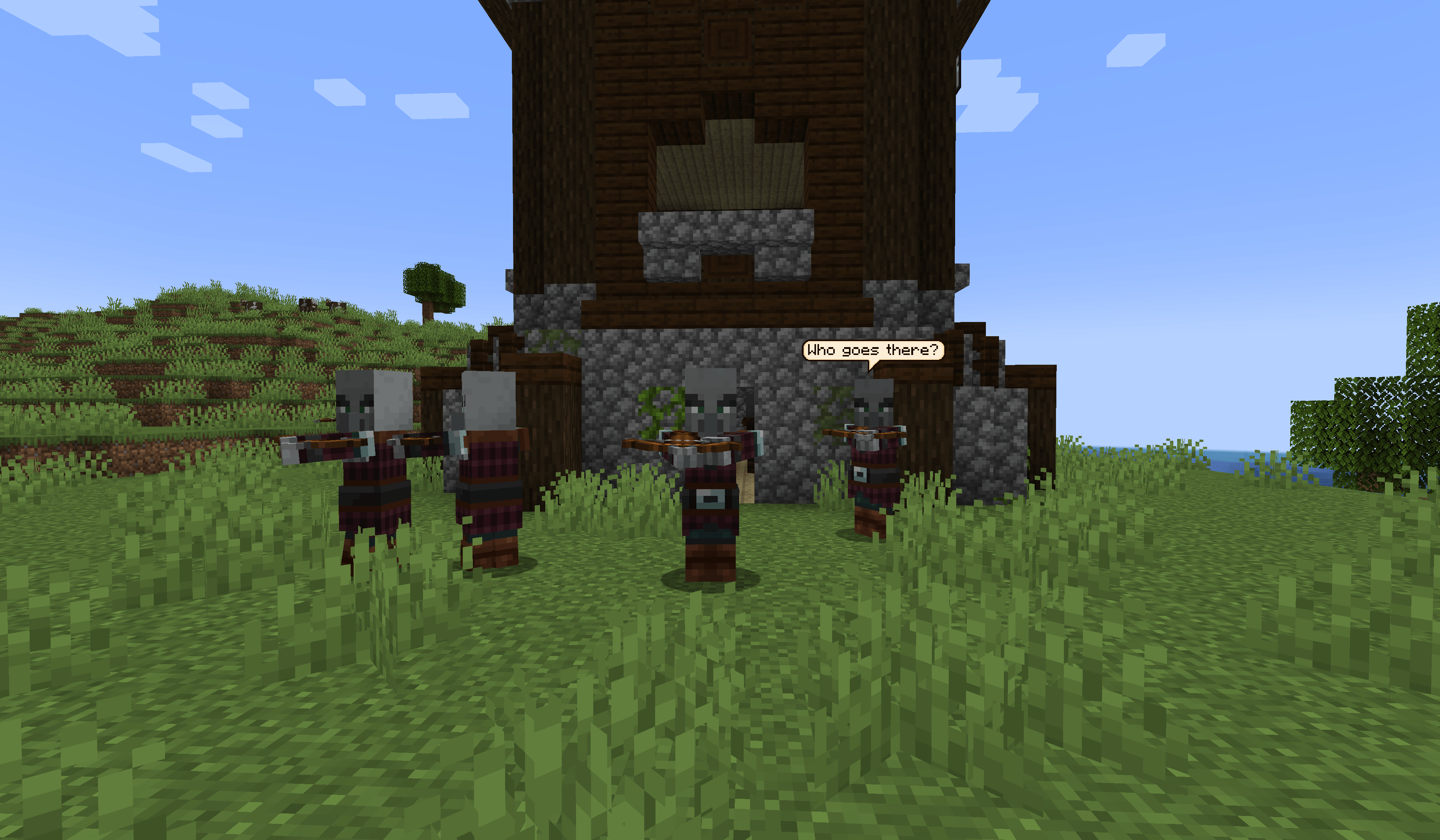
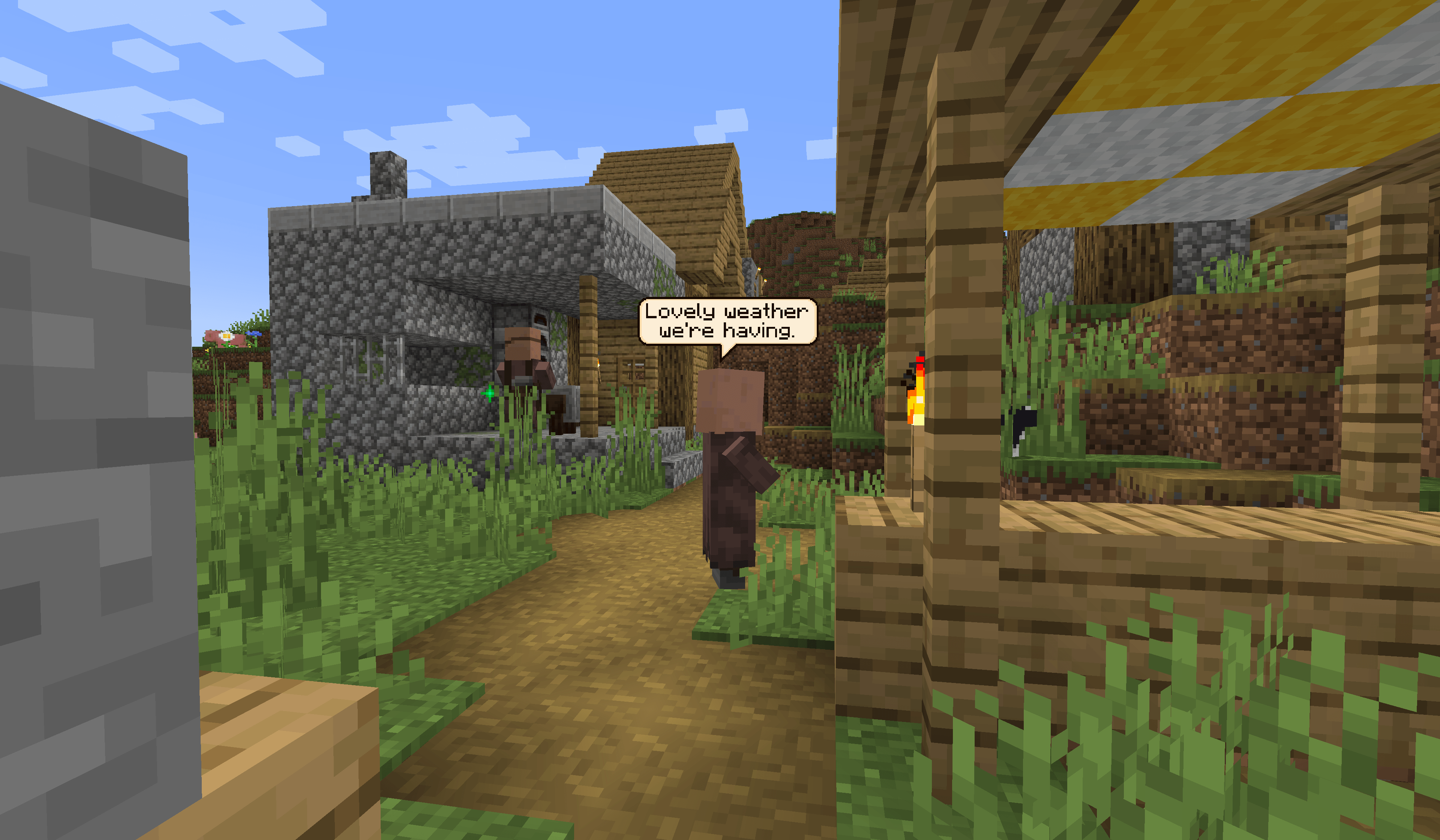
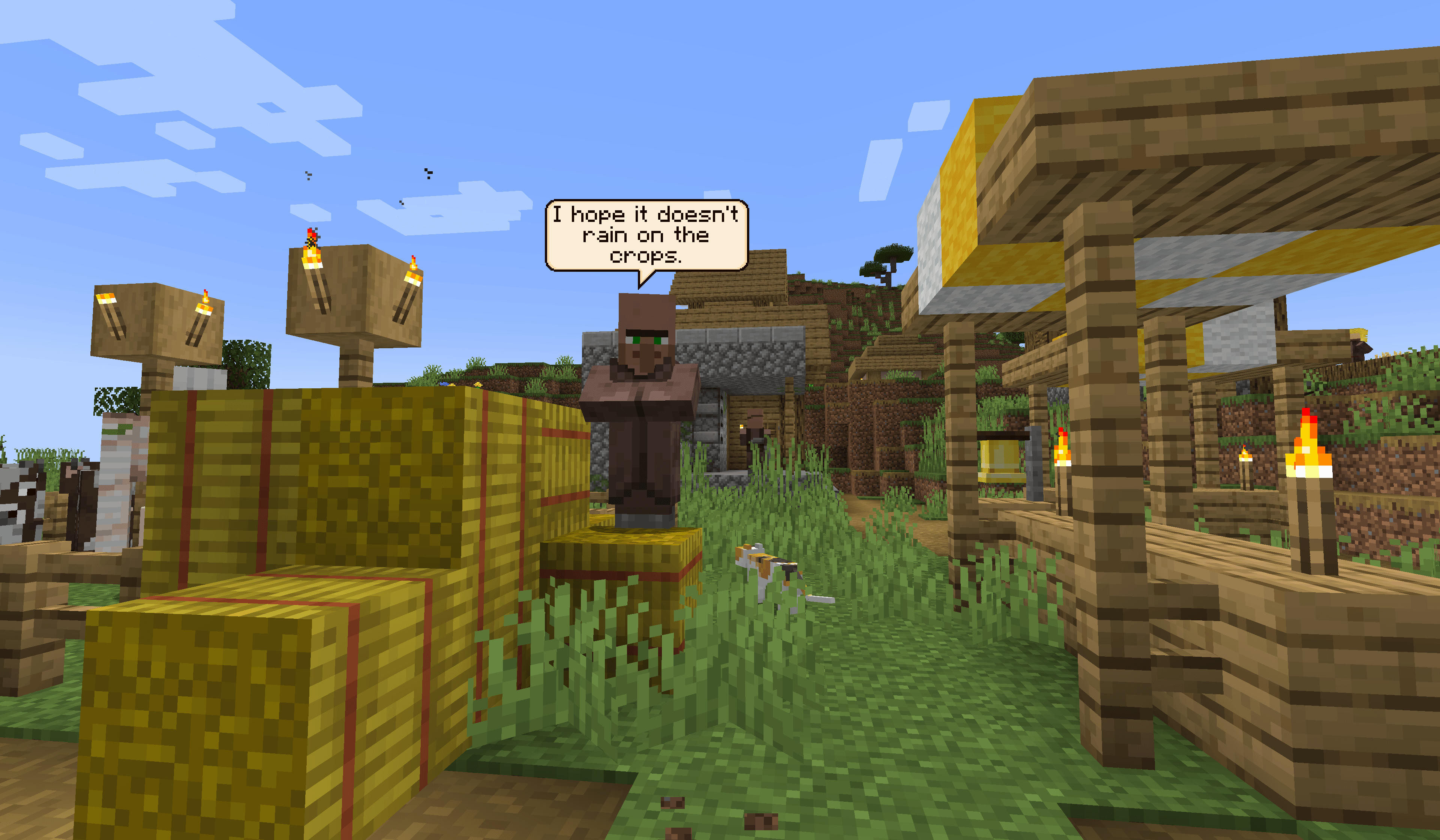
Villagers and pillagers now talk in small pixel-art speech bubbles above their heads, with every line editable through data packs and resource packs.
截图
介绍
Idle Chatter
Villagers and pillagers talk. Now and then a mob near you says something in a small pixel-art speech bubble above its head. The bubble fades after a few seconds. The mod adds no items, blocks or mobs, and doesn’t change gameplay.
How it works
- Each villager or pillager in view speaks about once every 20 to 30 seconds. A busy village has a cap on bubbles, so you won’t get a wall of text.
- Long lines are split across several bubbles shown one after another.
- Villagers talk about their job, so a farmer, a librarian and a nitwit say different things. Villagers without a job don’t try to sell you anything.
- Pillagers have their own lines, and they’re less friendly.
- Bubbles face the camera, float above the mob’s head and use the normal Minecraft font. By default they’re drawn in front of blocks so you can always read them. A config option lets walls hide them instead.
What they react to
Mobs comment on the weather, the time of day and the dark. They greet you when you walk up, get nervous if you’re holding a weapon, approve of a hoe, and ask what you’re doing when you sneak. They also notice mobs from other mods.
They react to events nearby too: a villager dying or being born, someone getting woken up, a bell ringing, a raid starting. They also react to what you do, like opening chests and doors, shearing sheep, lighting fires, building or flying. Mobs yell when they’re hurt, and pillagers shout when they target you.
Building, mining and fighting are heavily rate-limited, so you’ll hear the odd remark rather than a running commentary.
Writing your own dialogue
All dialogue is plain JSON. You can change it with a data pack or resource pack, and add lines for other mobs, including modded ones.
In a data pack, add a file at data/<namespace>/dialogue/<name>.json:
{
  "minecraft:villager": {
    "random": ["Lovely weather.", ["This is one bubble,", "and this is the next."]],
    "rain": ["Wet again."],
    "bell_rung": ["Is it a raid?!"]
  },
  "minecraft:villager[profession=farmer]": {
    "player_hoe": ["Now that's a proper tool!"]
  },
  "minecraft:pillager": {
    "target": ["Hold still."]
  }
}
A string is one bubble. A list of strings is several bubbles in a row.
Selectors
The part in square brackets after a mob ID filters which mobs the lines apply to. It supports profession, level and baby. You can use != and |, so profession!=none|nitwit matches every villager with a job.
Merging and safety
- Your lines are added to the built-in ones. Put
"replace": trueat the top of the file to use only yours. - Unknown mobs and conditions are ignored, so a pack can include lines for mods the player doesn’t have.
- The same format works in a resource pack under
assets/<namespace>/dialogue/. Press F3 + T to reload.
Condition keys
| Key | When it fires |
|---|---|
random |
Idle chatter |
hurt |
The mob takes damage |
target |
The mob targets a player |
woken |
A sleeping villager is woken by a hit or a broken bed |
in_boat / in_minecart |
Riding a boat or minecart |
rain / thunder / snow |
Weather |
day / night |
Time of day |
dark |
Low light |
sees_modded_mob |
A mob from another mod is nearby |
notice_player |
A player walks up |
player_weapon / player_hoe |
A player is holding a weapon or a hoe |
player_sneaking |
A player is sneaking |
player_flying |
A player starts flying |
villager_death / villager_born |
A villager dies or a baby is born nearby |
chest_opened |
A player opens an unopened loot chest |
door_opened |
A player opens a door in a village |
hero_of_the_village |
A player gets Hero of the Village |
bad_omen |
A player gets Bad Omen |
bell_rung |
A bell is rung |
sheep_sheared / cow_milked |
A player shears a sheep or milks a cow |
ate_bread |
A player eats bread |
fire_lit |
A player lights a fire |
bark_stripped |
A player strips a log with an axe |
block_placed / block_broken |
A player places or breaks a block |
mob_killed |
A player kills a mob |
gamemode_changed |
A player switches game mode |
firework_used |
A player uses a firework |
Configuration
config/idlechatter-client.toml controls:
- how often mobs talk, and their cooldowns
- how far away they notice you and react to events
- how many bubbles can be on screen at once, and how long each one lasts
- text wrapping, bubble size and height
- how far away bubbles are visible
- whether bubbles draw in front of blocks
Client and server
Client only: works on any server, including servers without the mod. You get idle chatter, weather, time of day, darkness, greetings, reactions to held items, flying and fireworks.
Client and server: adds the reactions the client can’t detect on its own, which are hurt, targeting and the world events. It also lets data packs supply dialogue, which the server sends to players when they join.
Server only: does nothing visible, because bubbles are drawn on the client.
Only mobs that are speaking are tracked, so the performance cost is small.
Known limitations
- Only villagers and pillagers have dialogue built in. Other mobs need a pack.
- A couple of the default villager lines include mild swearing. You can replace them with a data pack.
- There’s no translation support yet.
- A bubble disappears when its mob goes off screen, even if the bubble itself would still be in view.
- Version 1.1.0 changed the network protocol. Client and server both need 1.1.0 or later for the server-side reactions.
Planned
- Custom bubble colors, shapes, sizes and fonts
- Emoji support
- Compatibility with Illager Blabber
常见问题
Idle Chatter 支持哪些 Minecraft 版本?
Idle Chatter 支持 Minecraft Java 版 1.20.1–1.20.6,共 6 个版本,可用的加载器:Forge。下载时注意选择和你游戏版本一致的文件。
Idle Chatter 怎么安装?
先用 PCL2 或 HMCL 启动器安装对应版本的 Forge,再把下载的 .jar 文件放进游戏目录的 mods 文件夹,重新启动游戏即可。开启了版本隔离的,mods 文件夹在 versions/版本名 下面。
ryankshah 的其他作品
查看全部 →
The Ender Scrolls – Skyrimcraft
Bringing the world of Skyrim right to your Minecraft world!

Zombies Eat Villagers
This mod is intended to be used alongside Drop The Meat, and is useless without it. When presented with raw vilager meat, the zombies will pick it up and eat it. This will both heal them and provide speed, strength, and resistance effects to the zombies.

Zombies Eat Villagers
This mod is intended to be used alongside Drop The Meat , and is useless without it. When presented with raw vilager meat, the zombies will pick it up and eat it. This will both heal them and provide speed, strength, and resistance effects to the zombies.

Better Horses
Making Vanilla horses better! You can allow chests on horses, dual riding and modify the speed!
评论
登录后评论和评分