
i.らぶ.moe
Share your Minecraft moment instantly. Upload screenshots from the Mod and receive a short URL on your clipboard.
截图
介绍
i.らぶ.moe
Share your Minecraft screenshots with one click.
i.らぶ.moe is a client-side Fabric mod that turns screenshots into short, shareable URLs.
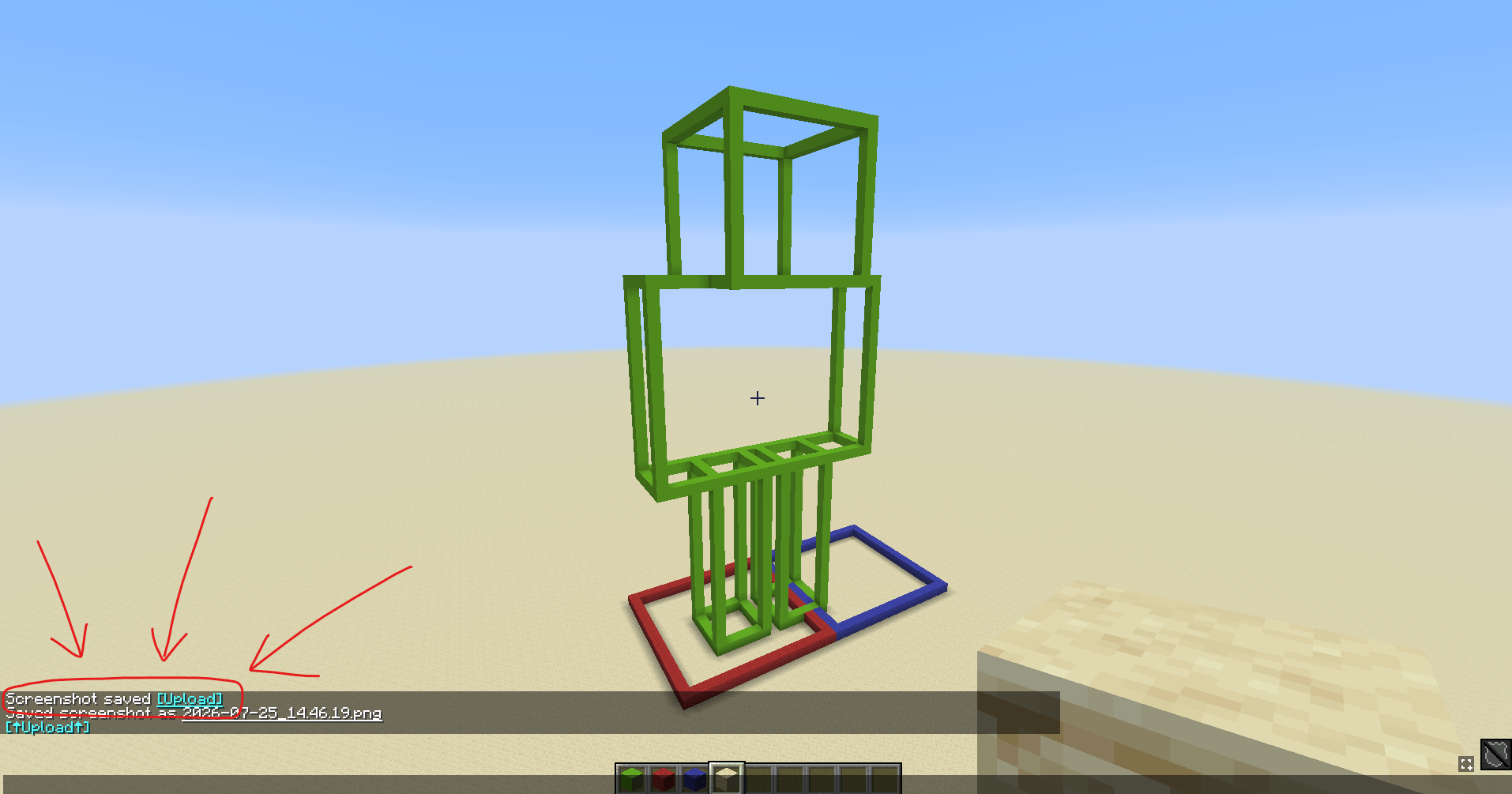
After taking a screenshot with F2, a clickable upload button appears in chat. Once
uploaded, the short URL is automatically copied to your clipboard.
Features
- Upload screenshots directly from Minecraft
- Automatically copy the resulting short URL
- Capture the current server name and address as image metadata
- Open, copy, or delete an uploaded image from the in-game chat
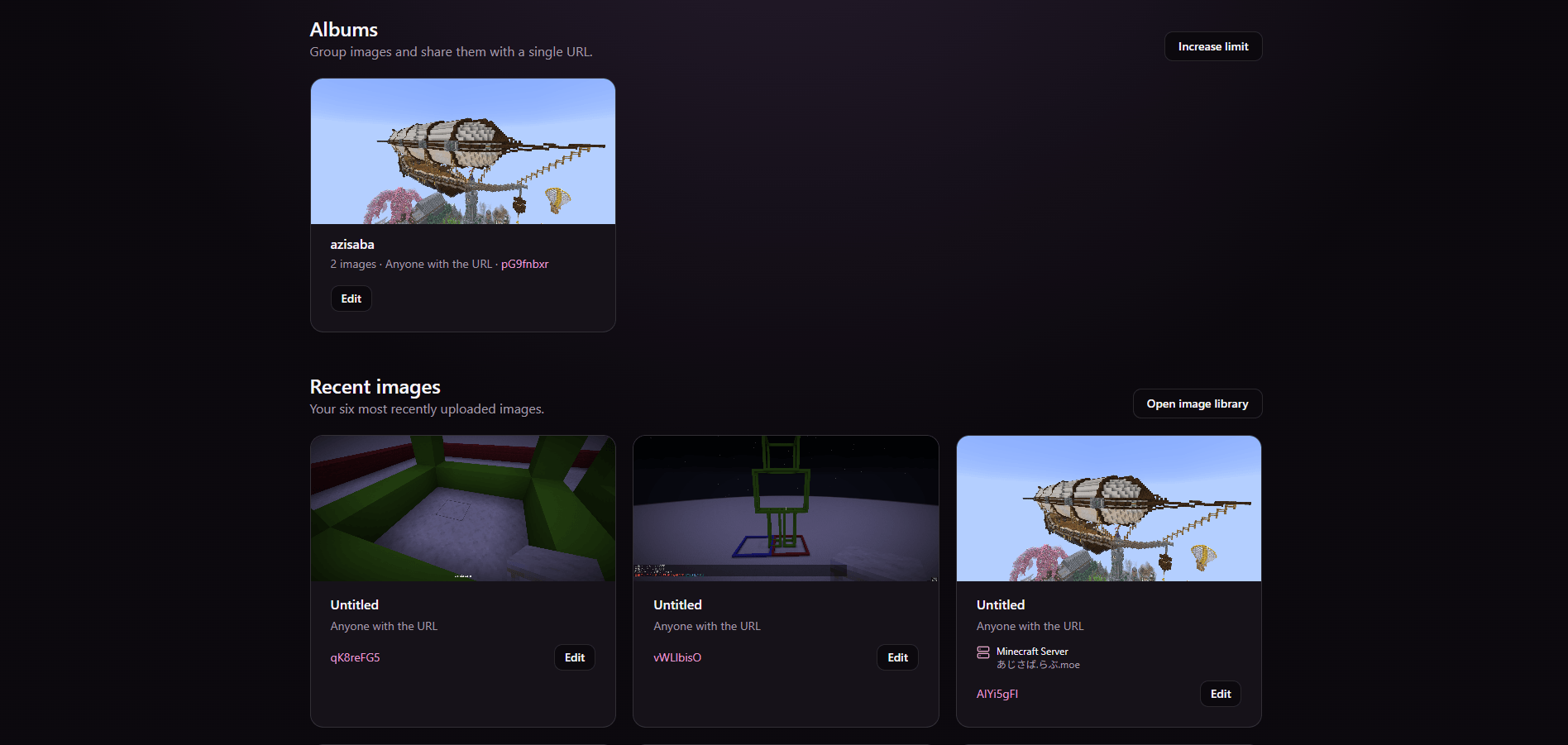
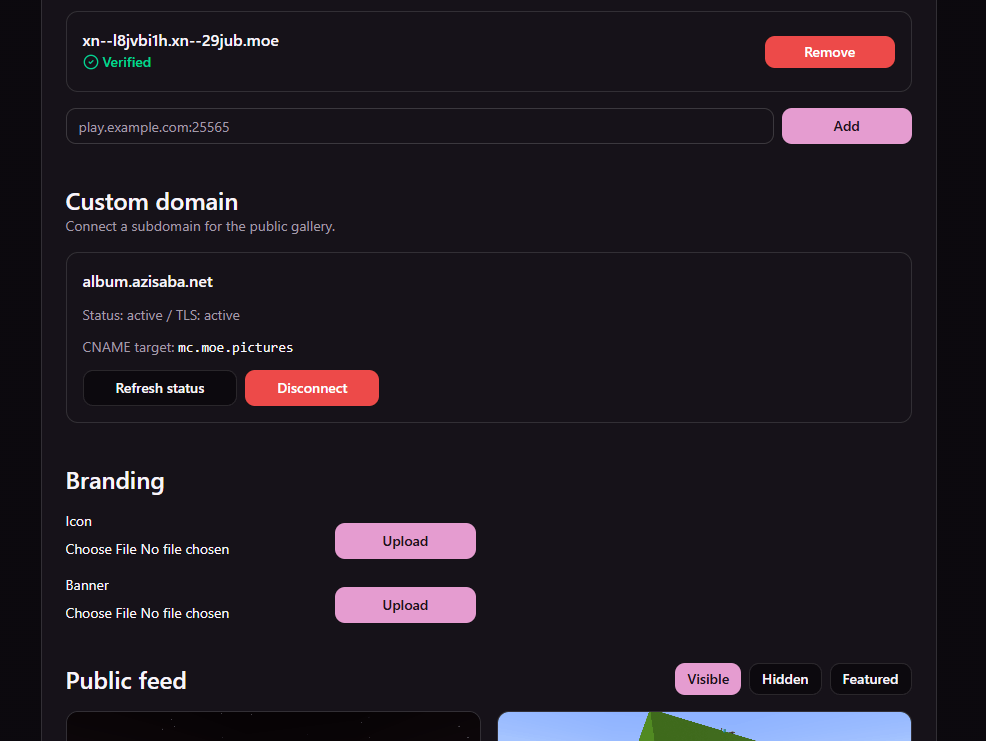
- Manage image titles, albums, tags, favorites, and visibility from the website
- Share images as unlisted, private, or passphrase-protected
- English and Japanese support based on your Minecraft language
- Optional automatic F2 uploads for Plus users
The mod is entirely client-side and does not need to be installed on the server.
How to use
- Install the mod together with Fabric Loader and Fabric API.
- Take a screenshot with F2.
- Click [Upload] in the chat message.
- The screenshot is uploaded and its URL is copied to your clipboard.
Free users can upload screenshots manually. Plus users can enable automatic uploads:
/ilovemoe auto-upload onCommands
/ilovemoe login
/ilovemoe auto-upload
/ilovemoe auto-upload on
/ilovemoe auto-upload off
The login command sends a magic link that lets you manage your screenshots from the web
dashboard.
Plans
The free plan includes manual uploads, up to 50 uploads per 30 days, and 60-day storage.
Plus includes:
- Up to 500 uploads per 30 days
- 365-day storage
- Automatic screenshot uploads
- More albums and images per album
- Private and passphrase-protected sharing
- Tags, favorites, and bulk organization
Privacy notice
Screenshots may contain player names, chat messages, server addresses, or other personal
information. Please review your screenshot before uploading and choose an appropriate
visibility setting.
常见问题
i.らぶ.moe 支持哪些 Minecraft 版本?
i.らぶ.moe 支持 Minecraft Java 版 1.20.1–26.2,共 5 个版本,可用的加载器:Fabric。下载时注意选择和你游戏版本一致的文件。
i.らぶ.moe 怎么安装?
先用 PCL2 或 HMCL 启动器安装对应版本的 Fabric,再把下载的 .jar 文件放进游戏目录的 mods 文件夹,重新启动游戏即可。开启了版本隔离的,mods 文件夹在 versions/版本名 下面。
评论
登录后评论和评分