
截图
介绍
About
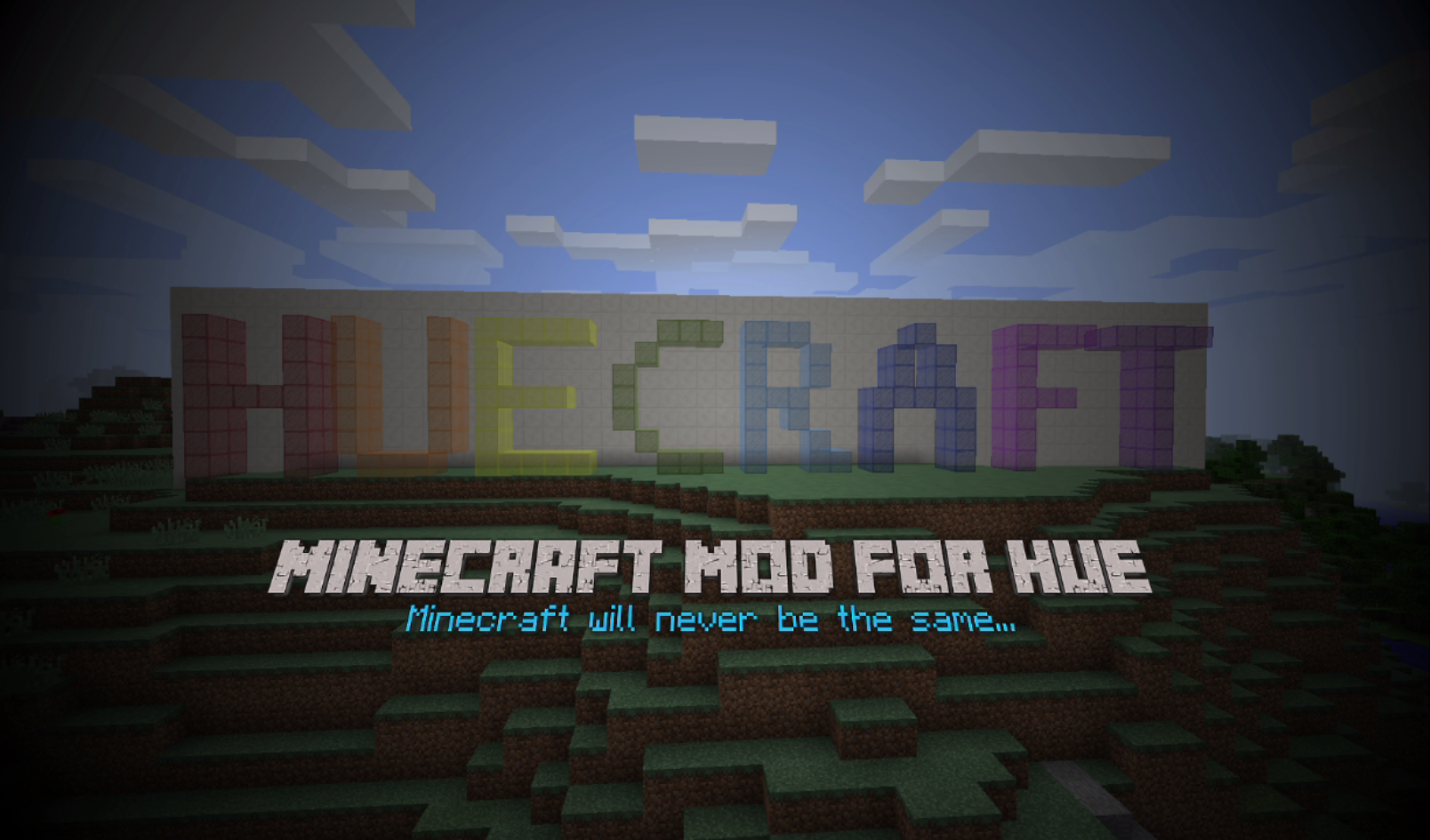
Extend Minecraft to your room with this mod. Let your Philips hue lights extend Minecraft experience by changing the color and brightness of your room. Each biome is mapped to different colors and the color of the lights will change as you travel from one biome to another. Even when you are in the water your lights will turn blue. The light intensity in room will be the same as in Minecraft. Day-night cycle and different light sources will change the brightness of your lights, but also caves and other dark places will make the brightness go down.
A full immersive experience with hue!
Main features:
Version 0.2.0:
- New option menu (Main menu -> Options -> Lower left corner “L” button)
- Easier light selection
- Easier switching bridge
- Toggle on off effects
Version 0.1.1:
- If you are on fire, your lights will change to fire colors
- When you are taking damage, lights will flash red
- Each time a lightning strike hits, your lights will flash bright white
Version 0.1.0:
- The color in your room will adapt to the biome you are in
- The brightness in your room changes on the current light level of Minecraft
- The color in your room will turn blue when you are in the water
- Lights will blink when you are (almost) out of air
- Add the biomes from different mods so your room react to all of them
- Edit biomes to your favorite colors
Setup
First time use:
- Start up a world in Minecraft and follow the instructions in the upper left corner of the screen
- After the message “[hueCraft] Connected and ready to go” the first 3 lights will be used
- If you want to use different lights you change the lights in the main menu > mods > huecraft
- To add multiple lights to a group, write the id numbers on their own line
- Also you can change the maximal brightness in that same menu
Customize biome colors:
- After first use there is a JSON file named “huecraft-biomes.info” in the mods folder created
- In that file there is a list of all vanilla biomes with the colors (based on hue and saturation)
- Here you can edit the colors by changing the value of hue (0-65535) and saturation (0-255)
- To add an biome you need the know the id and name and put them in the file and use the same format as the vanilla biomes
常见问题
hueCraft 支持哪些 Minecraft 版本?
hueCraft 支持 Minecraft Java 版 1.7.10–1.8,共 2 个版本,可用的加载器:Forge。下载时注意选择和你游戏版本一致的文件。
hueCraft 怎么安装?
先用 PCL2 或 HMCL 启动器安装对应版本的 Forge,再把下载的 .jar 文件放进游戏目录的 mods 文件夹,重新启动游戏即可。开启了版本隔离的,mods 文件夹在 versions/版本名 下面。
评论
登录后评论和评分