
截图
介绍
HUD Manager
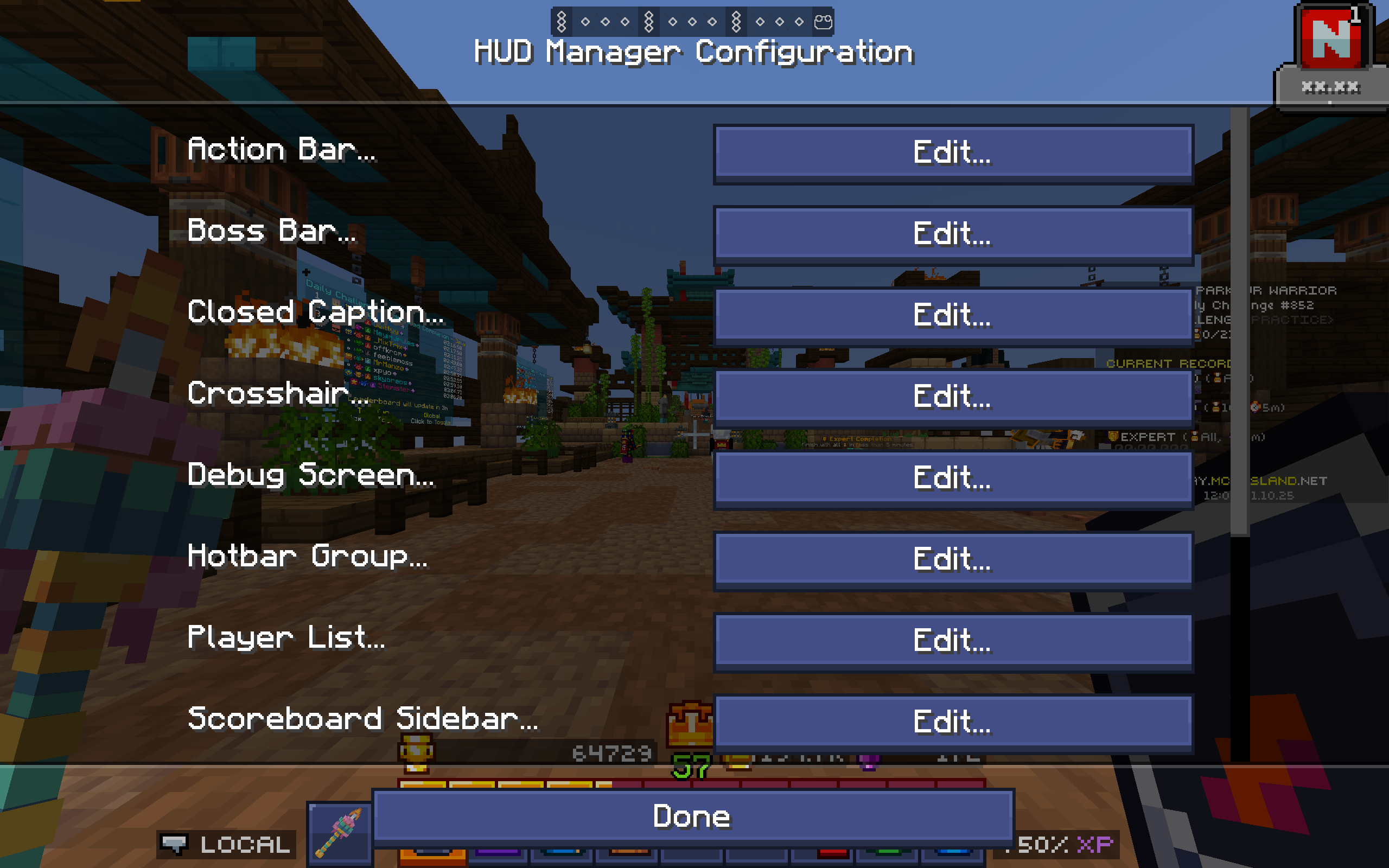
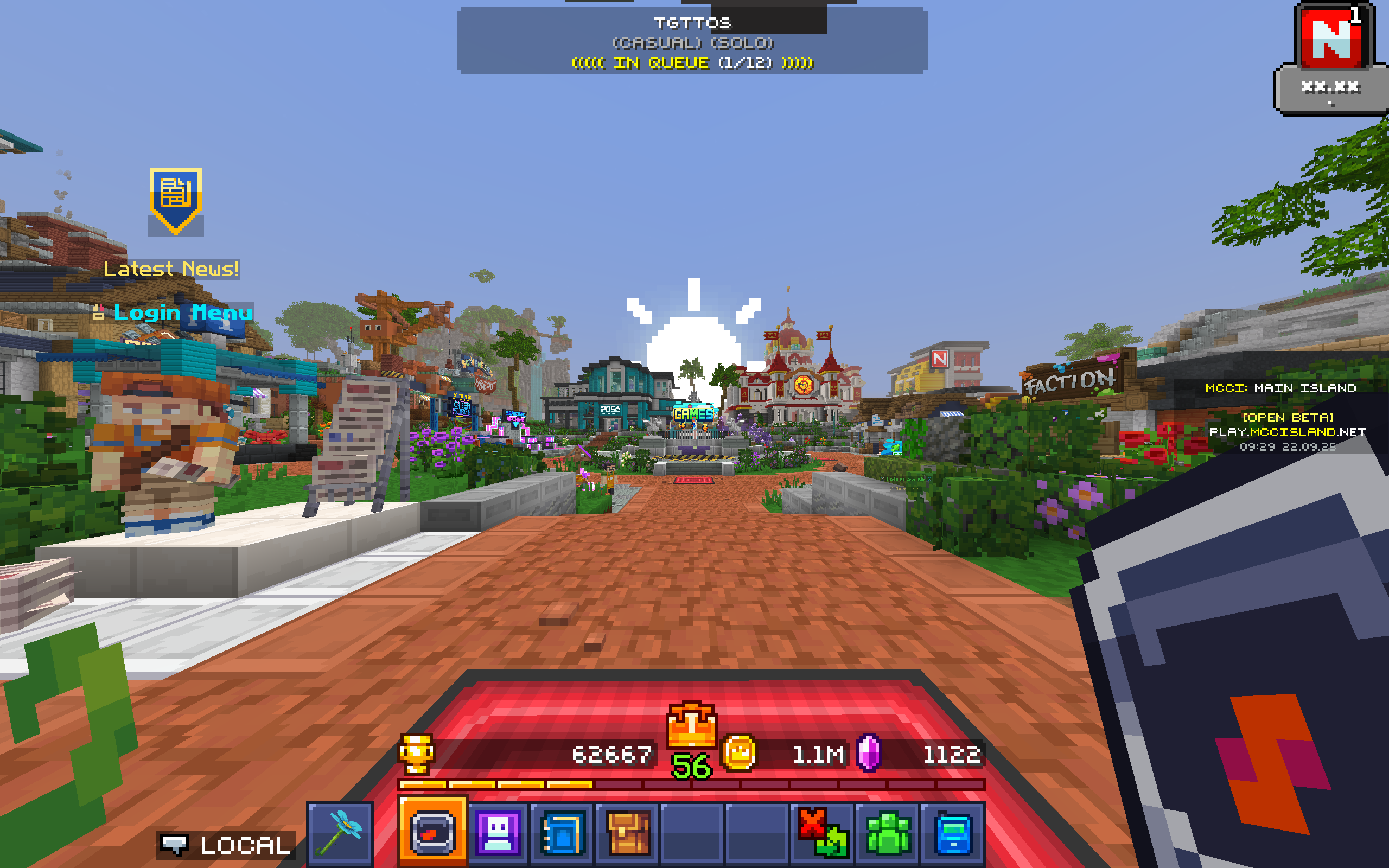
Enables you to configure the entire HUD layout to make it looks just best for you.
Especially useful for servers with lots of things on the screen such as MCC Island.
Compatible with Apple Skin, Better F3, Shulker Box Tooltip, Tooltip Scroll, etc.
Feature: All in One
You can simply manage everything via the Mod Menu, either Fabric or NeoForge.
You will no longer need any other stuff like Scoreboard Tweaks or Title Fixer.
All configurable elements include:
Action Bar, Boss Bar, Closed Caption, Crosshair, Debug Screen, Hotbar Group,
Player List, Scoreboard, Screen Title, Status Effect, Toast Message, Tooltip.
All configurable options include:
Display – Whether to show on the screen.
Resizer – Multiplies to vanilla GUI scale.
Opacity – Multiplies to vanilla GUI alpha.
X/Y Offset – Adds to vanilla GUI position.
常见问题
HUD Manager 支持哪些 Minecraft 版本?
HUD Manager 支持 Minecraft Java 版 1.21–26.3,共 17 个版本,可用的加载器:Fabric / NeoForge。下载时注意选择和你游戏版本一致的文件。
HUD Manager 怎么安装?
先用 PCL2 或 HMCL 启动器安装对应版本的 Fabric / NeoForge,再把下载的 .jar 文件放进游戏目录的 mods 文件夹,重新启动游戏即可。开启了版本隔离的,mods 文件夹在 versions/版本名 下面。运行环境:仅客户端。
评论
登录后评论和评分