
Hovering Hotbar
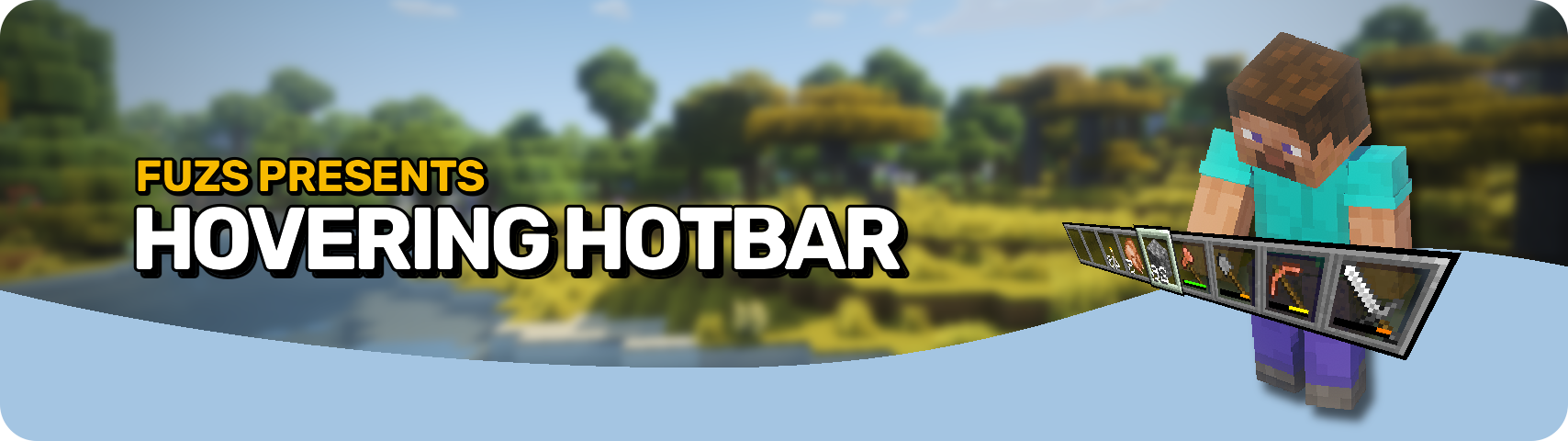
Makes your hotbar seemingly float in place by shifting it a few pixels upward.
截图
介绍
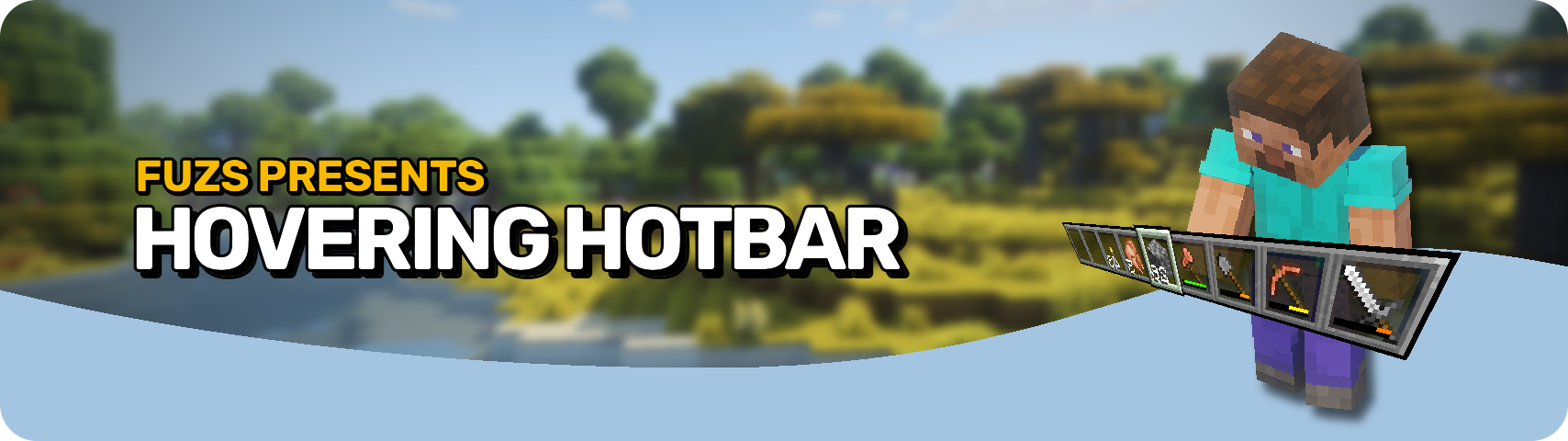




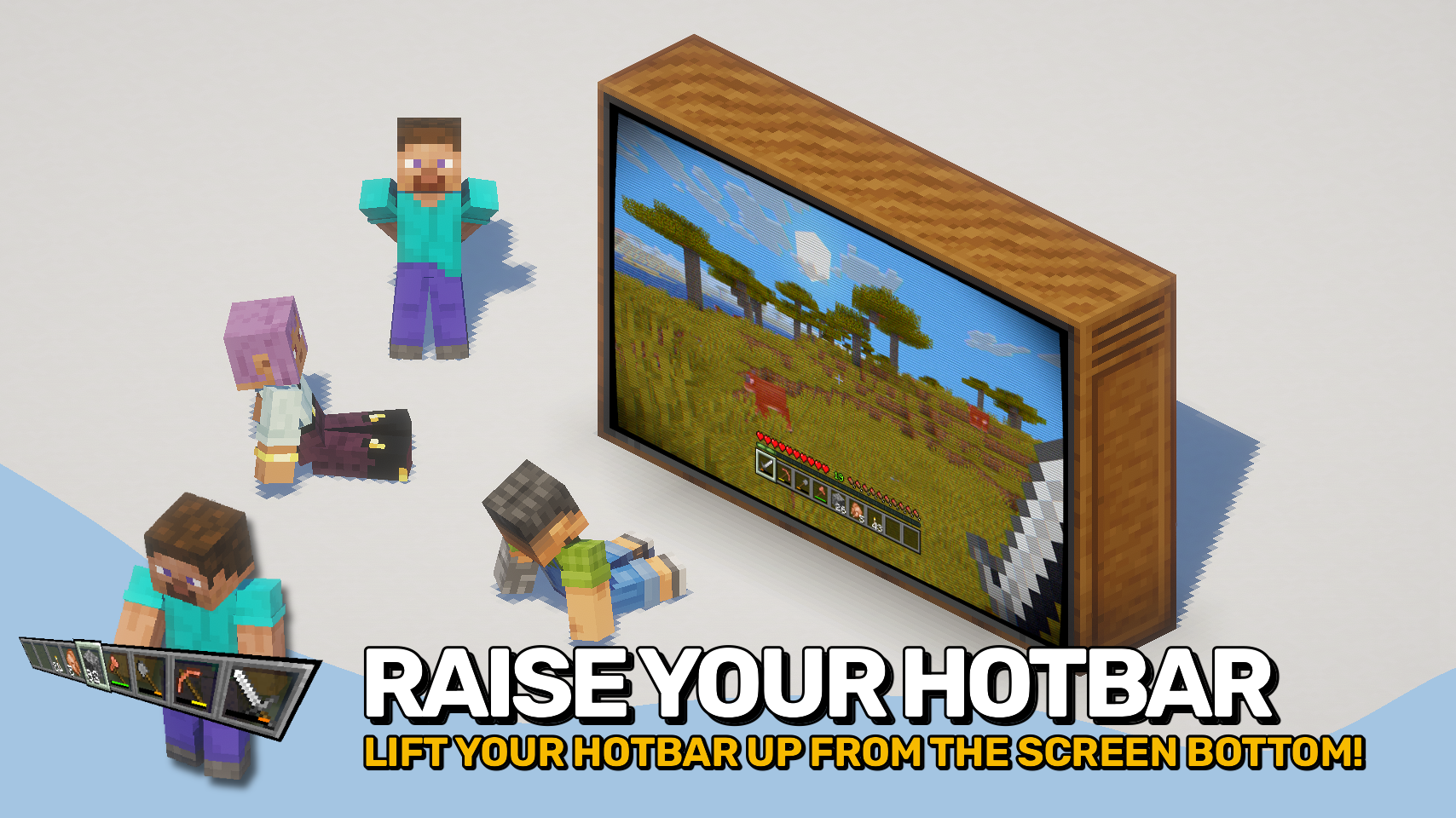
Hovering Hotbar brings the elevated hotbar style from Bedrock Edition and Legacy Console Edition to Java Edition. 🎮
By moving the hotbar away from the bottom edge of the screen, it appears to float in place, creating a cleaner and more modern HUD layout. This also allows the full selection highlight to be rendered instead of being partially cut off by the screen border. ✨
The hotbar offset is fully configurable, letting you position it exactly where you want it. To complete the console-inspired look, the experience level display can also be moved above the experience bar. ⚙️

- 🎮 Console-Inspired Layout: Recreates the elevated hotbar style found in Bedrock Edition and Legacy Console Edition.
- ✨ Floating Hotbar Appearance: Moves the hotbar away from the bottom screen edge, making it appear to hover in place.
- 🖼️ Fully Visible Selection Highlight: Allows the complete hotbar selection sprite to render instead of being partially cut off by the screen border.
- 🎛️ Adjustable Positioning: Freely configure the hotbar offset to create your preferred HUD layout.
- 📈 Improved Experience Display: Optionally moves the experience level indicator above the experience bar, matching the console-style interface.
- 🔧 Mod Compatibility: Supports shifting additional modded hotbar overlays together with the hotbar.


⏩ INSTALLATION REQUIRED ON CLIENT
⏩ REQUIRES PUZZLES LIB TO BE INSTALLED (FABRIC & NEOFORGE)
⏩ REQUIRES FABRIC API TO BE INSTALLED (FABRIC)
⏩ REQUIRES FORGE CONFIG API PORT TO BE INSTALLED (FABRIC)

If available for a mod, configuration is possible directly from in-game using the mod menu (requires Mod Menu by Prospector to be installed on Fabric).
For manual configuration using an external text editor all files are found at .minecraft/config, named as MOD_ID-client.toml, MOD_ID-common.toml, or MOD_ID-server.toml, depending on the type of config. Not all types might exist for a mod, if any at all.
 |
 |
|
 |
 |
|
 |
 |
|
 |
 |
|
 |
 |

© 2026 @heyitsfuzs. All rights reserved. This page was last edited on 11 September 2026, at 06:44 (UTC).
常见问题
Hovering Hotbar 支持哪些 Minecraft 版本?
Hovering Hotbar 支持 Minecraft Java 版 1.21.1–26.3,共 12 个版本,可用的加载器:Fabric / NeoForge。下载时注意选择和你游戏版本一致的文件。
Hovering Hotbar 怎么安装?
先用 PCL2 或 HMCL 启动器安装对应版本的 Fabric / NeoForge,再把下载的 .jar 文件放进游戏目录的 mods 文件夹,重新启动游戏即可。开启了版本隔离的,mods 文件夹在 versions/版本名 下面。运行环境:仅客户端。
Fuzs 的其他作品
查看全部 →
Puzzles Lib
为什么叫谜题?这就是谜题所在。

Forge Config API Port
为其他模组生态提供 NeoForge 和 Forge 的配置系统。专为多加载器架构设计。

Visual Workbench
物品会留在工作台内,并且会渲染在上方。真的很精致!

Pick Up Notifier
收集到的所有物品都会通知你。
评论
登录后评论和评分