Hotswap
Quick-swap your hotbar with the first inventory row (V), or cycle through three pre-arranged loadouts stored in rows 1-3 (B). Setup once, switch instantly.
截图
介绍
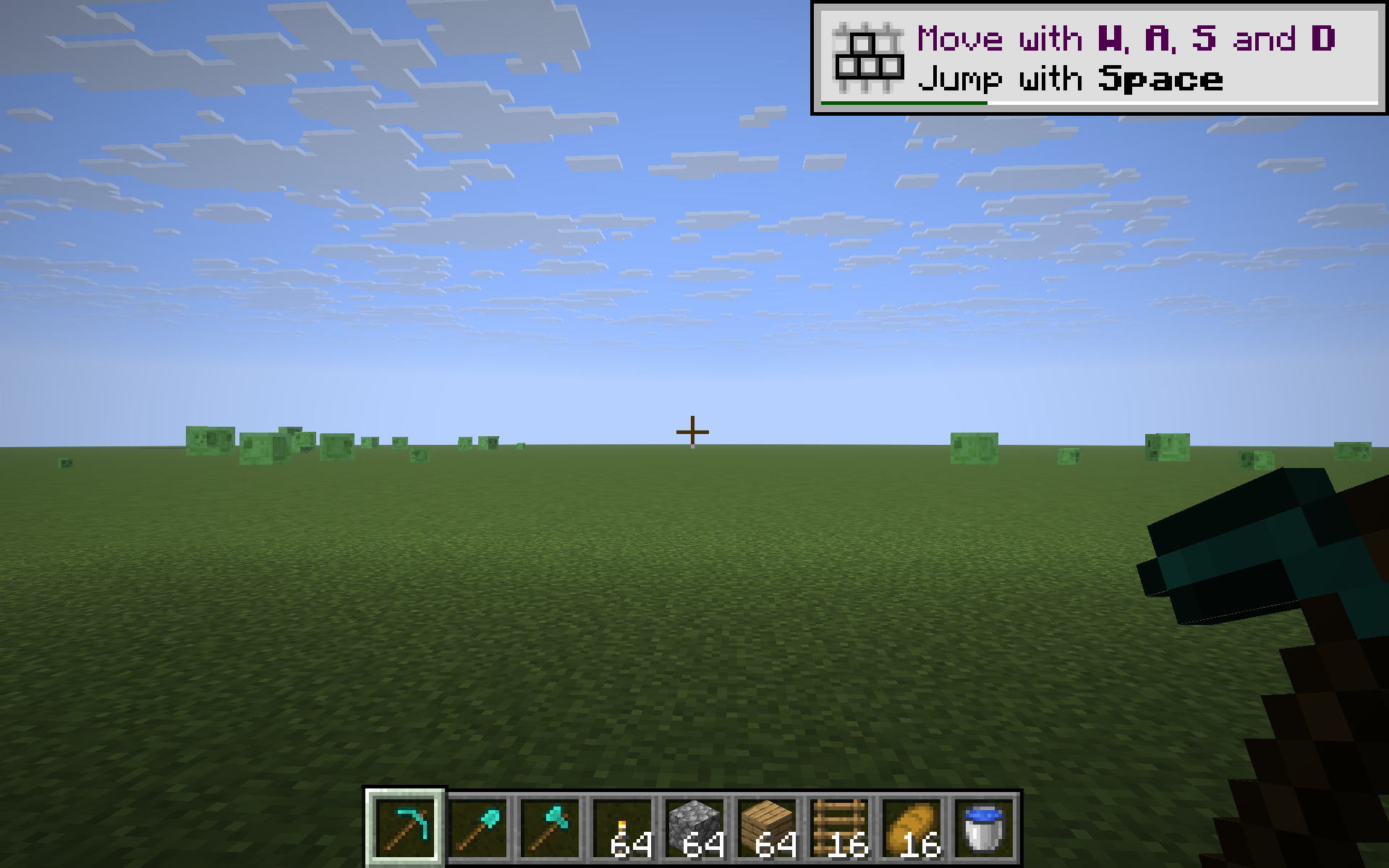
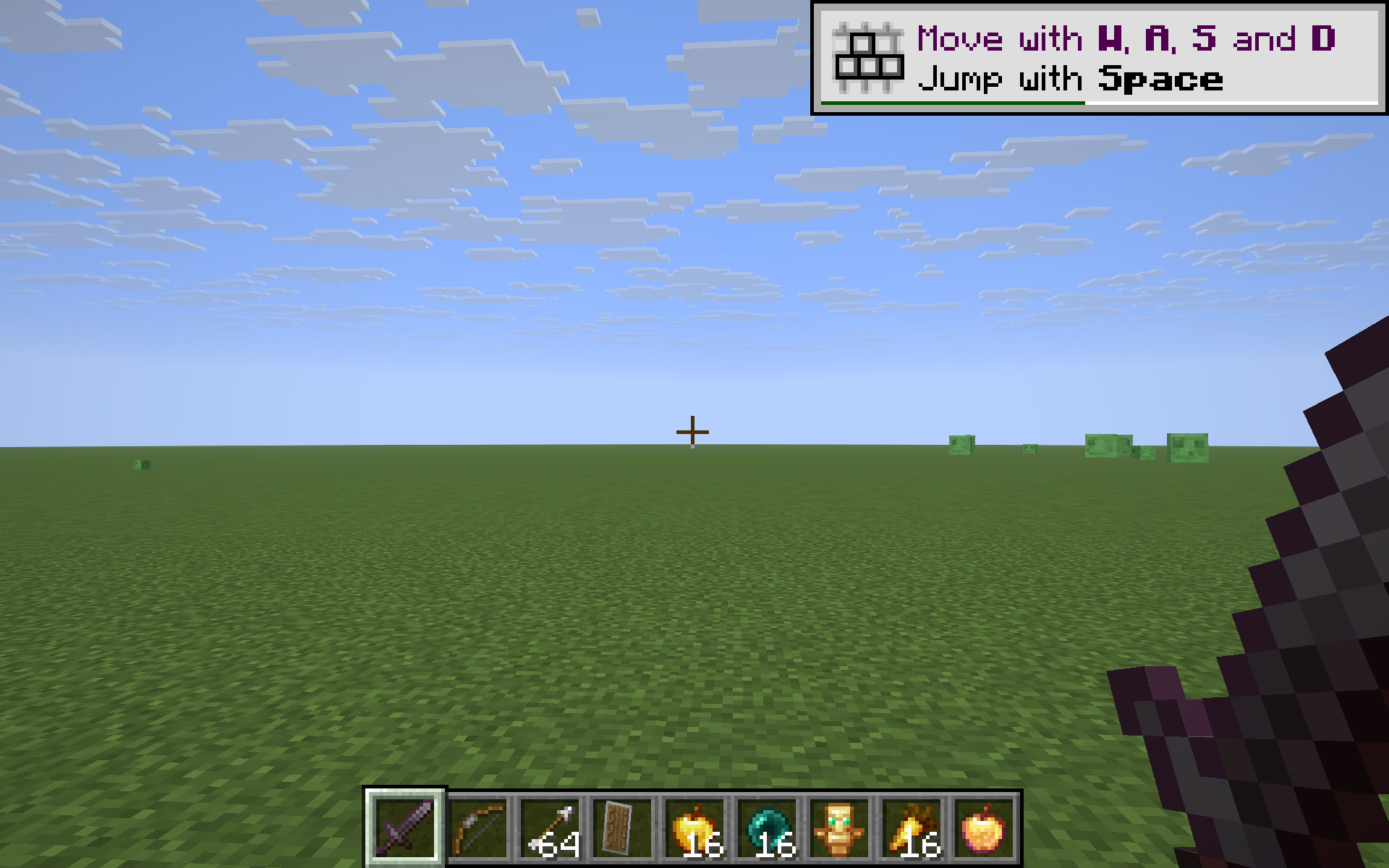
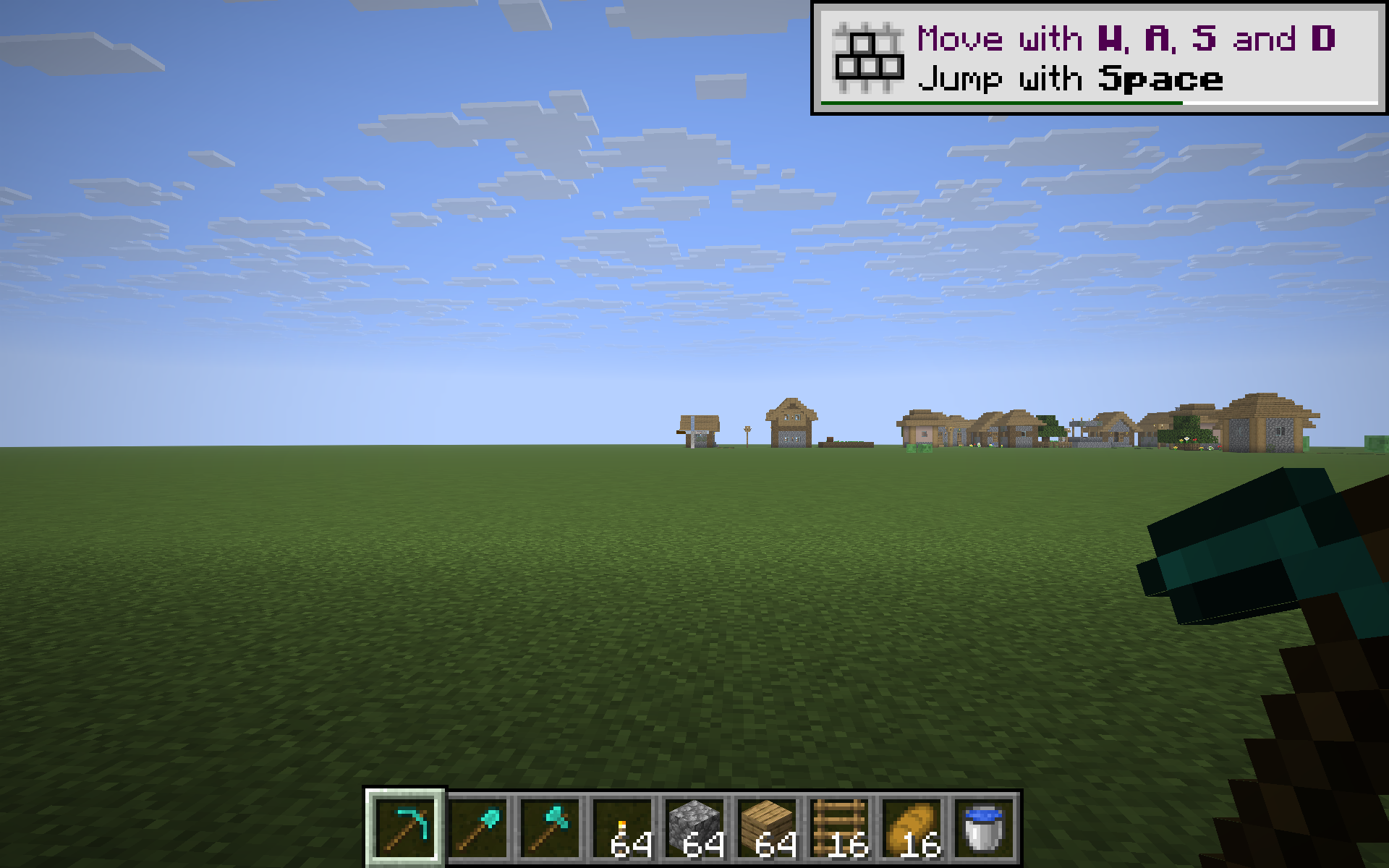
Hotswap turns the three rows of your main inventory into three preset hotbars. Pre-arrange them once – mining tools in row 1, combat gear in row 2, food and utilities in row 3 – and switch between them with a single keypress instead of dragging items around mid-fight.
Controls
- V – swap your current hotbar with row 1 of the inventory (toggle: press again to swap back).
- B – cycle the hotbar through rows 1 -> 2 -> 3 -> 1 -> … each press swaps the hotbar with the next stored loadout.
A subtle action-bar message confirms each swap so you always know which setup you’re on.
How it works
Hotswap performs real inventory clicks under the hood (ClientPlayerInteractionManager.clickSlot), the same way you’d swap items by hand – just faster. No server-side mod required, no protocol changes, no item duplication. Items that are identical in both rows are skipped to keep the operation snappy.
Example workflow
- Row 1 – pickaxe, shovel, axe, torches, cobblestone (the mining kit).
- Row 2 – sword, bow, arrows, shield, food, totem (the combat kit).
- Row 3 – wheat, bone meal, seeds, beds, lantern (the farming kit).
Tap V to flip to mining instantly. Tap B twice to jump straight to farming. Your previous hotbar slides safely into the row it came from.
Compatibility
Works on Minecraft 1.21.8, 1.21.9, 1.21.10, and 1.21.11 (Fabric Loader 0.16+). One JAR for all four versions.
- Pure client-side – install only on your client, works on any vanilla server.
- Keys are read via raw GLFW polling, so no rebind UI is needed and the mod stays cross-version.
- Won’t trigger while a text field is focused (chat / sign / anvil etc.).
Why
Vanilla’s swap-with-offhand (F) only moves a single item. Mods that auto-sort the inventory rearrange but don’t preserve intent. Hotswap respects the layout you set up and lets you switch contexts with the speed of a number-key press.
常见问题
Hotswap 支持哪些 Minecraft 版本?
Hotswap 支持 Minecraft Java 版 1.21.8–1.21.11,共 4 个版本,可用的加载器:Fabric。下载时注意选择和你游戏版本一致的文件。
Hotswap 怎么安装?
先用 PCL2 或 HMCL 启动器安装对应版本的 Fabric,再把下载的 .jar 文件放进游戏目录的 mods 文件夹,重新启动游戏即可。开启了版本隔离的,mods 文件夹在 versions/版本名 下面。
kvapilvaclav0 的其他作品
查看全部 →
Verity dog
这个模组会把你的狗变成 Verity。

TargetLock
Press J to instantly aim your camera at the nearest living entity within 10 blocks. If no entity is in range, a message will appear on your screen letting you know.
TargetLock
Press J to instantly aim your camera at the nearest living entity within 10 blocks. If no entity is in range, a message will appear on your screen letting you know.

BowCharge
Centered HUD bar showing the exact draw % of your bow and charge % of a crossbow, with a red-yellow-green gradient and a clear DRAWN!/LOADED! cue at full power. Toggle with B.
评论
登录后评论和评分