
Command Hotkeys
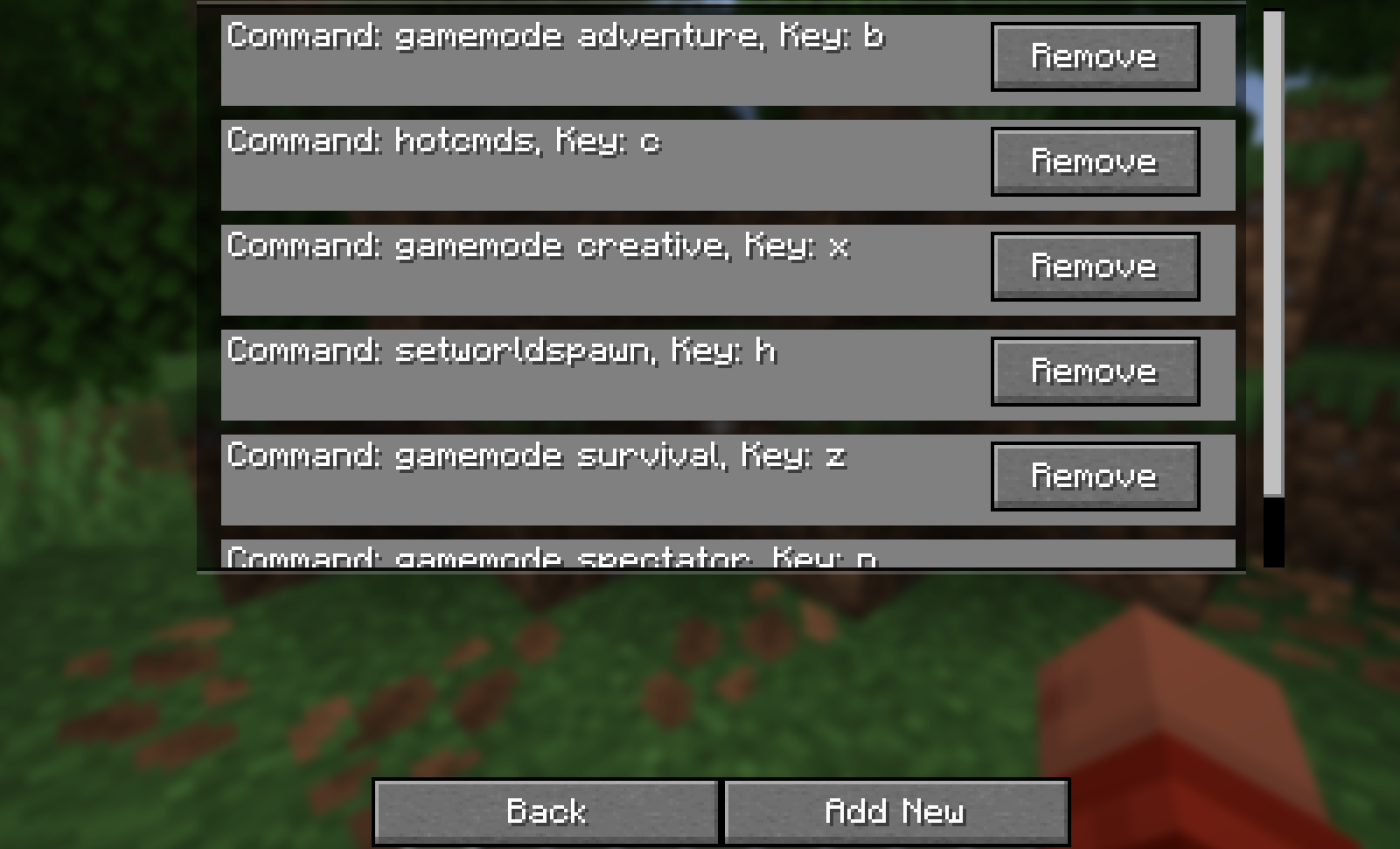
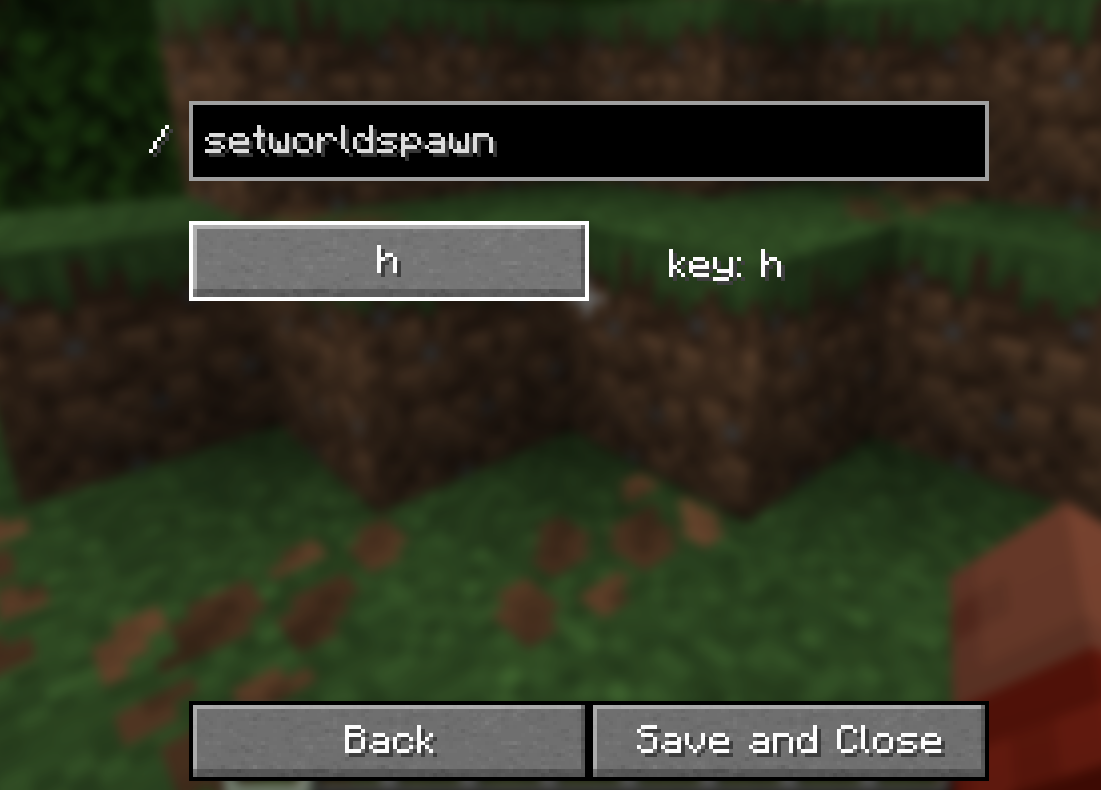
Allows you to bind hotkeys to a command. Use /hotcmds or the keybind(default k) to open the configuration menu
截图
介绍
中文介绍正在准备中,下面暂时显示原文。
Allows you to type a command and bind a key to said command. All entries are saved and viewable in the list menu displaying the command, the key, and the option to remove. The intention is to create a shortcut of any key to instantly send any command the user wants while saving the configurations. The menu can be accessed by typing /hotcmds or using the keybind which is deafult to k but can be changed via the vanilla menu.
常见问题
Command Hotkeys 支持哪些 Minecraft 版本?
Command Hotkeys 支持 Minecraft Java 版 1.21.5–26.2,共 8 个版本,可用的加载器:Fabric。下载时注意选择和你游戏版本一致的文件。
Command Hotkeys 怎么安装?
先用 PCL2 或 HMCL 启动器安装对应版本的 Fabric,再把下载的 .jar 文件放进游戏目录的 mods 文件夹,重新启动游戏即可。开启了版本隔离的,mods 文件夹在 versions/版本名 下面。运行环境:仅客户端。
评论
登录后评论和评分