
Coordinates
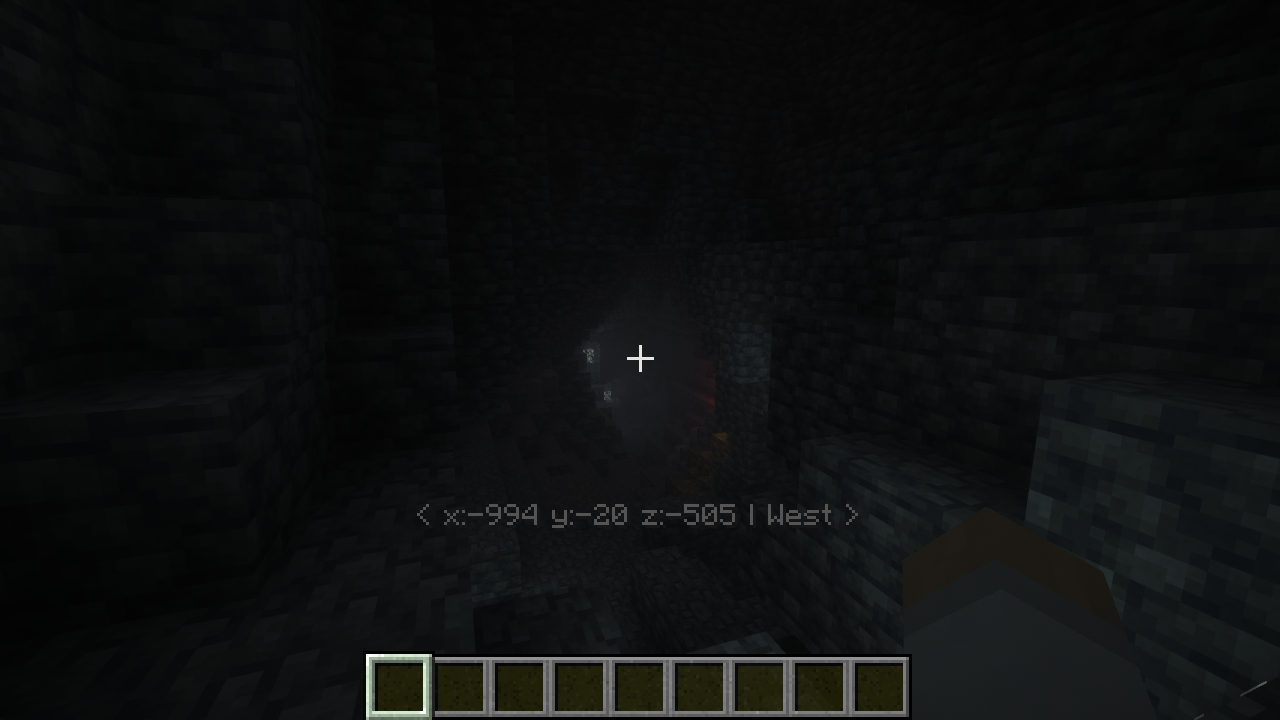
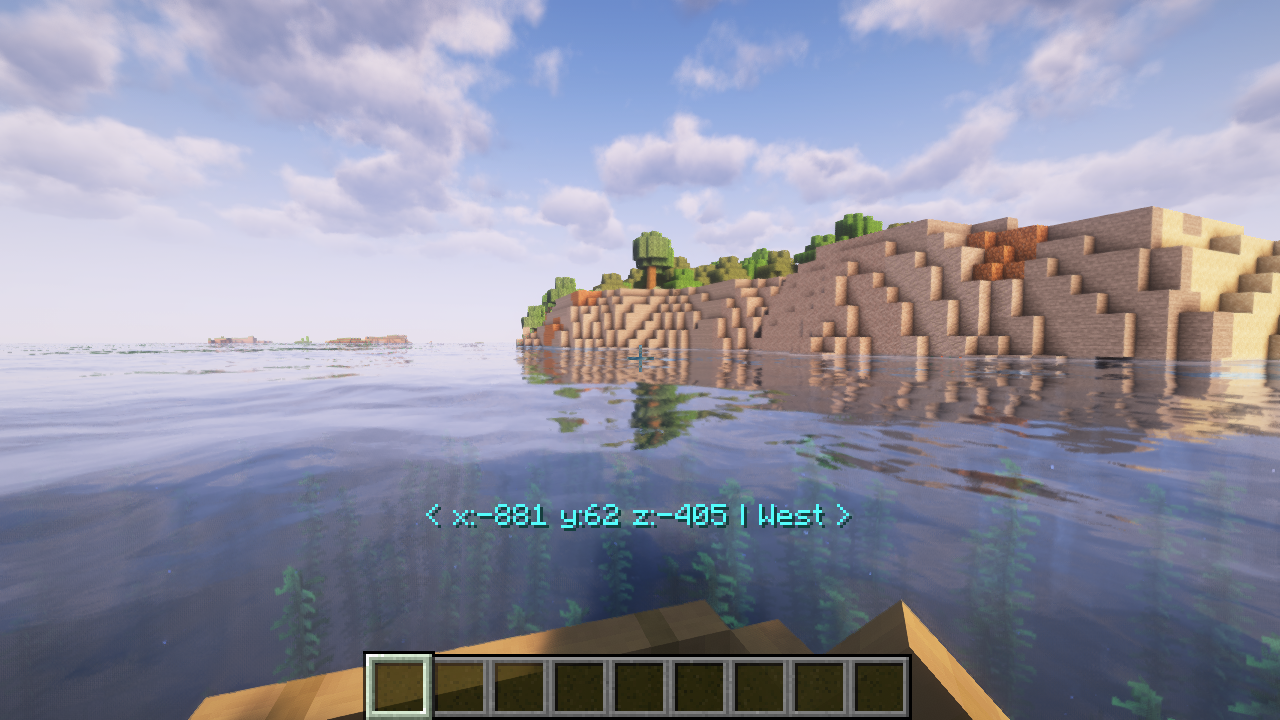
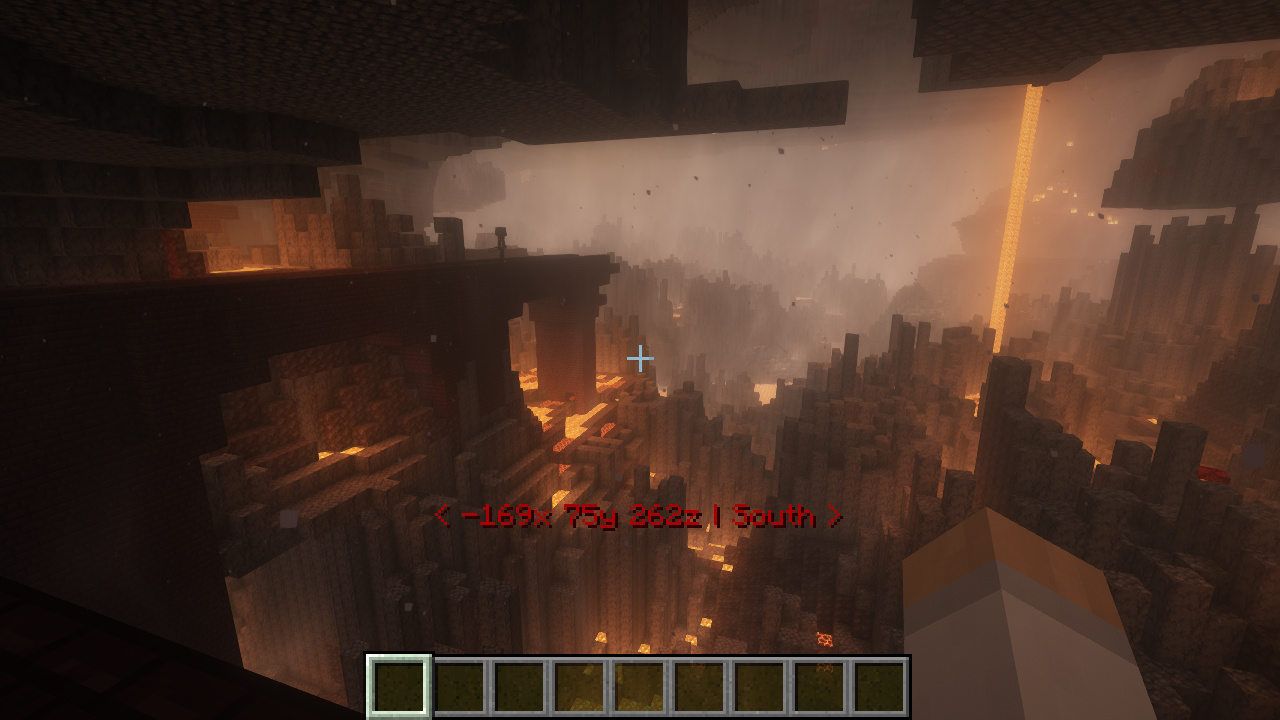
A Minecraft data pack that allows you to display your coordinates above your hotbar.
截图


介绍
Coordinates
Want to see your coordiantes above your hotbar? Don’t want to use mods? I’ve the perfect solution!
Coordinates is a Minecraft data pack that allows you to display your coordaintes above your hotbar.
Features
- Per player settings
- View coordinates and optionally facing direction above hotbar
- Color customizable
- Style customizable
- Easy to navigate menu
How to use
- Open the menu by using the command
/trigger Coordinates. - Using your mouse to then click the
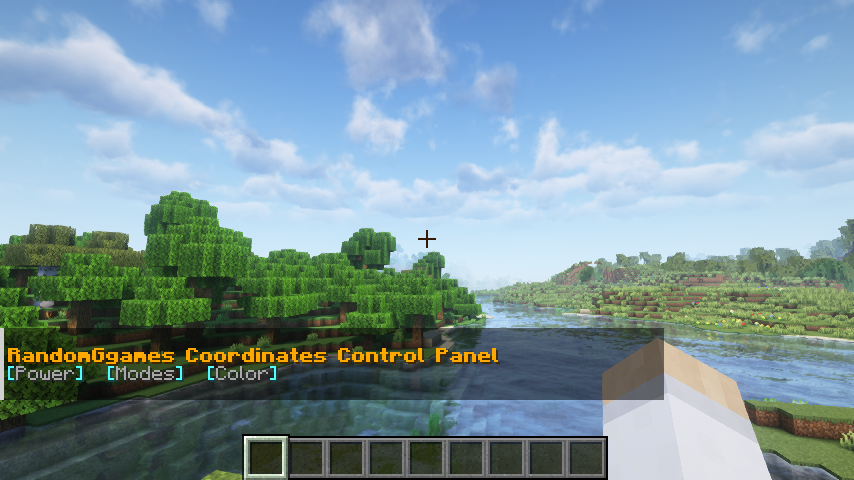
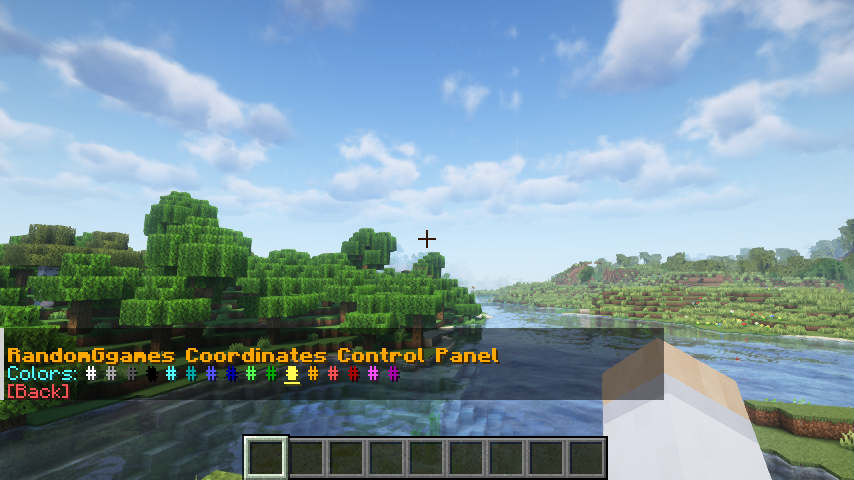
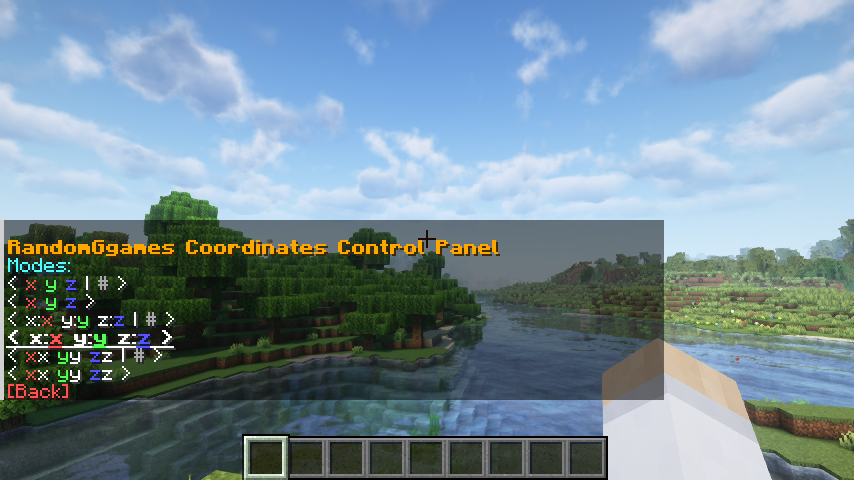
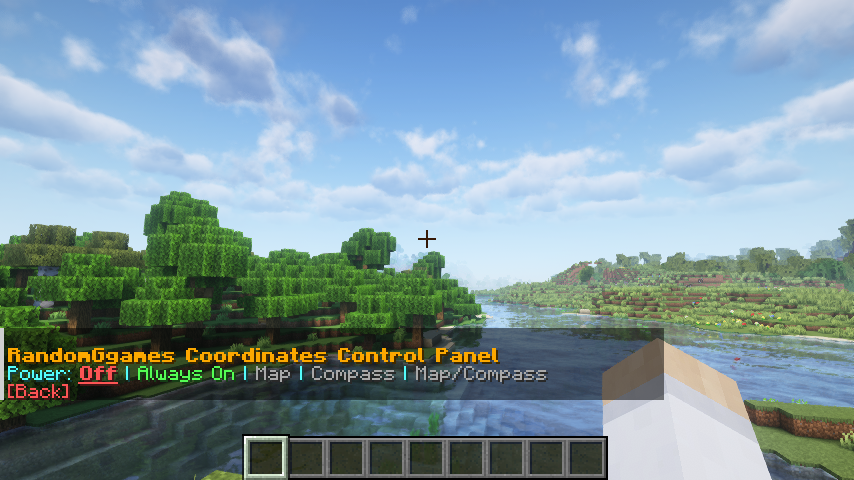
[Power],[Mode], or[Color]buttons to access that page. From there, you can change when the coordinates are displayed, what color the text is, and the style your coordinates are shown as.
Control Panel
Main Menu
Color Menu
Mode Menu
Power Menu
常见问题
Coordinates 支持哪些 Minecraft 版本?
Coordinates 支持 Minecraft Java 版 1.19–26.3,共 17 个版本,可用的加载器:Fabric / Forge / NeoForge / Quilt。下载时注意选择和你游戏版本一致的文件。
Coordinates 怎么安装?
先用 PCL2 或 HMCL 启动器安装对应版本的 Fabric / Forge / NeoForge / Quilt,再把下载的 .jar 文件放进游戏目录的 mods 文件夹,重新启动游戏即可。开启了版本隔离的,mods 文件夹在 versions/版本名 下面。运行环境:客户端 / 服务端。
RandomGgames 的其他作品
查看全部 →
Litematica Printer
这个分支为Litematica补上了缺失的打印功能

Load Breaking
Changes the breaking animation into a loading bar.

Netherite Instant Mining
Instant mine deepslate and logs when a netherite pickaxe or axe has efficiency 5 and the player has haste 2

Equal Sapling Rates
Makes all sapling types have the same drop chance
评论
登录后评论和评分