
Hotbar Layout Editor
Make your hotbar finally feel like yours. Move and hide individual hotbar slots with a simple in game editor.
截图

介绍
🌐 ITITAN Hosting

Hotbar Layout Editor
Customize your Minecraft hotbar layout directly in game.
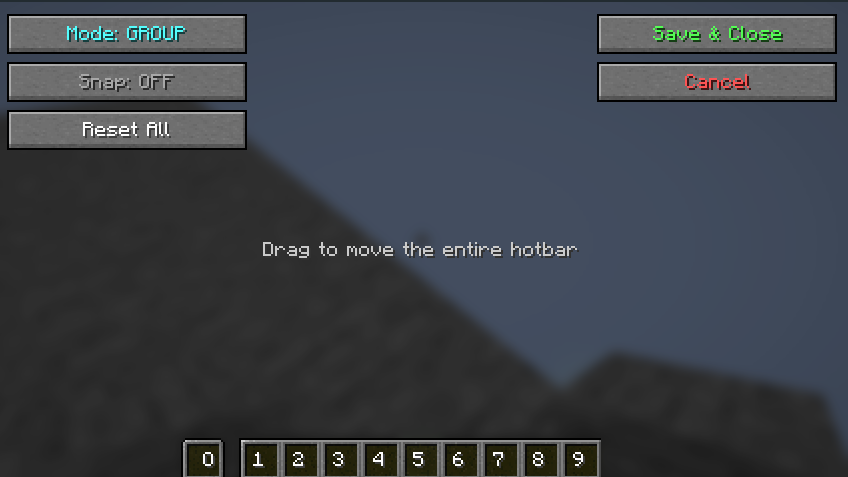
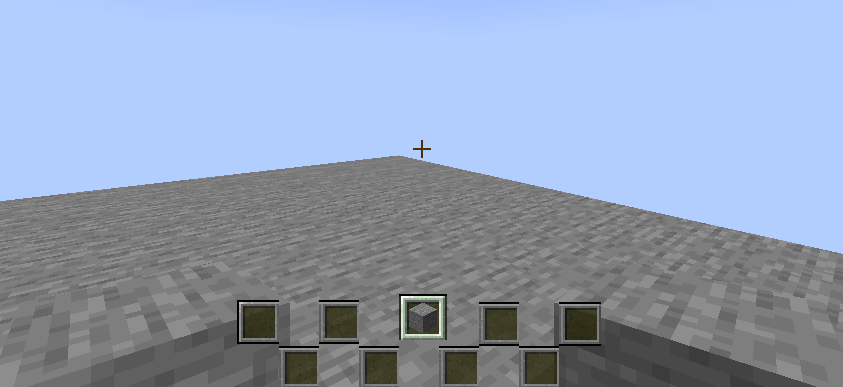
Move each slot individually, move the whole hotbar as a group, hide GUI slots visually.
Clean Gui
How to Use
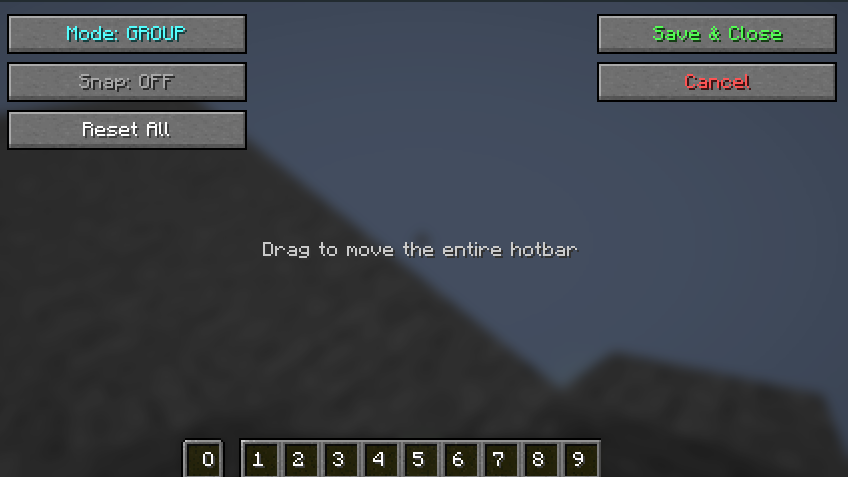
- Press
Hto open the editor - Choose your editing mode:
- Group: Drag to move all slots together
- Individual: Drag each slot separately
- Right-click on the slot you want to hide. Right-click again to make it visible again.
- Enable Snap for grid-aligned positioning
- Click the “Reset” button to clear the changes
- Click the “Save & Close” button to save your changes

This mod is client-side only and safe to use on any server. It does not modify inventory behavior, send packets, or require server-side installation.
Your feedback is important to us. You can write on Discord. Discord name: tpcoffline
TODO
- Add image background support for hud
常见问题
Hotbar Layout Editor 支持哪些 Minecraft 版本?
Hotbar Layout Editor 支持 Minecraft Java 版 1.21.4–26.1.2,共 11 个版本,可用的加载器:Fabric。下载时注意选择和你游戏版本一致的文件。
Hotbar Layout Editor 怎么安装?
先用 PCL2 或 HMCL 启动器安装对应版本的 Fabric,再把下载的 .jar 文件放进游戏目录的 mods 文件夹,重新启动游戏即可。开启了版本隔离的,mods 文件夹在 versions/版本名 下面。运行环境:仅客户端。
tpcoffline 的其他作品
查看全部 →
Rideable Dolphins
Ride Dolphins With Salmon on a Stick!

Just Cigarette
Just cigarettes you can smoke. Nothing more.
Just Cigarette
Just cigarettes you can smoke. Nothing more.

Happy Speed – Happy Ghast Enchantment
This mod adds a harness enchantment that makes Happy Ghasts move faster.
评论
登录后评论和评分