
截图
介绍
中文介绍正在准备中,下面暂时显示原文。
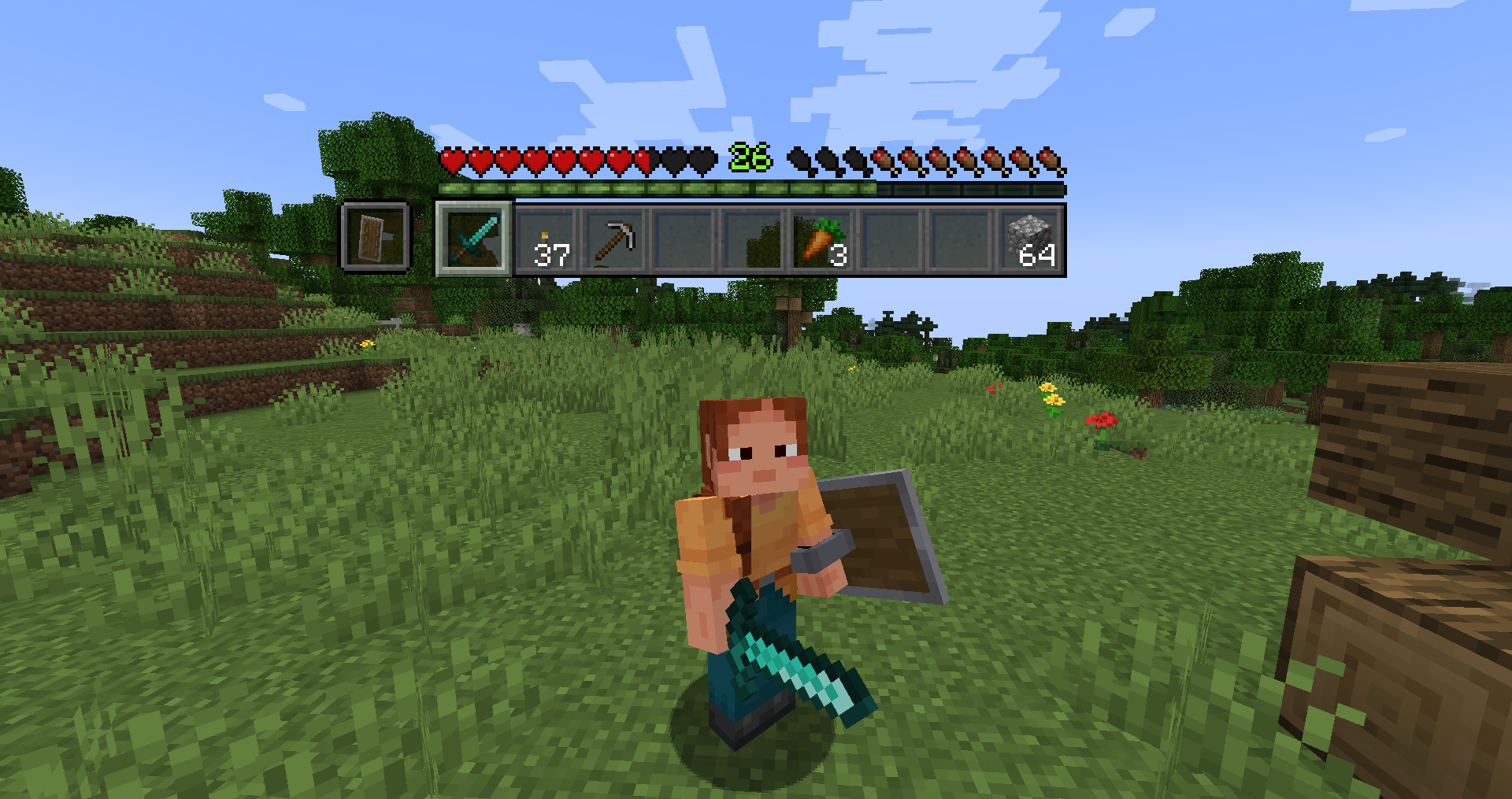
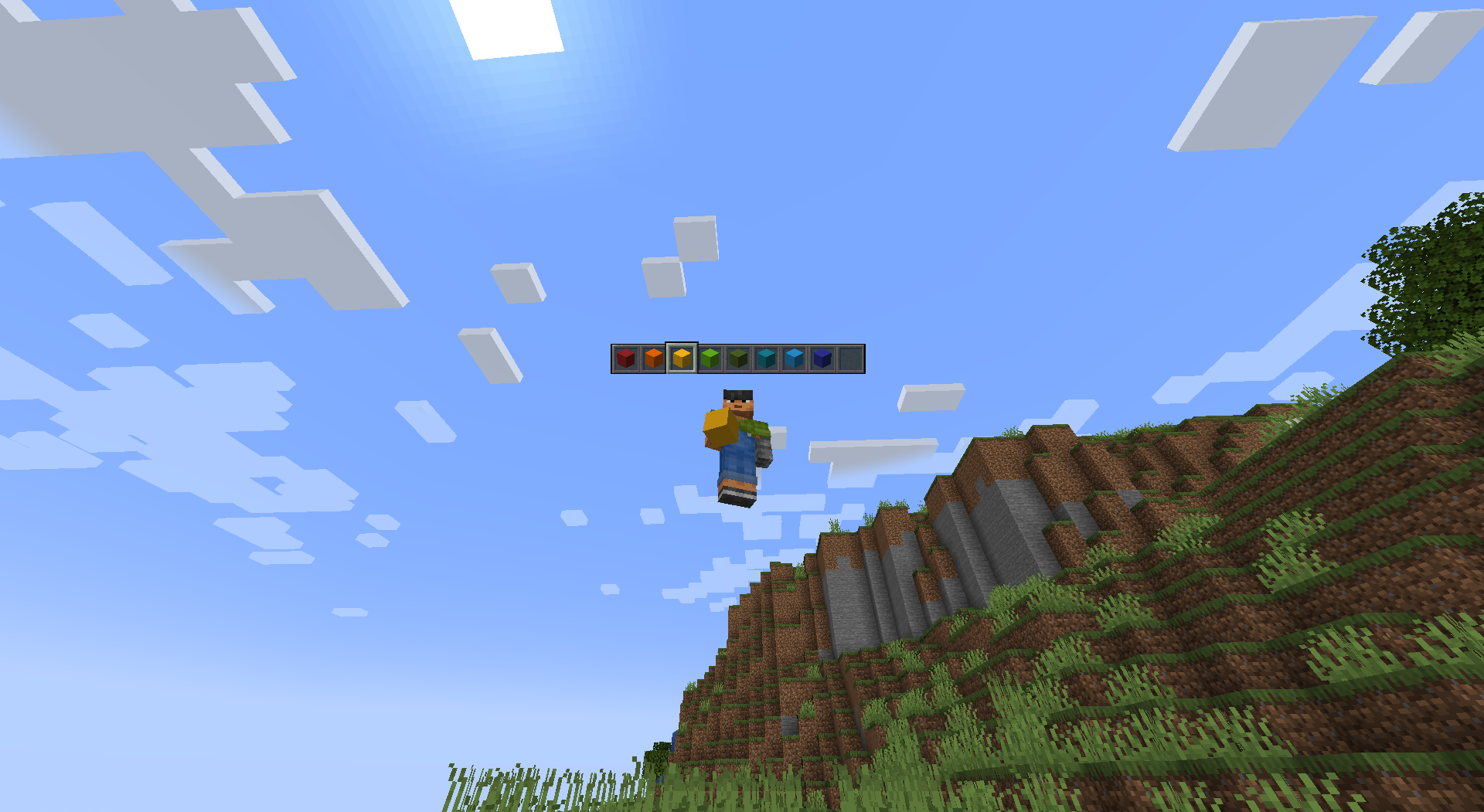
When installed on the client and server, players can see eachother’s hotbars with hearts, hunger, xp, armor etc too.
You can configure if you want it to show all the time or just fade in when something on the hotbar changes (selected item, health etc).
常见问题
Hotbar Heads 支持哪些 Minecraft 版本?
Hotbar Heads 支持 Minecraft Java 版 1.21.5,可用的加载器:Fabric。下载时注意选择和你游戏版本一致的文件。
Hotbar Heads 怎么安装?
先用 PCL2 或 HMCL 启动器安装对应版本的 Fabric,再把下载的 .jar 文件放进游戏目录的 mods 文件夹,重新启动游戏即可。开启了版本隔离的,mods 文件夹在 versions/版本名 下面。运行环境:客户端和服务端都要装。
BillBodkin 的其他作品
查看全部 →
Auto Workstations (Fabric)
by BillBodkin
新增原版工作站的自动化版本
165.2万
16 天前
CurseForge
F-Tech: Equipment
by BillBodkin
新增了可安装升级的背包和机械臂!
19万
16 天前
CurseForge
F-Tech: Core
by BillBodkin
F-Tech 系列模组的前置库
14.9万
16 天前
CurseForge

F-Tech: Equipment
by BillBodkin
Adds a new backpack with upgrades, and robotic arms!
7万
4 个月前
Modrinth
评论
登录后评论和评分