
截图
介绍


📖 About:
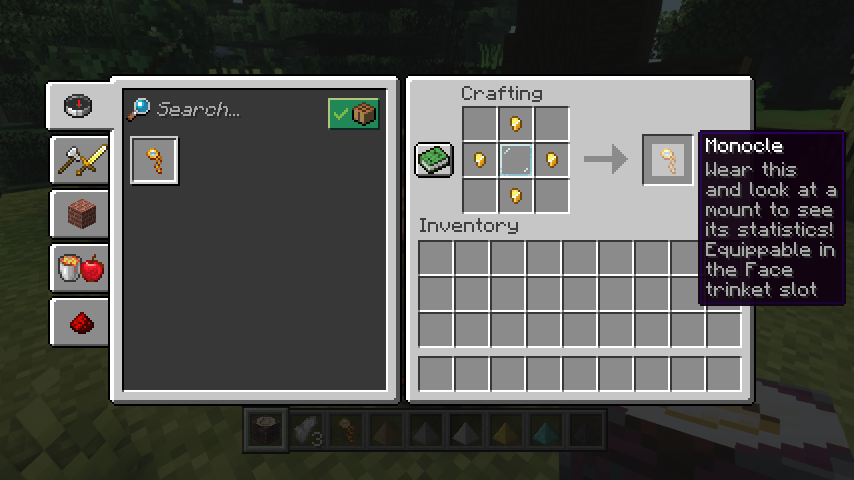
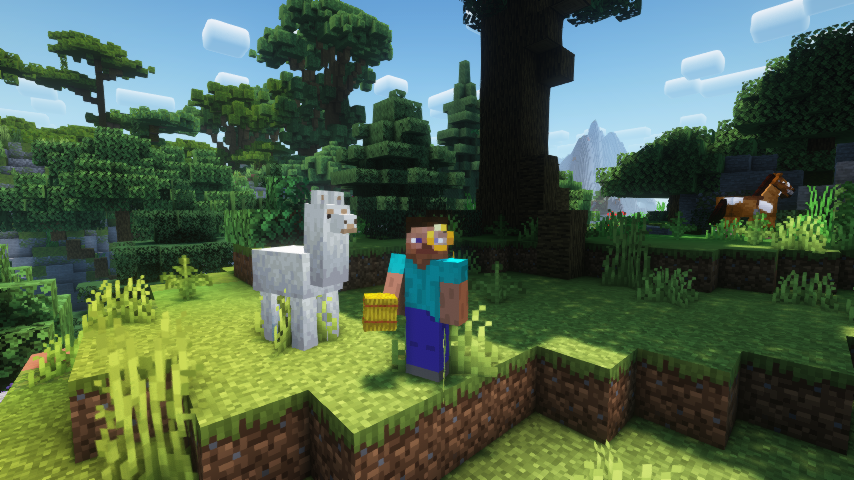
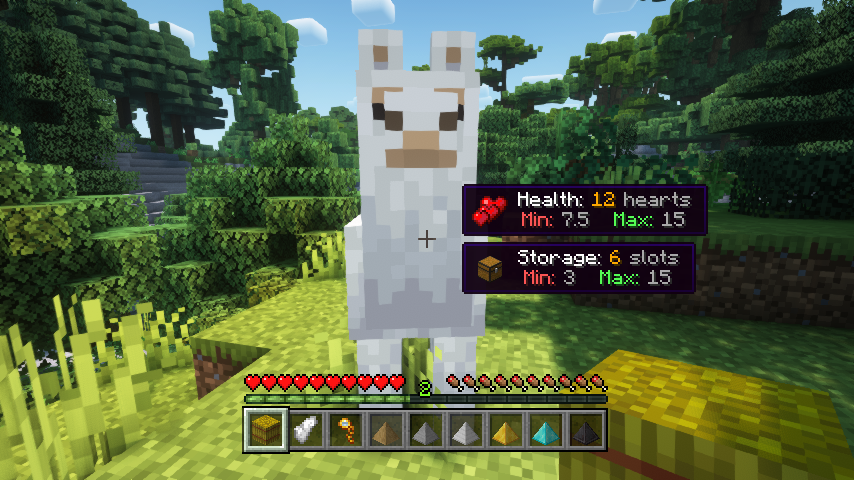
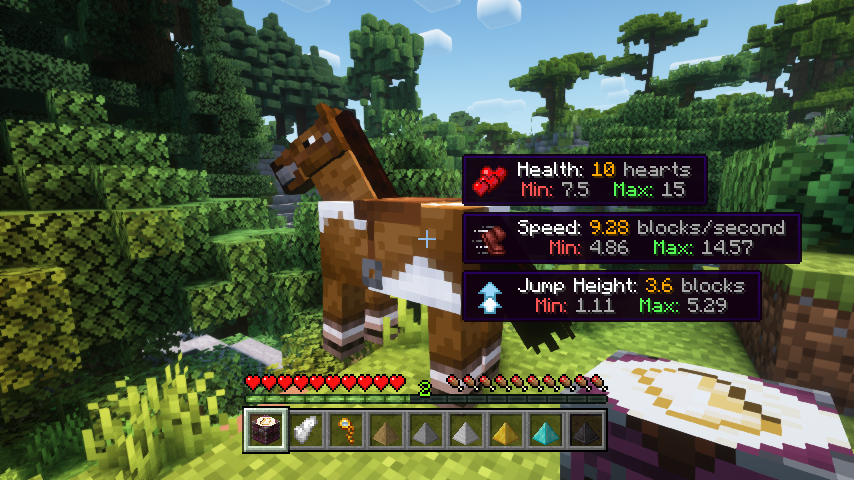
Horse Expert helps you greatly in selecting your trusted steed by showing you all relevant horse statistics. But wait, not just like that! You’ll have to craft and equip a monocle first. Then just look at a horse to see what’s going on (the horse must be tamed, configurable though). Also works for llamas, with extra information!
📷 Media:
|
|
|
| Who would have thought your horse was so skilled? | What an average llama | |
|
|
|
| With great knowledge comes great style | Crafting a monocle item | |
💡 FAQ:
Q: How do I configure this mod on Forge?
A: Install my Config Menus for Forge mod and do it directly in-game!
Q: How do I configure this mod on Fabric?
A: Editing configs directly in-game has not yet been implemented. Instead when in a world run the /config showfile <modid> command by choosing either CLIENT or SERVER (depending on the mod), then click the file name (ending with .toml) that appears in chat to be able to manually edit the config file in a separate editor. After saving the file, the config will automatically reload in-game after a couple of seconds, so no game restart required.
🏆 Credits:
Developing Easy Magic was helped and inspired by:
- TeaJ4y for inspiring this project from their Horse Stats Vanilla mod
- Ron0 for creating those gorgeous monocle textures


 |
 |
|
 |
 |
|
 |
 |
|
 |
 |
|
 |
 |
|
常见问题
Horse Expert 支持哪些 Minecraft 版本?
Horse Expert 支持 Minecraft Java 版 1.18.2–26.3,共 22 个版本,可用的加载器:Fabric / Forge / NeoForge。下载时注意选择和你游戏版本一致的文件。
Horse Expert 怎么安装?
先用 PCL2 或 HMCL 启动器安装对应版本的 Fabric / Forge / NeoForge,再把下载的 .jar 文件放进游戏目录的 mods 文件夹,重新启动游戏即可。开启了版本隔离的,mods 文件夹在 versions/版本名 下面。
Fuzs 的其他作品
查看全部 →
Puzzles Lib
为什么叫谜题?这就是谜题所在。

Forge Config API Port
为其他模组生态提供 NeoForge 和 Forge 的配置系统。专为多加载器架构设计。

Visual Workbench
物品会留在工作台内,并且会渲染在上方。真的很精致!

Pick Up Notifier
收集到的所有物品都会通知你。
评论
登录后评论和评分