Holoplan
Client-side blueprints for Fabric: capture builds, project schematics as ghost blocks, check your progress and get material lists.
截图
介绍
Holoplan
Build from a blueprint – right in your world.
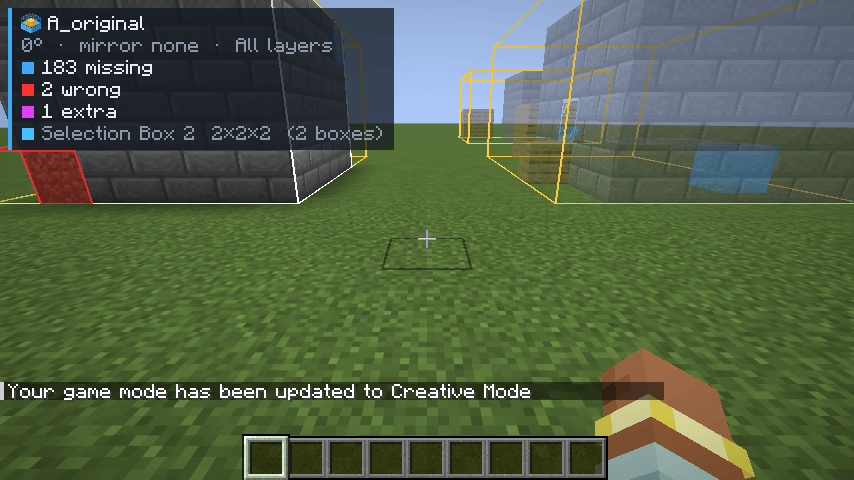
Holoplan is a client-side schematic tool for Fabric. Capture any area as a schematic, show schematics as translucent ghost blocks, see at a glance what is missing or wrong, and get a ready-made material list. No server mod needed – it works in singleplayer and on servers.
Features
Capture
- Select areas with two corners – with a stick or by coordinates, multiple boxes per selection
- Save as
.litematicor vanilla.nbt, including chest contents and other block entity data
Projection
- Show
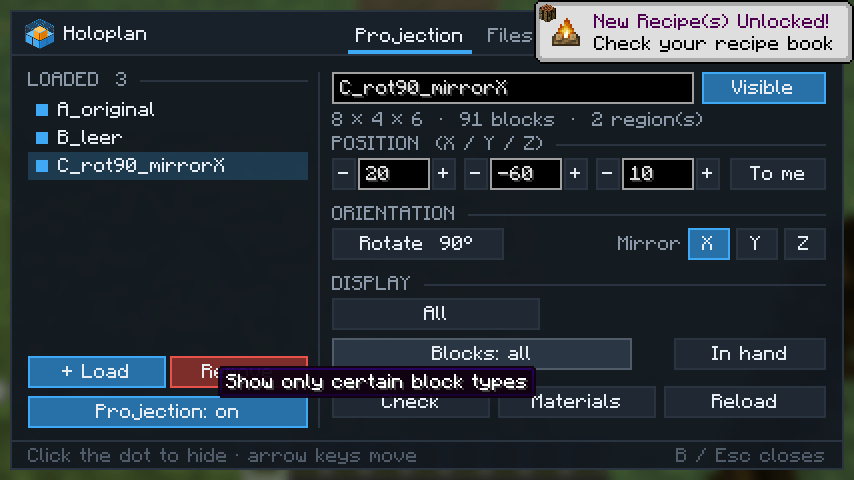
.litematicand.nbtfiles as ghost blocks with real block textures - Move, rotate in 90° steps and mirror on X, Y or Z
- Layer mode: all, a single layer, up to or from a height, or a range
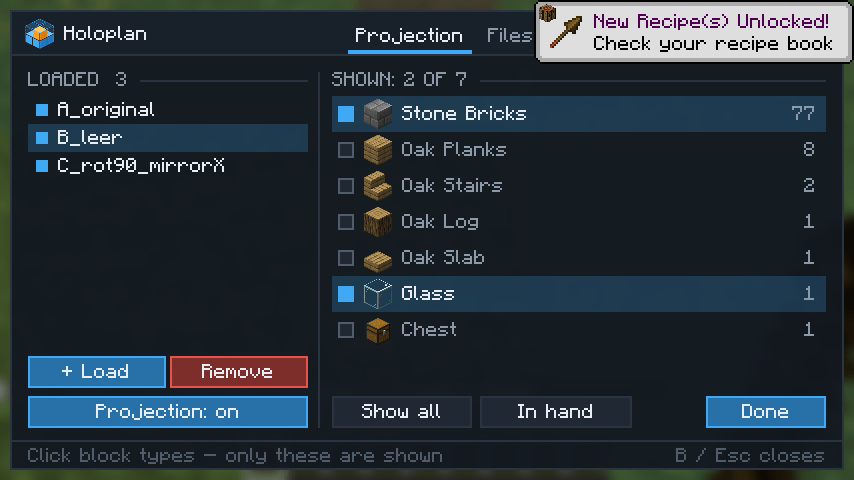
- Block filter: show only certain block types – or just the block in your hand
- Placements are saved per world and restored when you come back
Check & materials
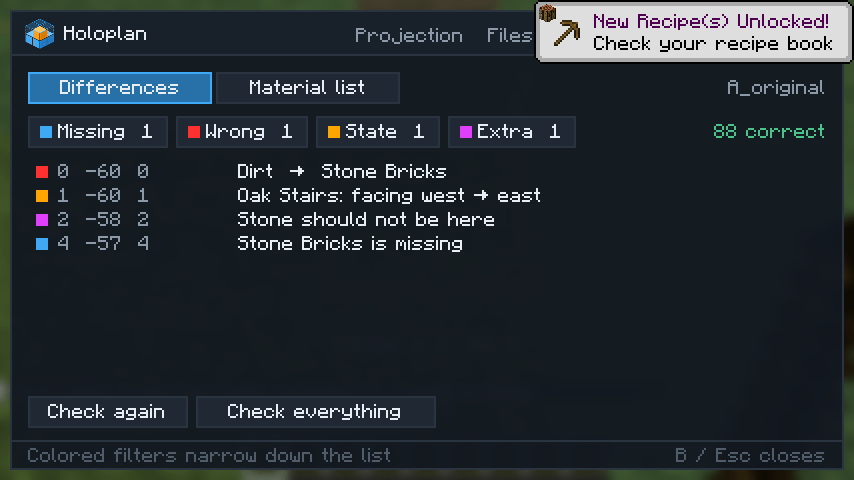
- Colored markers for missing blocks, wrong blocks, wrong orientation and extra blocks
- A list of every difference with exact coordinates, plus a live counter in the HUD
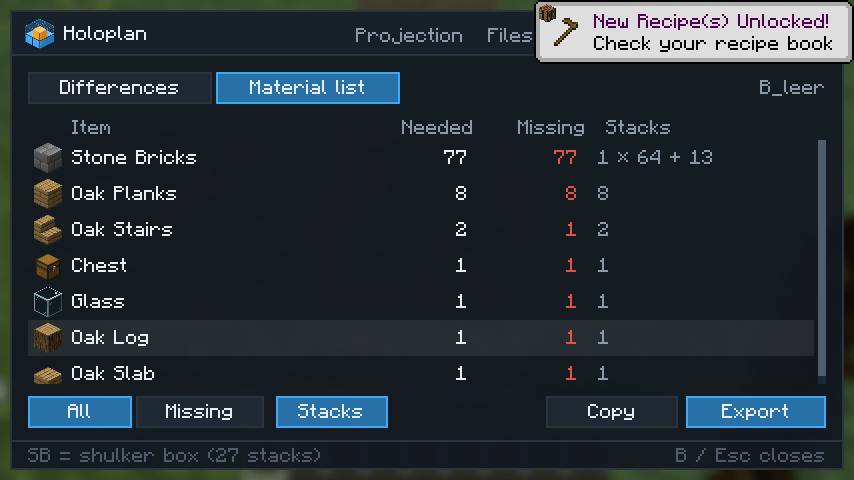
- Material list (needed / missing) in stacks and shulker boxes – copy it or export it as
.txt
Easy Placement
- Optional: right-click places the block the blueprint expects, facing the right way (stairs, logs, slabs, furnaces, pistons, observers …)
Comfort
- One clean window with five tabs: Projection, Files, Selection, Check, Options
- English and German, all keys rebindable, client command
/holoplan - Fast even with huge builds – ghost blocks stay on the GPU
Default keys
| Action | Key |
|---|---|
| Open / close window | B |
| Projection on / off | N |
| Move / rotate / mirror placement | Arrow keys |
| Layer up / down / mode | Page Up / Page Down / End |
| Selection tool (stick) | Left-click corner 1, right-click corner 2 |
Versions
One file per Minecraft version: 26.3, 26.2, 26.1 – 26.1.2, 1.21.11, 1.21.10, 1.21 – 1.21.1, 1.20.1. Requires Fabric API for the same version. 1.21.9 is not supported – please use 1.21.10.
Good to know
- Schematics go in
.minecraft/schematics/– the same folder Litematica uses, so existing files show up right away. - Holoplan never places blocks by itself; Easy Placement only picks the orientation. Strict anti-cheat servers may dislike the brief look-direction change – check the server rules first.
- Chest contents can only be captured fully in singleplayer.
- Chests, signs, beds and liquids show up as a translucent box instead of a model.
- Not tested with shader mods.
- Not affiliated with Litematica; it just uses the same file format.
常见问题
Holoplan 支持哪些 Minecraft 版本?
Holoplan 支持 Minecraft Java 版 1.20.1–26.3,共 10 个版本,可用的加载器:Fabric。下载时注意选择和你游戏版本一致的文件。
Holoplan 怎么安装?
先用 PCL2 或 HMCL 启动器安装对应版本的 Fabric,再把下载的 .jar 文件放进游戏目录的 mods 文件夹,重新启动游戏即可。开启了版本隔离的,mods 文件夹在 versions/版本名 下面。
评论
登录后评论和评分