HoloFrames
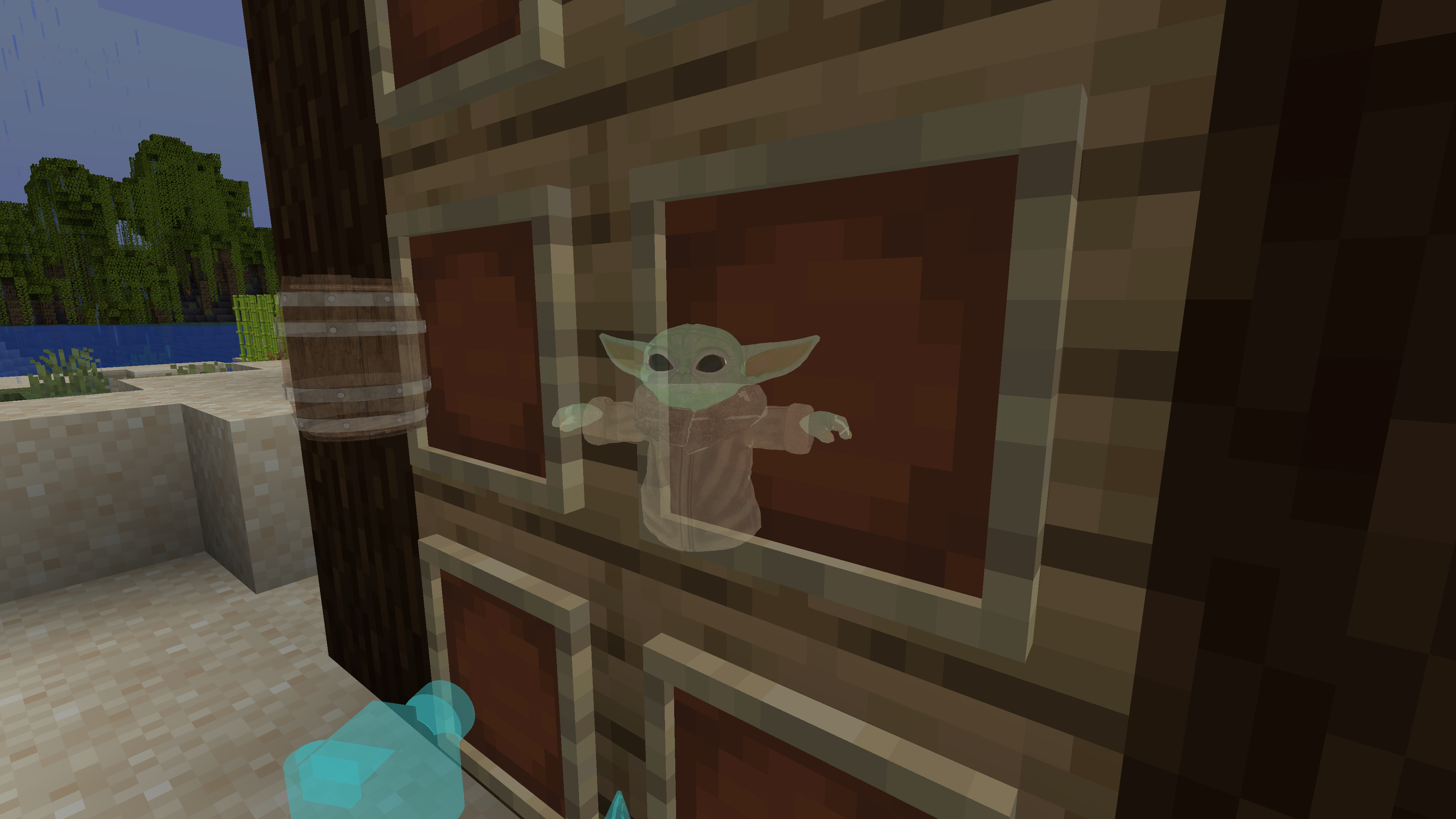
A Minecraft Fabric mod that allows you to display custom 3D hologram models in item frames using OBJ files and textures.
截图
介绍
HoloFrames
A Minecraft Fabric mod that allows you to display custom 3D hologram models in item frames using OBJ files and textures.
Features
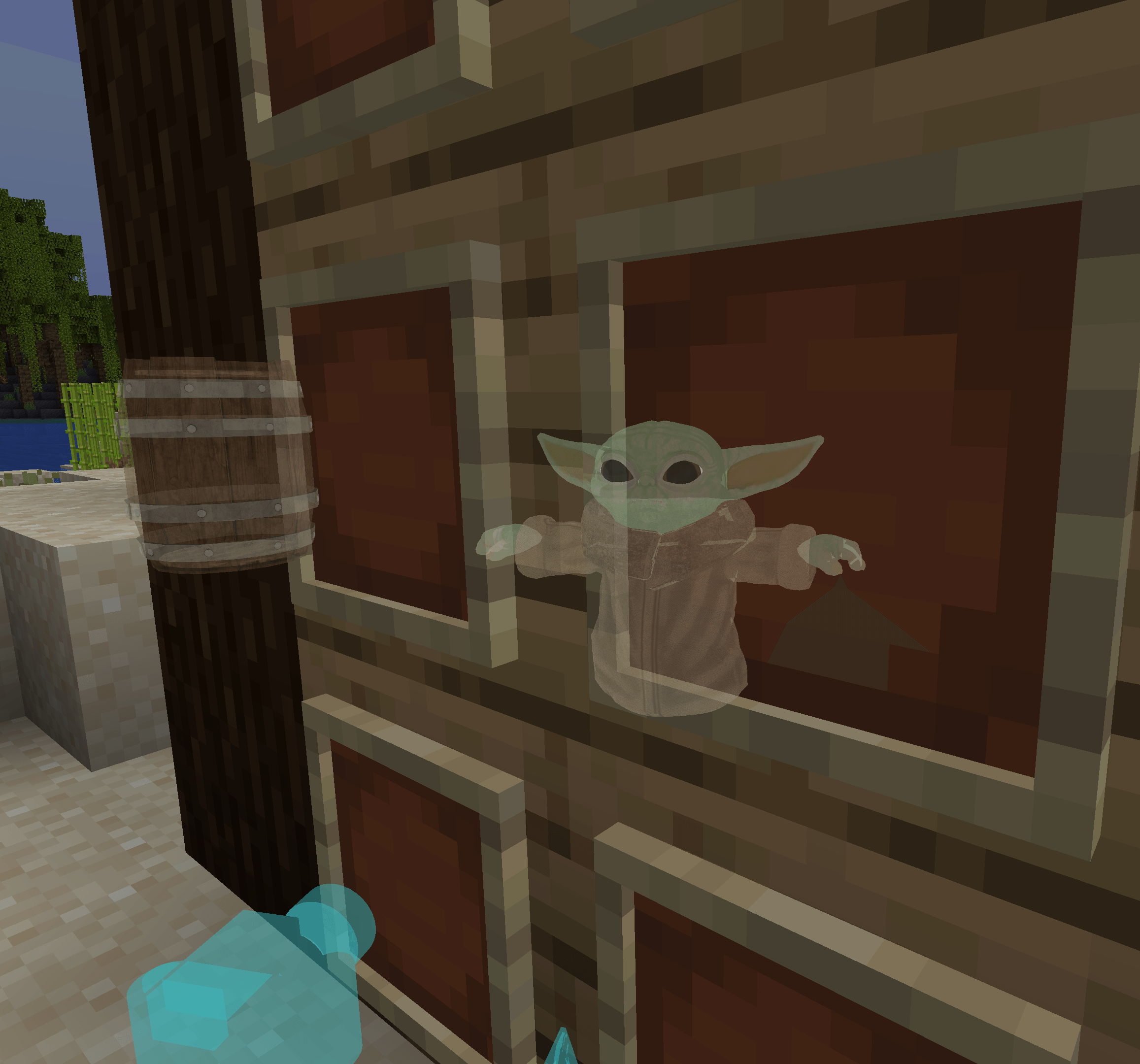
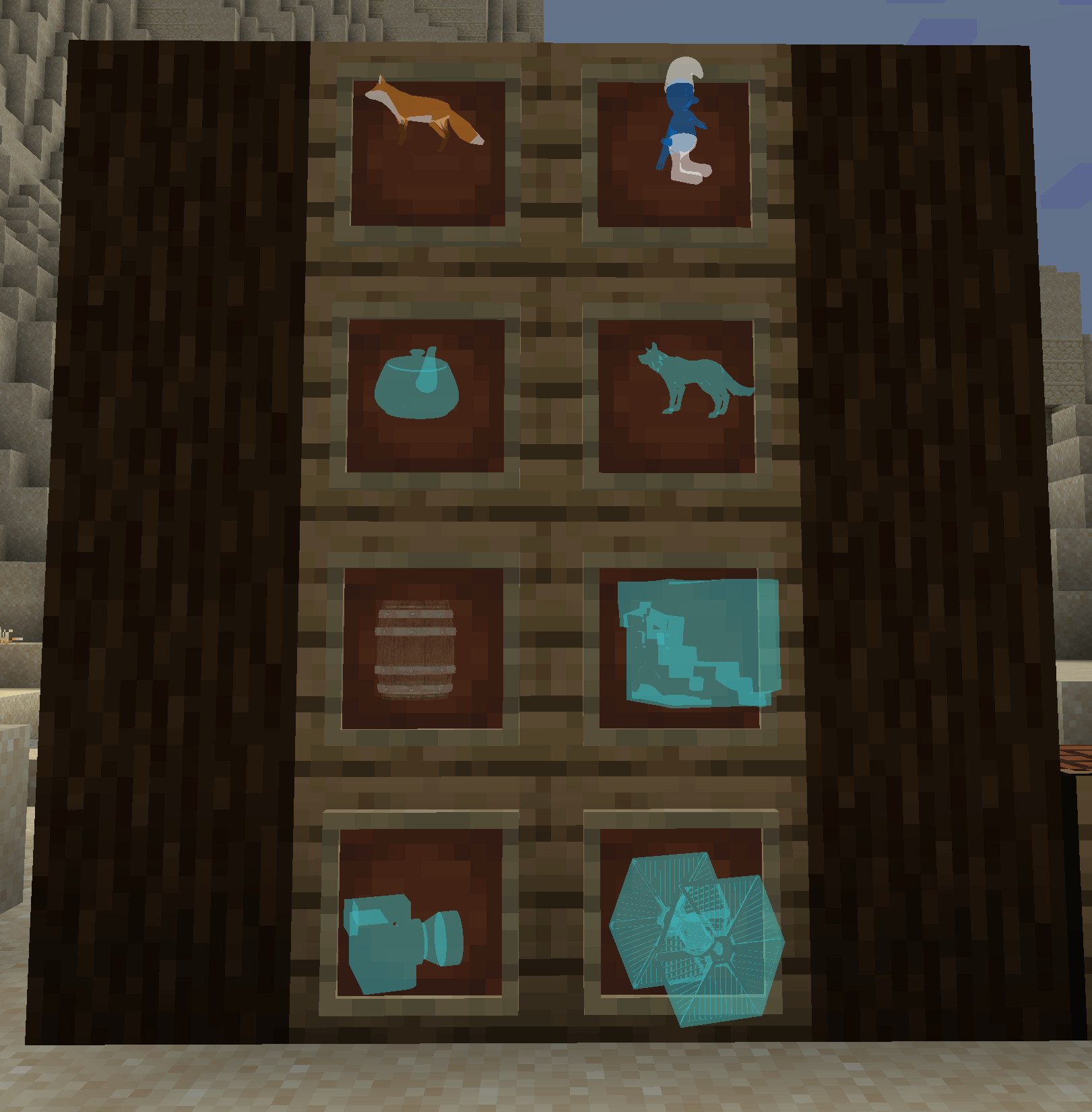
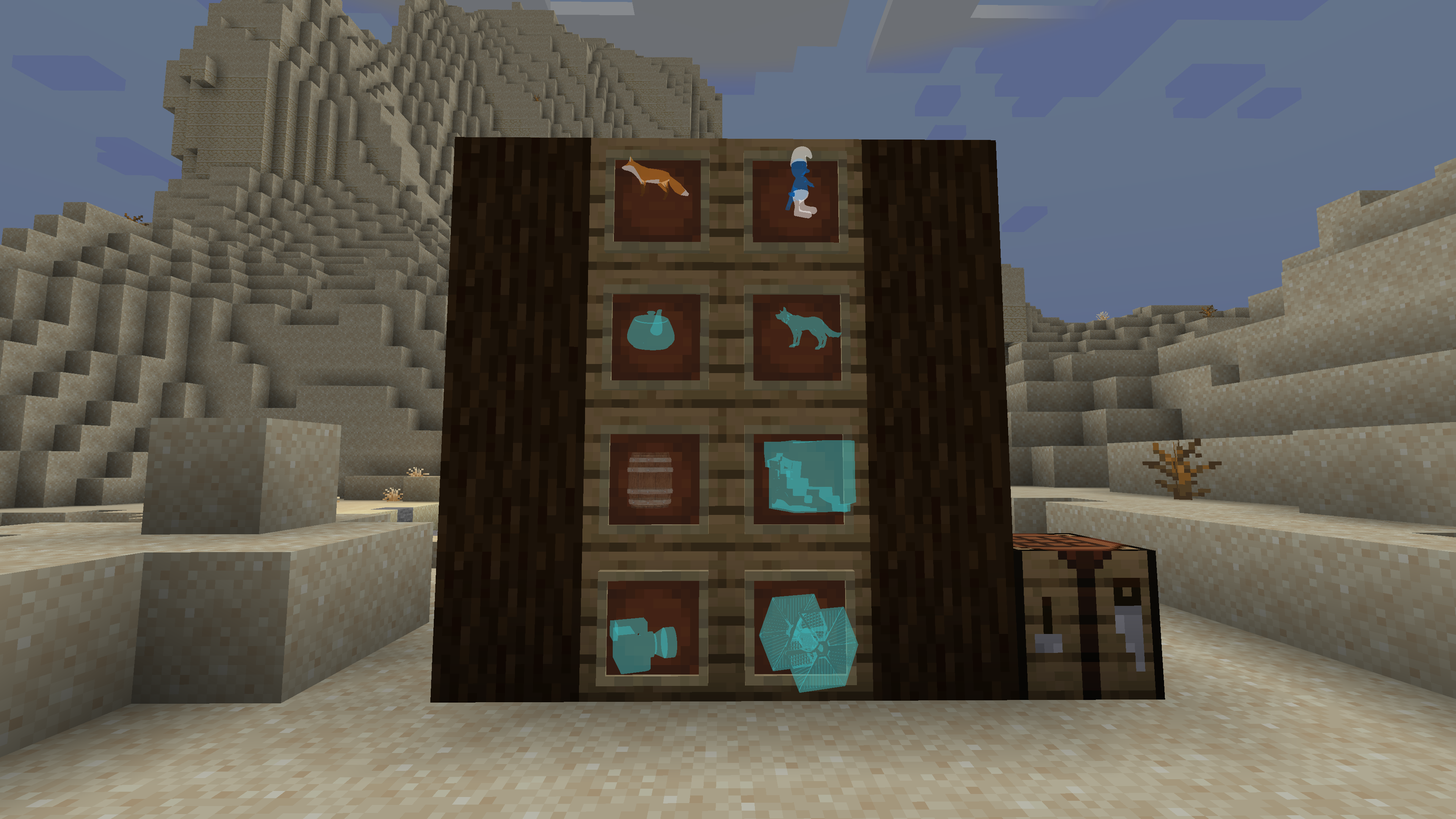
- Place hologram models in item frames using the Hologram item
- Supports custom OBJ models and PNG textures
- In-game GUI for selecting hologram models
- Server-client synchronization of model data
Screenshots
Getting Started
Requirements
- Minecraft 1.21.5
- Fabric Loader 0.16.14 or newer
- Fabric API
Adding Custom Hologram Models
- Place your
.objmodel files and corresponding texture files (PNG) in:
config/holoframes/models/
2. The texture file name must match the reference in the OBJ file (e.g., `mtllib`/`usemtl`).
3. Restart Minecraft or reload the mod to load new models.

## Usage
- Craft the Hologram item using glass and lapis lazuli.
- Right-click with the Hologram item to open the model selection screen.
- Place the Hologram item in an item frame to display the selected hologram.

## Credits
- [FabricMC](https://fabricmc.net/)
- [Jackson Hoggard](mailto:[email protected])
常见问题
HoloFrames 支持哪些 Minecraft 版本?
HoloFrames 支持 Minecraft Java 版 1.21.5,可用的加载器:Fabric。下载时注意选择和你游戏版本一致的文件。
HoloFrames 怎么安装?
先用 PCL2 或 HMCL 启动器安装对应版本的 Fabric,再把下载的 .jar 文件放进游戏目录的 mods 文件夹,重新启动游戏即可。开启了版本隔离的,mods 文件夹在 versions/版本名 下面。
blu1980 的其他作品
查看全部 →
Baby Yoda Mod
Mod that adds baby yoda into Minecraft

Feast Mod
Add various new food items and entities to Minecraft. Foods, such as the turkey, can be placed onto tables and eaten by players.

HoloFrames
A Minecraft Fabric mod that allows you to display custom 3D hologram models in item frames using OBJ files and textures.

Spiders Make Webs
Enhances spider behavior by allowing them to create cobwebs in the world. This mod introduces new AI goals for spiders, enabling them to generate cobwebs and web patterns dynamically.
评论
登录后评论和评分