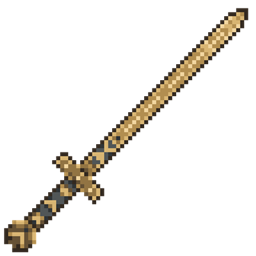
Hofuð
Heimdall's sword from God of War! Right click to trigger a realm shift and slow entities around you
截图
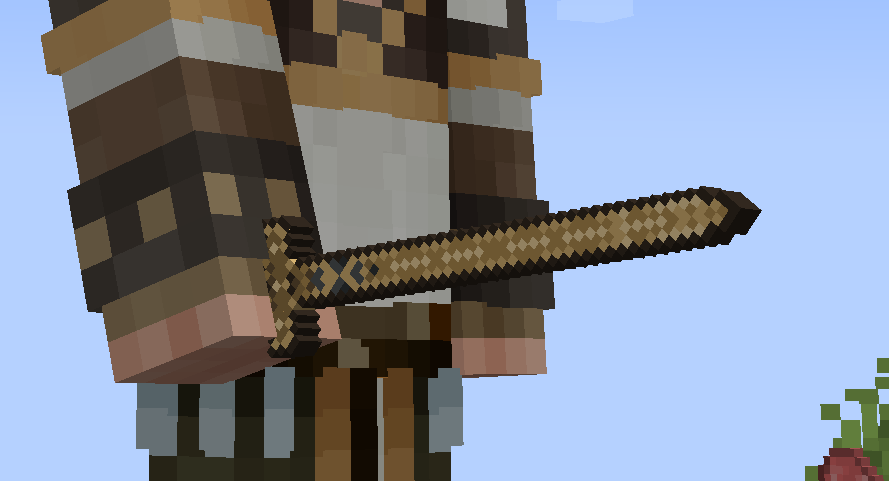
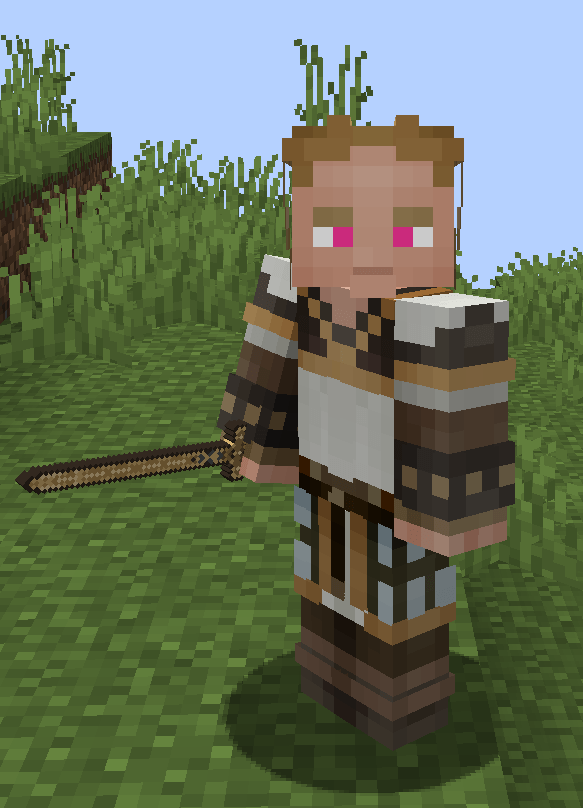
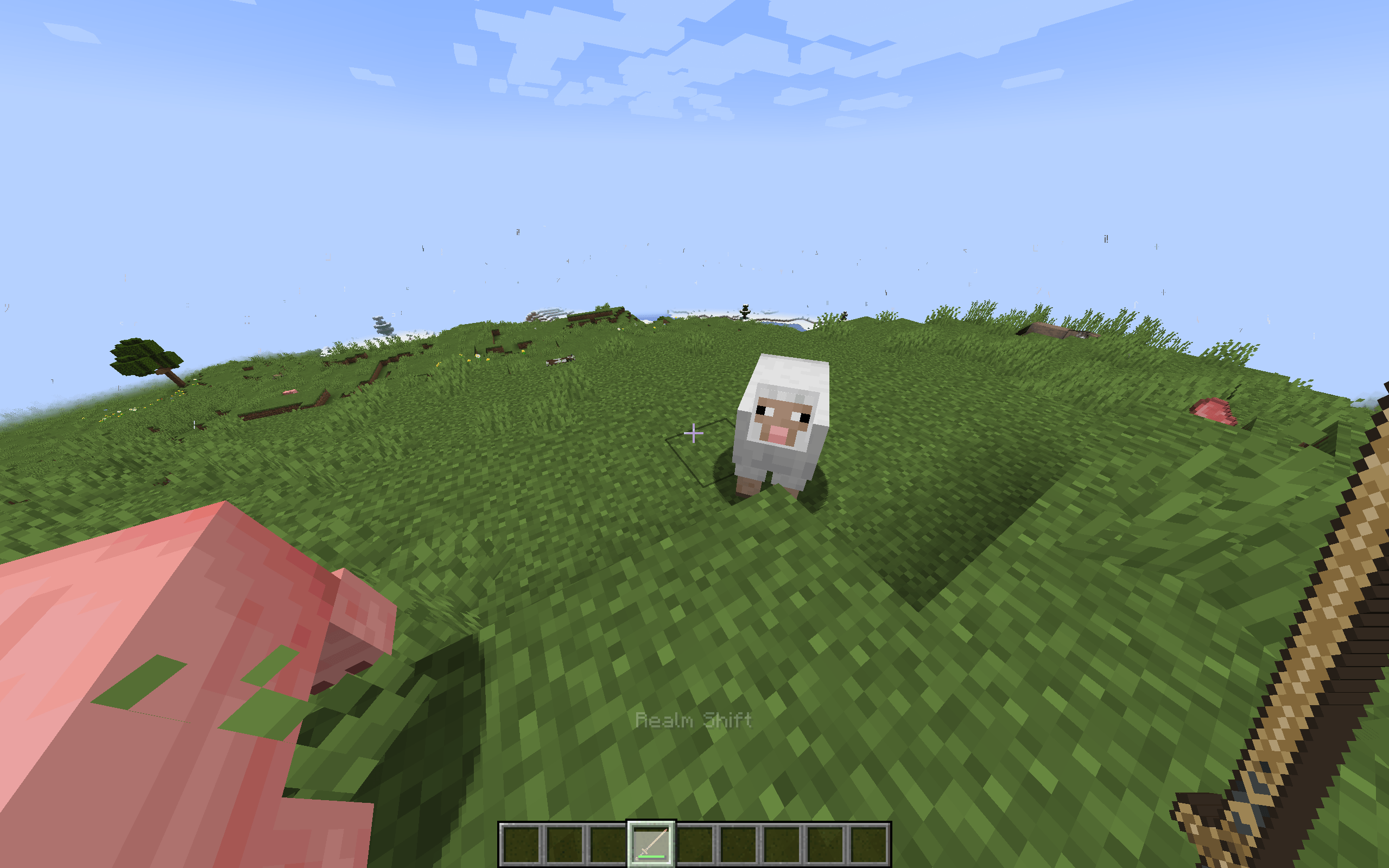
介绍
Hofuð adds a sword inspired by Heimdall’s weapon from God of War Ragnarök, with a right-click ability called Realm Shift. It uses a flat, symmetrical 64×64 item texture and Minecraft’s standard handheld rendering.
Sword statistics
| Property | Value |
|---|---|
| Attack damage | 8 damage, equivalent to 4 hearts, before armor |
| Attack speed | 1.6 attacks per second |
| Full attack recharge | Approximately 0.625 seconds |
| Durability | 2,031 |
| Durability consumed per successful hit | 1 |
| Durability consumed per Realm Shift | 8 |
| Repair material | Netherite ingot |
| Enchantability | 15 |
| Rarity | Epic |
| Dropped-item fire resistance | Yes |
The sword supports normal sword enchantments, critical hits, and sweeping attacks. Unbreaking and Mending function normally.
Realm Shift
Right-click with the sword in either hand to activate Realm Shift.
| Setting | Default |
|---|---|
| Active duration | 5 seconds |
| Radius | 8 blocks |
| Entity simulation speed | 20% of normal |
| Cooldown | 20 seconds, measured from activation |
| Durability cost | 8 |
The affected area is spherical, includes vertical distance, passes through blocks, and follows the activating player. Overlapping fields don’t stack.
Realm Shift slows ticking non-player entities, including hostile and passive mobs, pets, bosses, projectiles, dropped items, experience orbs, vehicles, and non-player passengers. Players remain unaffected, though riding a slowed vehicle affects travel.
Mobs can’t attack when slowed, including melee attacks and mob-owned projectiles. This includes neutral mobs such as iron golems. Mobs can still target, animate attacks, or launch projectiles. Non-damaging abilities, including Enderman teleportation, are not disabled.
Attackers outside the field, player attacks, and environmental damage remain effective. Projectile damage suppression depends on whether the owning mob is currently inside an active field.
Hit-immunity and hurt-flash timers advance at normal world speed, allowing players to damage affected mobs at the normal hit cooldown. The player’s weapon recharge is unchanged.
Cooldown is tracked per player and persists through death, logout, and server restart. Switching swords doesn’t bypass it. An active field ends on death, disconnect, or expiry.
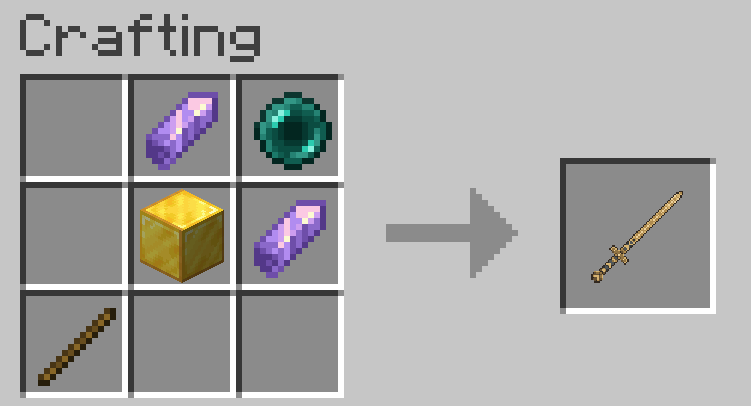
The recipe produces one sword and accepts horizontal mirroring. It unlocks in the recipe book when the player obtains a gold block. The sword is also available in the Combat creative tab.
Configuration and feedback
Duration, cooldown, radius, slowdown factor, durability cost, and particles are configurable per world.
Activation uses vanilla enchantment-rune particles and an amethyst sound. Availability is indicated through actionbar messages and the vanilla hotbar cooldown overlay.
Supported versions
| Minecraft version | Mod loader | Java |
|---|---|---|
| 1.21.1 | NeoForge | 21 |
| 1.21.1 | Fabric | 21 |
| 1.20.1 | Forge | 17 |
| 1.20.1 | Fabric | 17 |
Install the matching build on both client and server. Fabric builds require Fabric API for the same Minecraft version.
Implementation limits
Slowdown works by allowing affected entities to simulate once every five world ticks by default. This also slows their AI, status-effect timers, projectile lifetimes, item despawn timers, and TNT fuses. Blocks, redstone, weather, and the world’s overall tick rate are unchanged.
Client-side position smoothing reduces visible stepping but does not change collision boxes. Rendered positions can slightly trail authoritative positions. Compatibility with independently simulated entities, replacement renderers, or conflicting modifications may vary.
Internal item ID: hofund:hofund
This is an unofficial fan mod and is not affiliated with Sony, Santa Monica Studio, Mojang, or Microsoft
常见问题
Hofuð 支持哪些 Minecraft 版本?
Hofuð 支持 Minecraft Java 版 1.20.1–1.21.1,共 2 个版本,可用的加载器:Fabric / Forge / NeoForge。下载时注意选择和你游戏版本一致的文件。
Hofuð 怎么安装?
先用 PCL2 或 HMCL 启动器安装对应版本的 Fabric / Forge / NeoForge,再把下载的 .jar 文件放进游戏目录的 mods 文件夹,重新启动游戏即可。开启了版本隔离的,mods 文件夹在 versions/版本名 下面。

评论
登录后评论和评分