
介绍
Requires Highlands 2.2.3, which is not available on Modrinth at this time.
Allows for biomes to be manually registered with Highlands via a JSON file, useful if a mod does not register its biomes in a way Highlands understands.
Something like this:
[
  {
    "id":237,
    "weight":4,
    "type":"hot",
    "modName":"FakeMod"
  },
  {
    "id":237,
    "weight":4,
    "type":"sub",
    "parentId", 203,
    "modName":"FakeMod"
  }
]
You need to find the ID of the biome that is being registered (hopefully found in its mod’s config file).
The weight uses the same scale for biomes found in the Highlands config file
Valid biome types include hot, warm, cool, cold, ocean, & sub
The type “sub” specifies it is a sub biome and the element “parentId” is needed to specify which biome it is a sub of.
_I make no guarantee that all biomes will work, and I do not plan on adding built-in support for more mods at this time._
Built-in support is also included for Buildcraft 6 and Thaumcraft 4 (enable/disable-able in the config file).
常见问题
Highlands Integrator 支持哪些 Minecraft 版本?
Highlands Integrator 支持 Minecraft Java 版 1.7.10,可用的加载器:Forge。下载时注意选择和你游戏版本一致的文件。
Highlands Integrator 怎么安装?
先用 PCL2 或 HMCL 启动器安装对应版本的 Forge,再把下载的 .jar 文件放进游戏目录的 mods 文件夹,重新启动游戏即可。开启了版本隔离的,mods 文件夹在 versions/版本名 下面。运行环境:客户端和服务端都要装。
thor12022 的其他作品
查看全部 →
Hardcore Wither
凋灵难度会随玩家自适应调整
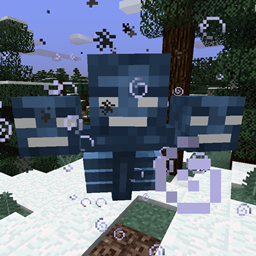
Wither Charging Fix
Fixes Wither Charging bug MC-57569 for Forge 1.8.9

The Tool Tooltip Tool
Adds useful information to the tooltips of many tools
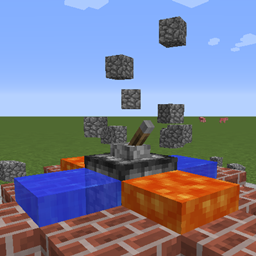
Cobble Popper
Generates cobblestone with adjacent water and lava
评论
登录后评论和评分