
截图
介绍
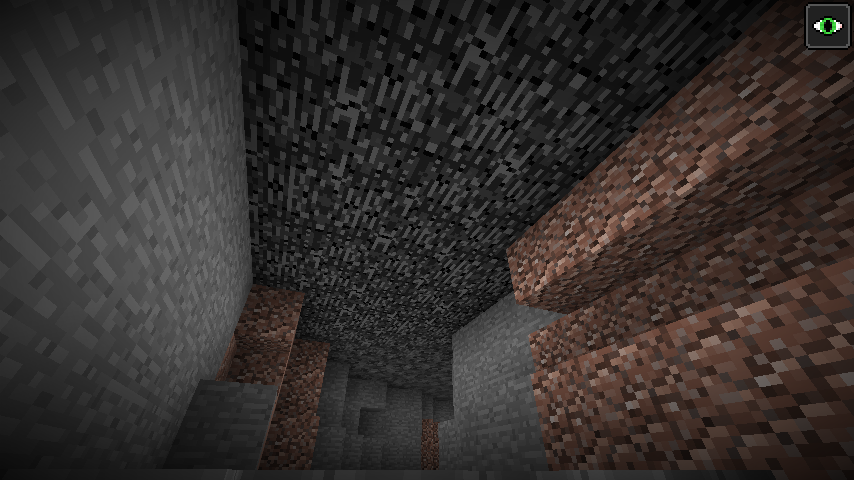
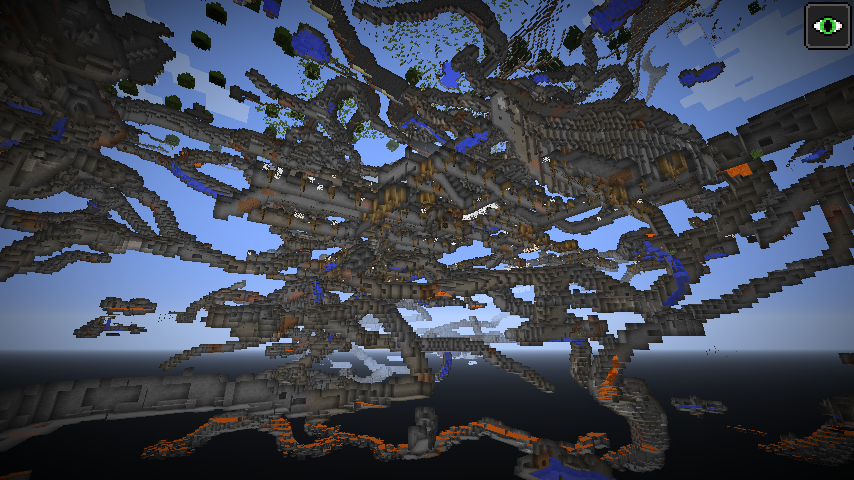
To enable this mod, select “High World” in world creation dialog.
The concept of this mod came to me when I thought “How about changing the default game ground level (64) ? And putting the player somewhere underground to survive?”. This idea caused creation of this mod, which gives you more control in changing how a world generates.
High World provides a set of settings that let you change its main terrain height, plant frequency; cave, mineshaft and ravine frequency, and some other uncategorized options, like:
- spawn player underground
- generate bedrock roof to prevent the player leaving underground
- set a block which replaces water…
The ore generation heights are adjusted automatically with the terrain level, you can view them, but any changes to them will be discarded.
I advise first to play around with the settings of this world type before starting actual survival world.
I made this mod with modpack makers in mind, you are allowed and approved to use it in any modpack.
常见问题
High World 支持哪些 Minecraft 版本?
High World 支持 Minecraft Java 版 1.12.2,可用的加载器:Forge。下载时注意选择和你游戏版本一致的文件。
High World 怎么安装?
先用 PCL2 或 HMCL 启动器安装对应版本的 Forge,再把下载的 .jar 文件放进游戏目录的 mods 文件夹,重新启动游戏即可。开启了版本隔离的,mods 文件夹在 versions/版本名 下面。




评论
登录后评论和评分