
HideTooltip
作者:Lavrin
Mod hides item tooltips by default, showing them only when you actually need to see them.
截图
介绍
中文介绍正在准备中,下面暂时显示原文。
A lightweight mod that hides item tooltips for a cleaner UI.
HideToolTip

About
Tired of massive item descriptions blocking your entire inventory view? HideToolTip cleans up your UI by hiding tooltips when you don’t need them. Whether you prefer holding a key to peek at stats or toggling the visibility entirely, this mod has you covered.

🌟 Key Features
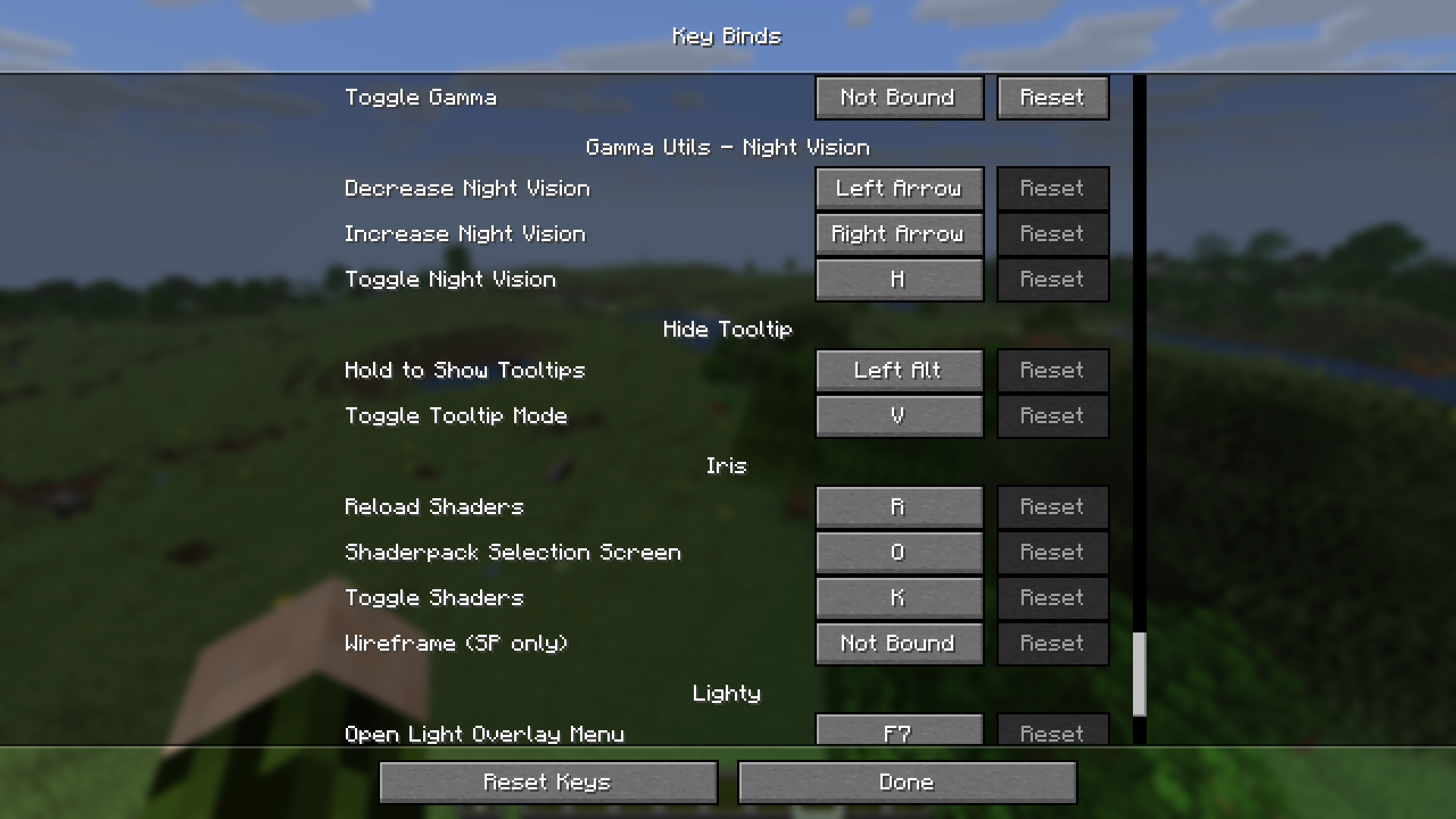
- Two Interaction Modes: * Hold to Show: Keep tooltips hidden and only see them while holding Left Alt.
- Toggle Mode: Use V to switch between “Always Hidden” and “Always Visible” modes instantly.
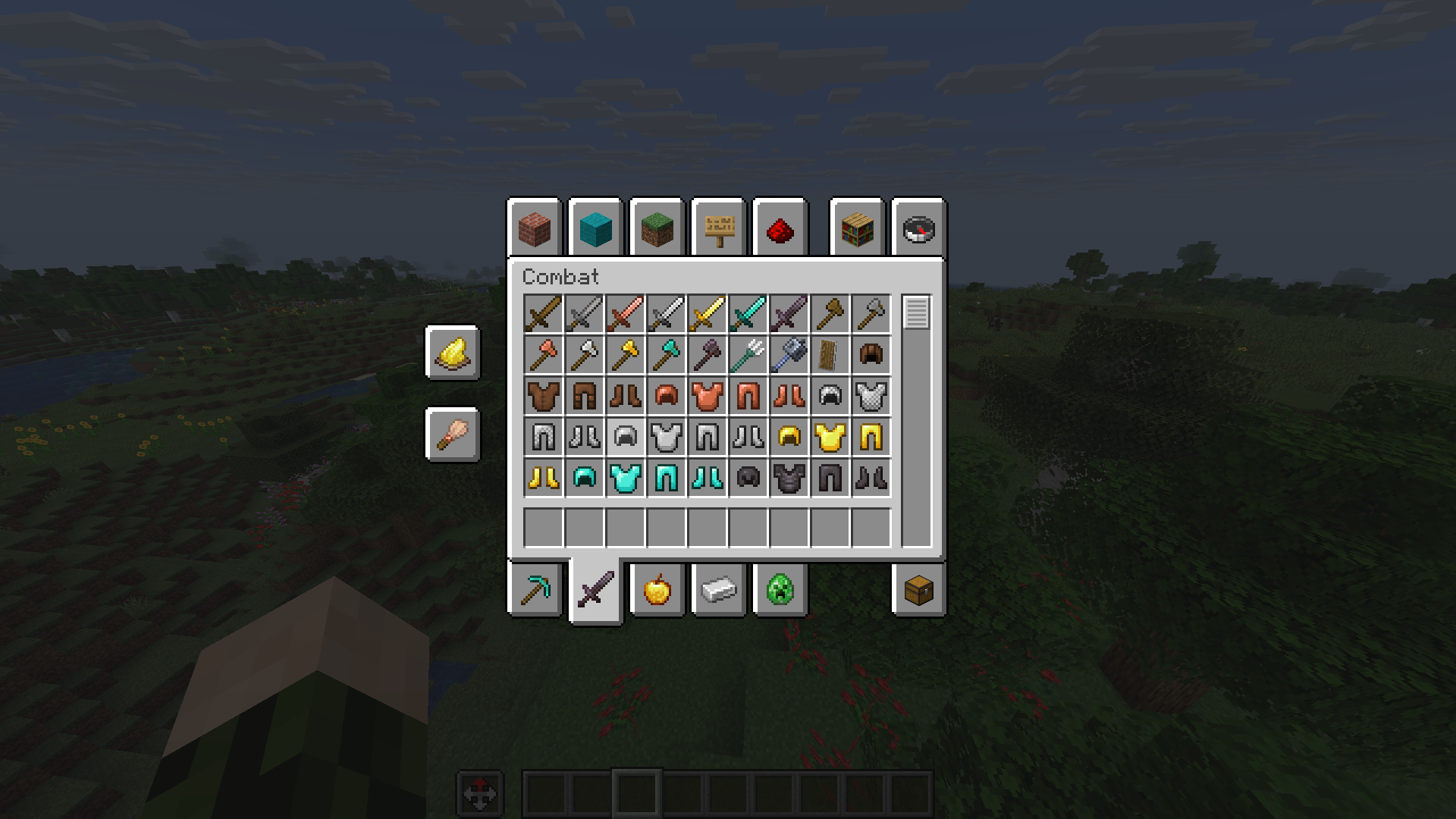
- Inventory Compatibility: Full support for working inside any inventory or container screen.
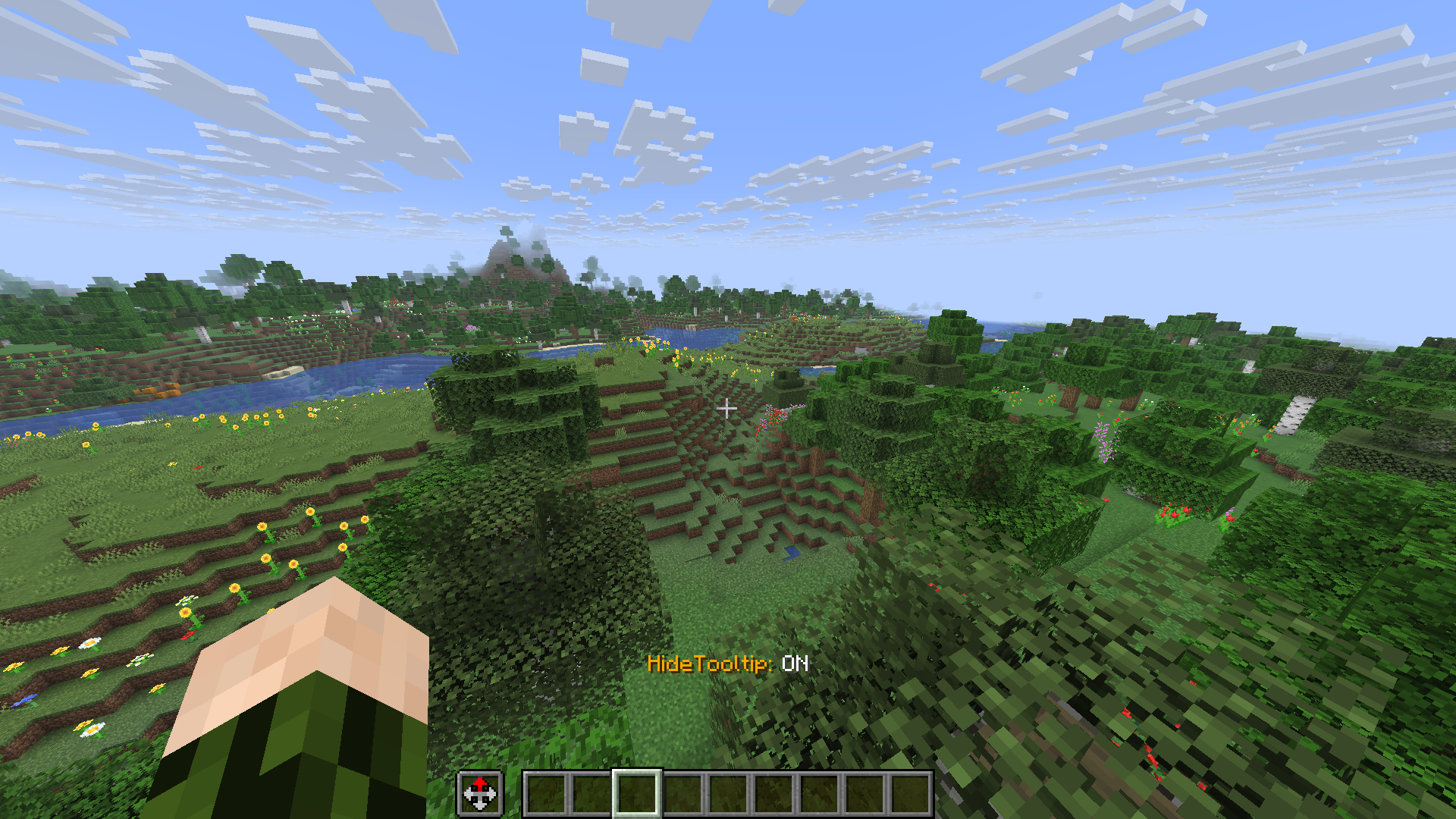
- Status Overlay: Get instant feedback with a clean status message above your hotbar whenever you switch modes.
- Custom Category: All keybindings are neatly organized in their own “Hide Tooltip” category in the standard Controls menu.
🛠 Technical Details
- Client-Side Only: No server-side installation required. Works perfectly on any server or single-player world.
- Optimized for Fabric: Supports Minecraft versions from 1.21.1 up to 1.21.11.
- Optimized for NeoForge: Supports Minecraft versions from 1.21.1 up to 1.21.2.
- Languages: Includes full support for English and Ukrainian.
常见问题
HideTooltip 支持哪些 Minecraft 版本?
HideTooltip 支持 Minecraft Java 版 1.20.1–26.2,共 16 个版本,可用的加载器:Fabric / Forge / NeoForge。下载时注意选择和你游戏版本一致的文件。
HideTooltip 怎么安装?
先用 PCL2 或 HMCL 启动器安装对应版本的 Fabric / Forge / NeoForge,再把下载的 .jar 文件放进游戏目录的 mods 文件夹,重新启动游戏即可。开启了版本隔离的,mods 文件夹在 versions/版本名 下面。运行环境:仅客户端。
评论
登录后评论和评分