
Hide Downgrade Warning
作者:UnknownKing
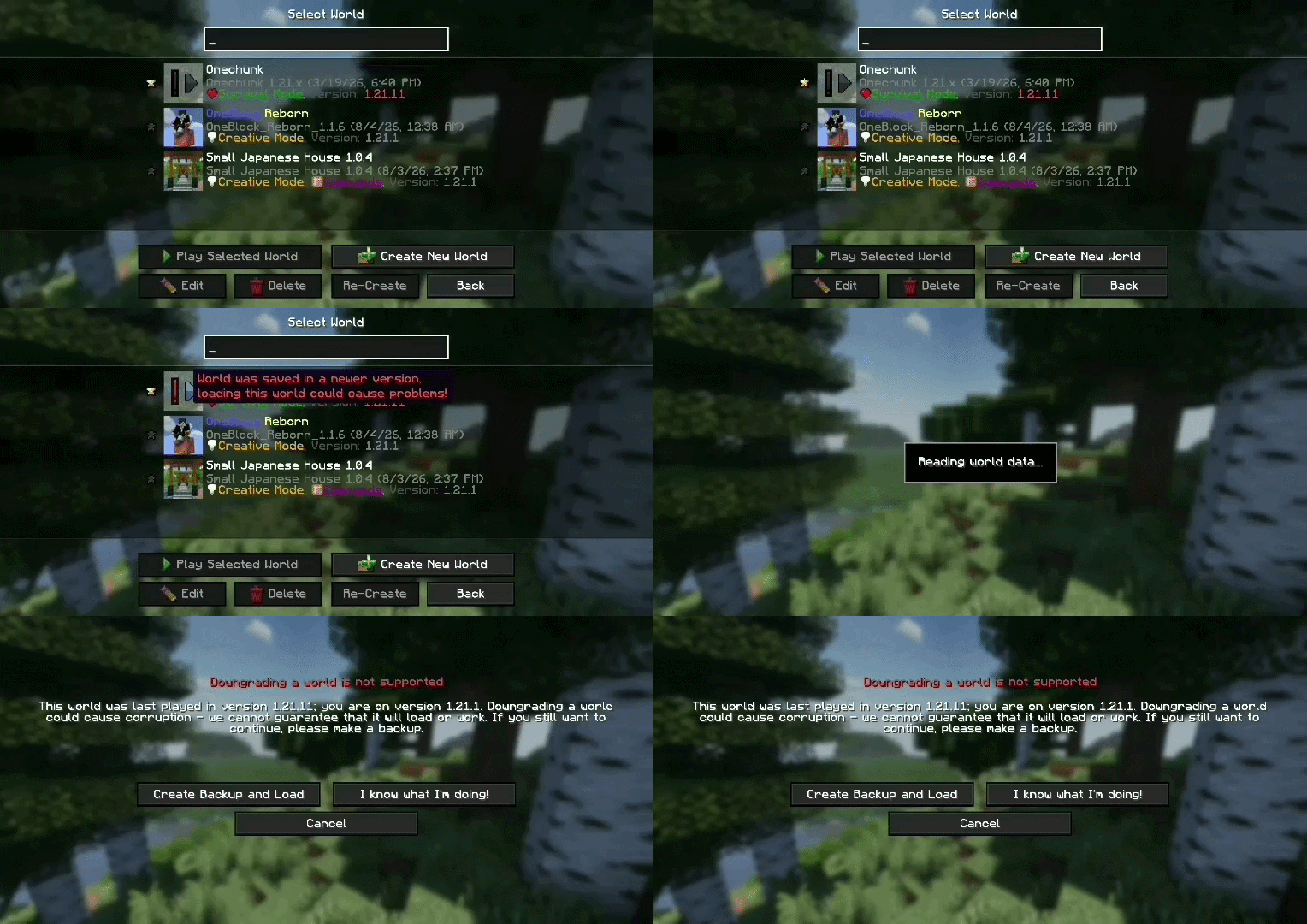
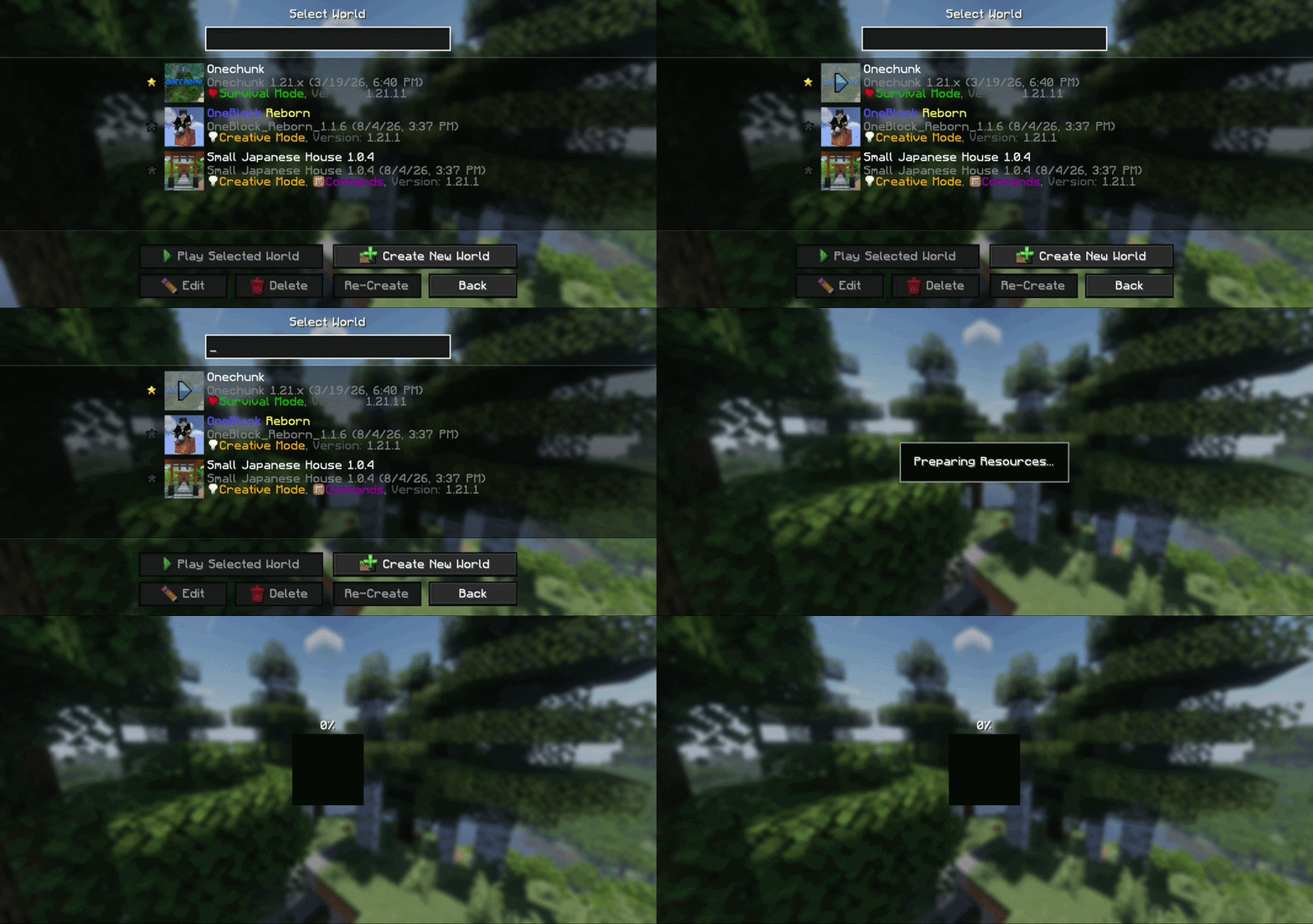
Hides "Downgrading a world is not supported" warning when opening worlds saved in newer version of Minecraft
截图
介绍
中文介绍正在准备中,下面暂时显示原文。


A simple, lightweight mod that automatically hides Minecraft Downgrade/incompatible warning when loading worlds saved in newer versions “Downgrading a world is not supported”
🌟 Features
- ⚡ Automatic Skip: Skip the warning screen so you can enter your world instantly
- 🛠️ Lightweight: Minimal impact on startup and performance
- 💻 Client-Side: Works on the client side without needing server configuration
⚠️ Warning: Make Sure to backup your world before loading it in an older version of Minecraft!
🎥 Preview
Vanilla downgrade warning prompt
Warning skipped with the mod installed
常见问题
Hide Downgrade Warning 支持哪些 Minecraft 版本?
Hide Downgrade Warning 支持 Minecraft Java 版 1.14–26.2,共 47 个版本,可用的加载器:Fabric。下载时注意选择和你游戏版本一致的文件。
Hide Downgrade Warning 怎么安装?
先用 PCL2 或 HMCL 启动器安装对应版本的 Fabric,再把下载的 .jar 文件放进游戏目录的 mods 文件夹,重新启动游戏即可。开启了版本隔离的,mods 文件夹在 versions/版本名 下面。运行环境:仅客户端。
评论
登录后评论和评分