
截图
介绍
HernsShapeshifter
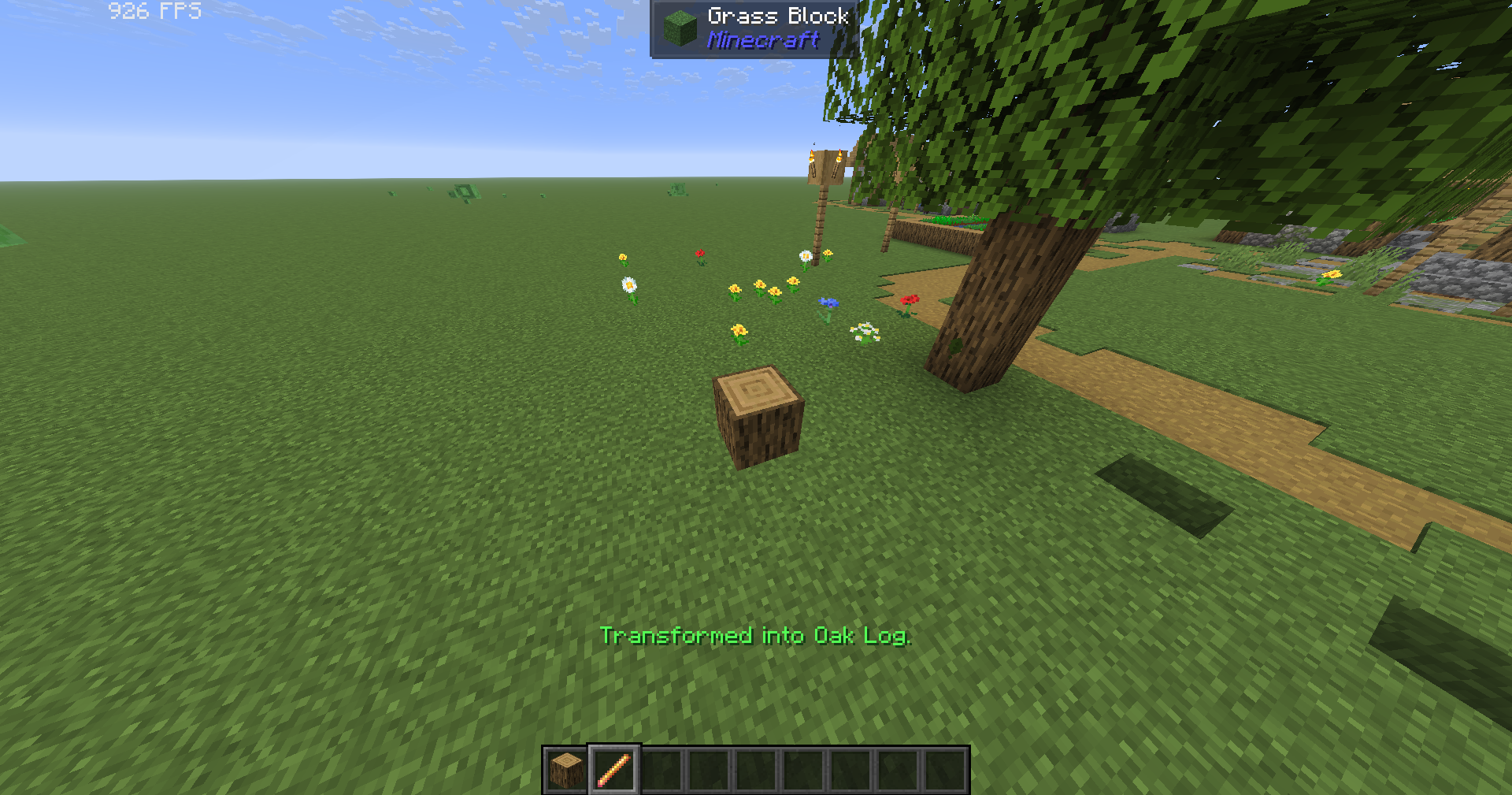
Turn into almost any Minecraft block!
How to use:
1. Press H to open the block menu.
2. Choose a block to transform.
3. Select player form in the menu to turn back.
4. Press L while standing on the ground to lock yourself to the block grid. Press L again to unlock.
ShapeShifter Wand:
Click “Get Wand” in the block menu. Hold the wand and right-click any block to become it instantly.
Features:
– Mobs ignore you while you are a block.
– Your hitbox matches the block.
– Blocks use biome colors and world lighting.
– Special blocks such as water, lava, fire, cactus, and magma have matching effects.
– Your health, inventory, armor, and abilities stay unchanged.
Requirements:
Requires Minecraft 1.21.11, Fabric Loader, and Fabric API.
For multiplayer, the mod must be installed on both the server and every player’s computer.
常见问题
HernsShapeShifter 支持哪些 Minecraft 版本?
HernsShapeShifter 支持 Minecraft Java 版 1.21.11,可用的加载器:Fabric。下载时注意选择和你游戏版本一致的文件。
HernsShapeShifter 怎么安装?
先用 PCL2 或 HMCL 启动器安装对应版本的 Fabric,再把下载的 .jar 文件放进游戏目录的 mods 文件夹,重新启动游戏即可。开启了版本隔离的,mods 文件夹在 versions/版本名 下面。运行环境:客户端和服务端都要装。
评论
登录后评论和评分