
Height Lock
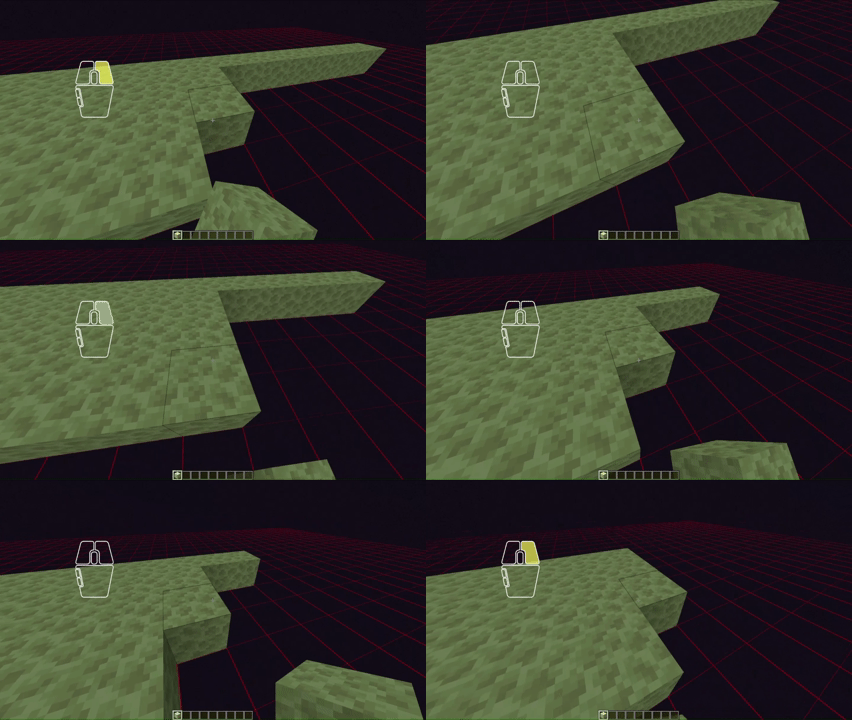
A Minecraft mod that eliminates the annoying missclicks when you try to build a platform in the air, by allowing you to lock the Y-Level you can only build on.
截图
介绍
This mod eliminates the annoying missclicks when building.
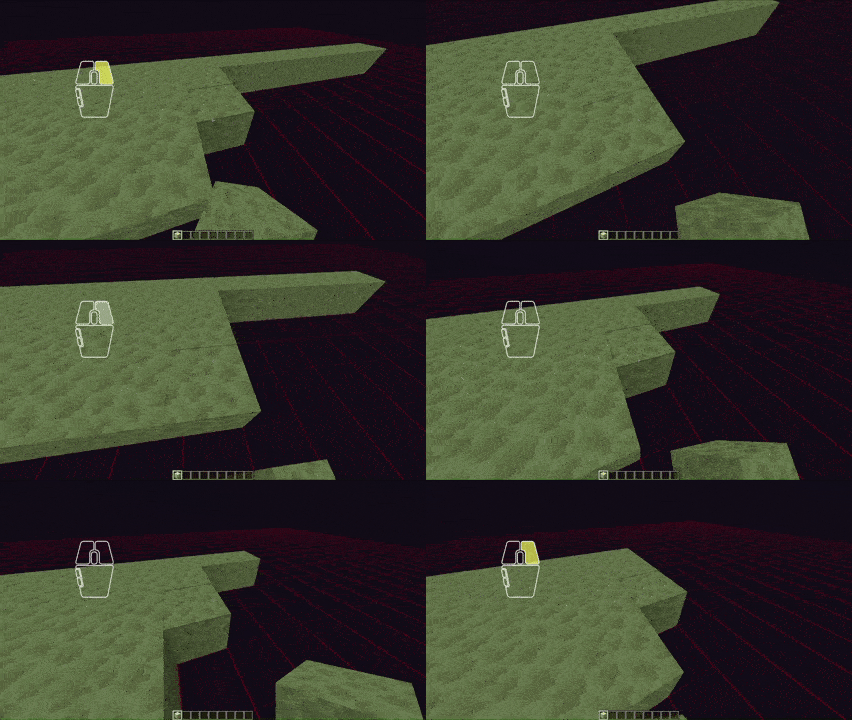
Height Lock is a client-side lightweight Fabric utility mod that lets you lock block placement to one exact Y-level.
It does not enforce anything server-side, add a HUD overlay, or try to special-case different block types. The rule is intentionally simple: if the final placement position is not on the chosen Y-level, block it.
Compatibility:
The ONLY requirement for this mod is the Fabric API
Unlock customization features by installing the Mod Menu and the Cloth Config API. (not required)
At the moment, no incompatibilities with other mods were found.
How to use
By default, the toggle key is H. You can use it to toggle the mod function itself, including the grid, that marks the Y-Level.
There are three other keybinds, that are defaulted to Not Bound, which are:
- Decrease Target Y
- Increase Target Y
- Set Target Y To Current Block
Once enabled, the mod works without any need of configuration, though there are opportunities, as mentioned earlier.
常见问题
Height Lock 支持哪些 Minecraft 版本?
Height Lock 支持 Minecraft Java 版 1.21–26.2,共 16 个版本,可用的加载器:Fabric。下载时注意选择和你游戏版本一致的文件。
Height Lock 怎么安装?
先用 PCL2 或 HMCL 启动器安装对应版本的 Fabric,再把下载的 .jar 文件放进游戏目录的 mods 文件夹,重新启动游戏即可。开启了版本隔离的,mods 文件夹在 versions/版本名 下面。运行环境:仅客户端。


评论
登录后评论和评分