
Health Indicators
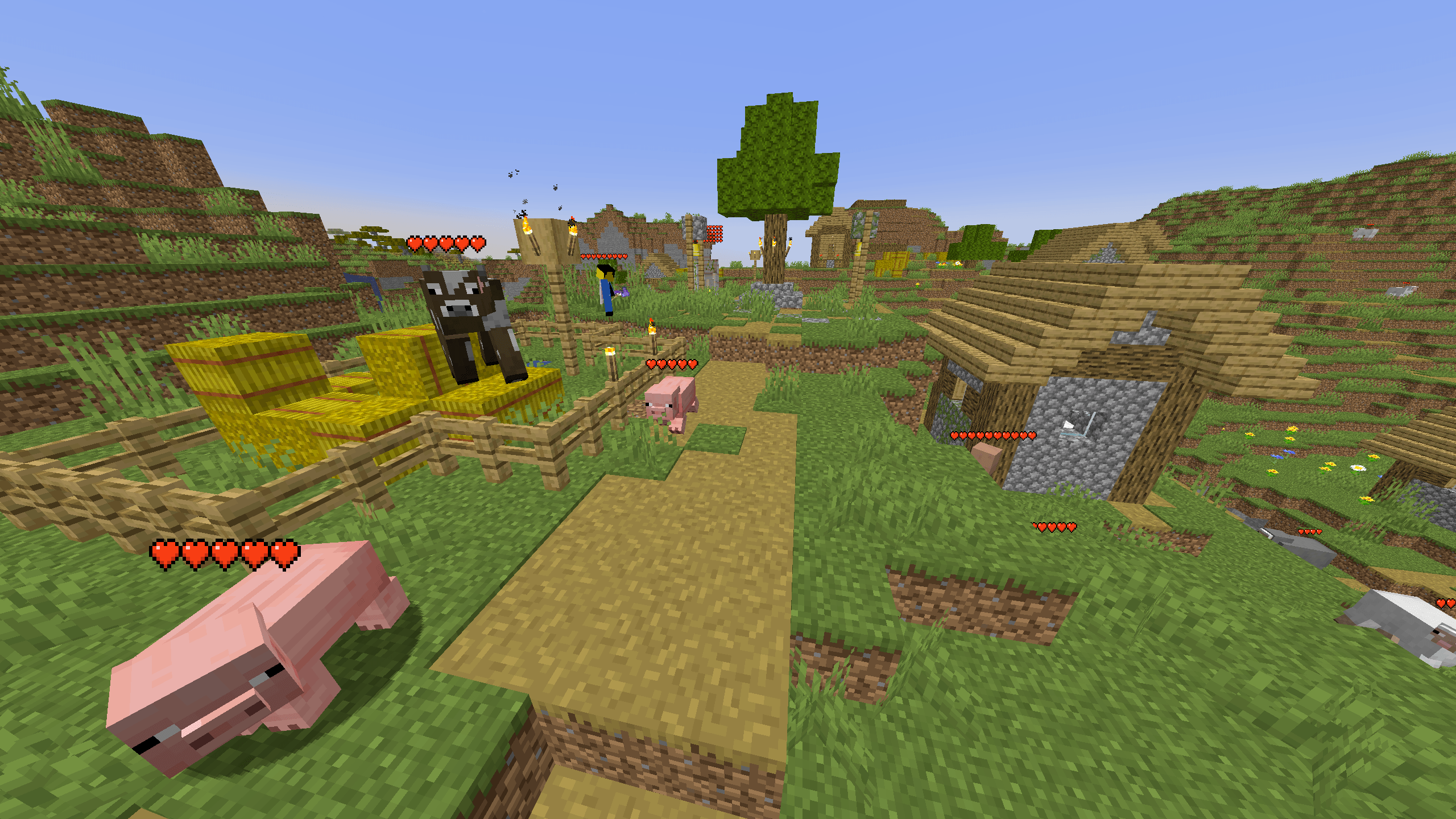
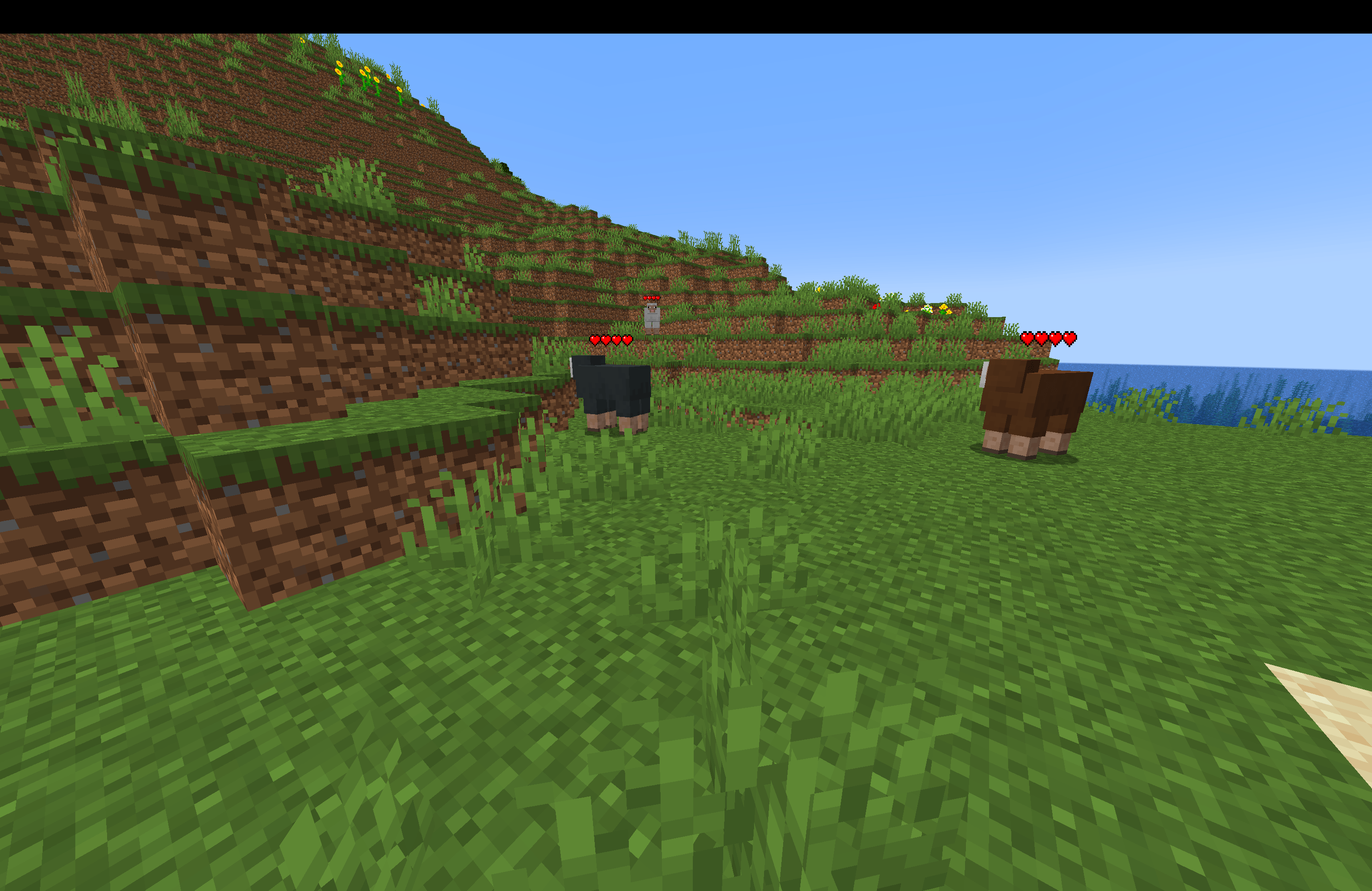
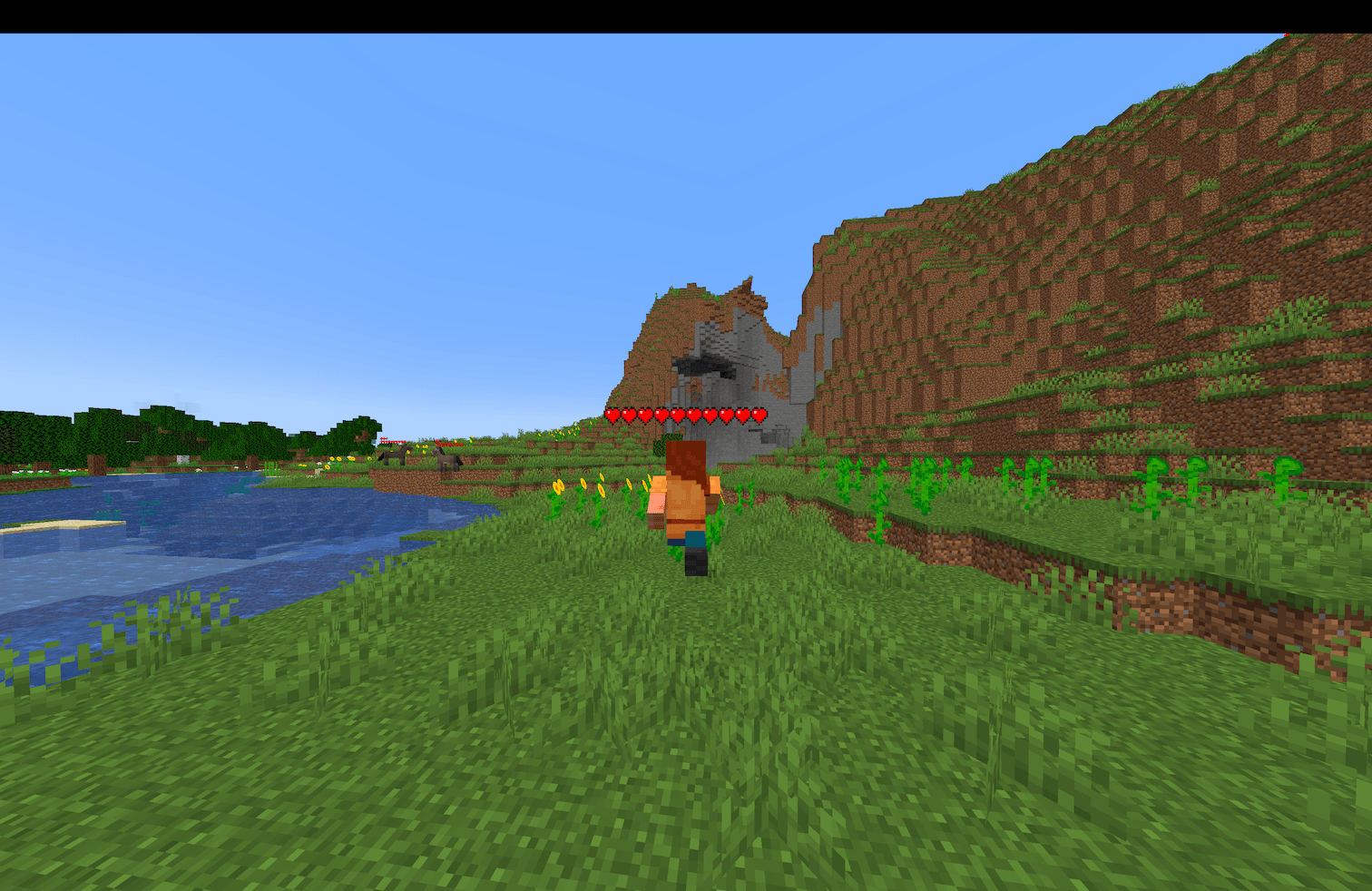
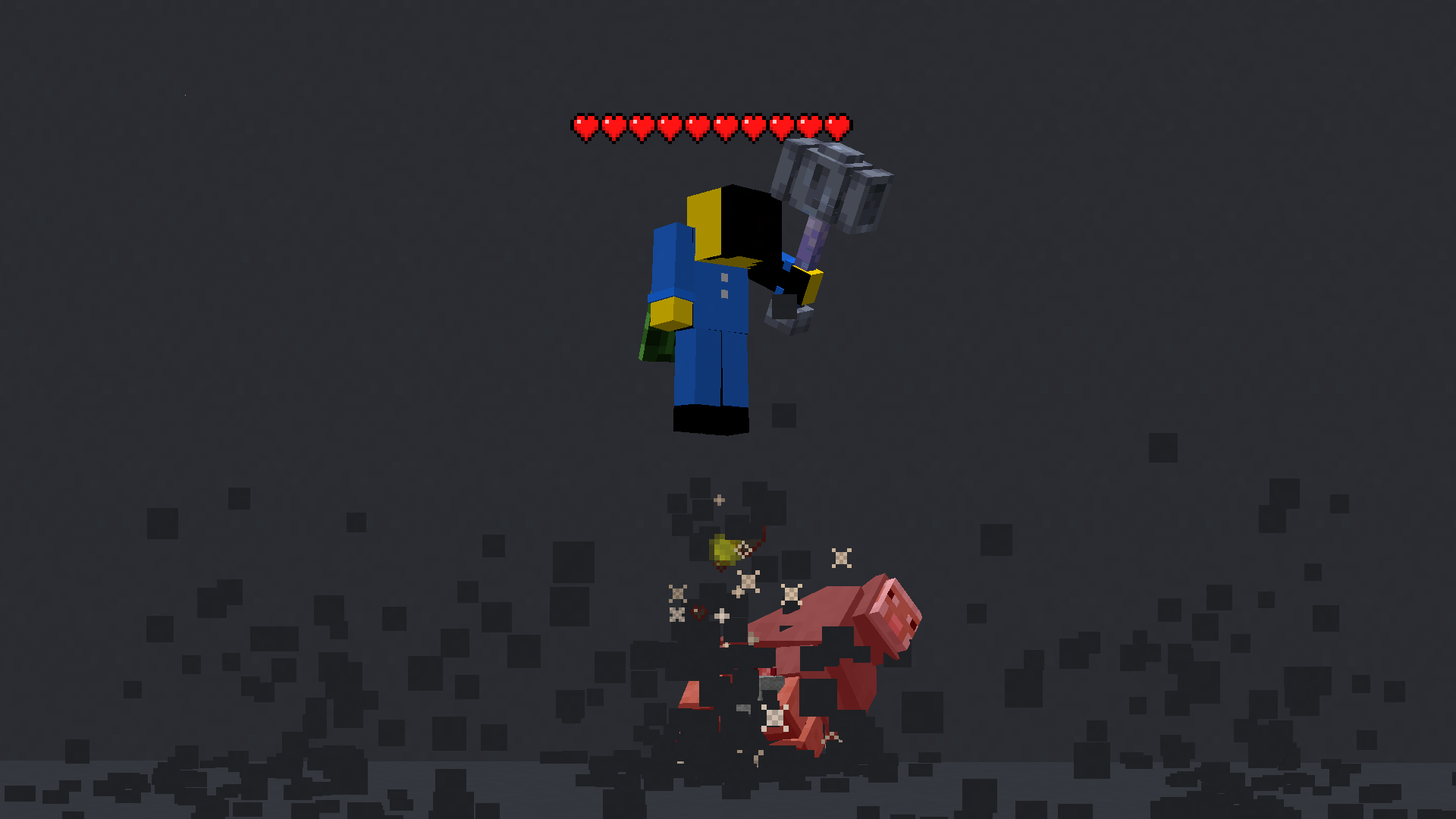
Simple damage indicator mod that shows a floating health bar (or number) above Players and Mobs.
截图
介绍
This mod displays other Players and Entities’ health above them in the form of a health bar.
Features
This mod displays a highly-configurable health indicator (and optional armor indicator) above all entities that corresponds to their healths. The indicators have the following toggles, where you can enable/disable visibility based on:
- Entity Categories (Hostile, Passive, Players, Self)
- Entity Types (eg: `minecraft:pig` or `aether:aerbunny`)
- Player Names
- Entities that have been attacked,
- Entities that have been damaged
- Entities that you are looking at
You can also adjust the
- Size
- Offset
- Indicator Type (Hearts | Number)
- Percentage Based Health (True | False)
- Text Color
Futher QOL features:
The indicator changes texture and appearance based on the effects the entity has, just like vanilla. The indicator will
- Turn green if the entitiy is Poisoned,
- Black if they are Withering
- Display yellow hearts seperately for Absorption.
- Vibrate if the entity has Regeneration
- Change textures for Hardcore.
All the above can be disabled in the config if you don’t like it.
More Details
Keybinds
Note: These are all default keybinds. They can be modified like any other keybind: by going into Options > Controls > Keybinds
- Enable Health Indicator:
Left Arrow - Increase Indicator Offset:
Up Arrow - Decrease Indicator Offset:
Down Arrow - Override Config Filtering:
Right Arrow - Enable Armor Indicator:
Right Shift
What attributes can I change in the config?
- Indicator Type: Whether to display a floating health bar (like in the picture) or a numerical value.
- Display offset: The health bar can be raised or lowered in the config. You also have the option to set a keybind to raise/lower it.
- Step size: You can set the step size of the keybind in the config. With this, you can modify the amount the health bar is raised/lowered per click.
- Size of the indicator: The indicator size can be modified in the config.
- Percentage based health: The indicator can display health in percentages instead of a hard value
- Toggle rendering: Health bar rendering can be disabled for specific entity types (Passive, Hostile, Player, Self)
- Indicator can also be toggled to
- Show only after you have hit the entity.
- Show only if you are looking at the entity
- Show only if the entity has been damaged (not at full health)
- Not show for specific mobs/players. This can be set in the blacklist
常见问题
Health Indicators 支持哪些 Minecraft 版本?
Health Indicators 支持 Minecraft Java 版 1.20.1–1.21.11,共 16 个版本,可用的加载器:Fabric / NeoForge / Quilt。下载时注意选择和你游戏版本一致的文件。
Health Indicators 怎么安装?
先用 PCL2 或 HMCL 启动器安装对应版本的 Fabric / NeoForge / Quilt,再把下载的 .jar 文件放进游戏目录的 mods 文件夹,重新启动游戏即可。开启了版本隔离的,mods 文件夹在 versions/版本名 下面。
AdyTech99 的其他作品
查看全部 →
Health Indicators
简易伤害指示模组,在实体上方显示悬浮血条(或数字)。附加功能包括攻击方向指示器。

Farlands Reborn
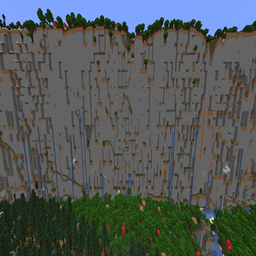
This mod brings back the farlands in modern Minecraft versions.
Farlands Reborn
Adds the farlands to modern Minecraft.

No Durability
Removes durability from Minecraft.
评论
登录后评论和评分