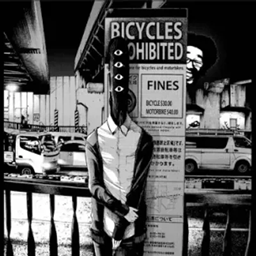
harutsuki schizophrenia
A psychological horror Minecraft mod featuring unsettling hallucinations, mysterious entities, and supernatural events.
截图
介绍
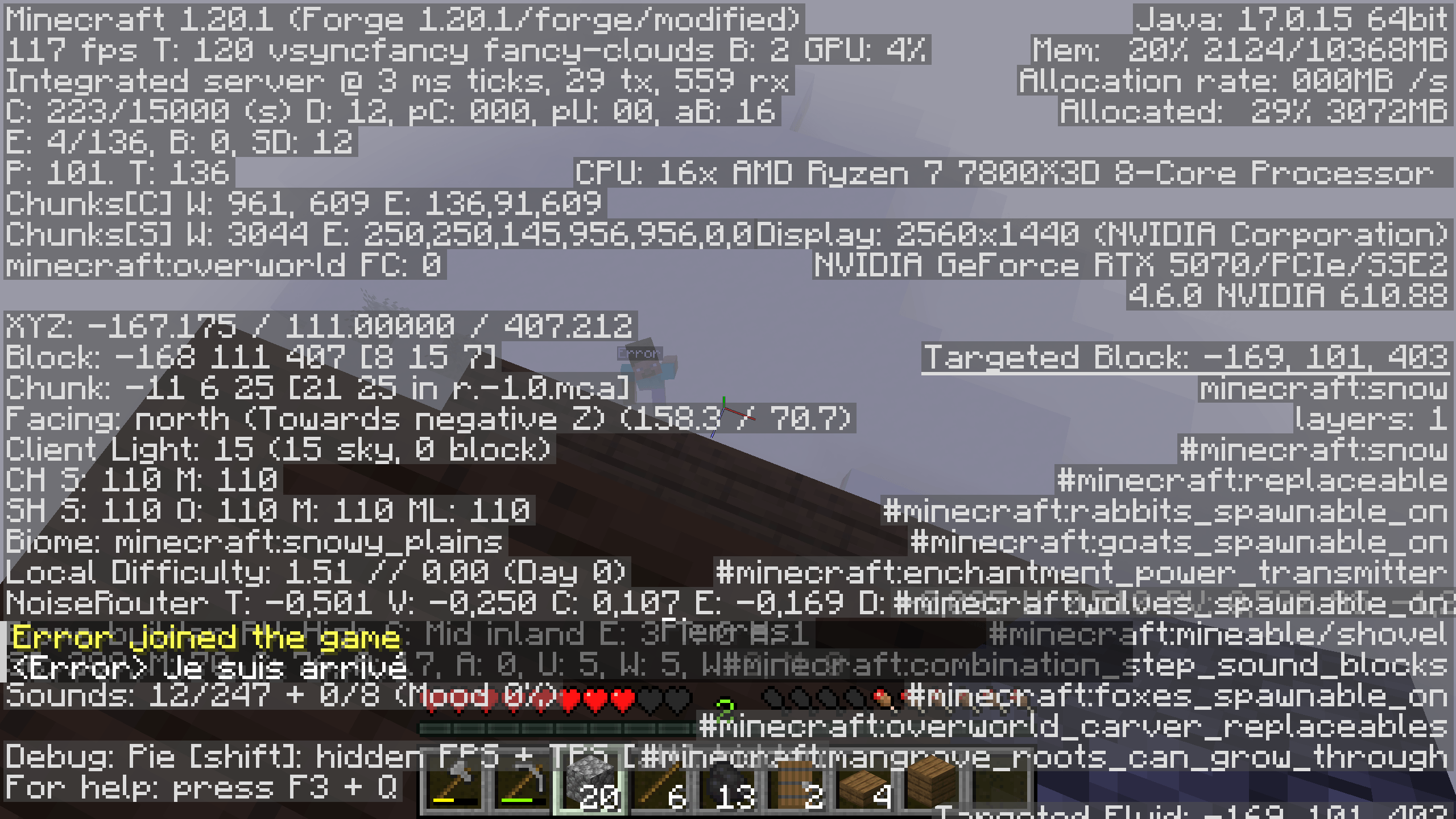
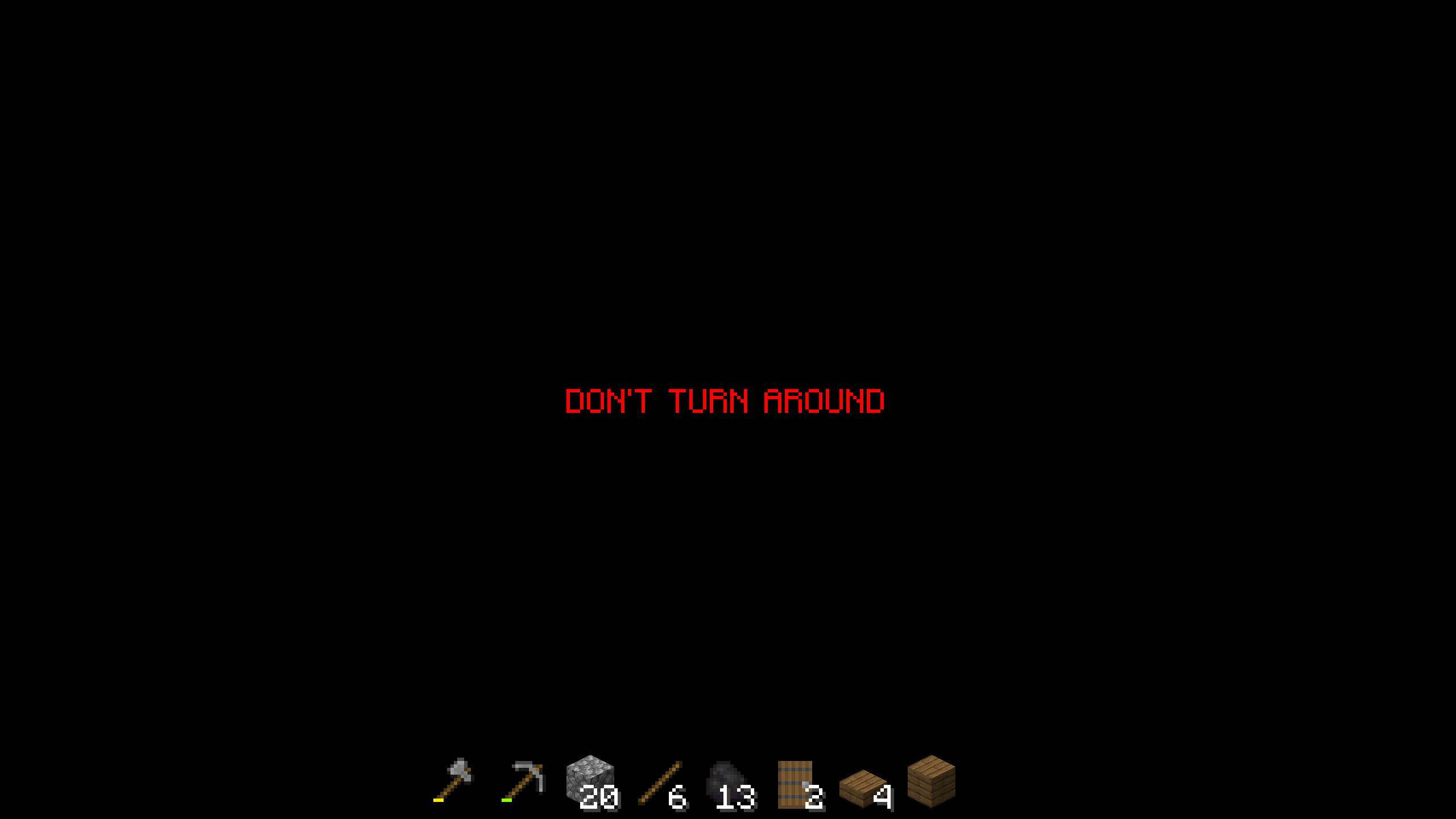
Harutsuki Schizophrenia is a psychological horror mod that adds an unpredictable hostile presence to your world, designed to make you question what you’re actually seeing and hearing.
Features:
- Hallucination events — random visual and audio glitches trigger while you play, making you doubt whether something is actually there or just in your head.
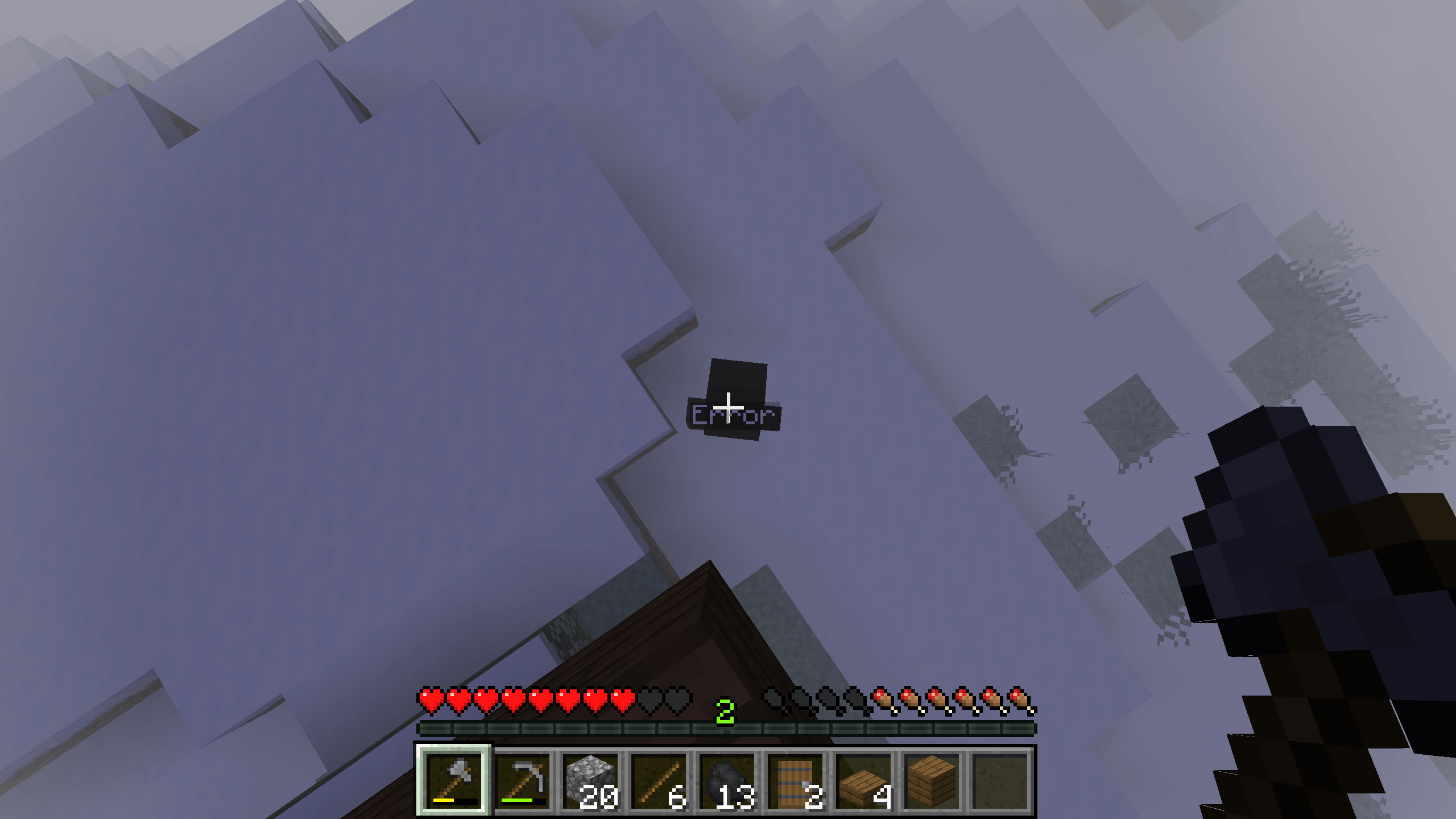
- Mysterious entities — hostile mobs that stalk and appear unpredictably, breaking away from vanilla Minecraft’s predictable AI patterns.
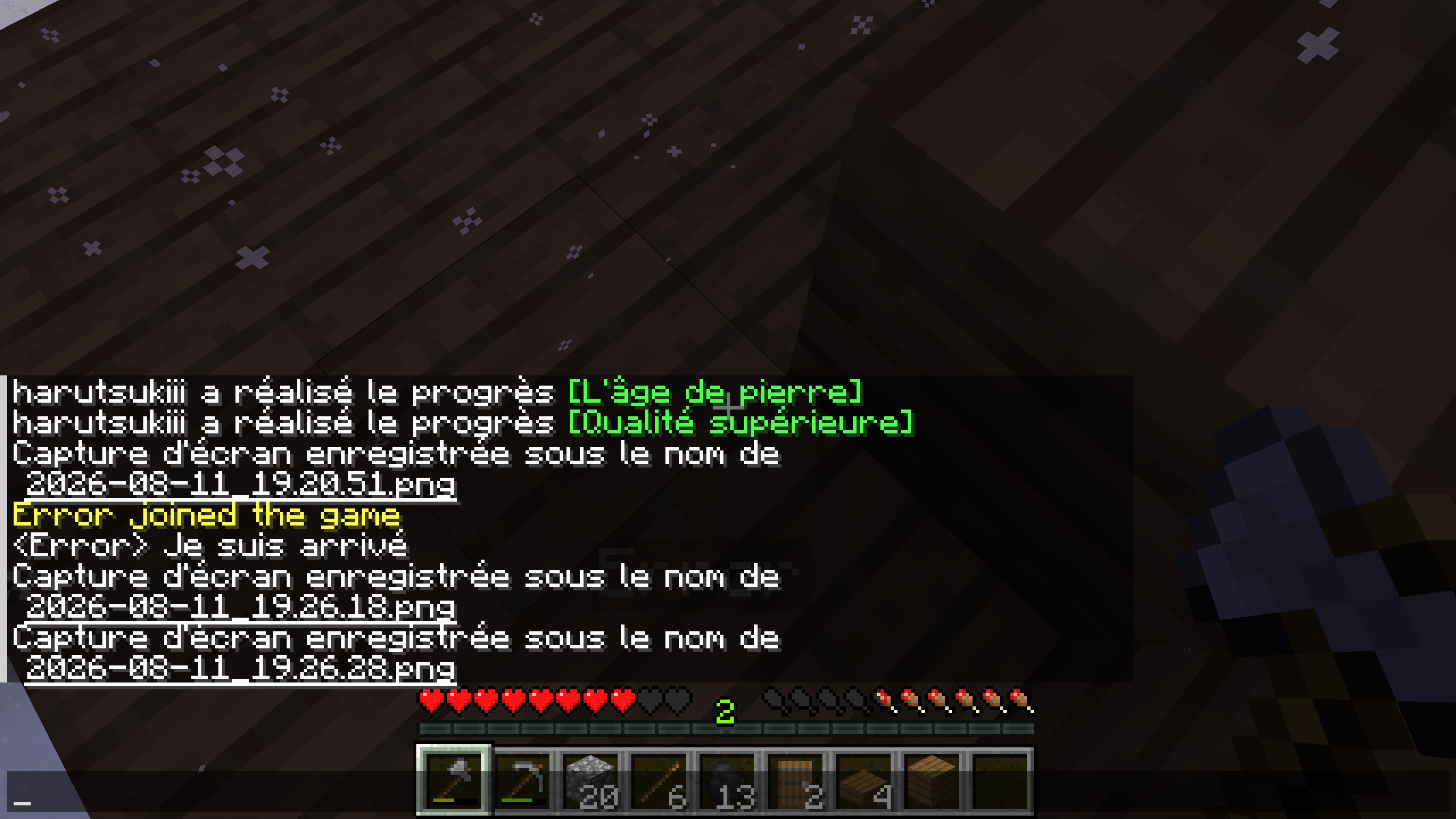
- AI-driven dialogue — the entity can talk to you through dynamically generated messages powered by an AI backend (Groq API), so every encounter has different, unscripted lines instead of fixed text.
- Spooky signs — scattered signs with randomized unsettling messages that add to the atmosphere as you explore.
- Dynamic fog effects — visibility drops when the entity is nearby, ramping up tension before you even see anything.
- Randomly generated horror structures — fake or corrupted buildings and landmarks that mislead the player and make familiar terrain feel wrong.
- Random mob encounters & timed supernatural events — the world occasionally shifts on its own, keeping you on edge even when nothing seems to be chasing you.
How this changes the player experience:
Instead of relying purely on jump scares, this mod builds constant low-level dread: things you see might not be real, structures might not be safe, and the entity’s dialogue reacts differently every time. It’s built for players who want exploration to feel unreliable and tense rather than predictable.
Setup note: the AI chat feature requires a free Groq API key, configured in harutsuki_horror-groq.json.
Contact: [email protected]
常见问题
harutsuki schizophrenia 支持哪些 Minecraft 版本?
harutsuki schizophrenia 支持 Minecraft Java 版 1.20.1,可用的加载器:Forge。下载时注意选择和你游戏版本一致的文件。
harutsuki schizophrenia 怎么安装?
先用 PCL2 或 HMCL 启动器安装对应版本的 Forge,再把下载的 .jar 文件放进游戏目录的 mods 文件夹,重新启动游戏即可。开启了版本隔离的,mods 文件夹在 versions/版本名 下面。
评论
登录后评论和评分