
HarmonyLinkMC
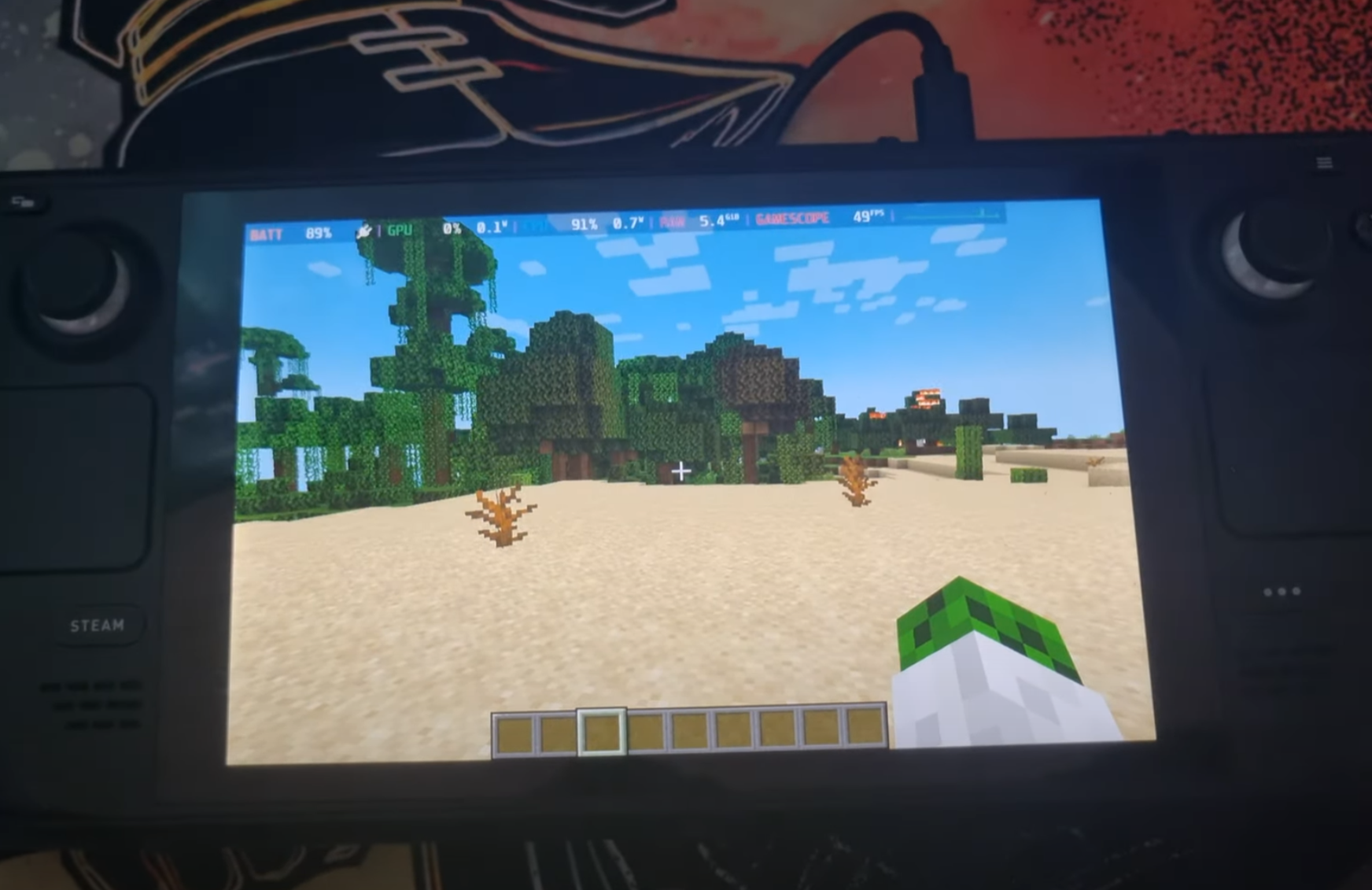
This mod integrates the HarmonyLink API into Minecraft, providing an enhanced gaming experience on handheld devices, including the Steam Deck.
截图
介绍
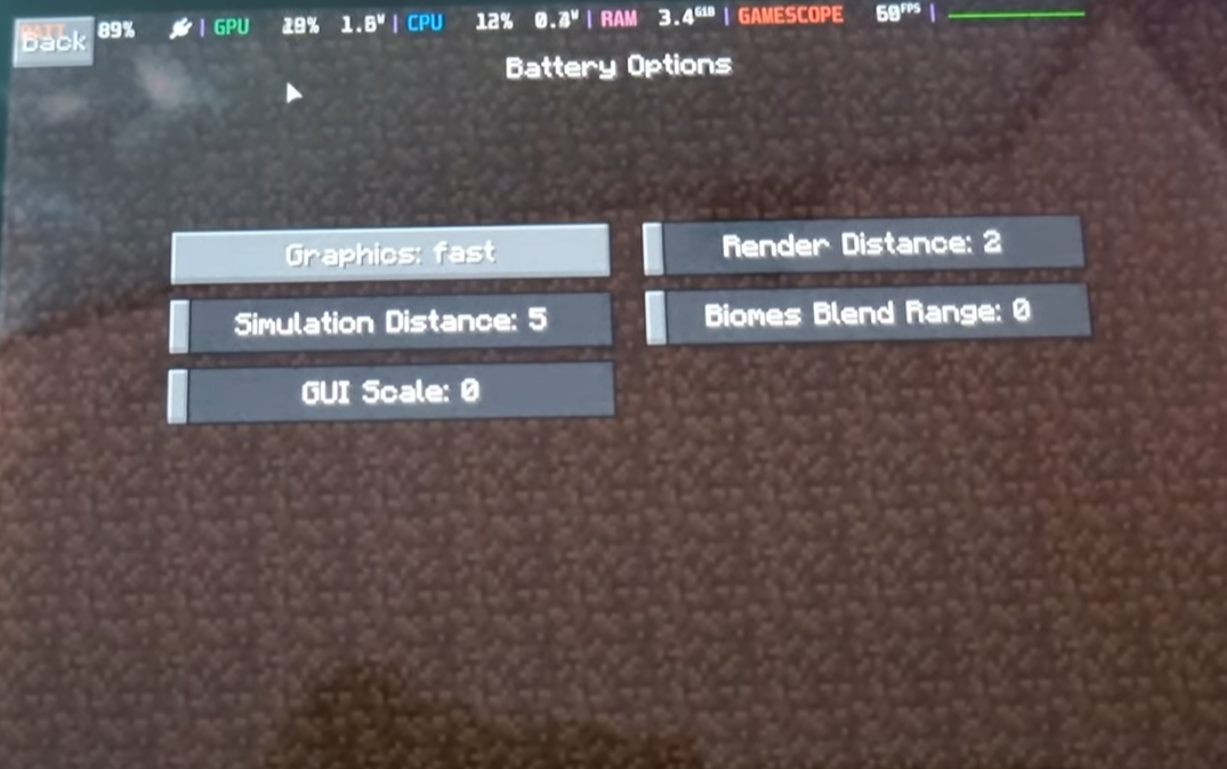
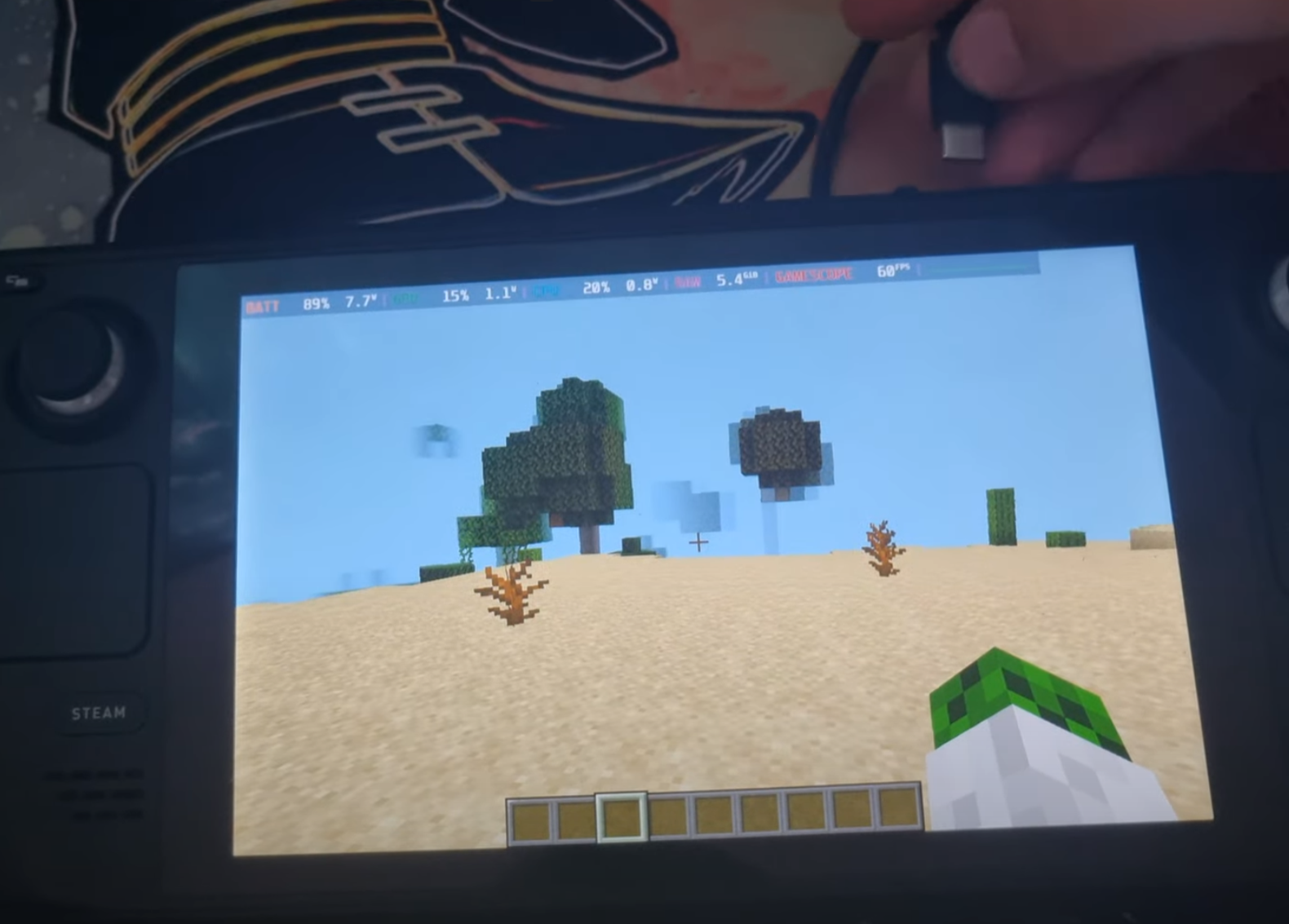
Welcome to the HarmonyLink Minecraft Mod! This mod provides an enhanced gaming experience on handheld devices, including the Steam Deck, by allowing you to adapt your game settings based on power and docking status, creating a tailored experience that suits your preferences and device capabilities.
Watch a YouTube video of it in action here 👇

Getting Started
To get started with the HarmonyLink Minecraft Mod, follow these steps:
- Install Minecraft Forge / Fabric: Make sure you have Minecraft Forge or Fabric installed on your device.
- Download HarmonyLink Mod: Download the latest version of the HarmonyLink Minecraft Mod.
- Install HarmonyLink Mod: Place the downloaded mod file into the “mods” folder in your Minecraft directory.
- Download and Install HarmonyLinkServer: Download the HarmonyLinkServer installer by clicking here. After the download is complete, locate the downloaded file (harmonylink_installer.desktop) and double-click it to run the installer. Follow the provided instructions to complete the installation of HarmonyLinkServer.
- Launch Minecraft: Start Minecraft with the HarmonyLink Mod installed.
- Enjoy the Enhanced Experience: You’re all set! Enjoy a more personalized Minecraft gaming experience with adaptive gameplay settings provided by HarmonyLink.
⚠️ Note: The HarmonyLink Minecraft Mod requires HarmonyLinkServer to be running in order to function properly. Make sure HarmonyLinkServer is running before launching Minecraft with the HarmonyLink Mod installed.
Download HarmonyLinkServer:

Frequently Asked Questions (FAQ)
Does this work in gamemode?
A: yes
Does this work with other devices like laptops?
A: yes, HarmonyLinkMC will work on any device.
Will this mod work with other optimisation mods like sodium?
A: yes
Why does this need HarmonyLinkServer?
A: See the FAQ section in HarmonyLinkServer.
Contributing
We welcome contributions from the Minecraft and programming community to further improve the HarmonyLink Minecraft Mod. If you have any suggestions, bug reports, or feature requests, please open an issue in the GitHub repository.
License
The HarmonyLink Minecraft Mod is released under the MIT License. Feel free to fork, modify, and distribute the mod according to the terms of the license.
Contact
If you have any further questions or inquiries regarding the HarmonyLink Minecraft Mod, please contact me at [email protected].
Happy gaming and enjoy the optimized Minecraft experience with HarmonyLink!
常见问题
HarmonyLinkMC 支持哪些 Minecraft 版本?
HarmonyLinkMC 支持 Minecraft Java 版 1.19–1.19.4,共 5 个版本,可用的加载器:Fabric / Forge。下载时注意选择和你游戏版本一致的文件。
HarmonyLinkMC 怎么安装?
先用 PCL2 或 HMCL 启动器安装对应版本的 Fabric / Forge,再把下载的 .jar 文件放进游戏目录的 mods 文件夹,重新启动游戏即可。开启了版本隔离的,mods 文件夹在 versions/版本名 下面。运行环境:仅客户端。
评论
登录后评论和评分