
截图


介绍
ATTENTION!!!
Mod canceled, will no longer receive updates
THIS MOD REQUIRED GECKOLIB
YOU WANT MORE HAPPY GHAST VARIANTS?
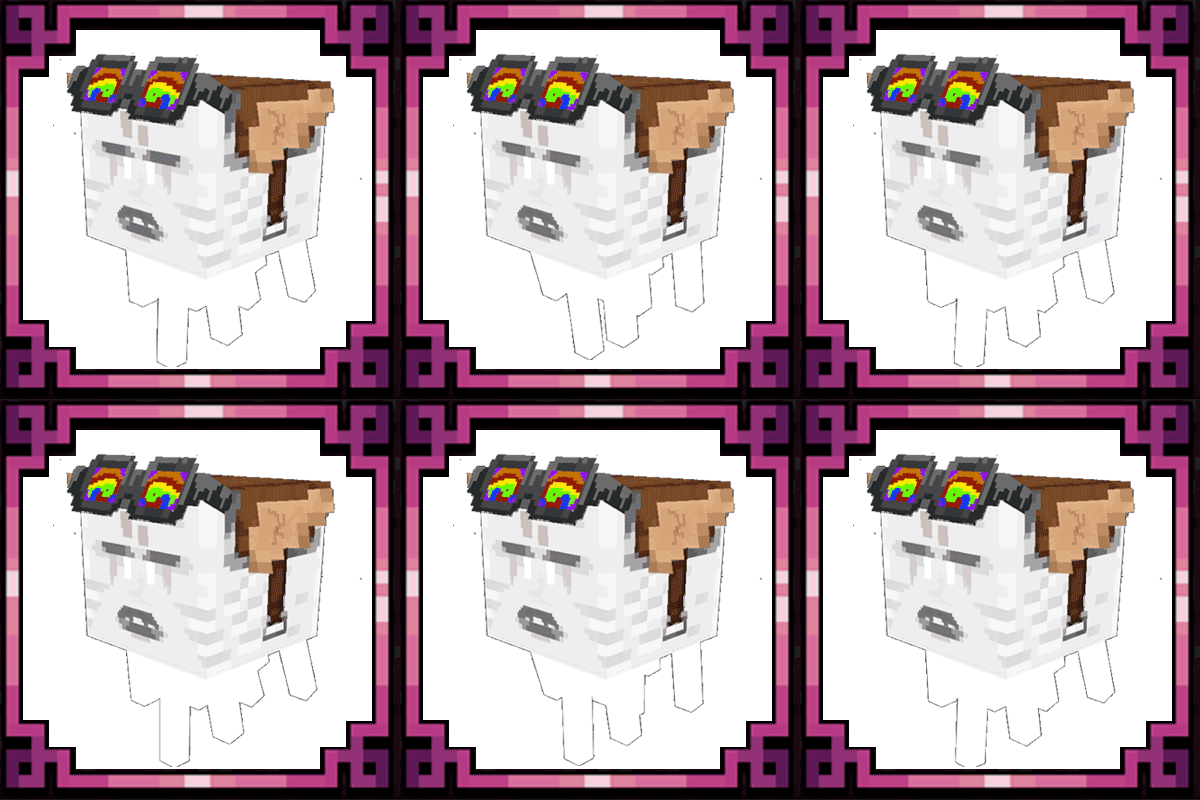
To control the ghast it is not with the look, it is with the keys: R (to go down) and space to go up
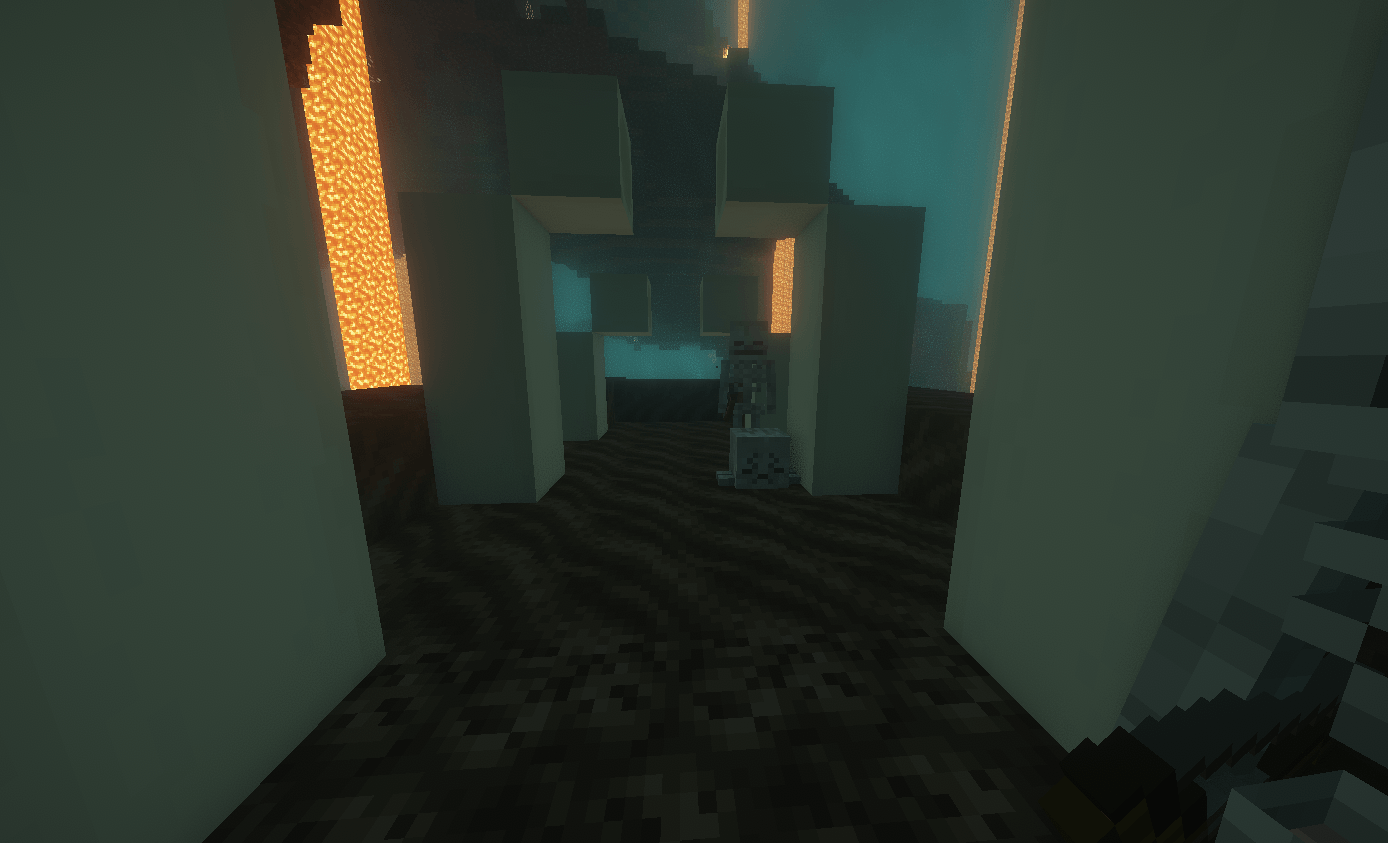
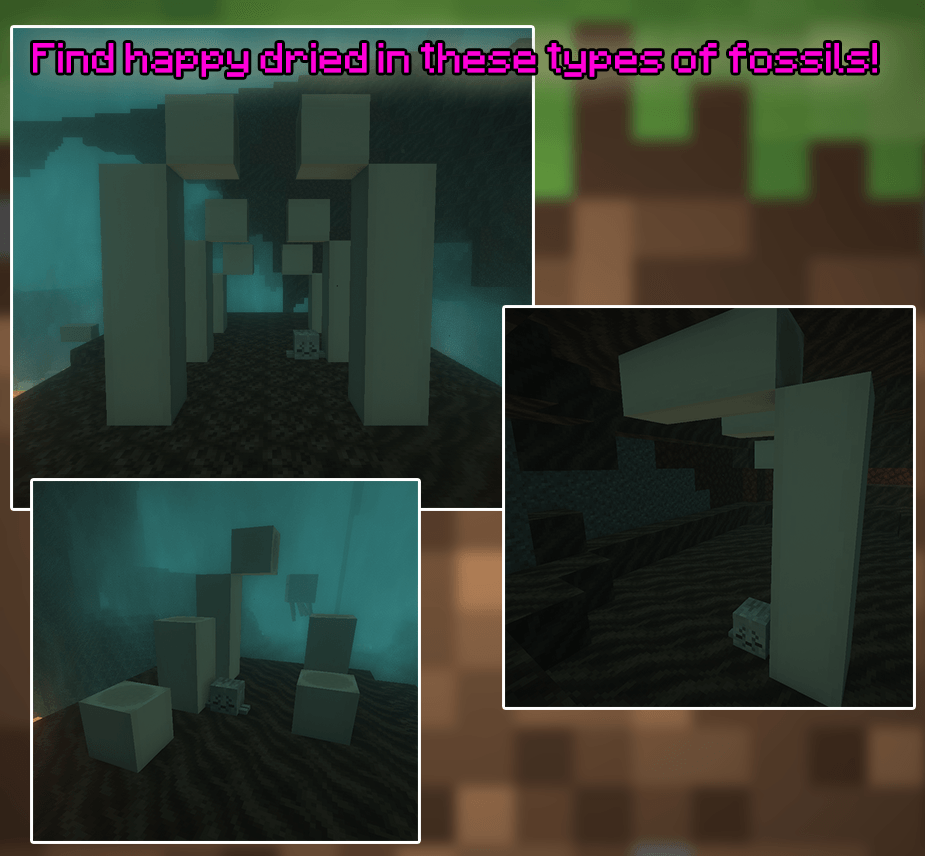
As seen in Minecraft Live 2025, in the Nether between the valleys of Soulsand, a new implementation of fossils will be found, where some of them will feature the new Dried Ghast.
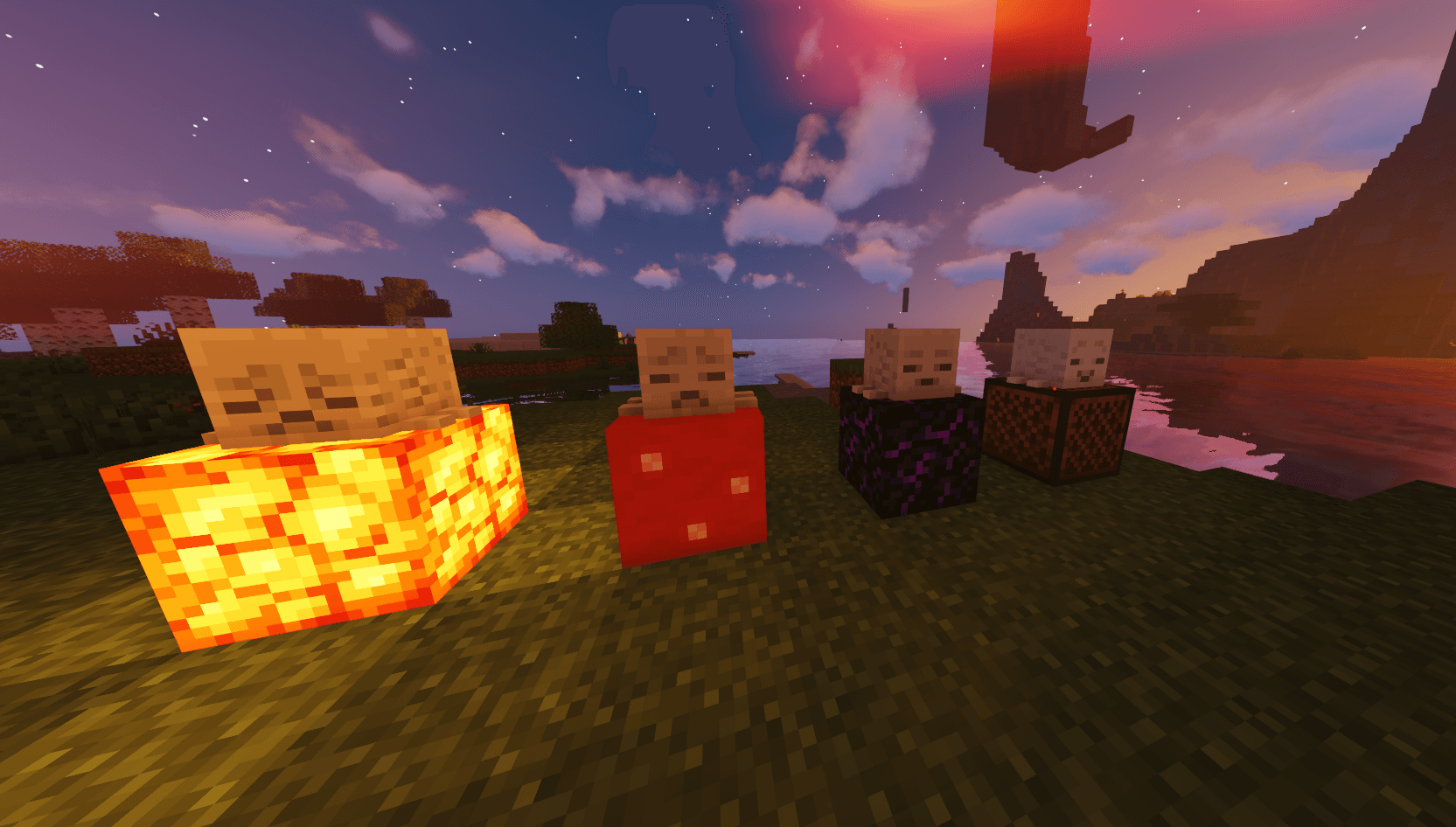
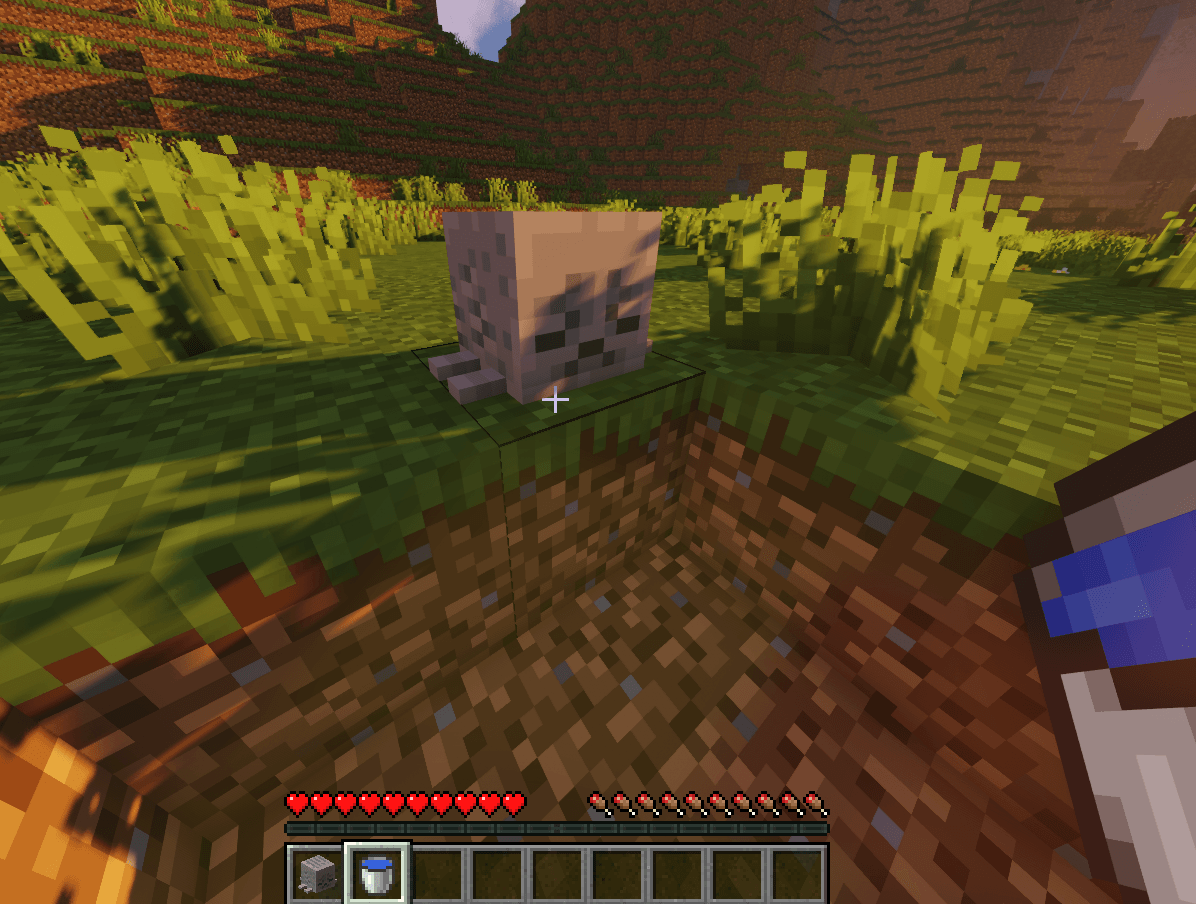
To obtain them, you just have to break them with your hand. Once you have them in your inventory, return to the normal world, place them on any ground, and then water-log them in water. Once you’ve done that, you’ll have to wait approximately 1 minutes, and they will slowly begin to hydrate, spawning green particles as they regenerate. When they’re ready, they will change their expressions, giving them 4 expressions: semi-nornal,normal, serious, and happy.
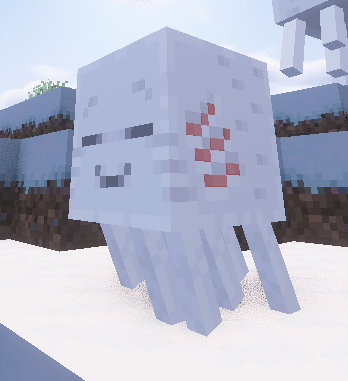
Once the Dried Ghast transforms into a Ghastling, it can be tamed with snowballs. It’s a floating creature that will follow the player once tamed and will also follow other Ghastlings.
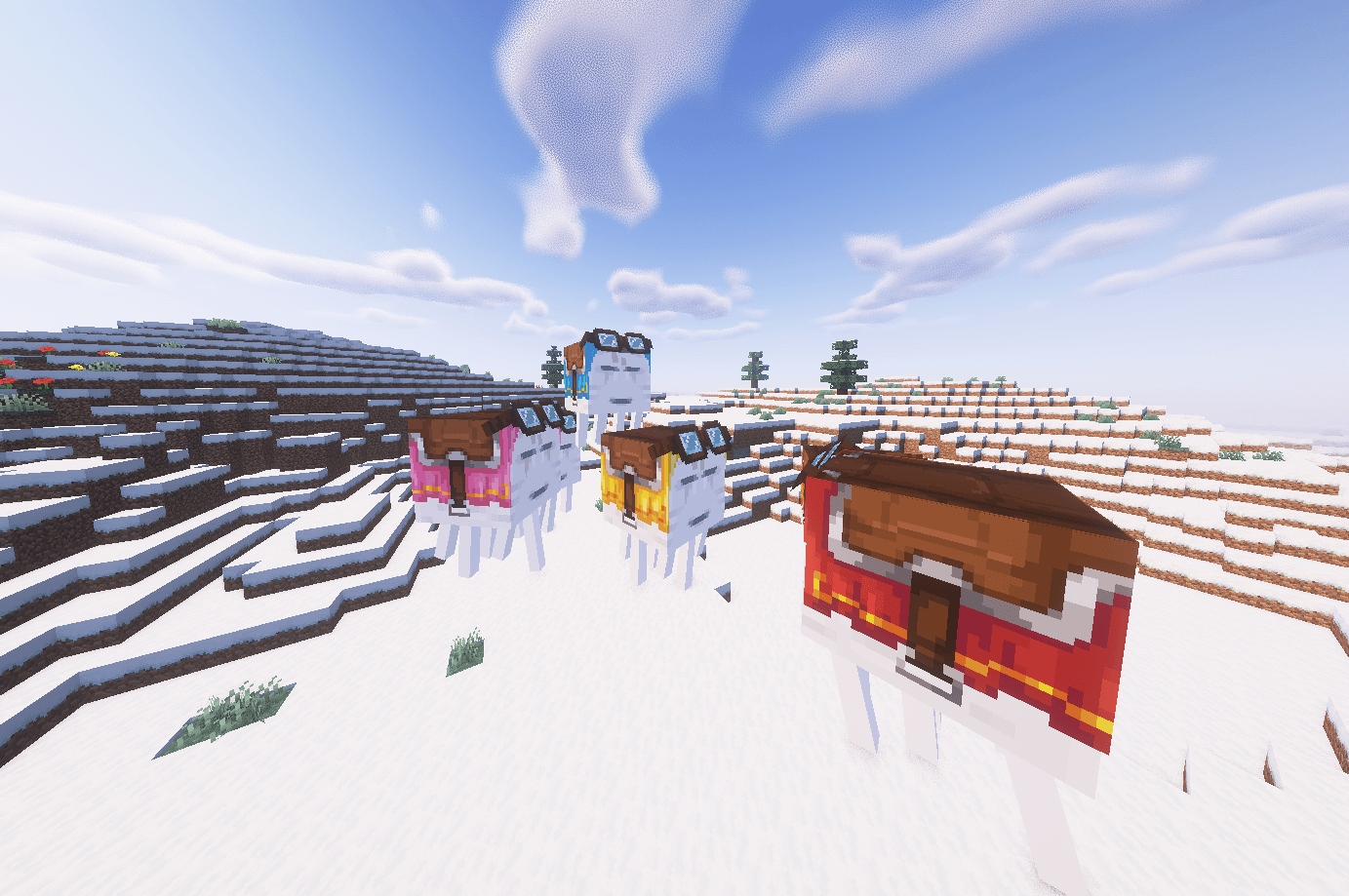
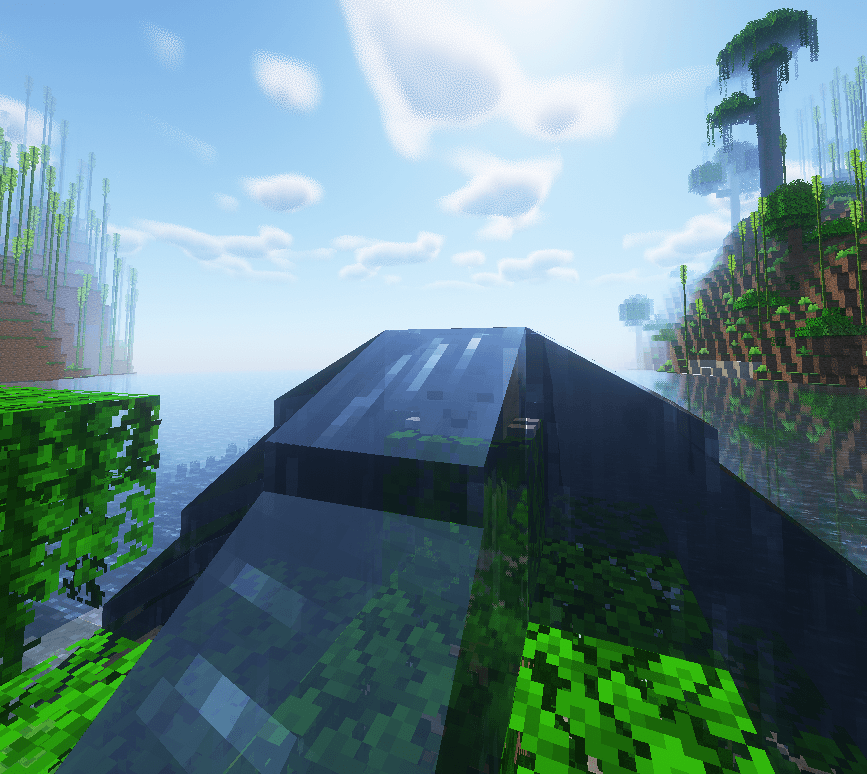
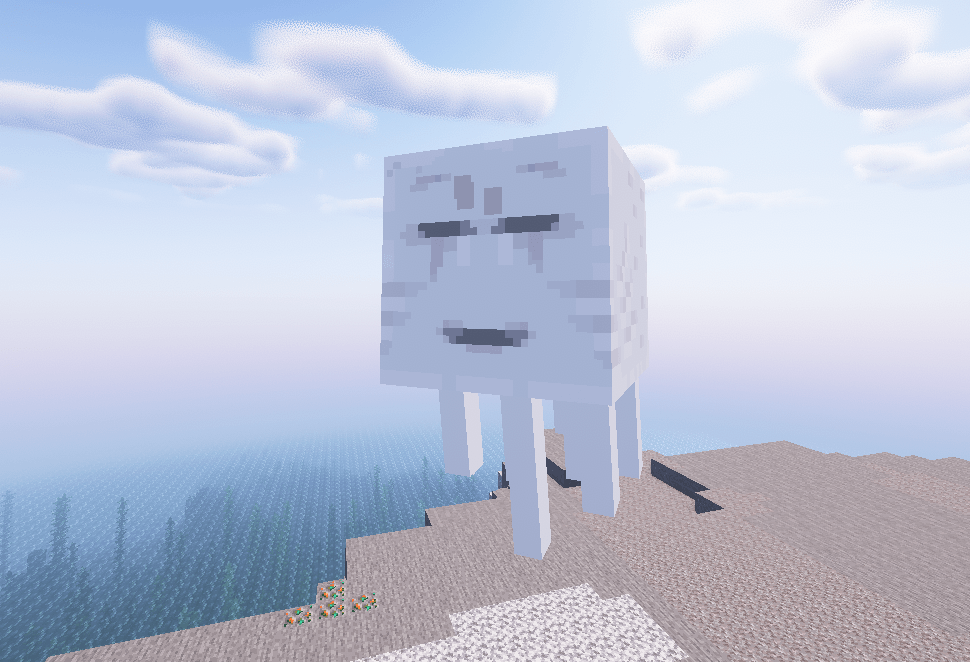
To transform a ghast into a happy ghast, you first need to tame the ghast and feed it lots of snowballs again. Once the happy ghast appears, you’ll need to tame it again and you’ll be able to put any color harness on it (we’re about to implement this, so be patient).
This is not an official Mojang backport (it’s a recreation).
Bad comments are not allowed.
I REPEAT THIS MOD WILL NO LONGER RECEIVE MORE UPDATES!!!
Mod requires GeckoLib to work. If you encounter problems with animations, disable entity shadows in shaders.


常见问题
Happy Ghast [1.20+1.21++ Backport] [deprecated] 支持哪些 Minecraft 版本?
Happy Ghast [1.20+1.21++ Backport] [deprecated] 支持 Minecraft Java 版 1.20–1.21.1,共 4 个版本,可用的加载器:Forge / NeoForge。下载时注意选择和你游戏版本一致的文件。
Happy Ghast [1.20+1.21++ Backport] [deprecated] 怎么安装?
先用 PCL2 或 HMCL 启动器安装对应版本的 Forge / NeoForge,再把下载的 .jar 文件放进游戏目录的 mods 文件夹,重新启动游戏即可。开启了版本隔离的,mods 文件夹在 versions/版本名 下面。
Pecsitonic 的其他作品
查看全部 →
Mobstein : Revive animals and necromancy!
为原版中没什么用的动物添加了新功能,并加入了一种新的科学怪人型生物。

Firefly Bush [1.18+1.21++ Backport]
在萤火虫灌木中加入萤火虫

Unicorns & Legends: [1.20++,1.21++ Forge/neoforge] [deprecated]
Strange Unicorns & Pegasus in the world
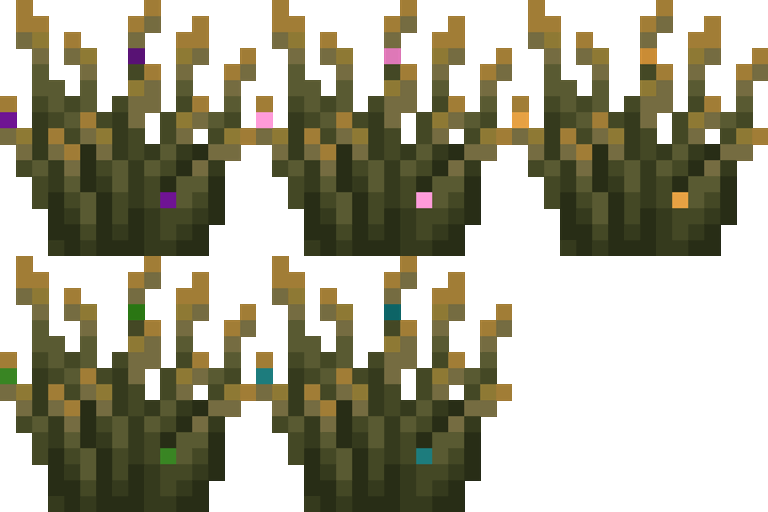
More Firefly Bush Colors [1.14++1.21++]
Add more fireflies colors in a firefly bush
评论
登录后评论和评分