
截图
介绍
🎒 Inventory Layout
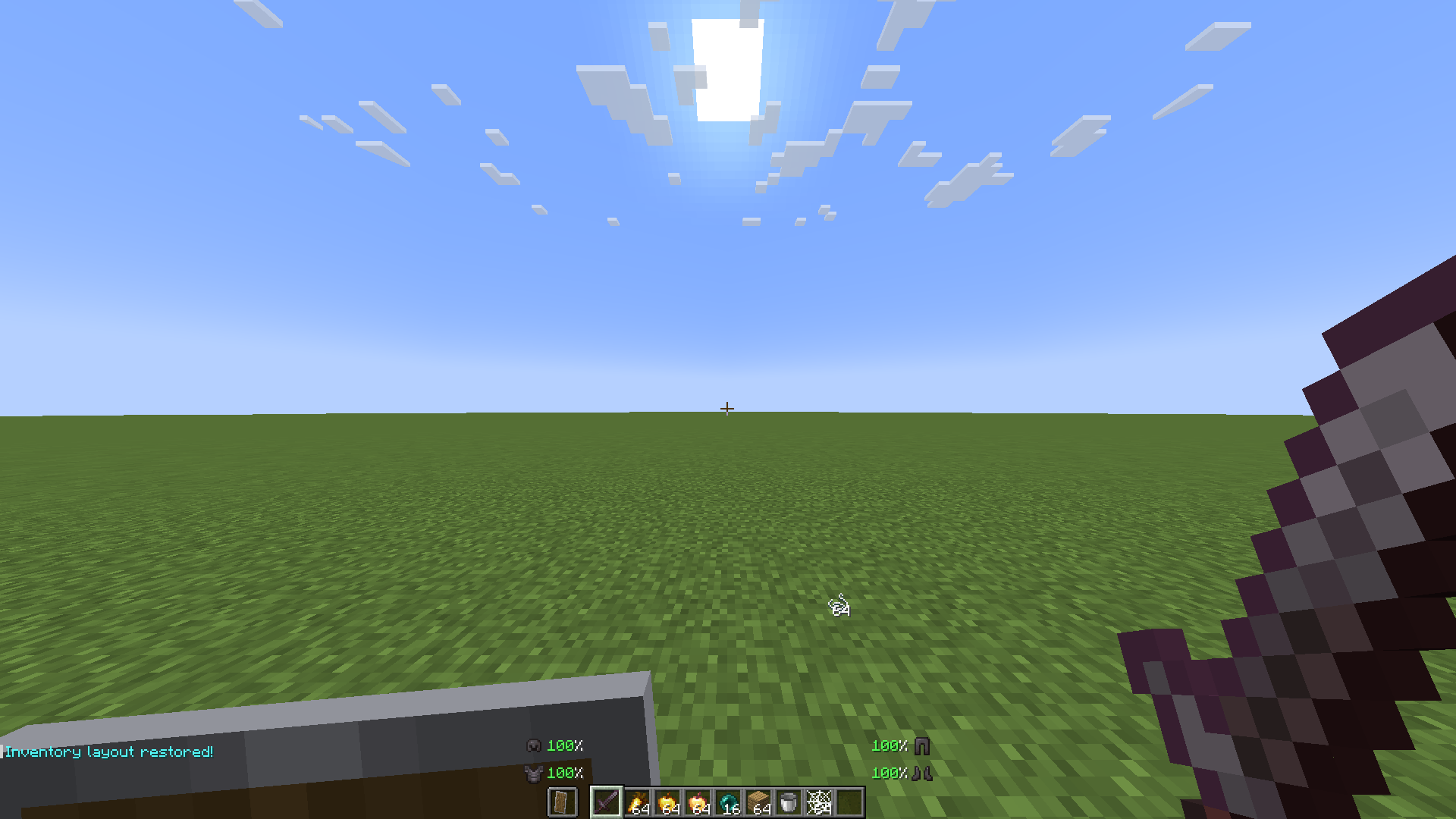
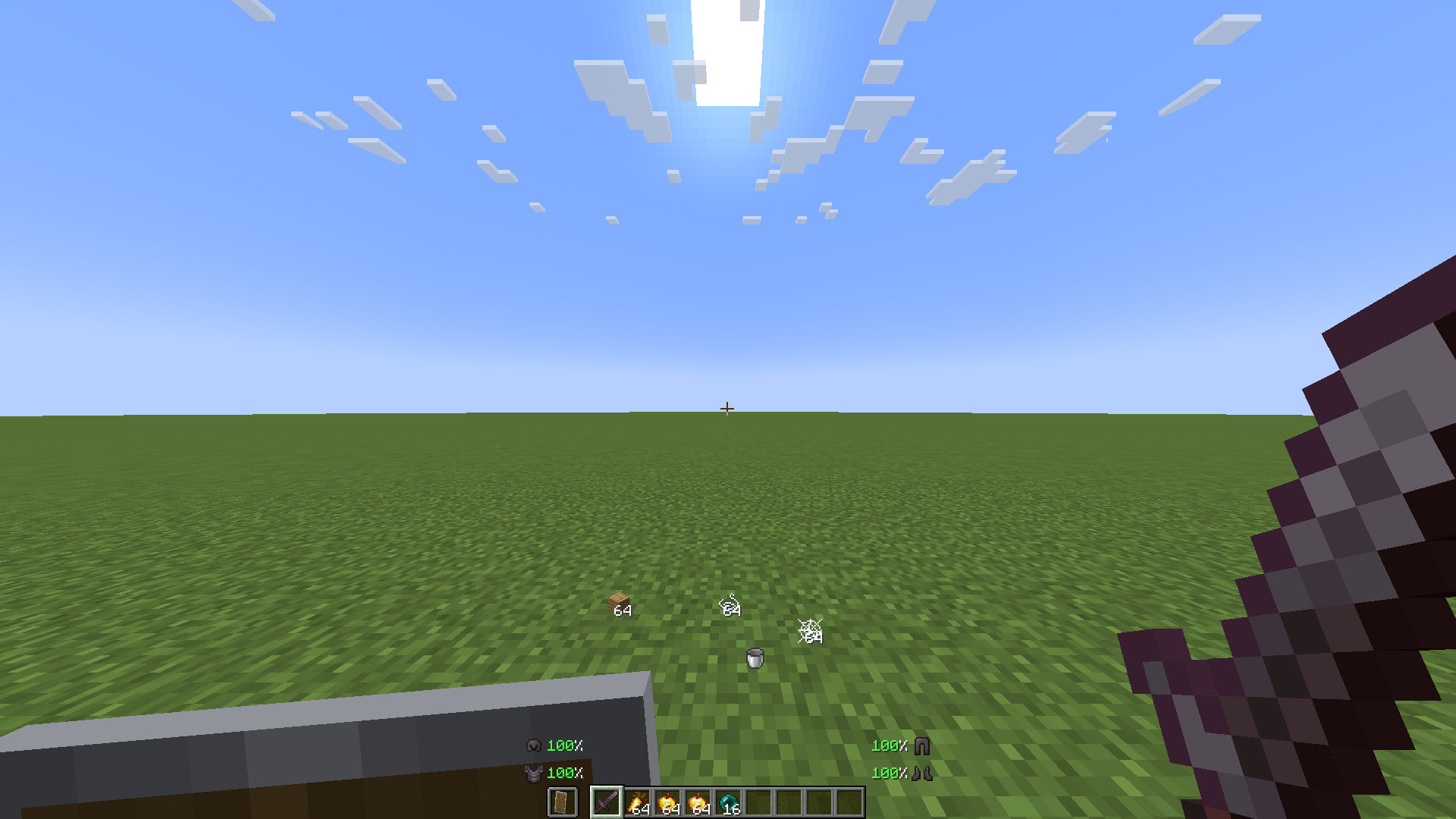
Inventory Layout is a convenient Minecraft mod that lets you save and restore your preferred inventory layout with a keybind. Keep your weapons, tools, blocks, armor, and off-hand items organized without manually rearranging everything after every inventory change.
✨ Features
- ⚡ Saves your preferred inventory and hotbar layout with a simple keybind.
- 🔄 Restores items to their saved slots with one press of a key.
- 🛡️ Supports inventory items, armor, and off-hand equipment.
- 🛠️ Helps keep your gear organized after looting, chest management, or recovering from death.
- ⏱️ Saves time by eliminating repetitive item dragging.
- 🎮 Perfect for survival, PvP, exploration, building, and everyday gameplay.
- ✨ Keeps your inventory clean, consistent, and ready for action.
⚙️ How to Use
Set up your preferred inventory and hotbar layout, then use the assigned keybind to save it. Whenever you need to organize your items again, press the restore keybind to return your gear to its designated slots.
You can configure the keybind through Options → Controls. Make sure that the mod is installed correctly and that its keybinds do not conflict with other controls.
🎮 Recommended For
Inventory Layout is recommended for players who frequently reorganize their gear, manage chests, recover items after death, or switch between different activities. It is especially useful for PvP players, builders, explorers, and anyone who wants a faster and more organized inventory experience.
✨ No more clutter, no more hassle — save your layout, restore it instantly, and stay focused on the game.
常见问题
Inventory Layout 支持哪些 Minecraft 版本?
Inventory Layout 支持 Minecraft Java 版 1.21.4,可用的加载器:Fabric。下载时注意选择和你游戏版本一致的文件。
Inventory Layout 怎么安装?
先用 PCL2 或 HMCL 启动器安装对应版本的 Fabric,再把下载的 .jar 文件放进游戏目录的 mods 文件夹,重新启动游戏即可。开启了版本隔离的,mods 文件夹在 versions/版本名 下面。运行环境:仅客户端。
HaniNumber1 的其他作品
查看全部 →
small swords (hani)
Small sword for better visibility

Visible Ender Pearl
this texture pack makes ender pearl biggest! Good for pvp

Pvp Sword [bare bones]
this resourcepack changes default swords to pvp variant

Just Sprint
just auto sprint, without hud, or other thing what not needed
评论
登录后评论和评分