
截图
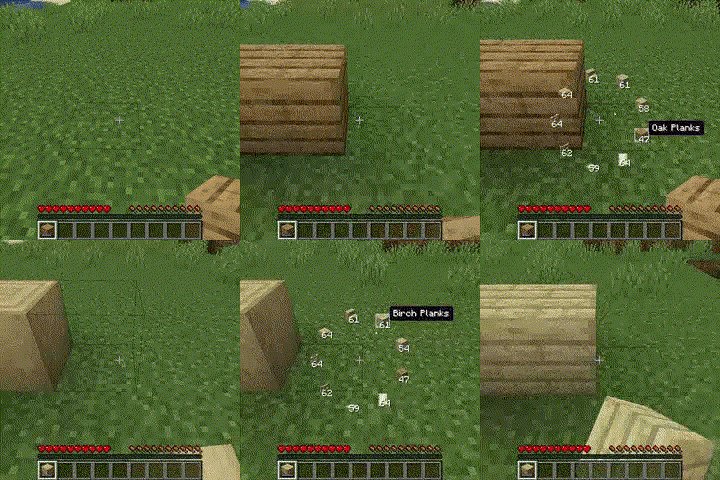
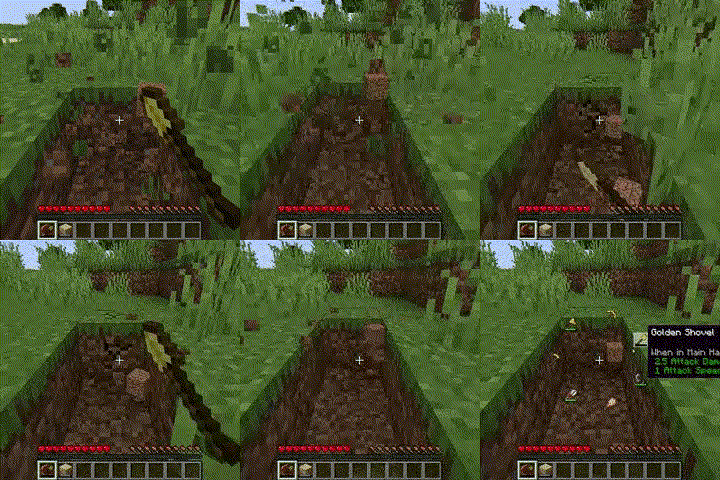
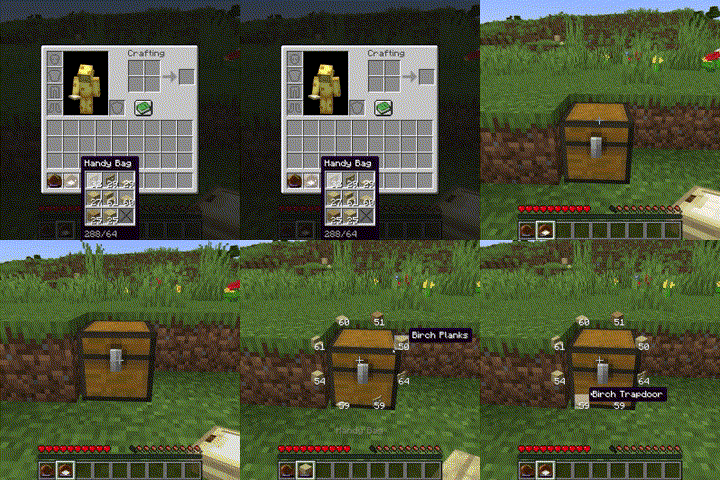
介绍
Adding Items to the Handy Bags
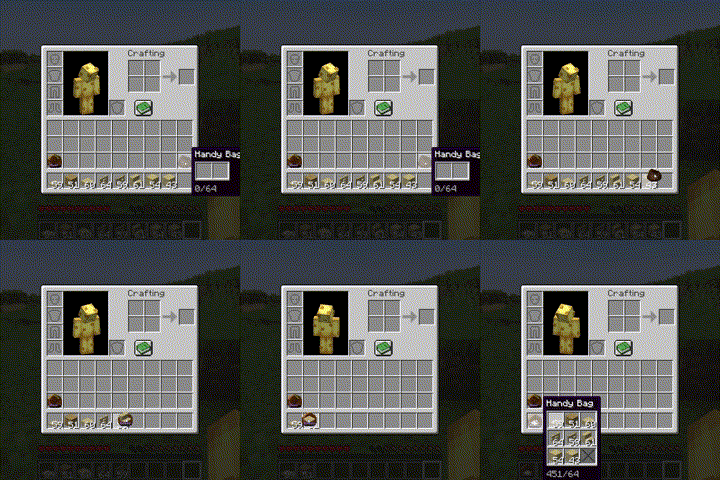
Same functionality as the bundle, except holds 9 unique stacks instead of 64 blocks total
Selecting Items within the Handy Bags
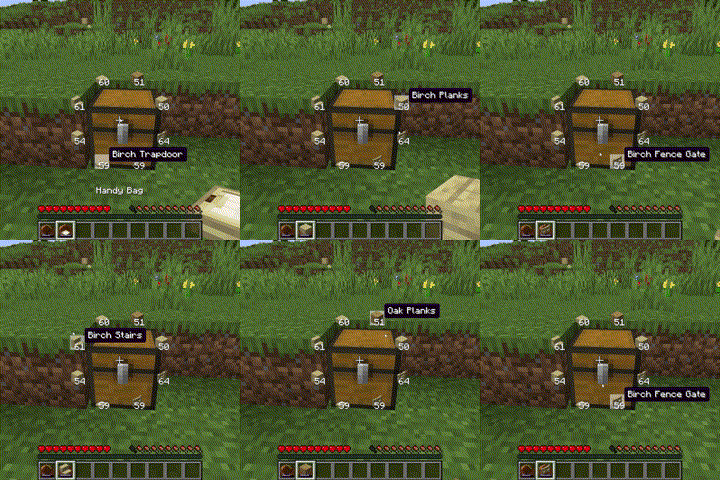
Through a radial menu (r)
Through scroll wheel + alt
Through cycle next/previous slot keys (arrow keys)
Using Blocks from the Handy Bags
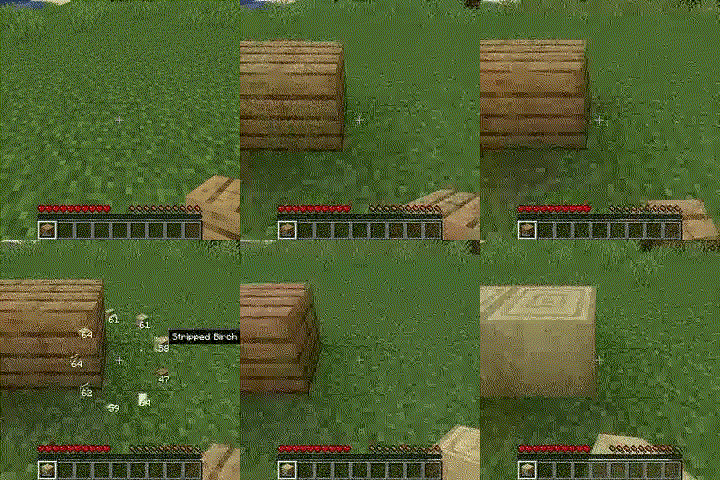
It never uses up the last block in the bag
Using Tools from the Handy Bags
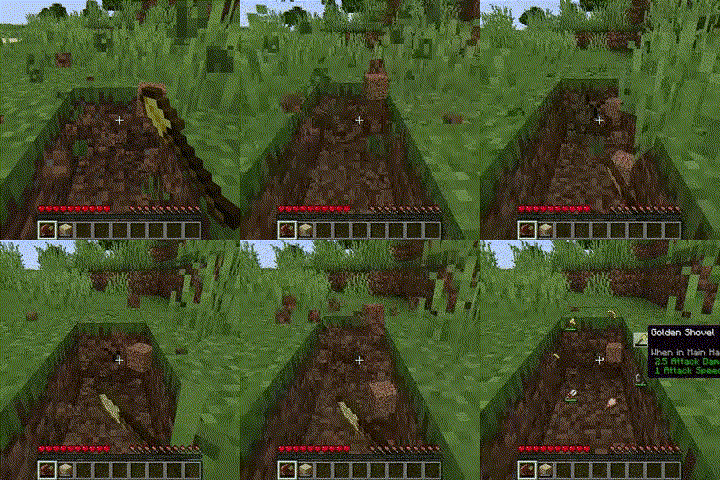
It never uses a tool without any durability
Refilling the handy bag
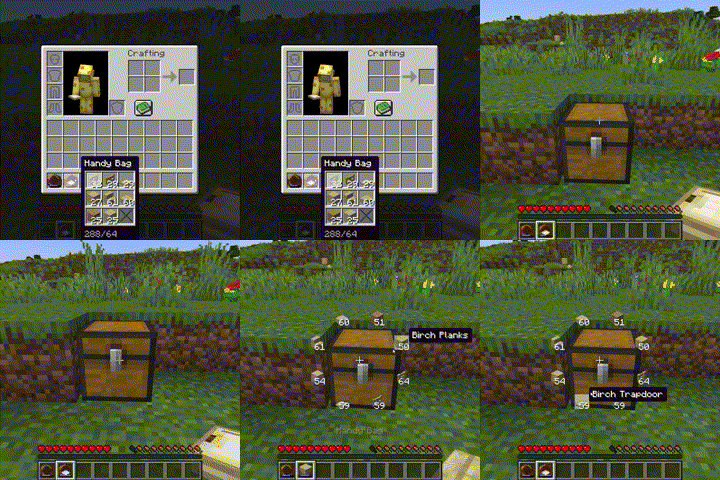
Shift Right Click on a container will refill all stacks in the handy bag if possible
Pick Block (middle mouse button)
Handy bags will be priorised over stacks in the inventory
Crafting recipe
1 chest, 1 iron ingot and 1 leather (shapeless)
Planned Features
Colored Handy Bags
Using weapons in Handy Bags
Using items in Handy Bags
常见问题
Handy Bags 支持哪些 Minecraft 版本?
Handy Bags 支持 Minecraft Java 版 1.20–1.21.1,共 9 个版本,可用的加载器:Quilt。下载时注意选择和你游戏版本一致的文件。
Handy Bags 怎么安装?
先用 PCL2 或 HMCL 启动器安装对应版本的 Quilt,再把下载的 .jar 文件放进游戏目录的 mods 文件夹,重新启动游戏即可。开启了版本隔离的,mods 文件夹在 versions/版本名 下面。运行环境:客户端和服务端都要装。
评论
登录后评论和评分