
Handcrafted Elytra
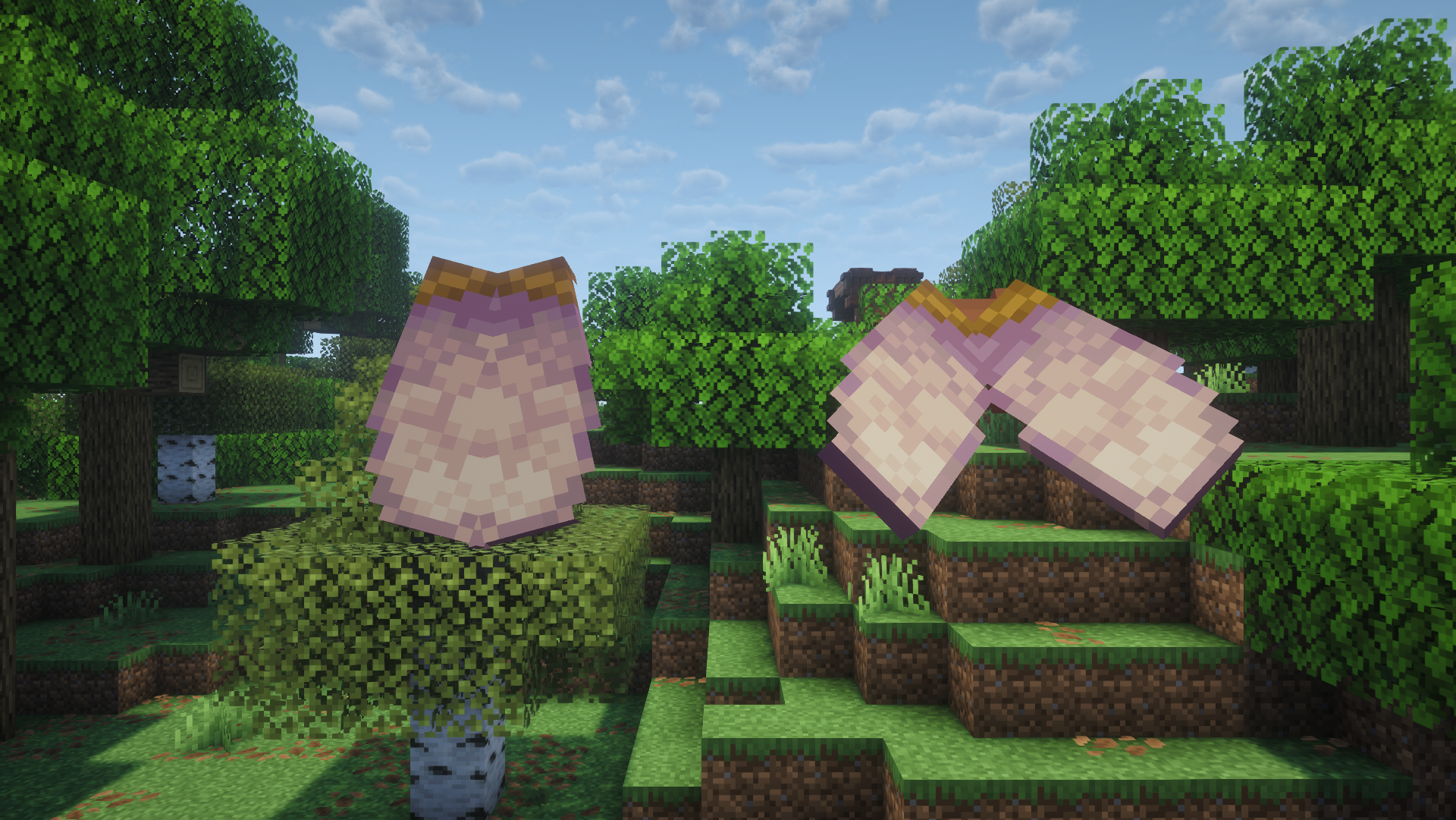
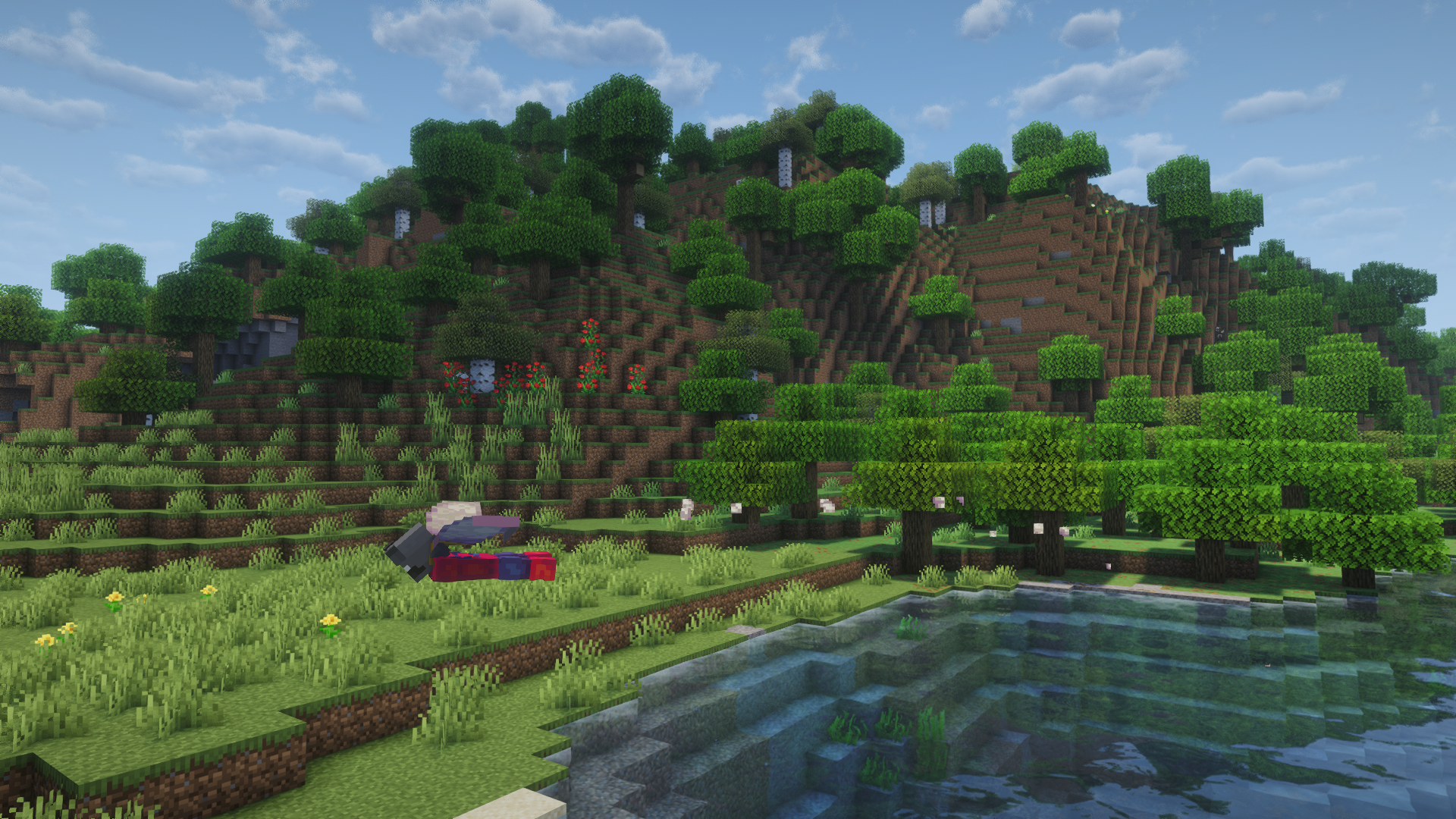
Adds a craftable, balanced, and highly configurable early game elytra, and dyeable elytras!
截图

介绍
Handcrafted Elytra
Adds a craftable, balanced, and highly configurable early-game elytra, along with support for colored elytras.
Features
Core Gameplay
- Adds a craftable early-game elytra
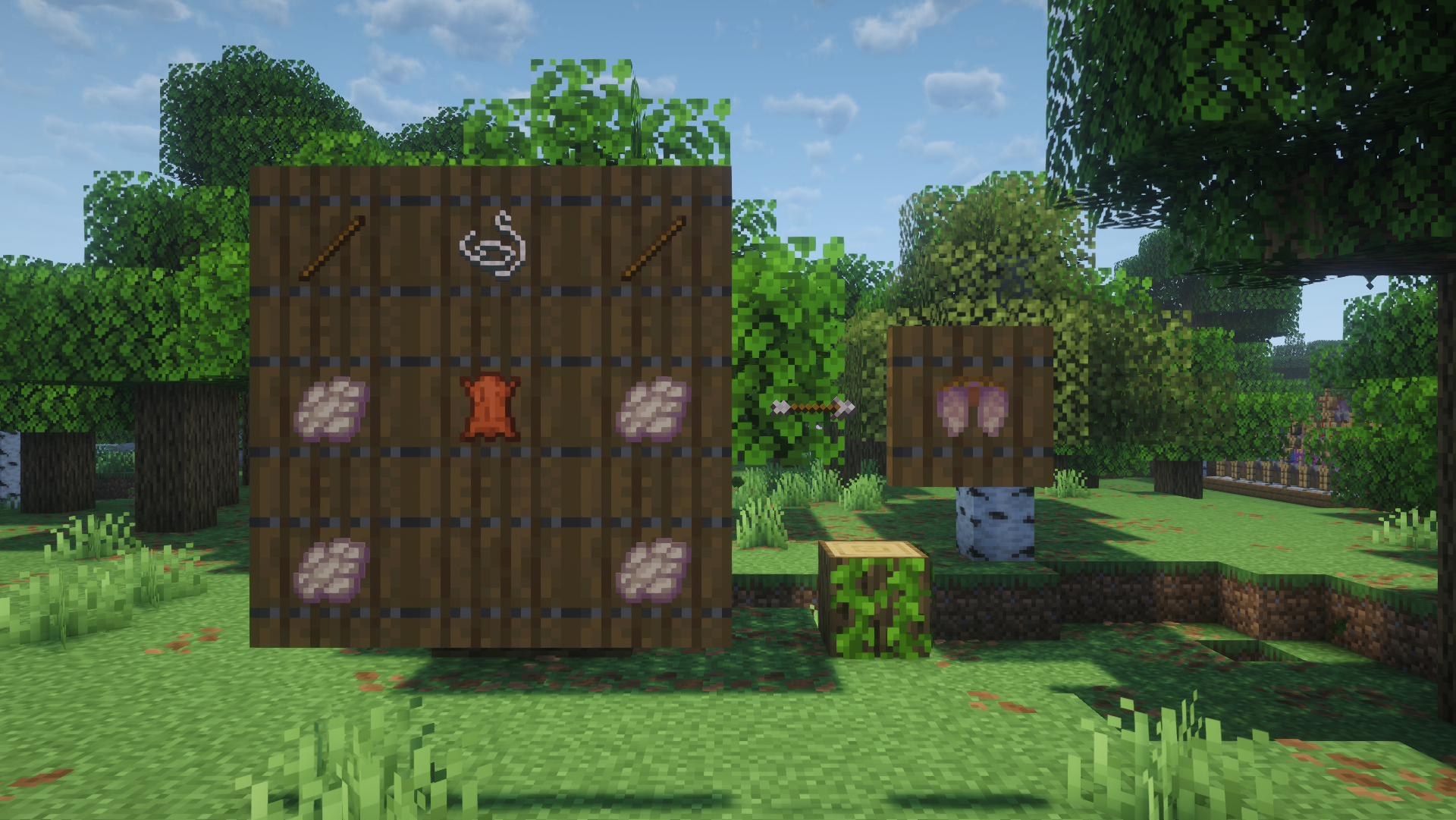
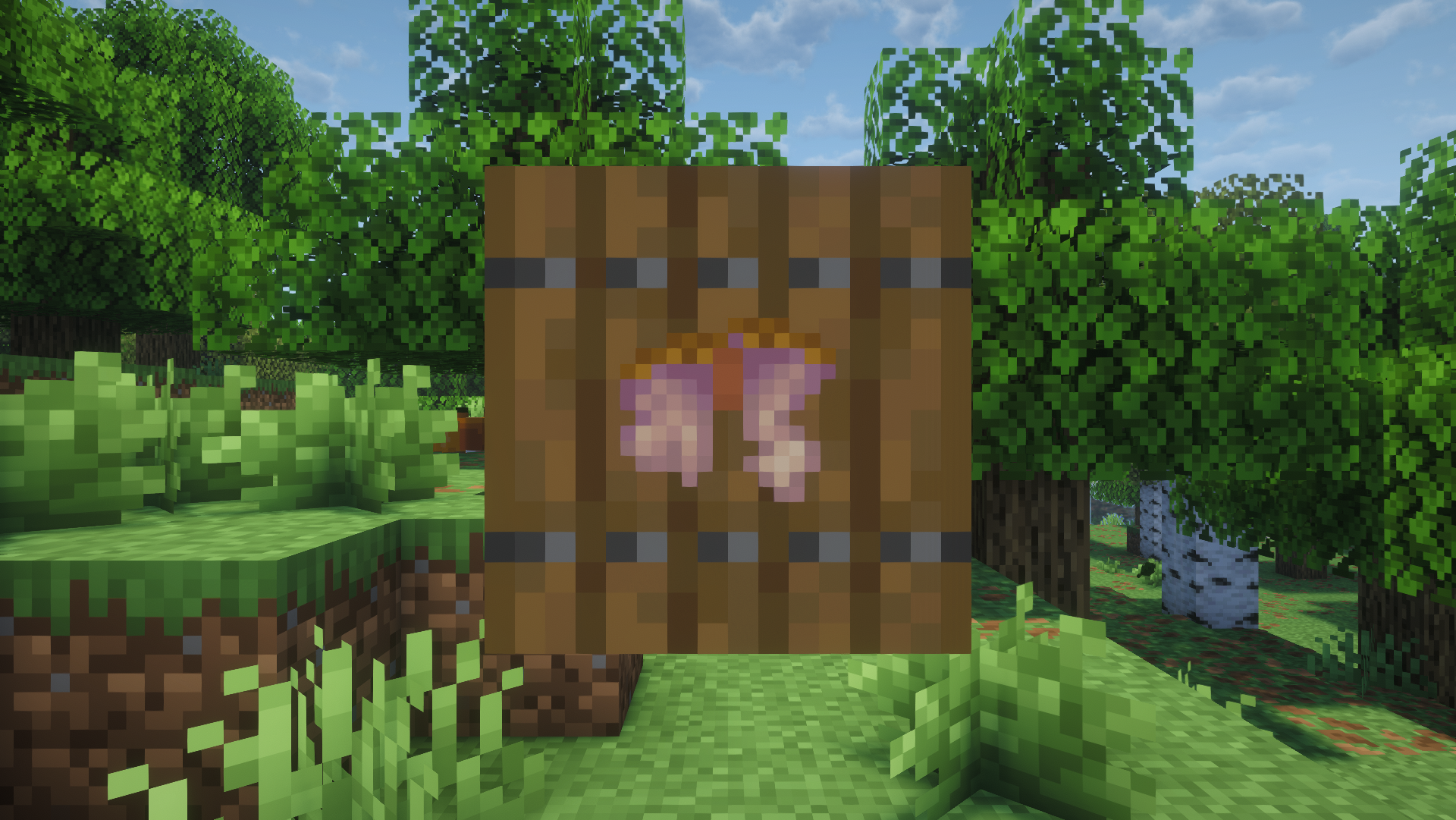
- Crafting recipe:
- 1 String
- 1 Leather
- 2 Sticks
- 4 Phantom Membranes
- Includes a new advancement for crafting a handcrafted elytra
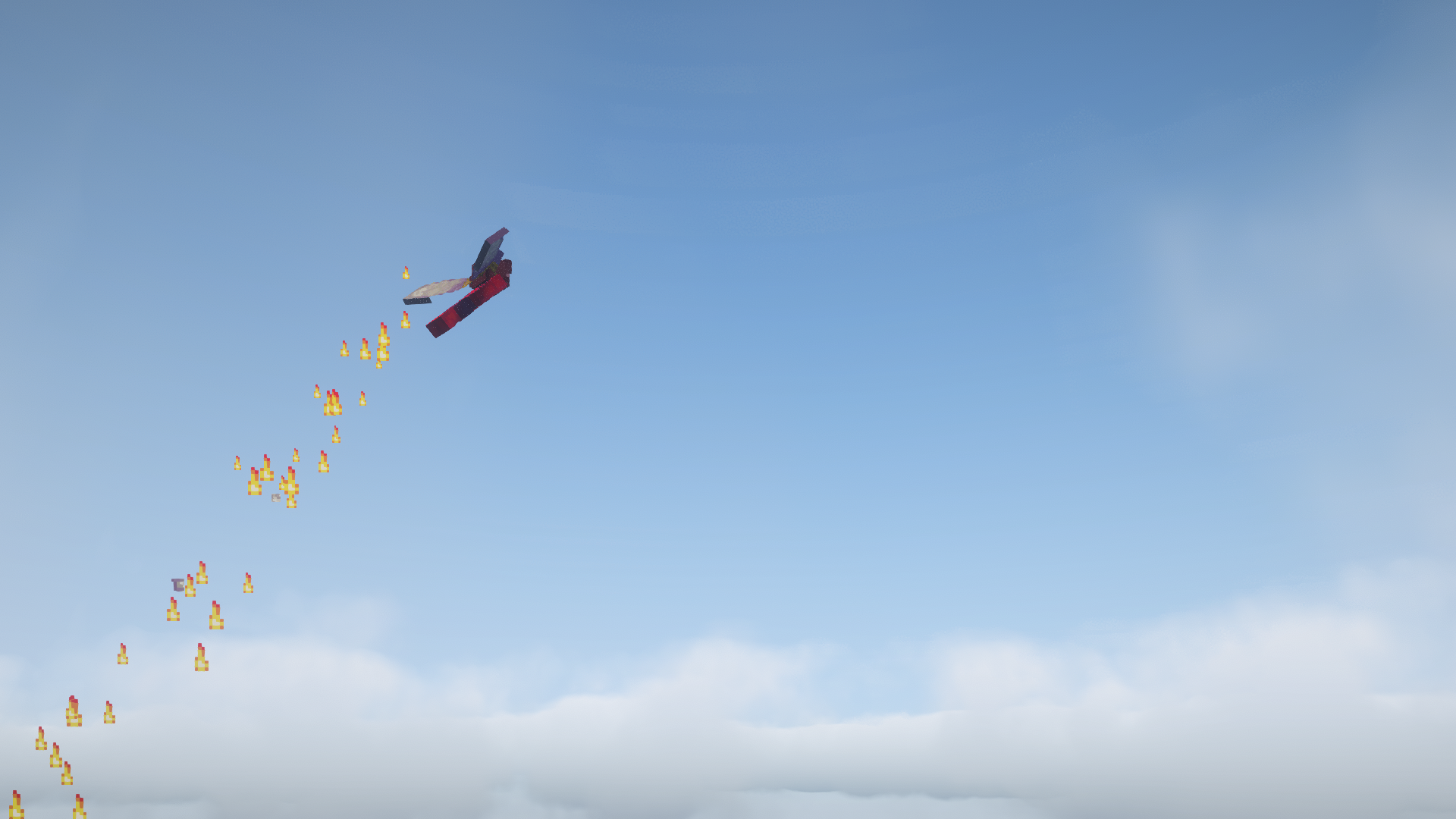
- Comes with a phantom membrane particle trail (Configurable)
- You can use the jump key to stop flying mid-flight with either Elytra (Configurable)
- The Handcrafted Elytra is enchantable in the enchanting table.
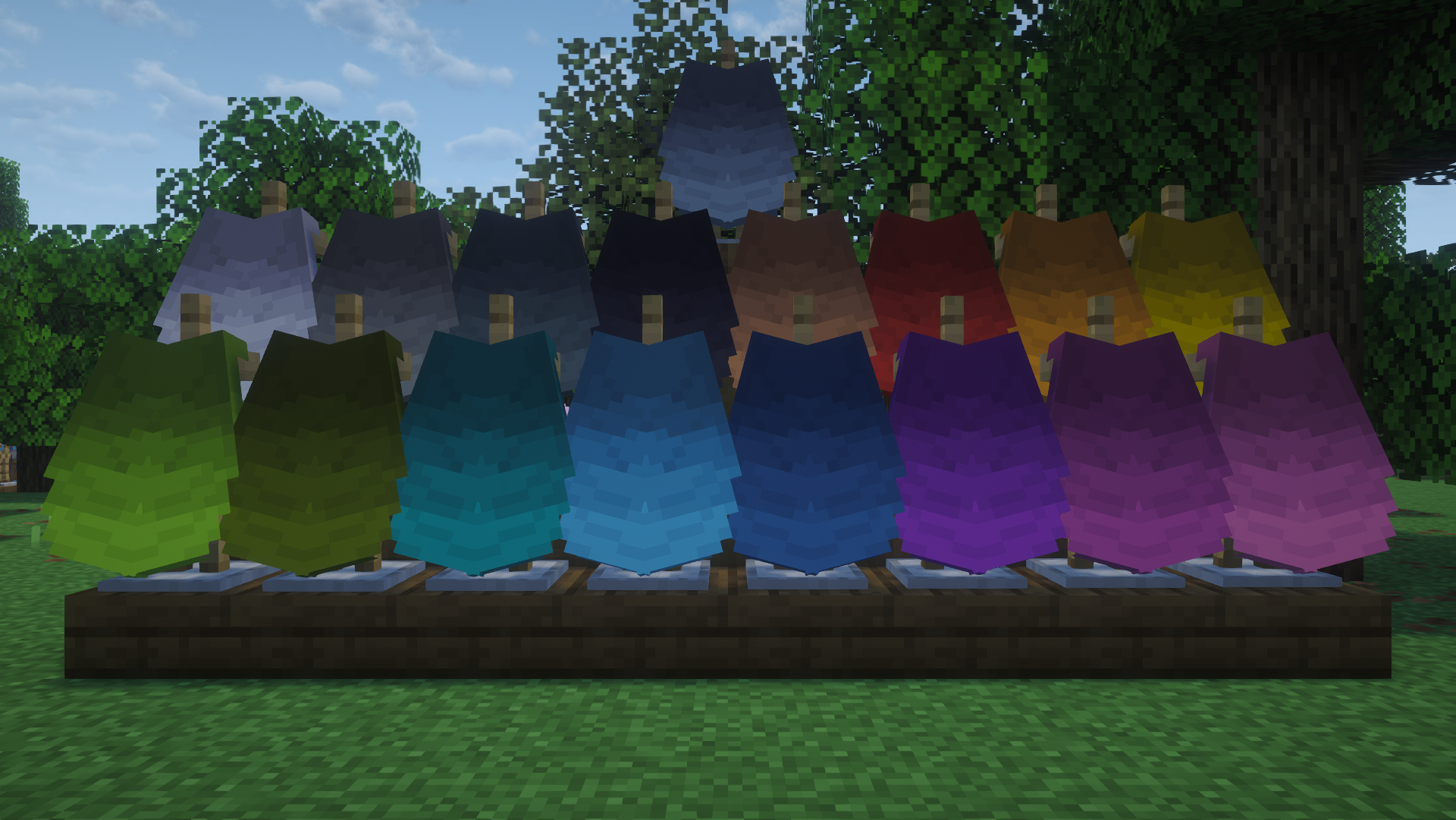
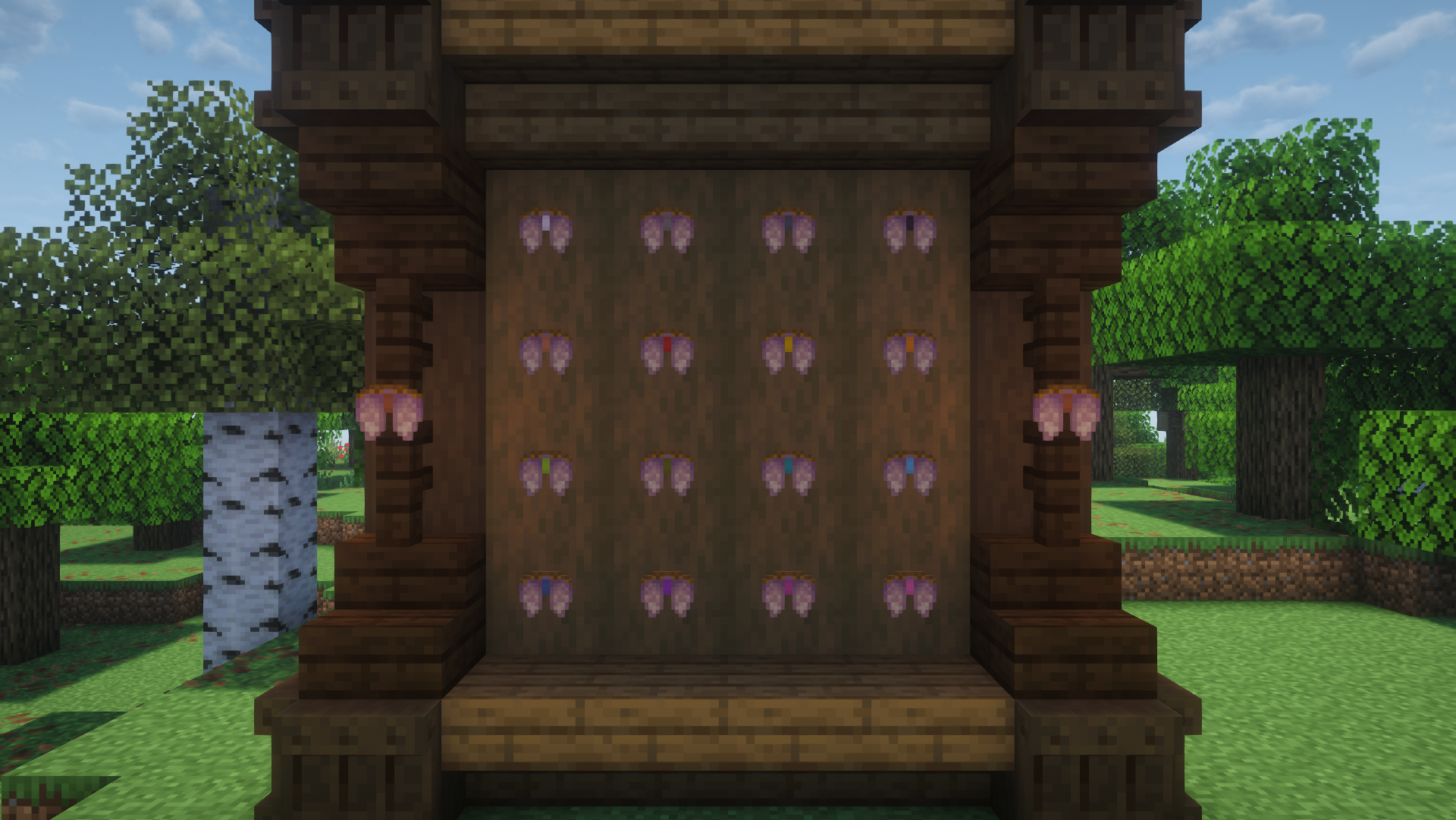
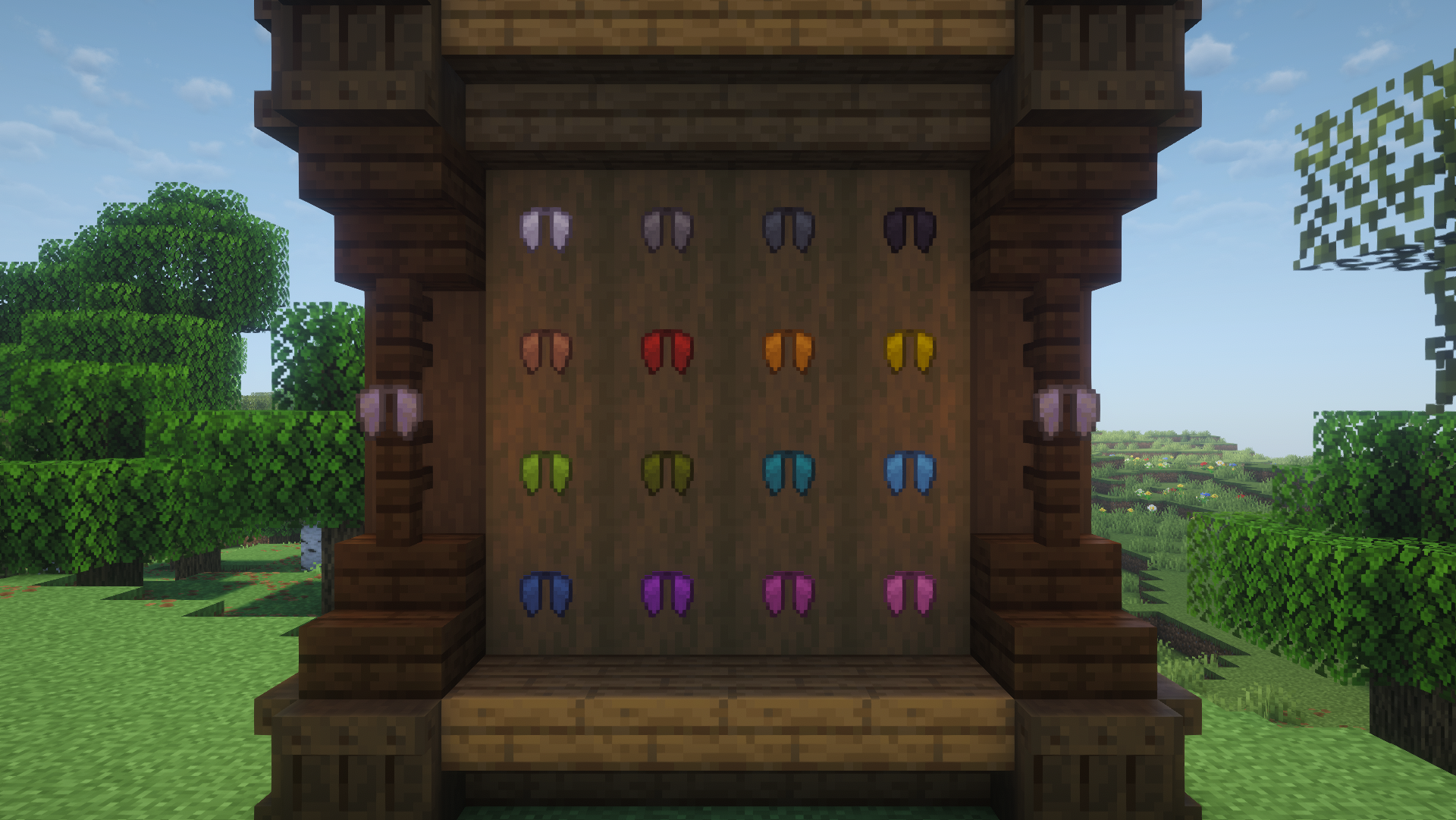
- Custom textures and elytra dyeing (1.21.5+)
Durability & Damage (Configurable)
- Base durability is 1/4 of a vanilla elytra
- Using firework rockets:
- Damages the handcrafted elytra
- Causes explosive damage to the player
- Flying too high damages the handcrafted elytra
- There is a sound cue when your elytra is taking more damage.
- Flying too close to the sun causes fire damage
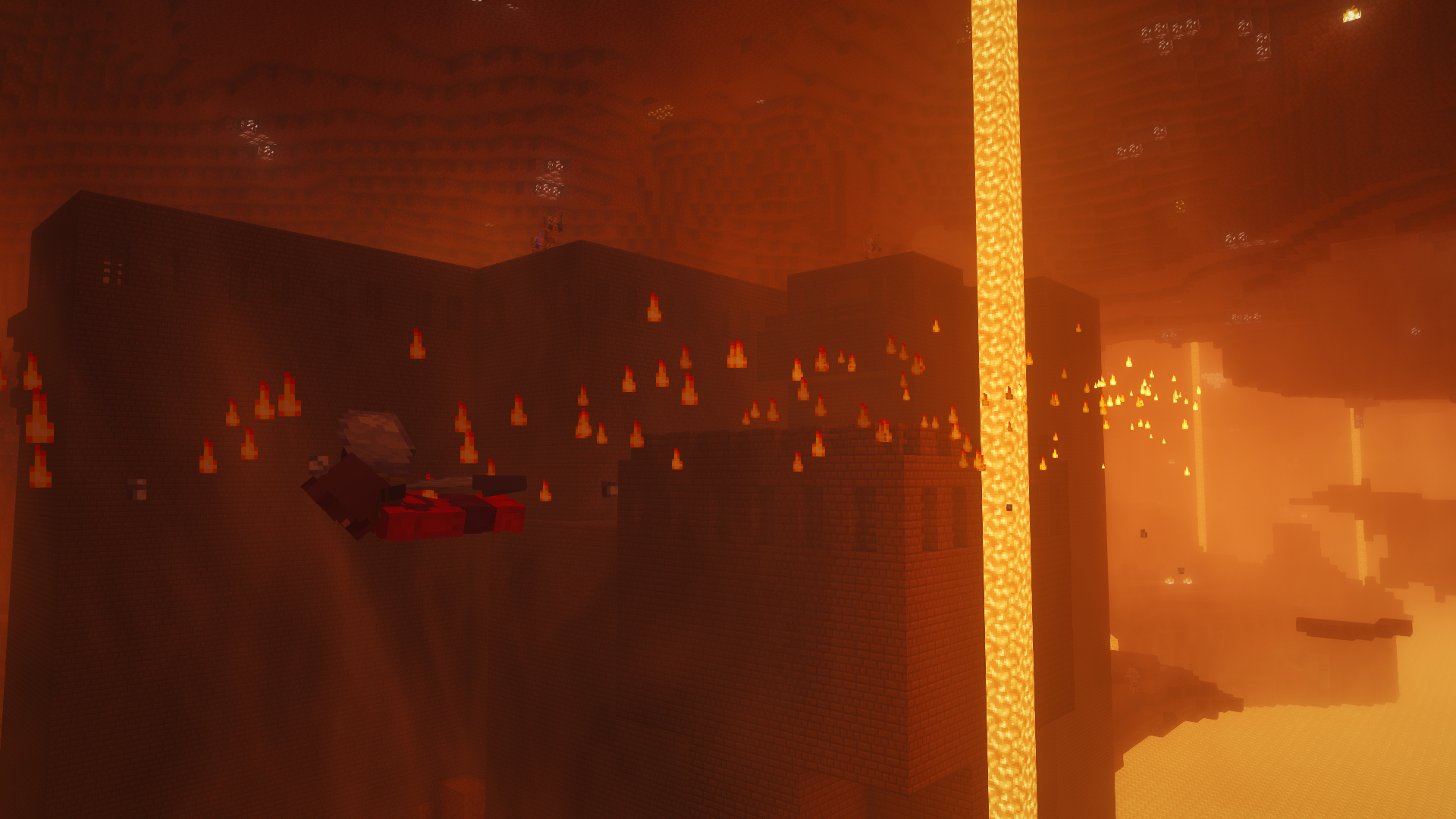
- Flying in the Nether causes the player fire damage
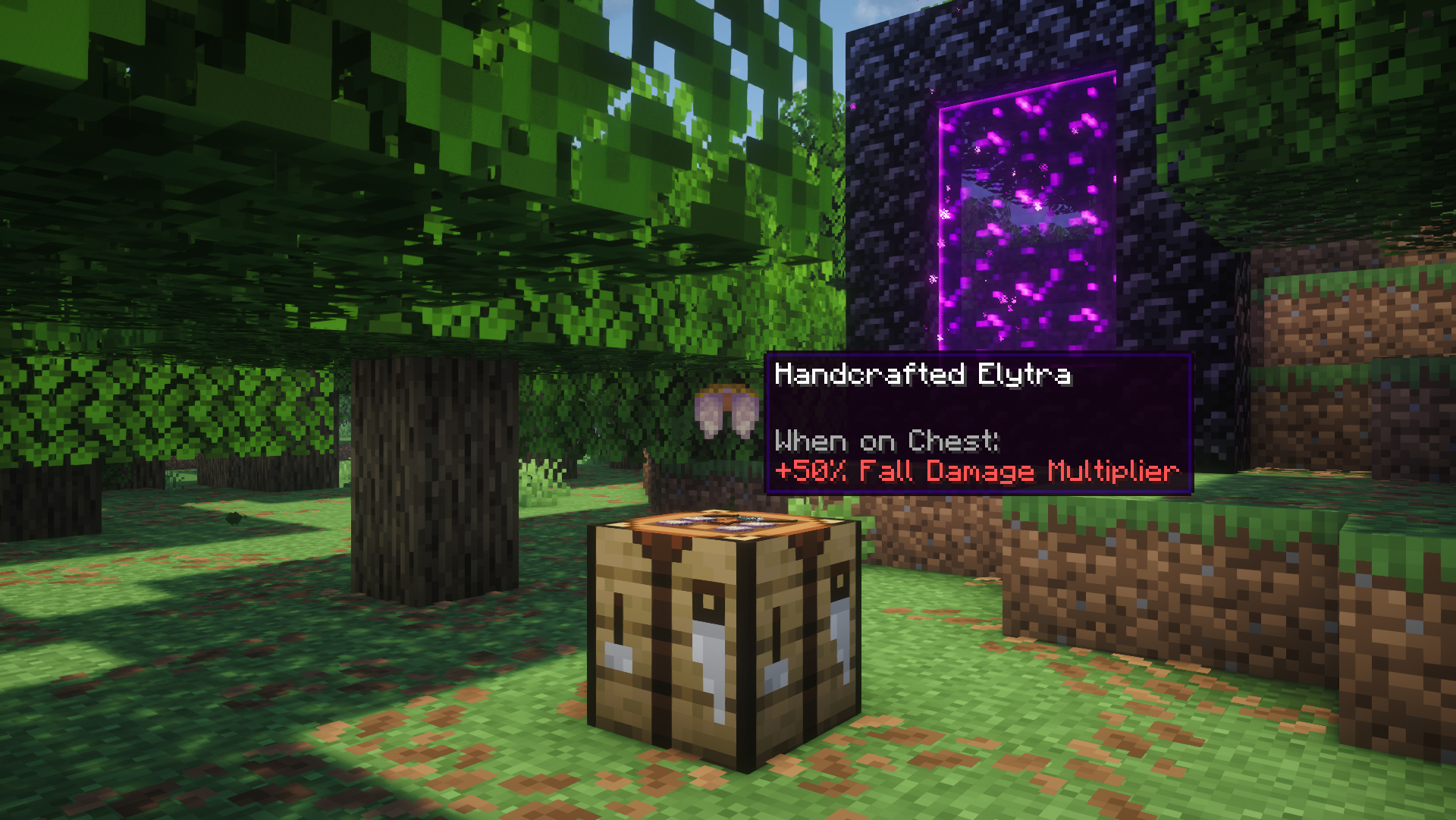
- Wearing the handcrafted elytra increases fall damage taken by 50%
- Uses armor-style breaking instead of the vanilla elytra broken state
Flight Restrictions (Configurable)
- Cannot take off from water
- Cannot fly in rain
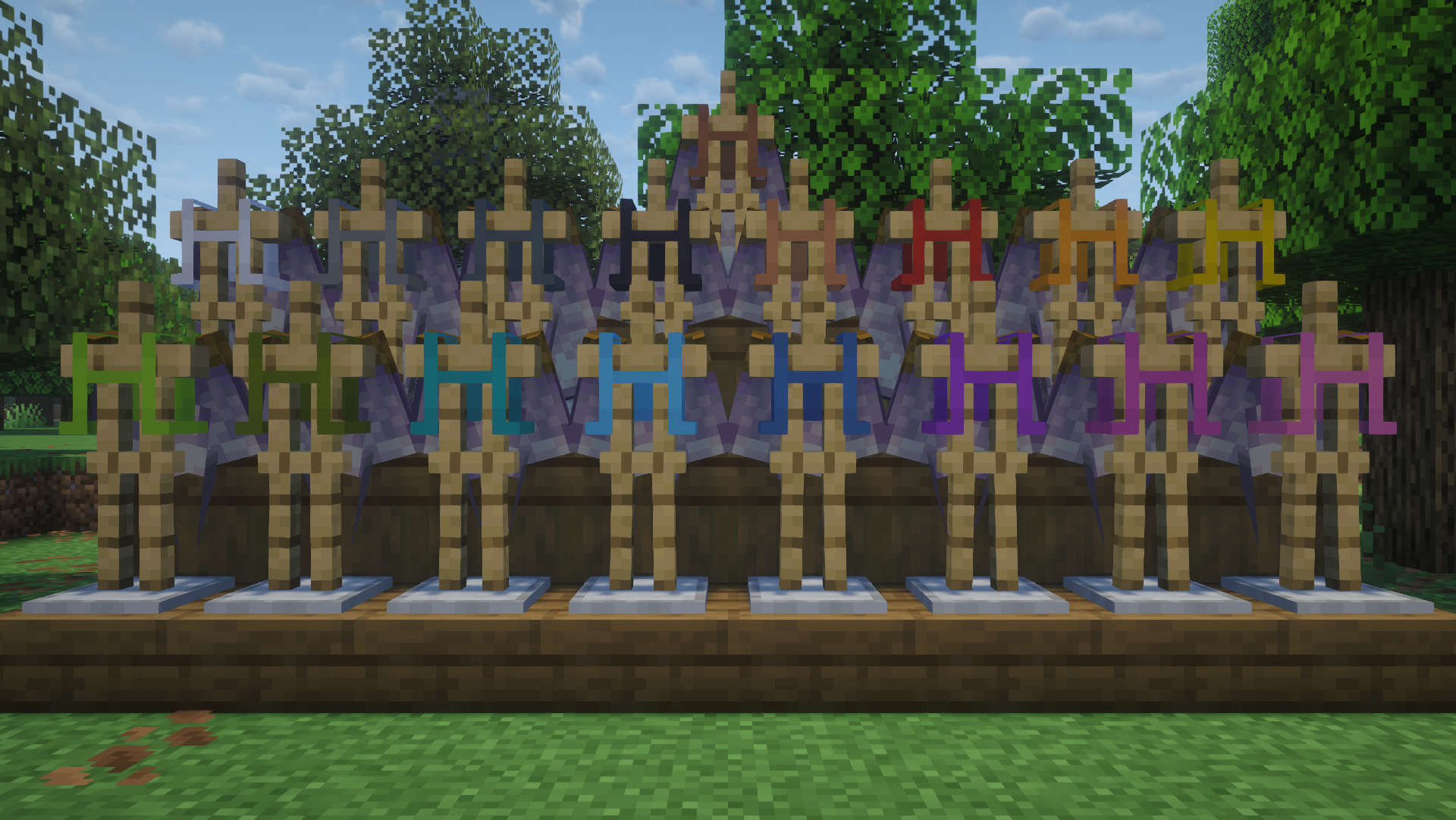
Elytra Dyeing (1.21.5+)
You can dye:
- The straps of a handcrafted elytra
- The wings of a vanilla elytra
Dyeing Methods
Smithing Table (Preset Colors)
- Use any of the 16 vanilla dyes to produce one of the beautiful, hand-picked preset colors
Crafting Table (Vanilla Method)
- Uses vanilla dyeing mechanics to combine dyes to achieve any color
- Can be used to reproduce exact hex colors: https://minecraft.wiki/w/Dye#Dyeing_armor
Important Dyeing Notes
- Only in versions 1.21.5+
- To remove a dye color, use a water bottle in a smithing table
- If a smithing table is used to dye at any point, the color lore becomes permanent
- If you get stuck with a permanent color lore, you can always reset by undyeing the elytra in a smithing table
Configuration
- All features are highly customizable!
- Disable features you don’t like or change values to your preference
- Open the settings menu with:
/function handcrafted_elytra:_settings
Known Issues / Limitations
- Do not repair either elytras in a crafting table!!! Use an anvil or grindstone instead. Crafting repairs are intentionally inefficient to prevent infinite vanilla elytra
- Cape compatibility limitations:
- To use a cape texture on your vanilla elytra:
- Dye your elytra white
- Enable your cape
- To use a colored vanilla elytra:
- Disable your cape
- Mods such as Capes let you disable your cape when only wearing an elytra. https://modrinth.com/mod/capes
- The settings menu requires confirmation for each change. To disable command confirmations, use No Command Confirm. https://modrinth.com/mod/nocc
⚠ Warning
- For the full intended experience and textures, use 1.21.5 or newer.
- Older versions and server-only installs have limited features.
Installation
There are multiple versions to support your specific needs:
Data Pack and Resource Pack
- Download both the data pack and resource pack.
- Place the data pack
.zipfile inworld/datapacks - Each player must:
- Add the resource pack
.zipfile as a resource pack - Enable resource pack in-game
Data Resource Pack Combo
- Place the same
.zipfile inworld/datapacks - Each player must:
- Add the same file as a resource pack
- Enable resource pack in-game
Mod Wrapper
- Place the
.jarfile in the mods folder on both the client and the server
Server-Side Only
- Datapack: place
.zipinworld/datapacks - Mod wrapper: place the
.jarfile in the servermodsfolder
Uninstall
To uninstall, use: /function handcrafted_elytra:uninstall or the Uninstall button in the settings menu.
This will automatically disable the datapack.
常见问题
Handcrafted Elytra 支持哪些 Minecraft 版本?
Handcrafted Elytra 支持 Minecraft Java 版 1.21–26.1.2,共 15 个版本,可用的加载器:Fabric / Forge / NeoForge / Quilt。下载时注意选择和你游戏版本一致的文件。
Handcrafted Elytra 怎么安装?
先用 PCL2 或 HMCL 启动器安装对应版本的 Fabric / Forge / NeoForge / Quilt,再把下载的 .jar 文件放进游戏目录的 mods 文件夹,重新启动游戏即可。开启了版本隔离的,mods 文件夹在 versions/版本名 下面。运行环境:客户端 / 服务端。
Beast135 的其他作品
查看全部 →
Subtle Font Tweaks
This subtle Minecraft font pack makes lowercase letters smaller and rounder and centers capitalized letters. They are minor changes with a fresh new feel.
Marigold Flower!
Adds a new flower! The marigold!

Backpacked: World of Color
Add-on for Backpacked! Adds 16 dye variants to the Standard Backpack!
Backpacked: World of Color
Add-on for Backpacked! Adds 16 dye variants to the Standard Backpack!
评论
登录后评论和评分