
Halo
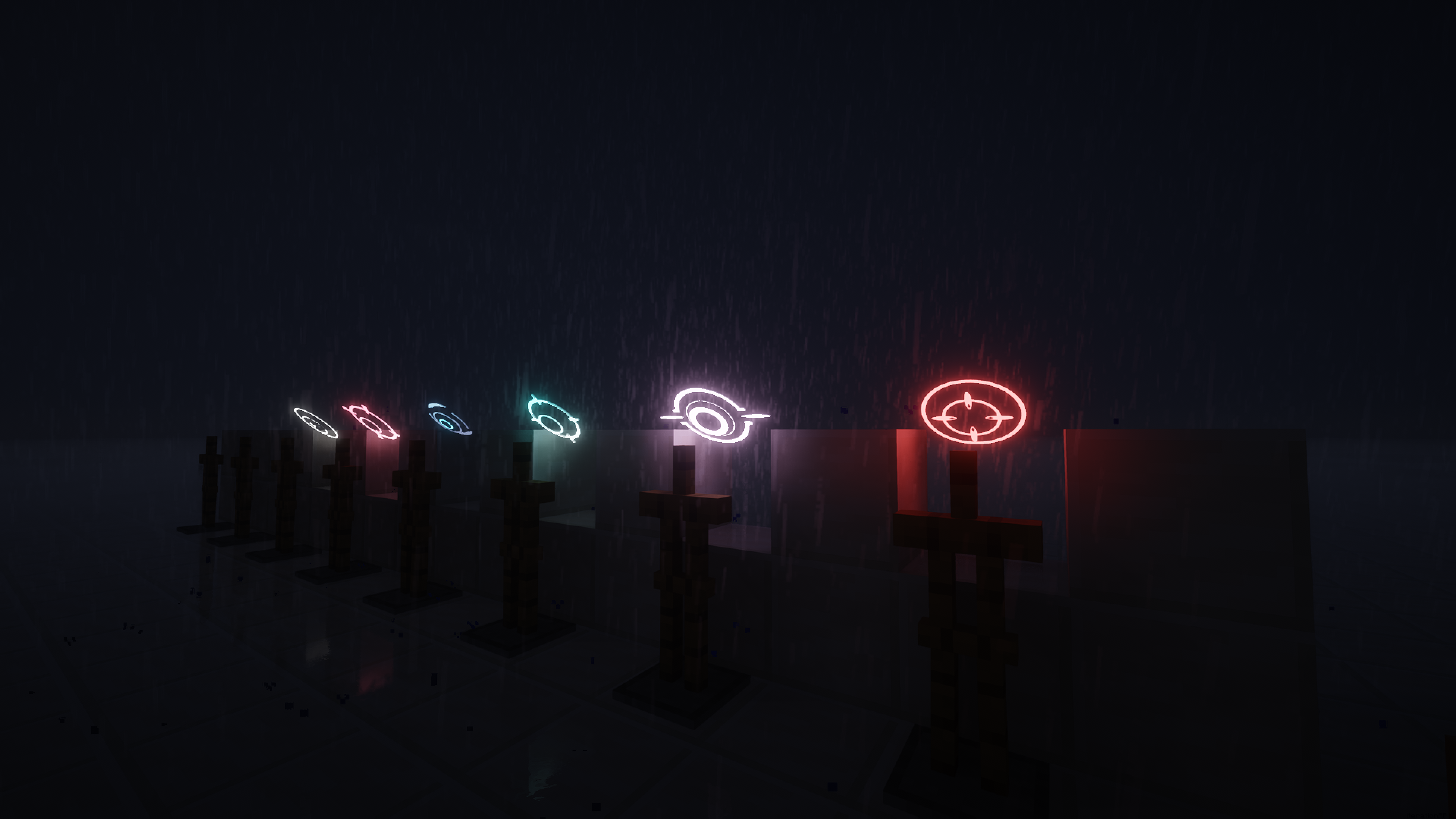
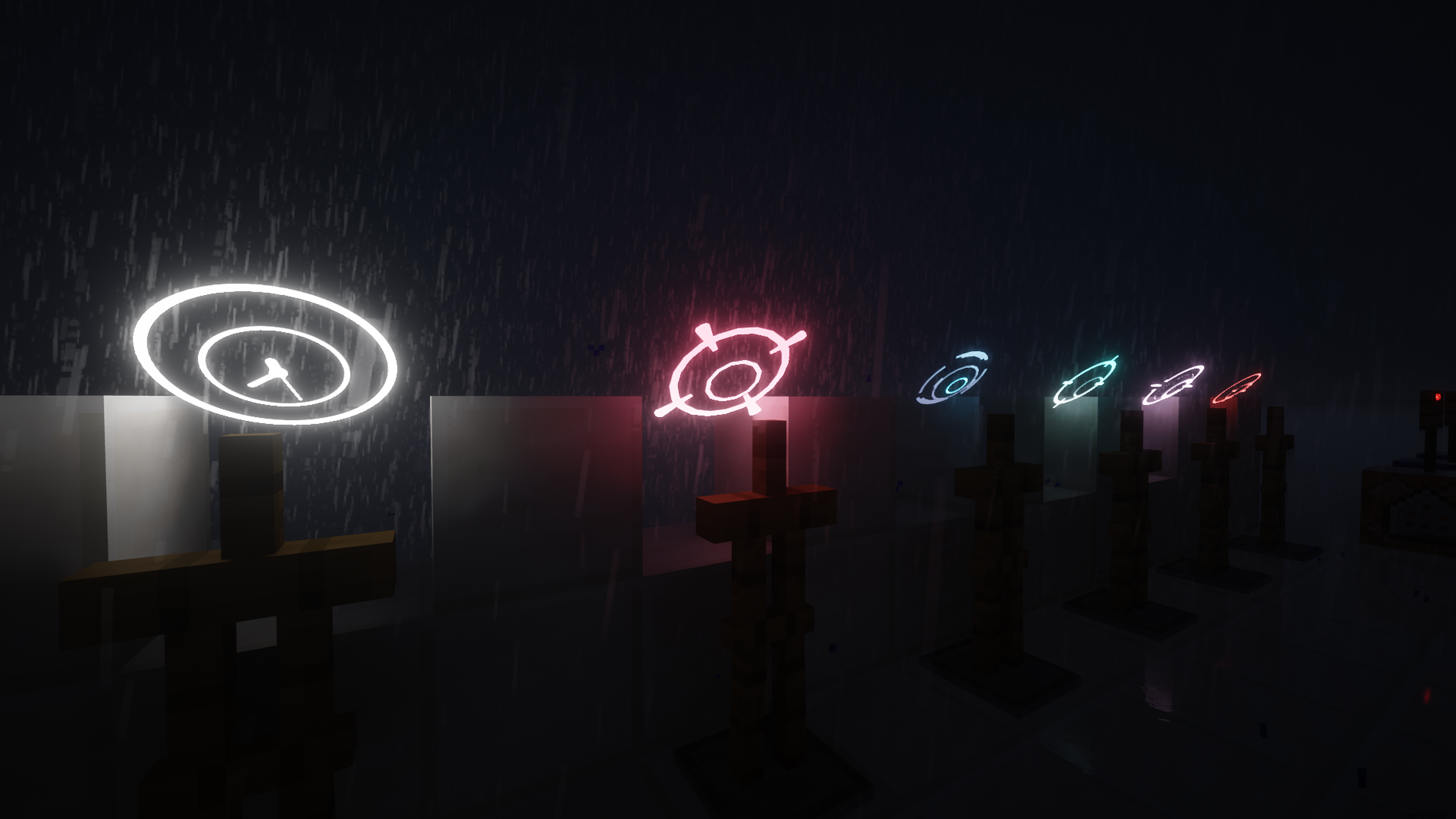
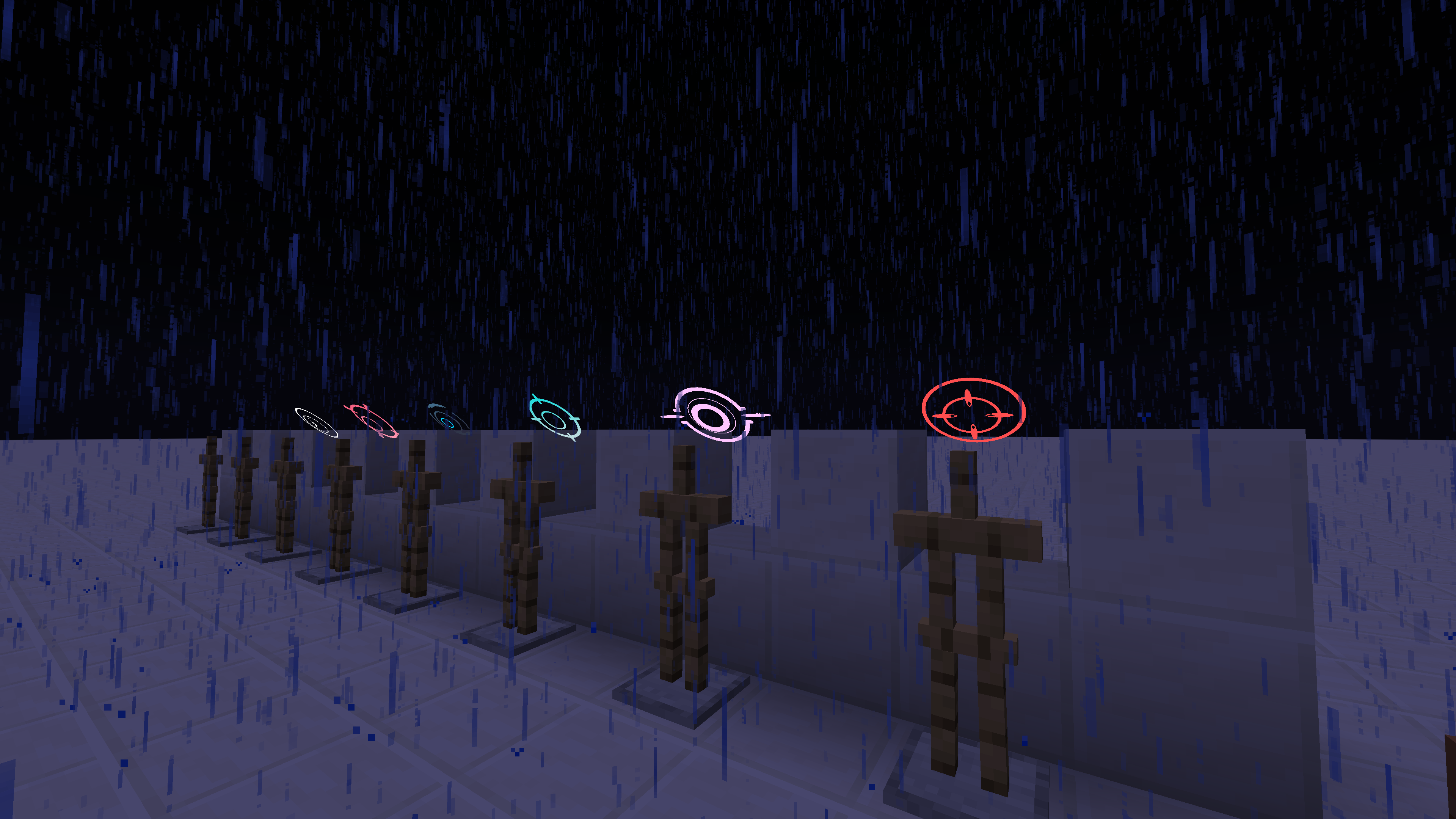
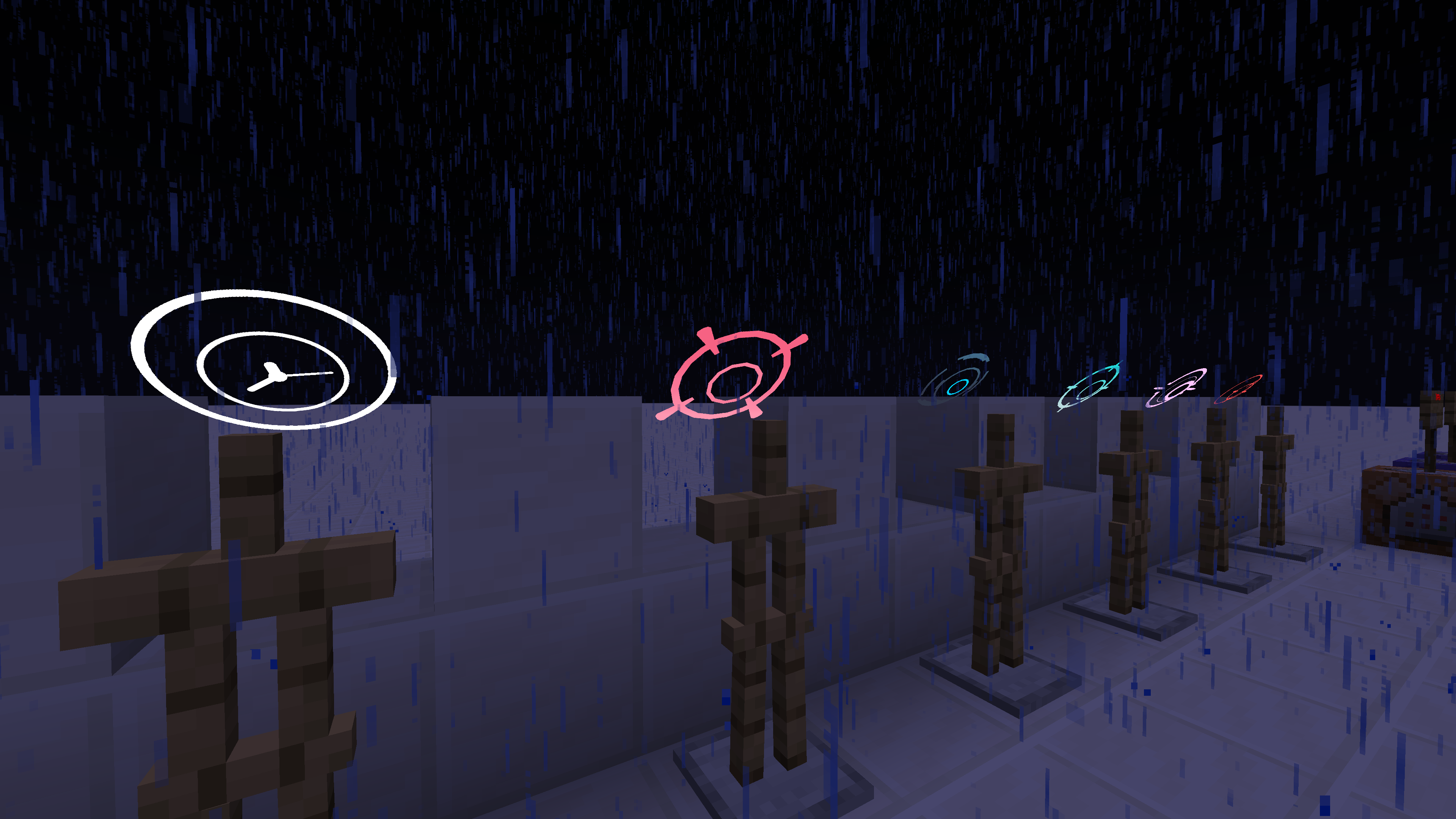
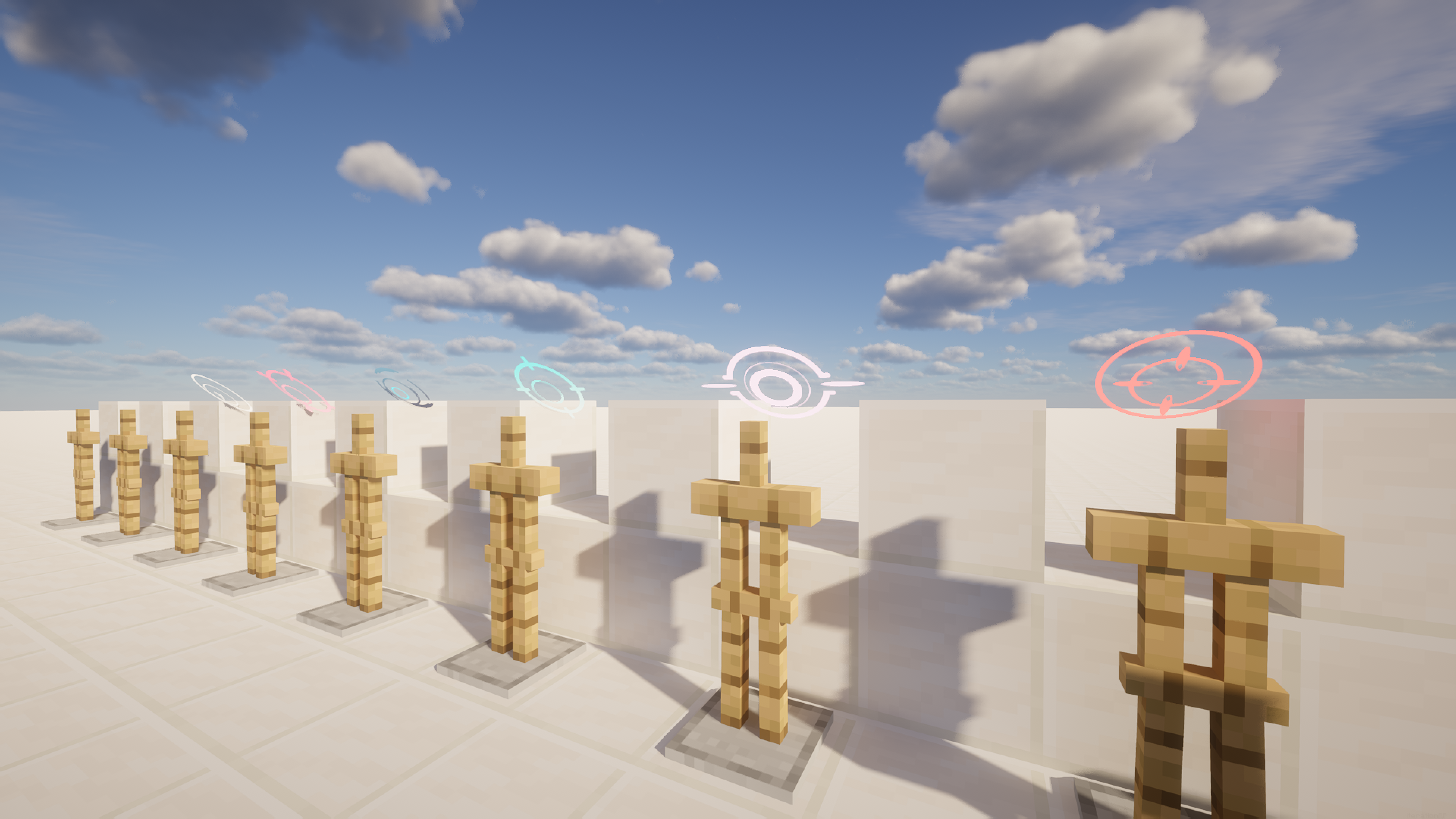
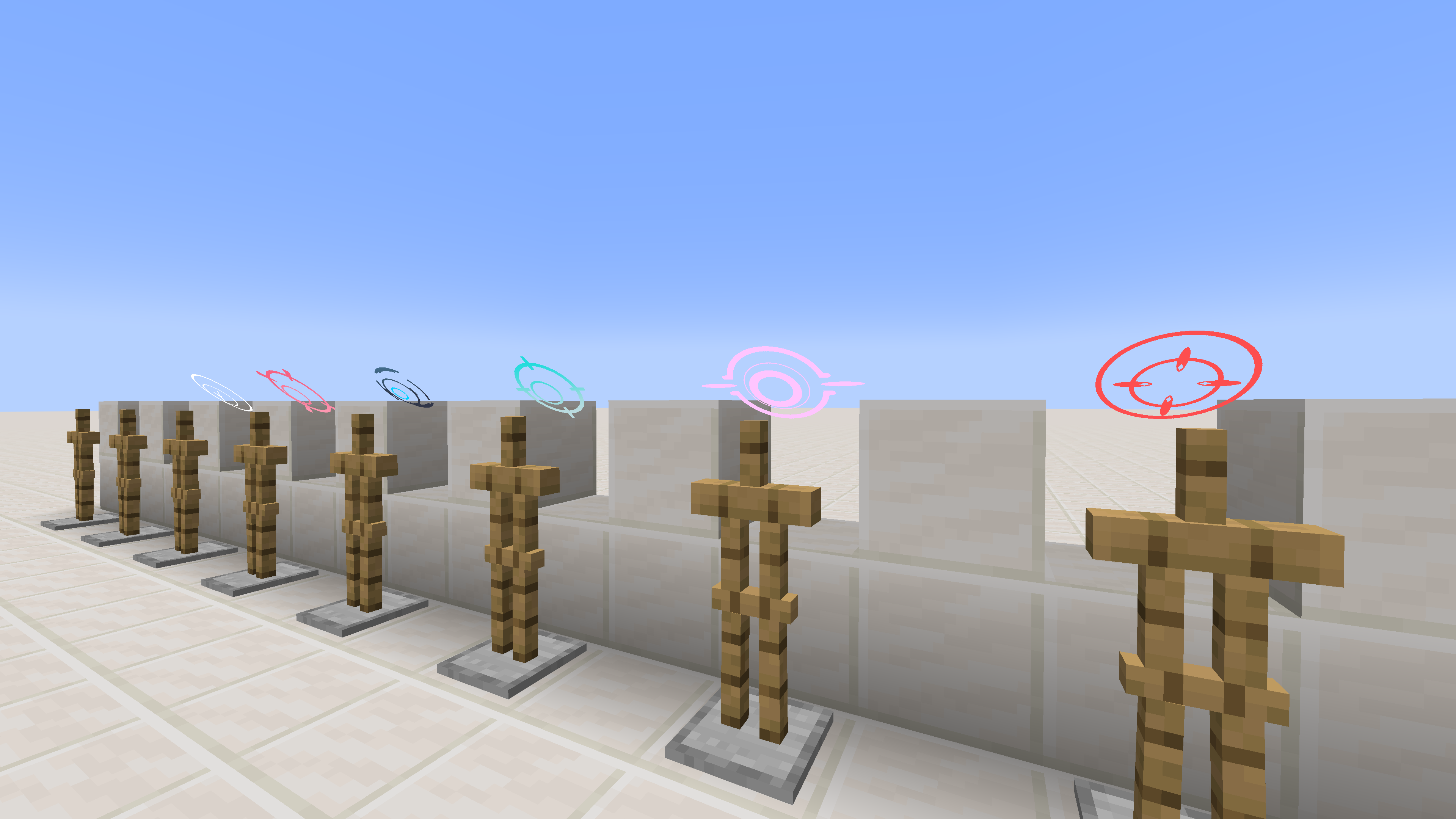
Floating decorative halos above entity heads — multi-layered, fully animated, highly configurable. Give every player their own glowing crown.
截图
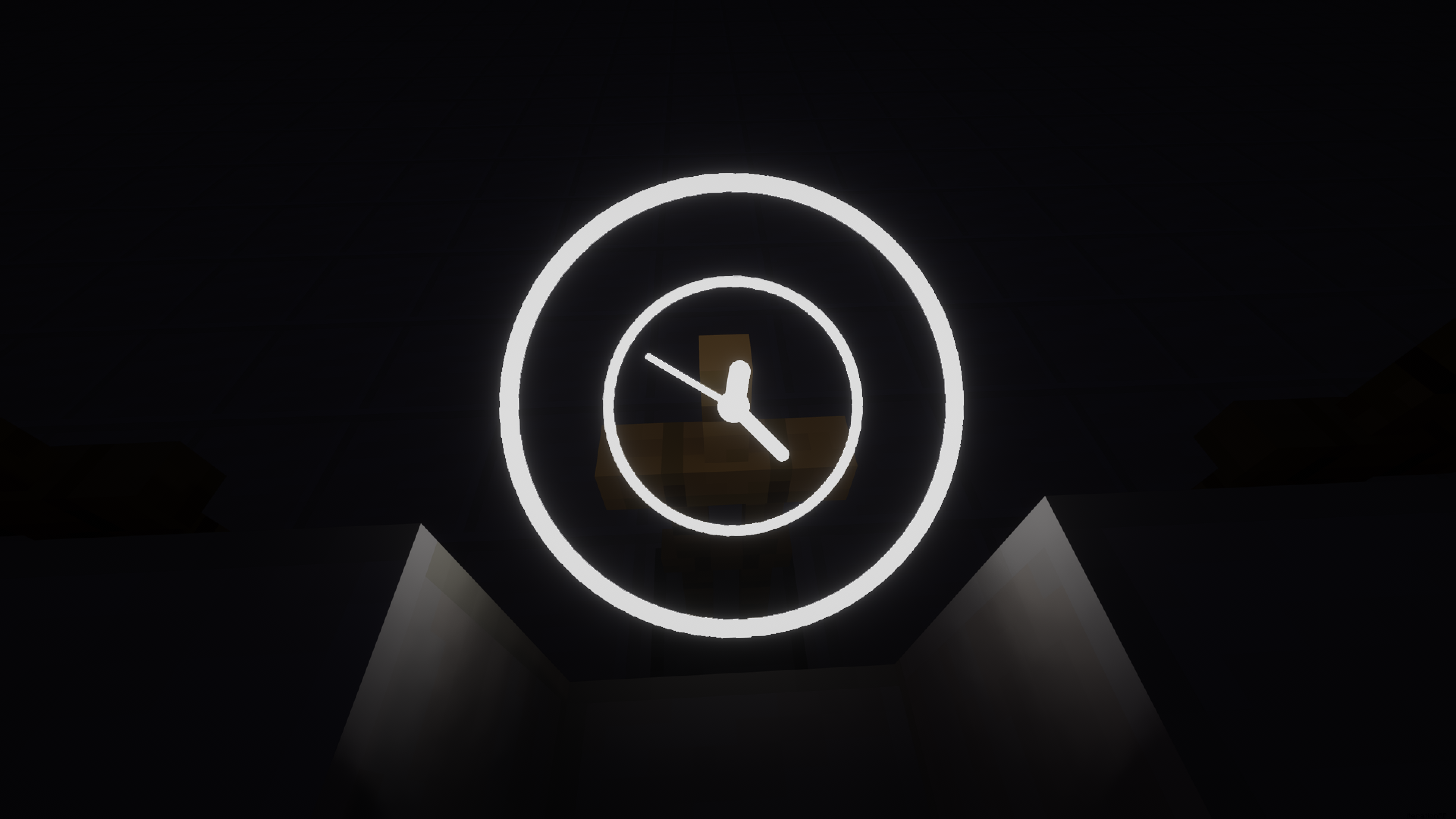
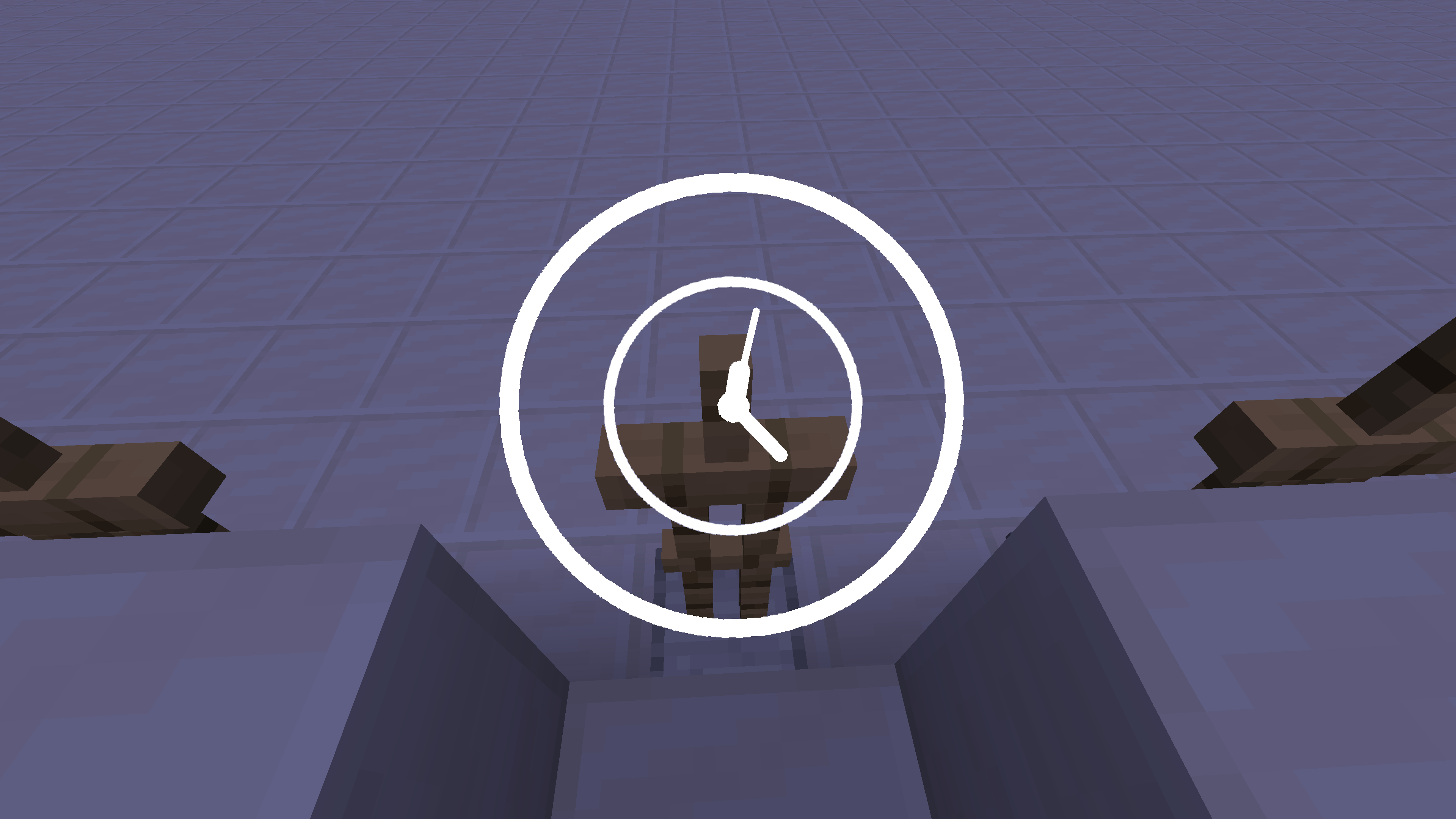
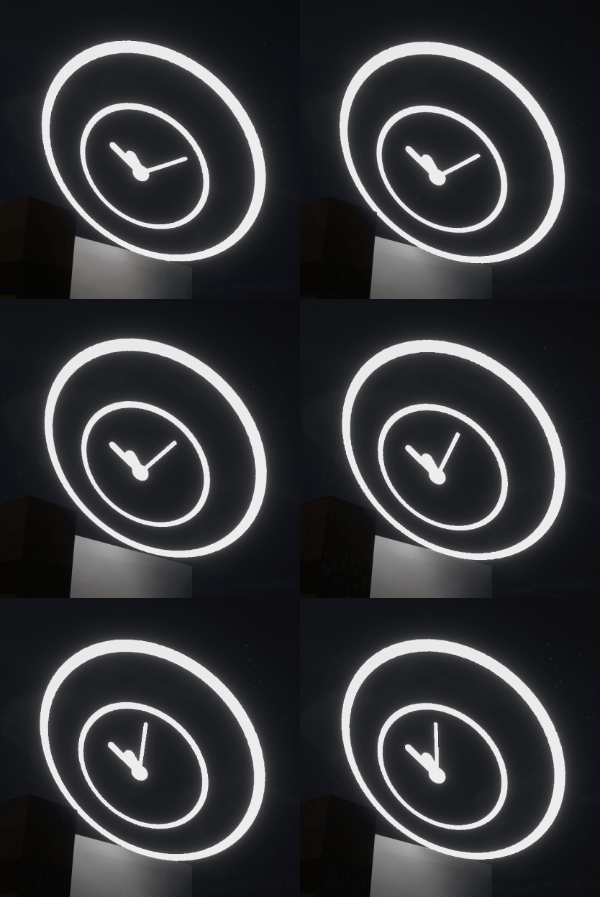
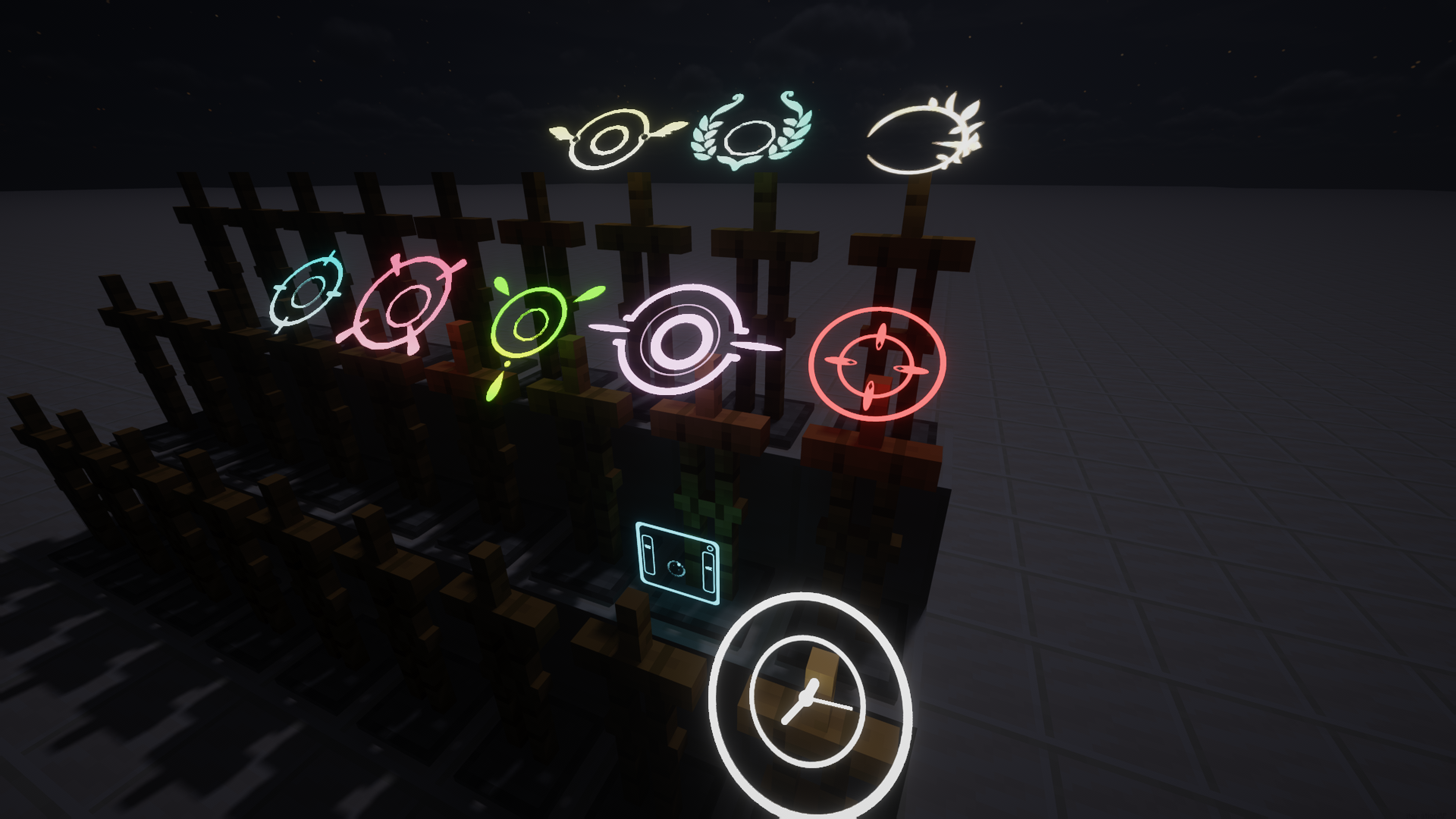
介绍
Warning
Version 1.1.1 of the mod includes a breaking change!!! Loading an old save after updating will cause all entity halo NBT data to be lost, and this data can NOT be recovered!!!
Please back up your data and proceed with caution before updating!
Description
Inspired by the iconic halos from Blue Archive.
Some of the BA halos displayed in the gallery must be obtained here.
Halo adds configurable floating halos above entity heads. Each halo is defined by a JSON file and can stack multiple textured layers with independent position, rotation, scale, and glowing settings. A flexible animation system drives per-layer motion via sine, cosine, and linear terms on any axis, from subtle idle bobbing to staggered clock-ring rotation.
YSM Compatible
YSM compatibility is currently undergoing testing; you may encounter graphical glitches.
This feature is disabled by default. To enable it, navigate to the game instance’s root directory, locate ./config/halo-azusake/halo_mod_config.json, open it in a text editor, and set the experimentalYsmAnchorEnabled field to true. A restart is required for the changes to take effect.
If the halo appears positioned too high or too low, adjust the experimentalYsmHeadLocalOffset field in the same file. The three parameters correspond to [x, y, z], representing displacement to the right, upward, and backward, respectively.
Usage
- Use
/halo show <entity selector> <halo definition>to show halo above target entity - Use
/halo hide <entity selector>to hide its halo - Use
/halo listto list halo loaded - Other command are used for debug
How to add Halo
Check Doc in English or Chinese
Or Download resource pack from Ba-Halo-Definition
Features
- Multi-layer halos — stack multiple layers with per-layer transform and glowing toggle
- Per-layer animation — sin, cos, and linear function terms on any offset or rotation axis; multiple terms on the same axis are summed
- Orientation modes — locked (follows entity yaw), free (floats loose), sync (hybrid)
- Data-driven — all definitions are JSON files under
data/halo/halo_definitions/; compatible with data packs and resource packs - Ingame commands —
/halofor real-time preview and management
Built-in definitions
ring_default— a 7-layer clock-ring designhud— a hud like design
Compatibility
- Minecraft 1.19.4 ~ 1.20.4 , 1.21.1 , 26.1.x , 26.2
- Fabric Loader 0.15+
- Requires Fabric API
1.19.4 Note: Core features (show/hide, multiplayer sync, persistence) work, but
/halo list,/halo active, and/halo dumpproduce no chat output. Other versions are unaffected.
NeoForge / Forge
This mod is natively built for Fabric, but can also run on NeoForge / Forge 1.20.1 via Sinytra Connector + Forgified Fabric API. Shader packs are compatible.
- Install NeoForge or Forge for Minecraft 1.20.1
- Install Sinytra Connector
- Install Forgified Fabric API
- Place the Halo mod JAR into the
modsfolder
常见问题
Halo 支持哪些 Minecraft 版本?
Halo 支持 Minecraft Java 版 1.20–26.3,共 11 个版本,可用的加载器:Fabric / Forge / NeoForge。下载时注意选择和你游戏版本一致的文件。
Halo 怎么安装?
先用 PCL2 或 HMCL 启动器安装对应版本的 Fabric / Forge / NeoForge,再把下载的 .jar 文件放进游戏目录的 mods 文件夹,重新启动游戏即可。开启了版本隔离的,mods 文件夹在 versions/版本名 下面。运行环境:客户端 / 服务端。


评论
登录后评论和评分