
GUI Slider
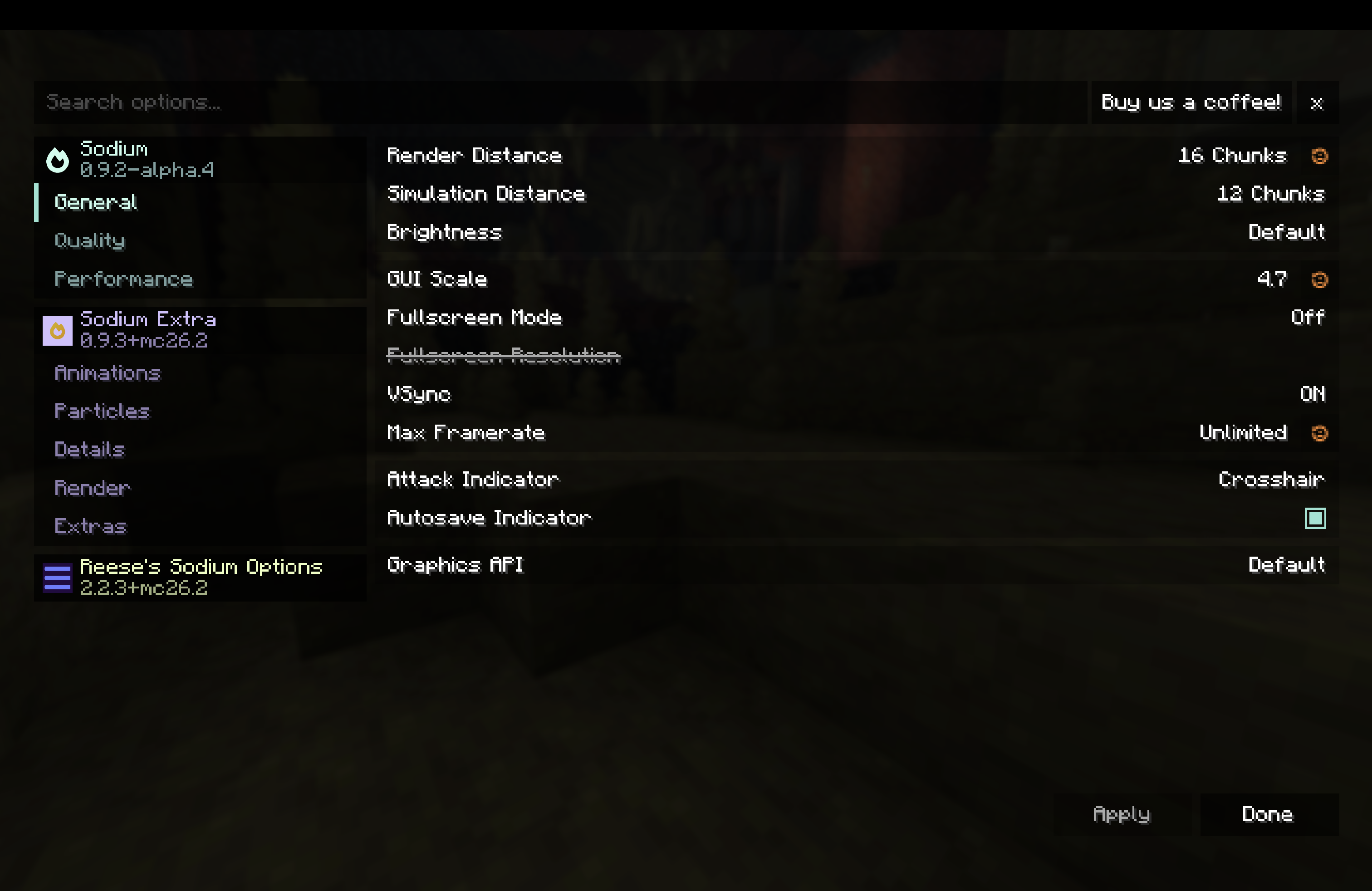
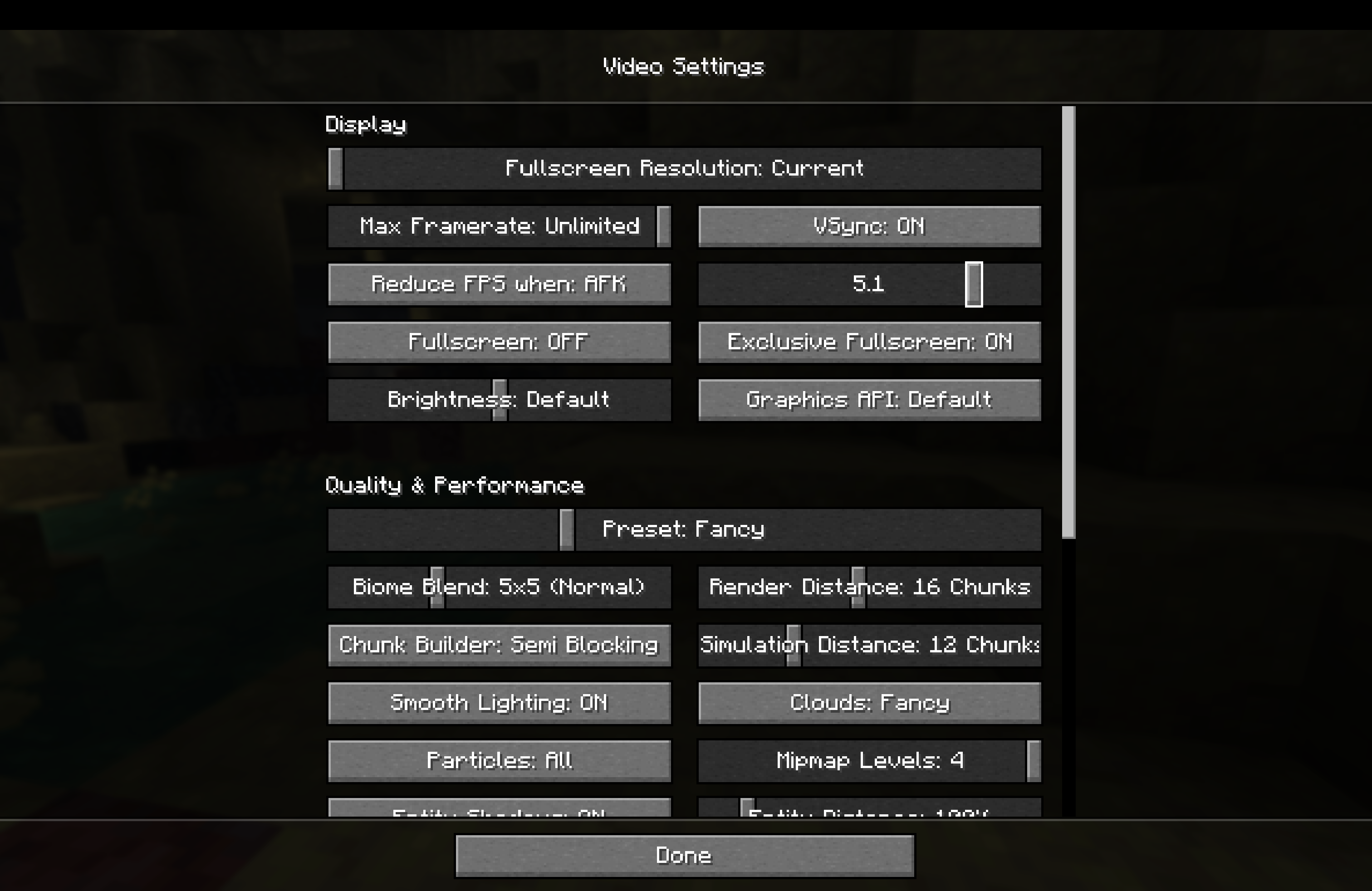
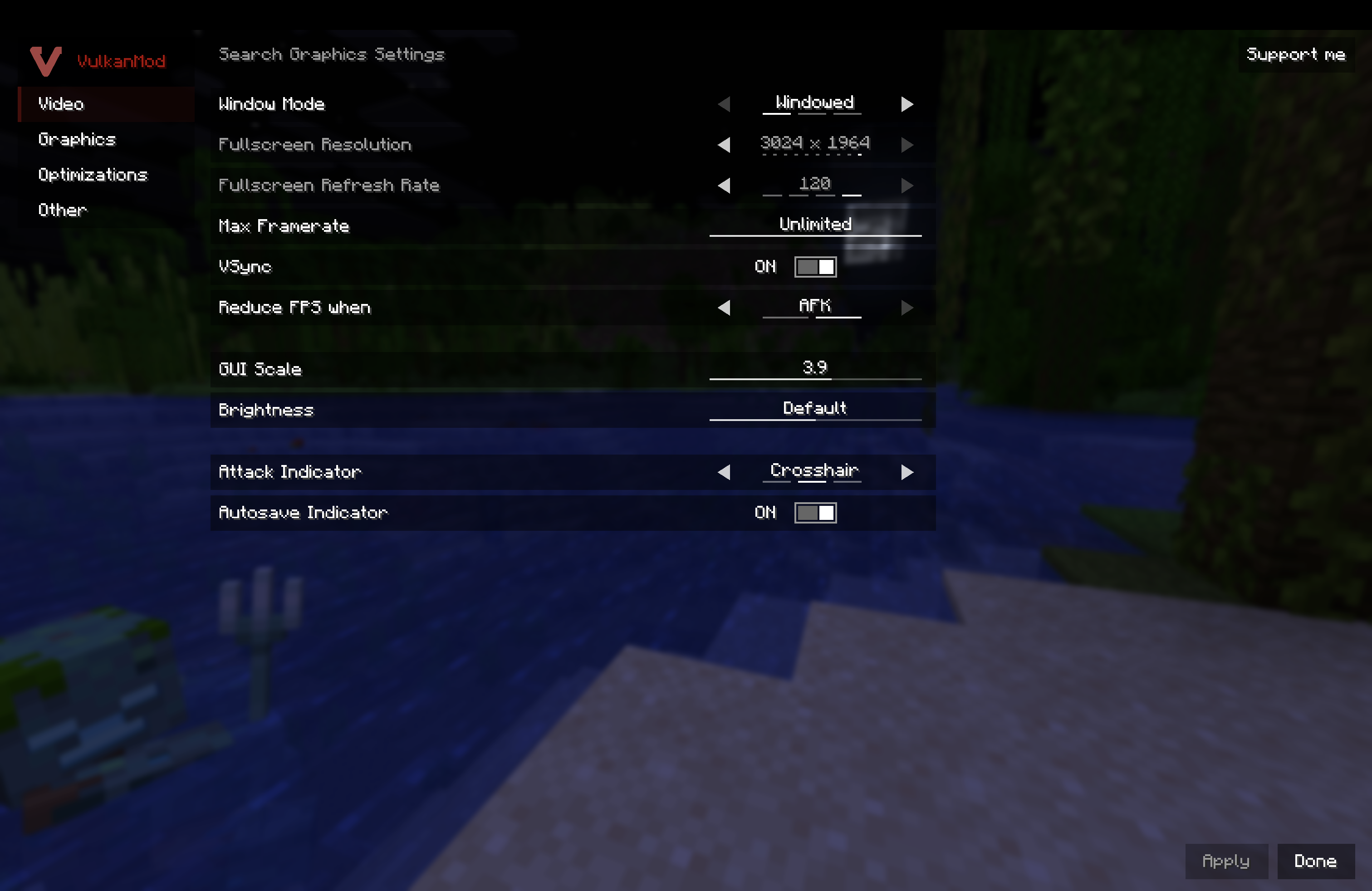
A lightweight Sodium and Vulkan compatible mod that makes the gui scale option a slider (1.1, 1.2...)
截图
介绍
GUI Slider
_The mod is currently in beta for bugs or gliches join the discord._
GUI Slider turns Minecraft’s GUI Scale setting into an actual slider. Instead of being limited to the usual whole-number sizes, you can choose a scale from 1.0 to 6.0 in 0.1 steps.
If scale 1 is too small and scale 2 is too large, this is the mod for you. Set it to 1.3, 2.6, 4.1, or whatever feels right for your screen.
Features
•
Replaces the normal integer GUI Scale choices with a 1.0–6.0 slider.
•
Supports 0.1-step precision.
•
Uses Minecraft’s official GUI Scale option rather than adding a separate setting to remember.
•
Updates GUI layout when the value changes.
•
Client-side only.
Downloads
Installation
1.
Install the Fabric Loader for your Minecraft version.
2.
Download the GUI Slider JAR matching your version family.
3.
Put the JAR in your instance’s mods folder.
4.
Launch the game and open the video settings menu.
5.
Move the GUI Scale slider until the interface feels right.
Compatibility
GUI Slider is designed for Fabric clients and works with the normal Minecraft video settings path. It also includes compatibility handling for Sodium, Sodium Extra, and Reese’s Sodium Options, so the fractional values are shown in the settings screen you actually use.
It is client-side and does not need to be installed on a server. It does not change gameplay, world data, or server communication.
Notes
Some modpacks replace large parts of Minecraft’s settings or interface. If another mod also changes GUI scaling, only use one GUI scaling mod at a time.
If you find a menu that scales incorrectly, please include your Minecraft version, GUI Slider family build, and a screenshot or latest log when reporting it.
Made for people who want their UI to be just a little bigger without jumping all the way to the next vanilla scale.
常见问题
GUI Slider 支持哪些 Minecraft 版本?
GUI Slider 支持 Minecraft Java 版 1.20–26.2,共 23 个版本,可用的加载器:Fabric。下载时注意选择和你游戏版本一致的文件。
GUI Slider 怎么安装?
先用 PCL2 或 HMCL 启动器安装对应版本的 Fabric,再把下载的 .jar 文件放进游戏目录的 mods 文件夹,重新启动游戏即可。开启了版本隔离的,mods 文件夹在 versions/版本名 下面。运行环境:仅客户端。
评论
登录后评论和评分