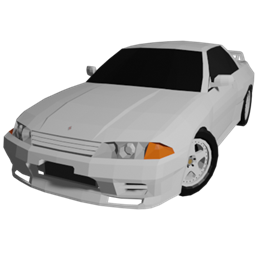
截图
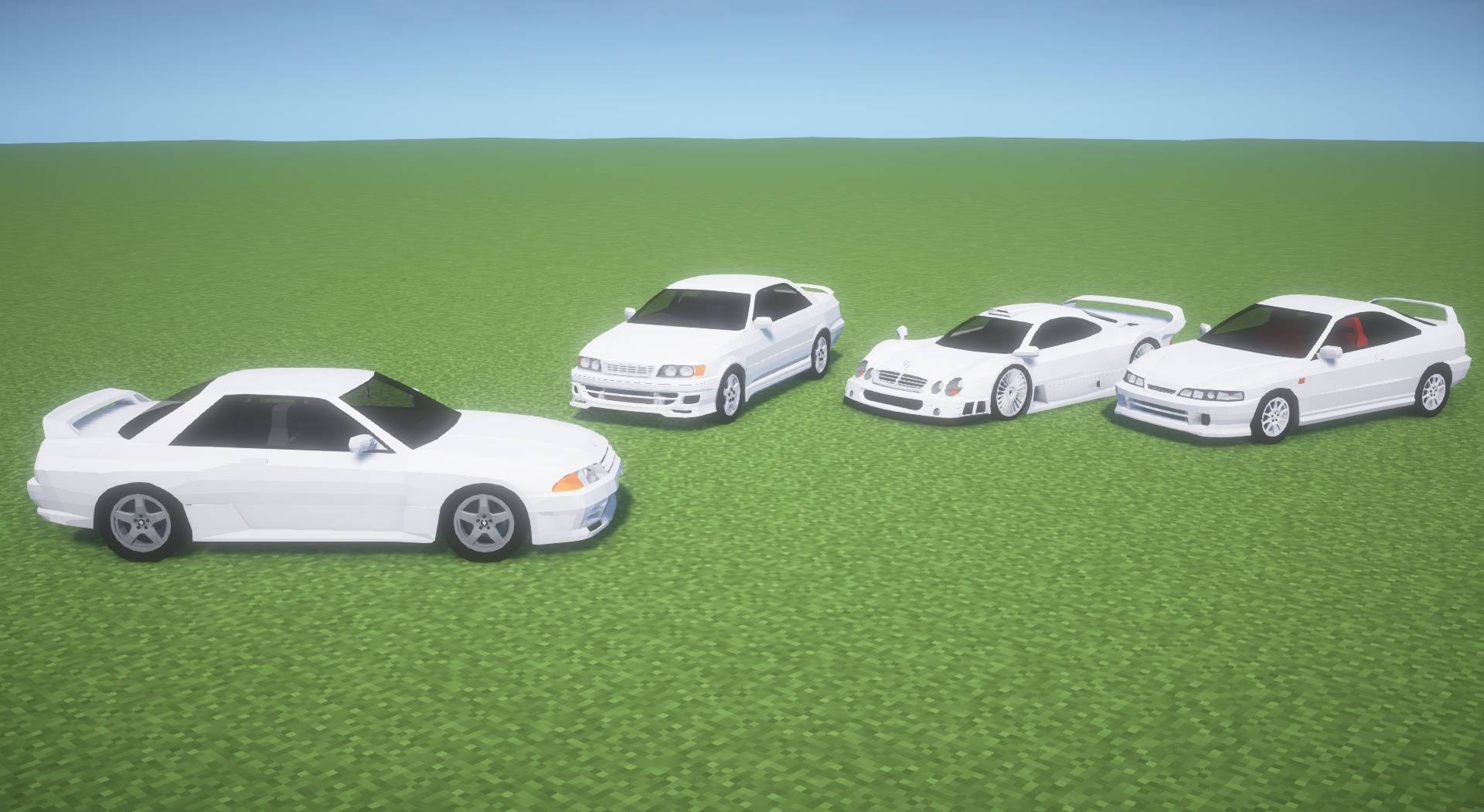
介绍
You cannot add cars with this content pack alone. Please install GTCRAFT first.
Tutorial Video
The GT CRAFT Template pack is a pack released for advanced users who want to make their own textures.
GT CRAFT has been creating textures with the assumption that you can make your own skins for a long time. If you use the GT CRAFT Template Pack, you can add your own skins by linking them to the GT CRAFT main body.
You can also use this template pack to create your own skins and release them as content packs.
If you still don’t understand after watching the tutorial, please feel free to come to my Discord server and ask questions!
Notes
- Please note that the template pack does not allow you to edit the textures of all the cars included in GT CRAFT.
- If you are creating a content pack, change the extension from .jar to .zip, extract the pack, and refer to the readme and tutorial folders, etc.
- As I mentioned earlier, this content pack is for those who want to make their own skins. This content pack will work as is, but the only thing that will be added is a white car
常见问题
GT CRAFT Template Pack 支持哪些 Minecraft 版本?
GT CRAFT Template Pack 支持 Minecraft Java 版 1.12.2,可用的加载器:Forge。下载时注意选择和你游戏版本一致的文件。
GT CRAFT Template Pack 怎么安装?
先用 PCL2 或 HMCL 启动器安装对应版本的 Forge,再把下载的 .jar 文件放进游戏目录的 mods 文件夹,重新启动游戏即可。开启了版本隔离的,mods 文件夹在 versions/版本名 下面。
VellEagle 的其他作品
查看全部 →
Warfare Wings
为 Immersive Aircraft Mod 添加一架二战活塞式战斗机。

GT CRAFT [IV/MTS]
添加 90 年代跑车的内容包。
Civilian Aviation – Immersive Aircraft – Planes and Helicopters
沉浸式飞机模组的附属,收录各时代风格化现实飞机与直升机!

TacZ Mesh Loader [TML]
这个模组允许你将使用 Meshy 插件创建的网格几何模型加载到 TacZ 中。
评论
登录后评论和评分