
GrimColors
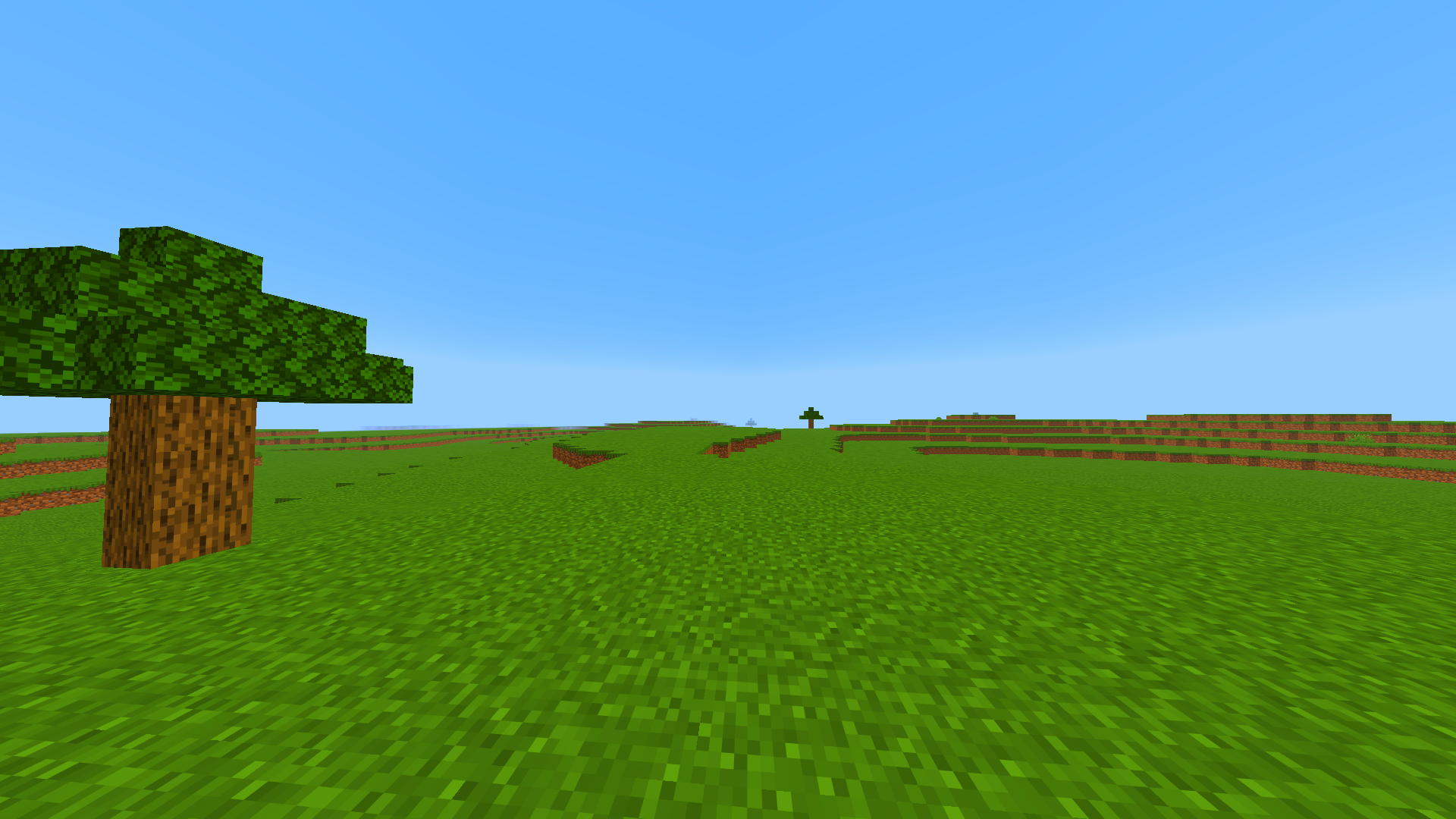
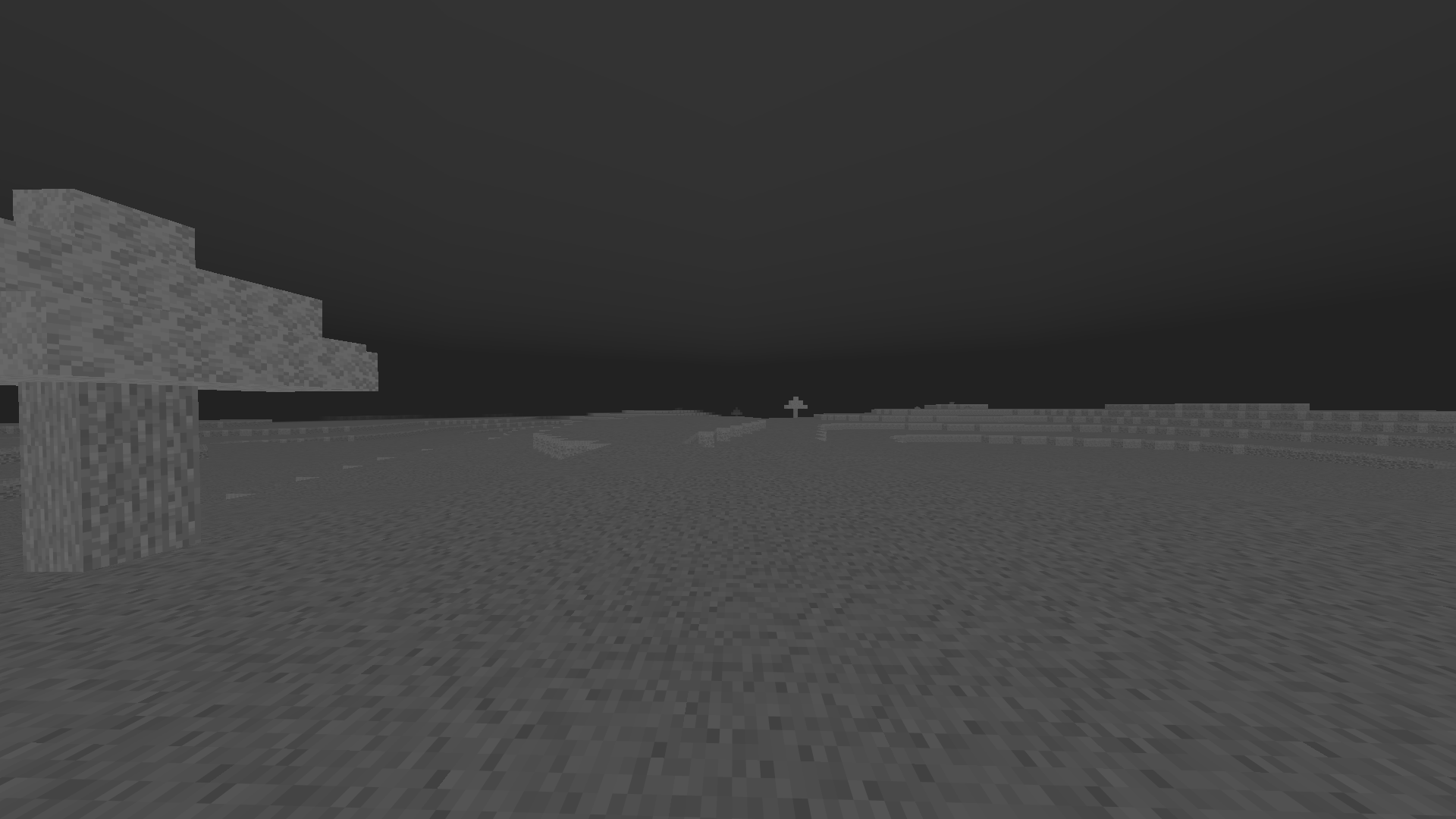
GrimColors is a lightweight client-side visual enhancement mod that gives you complete control over Minecraft's color grading
截图
介绍
GrimColors
GrimColors is a lightweight client-side visual enhancement mod that gives you complete control over Minecraft’s color grading. Customize the game’s appearance with powerful real-time color adjustments, all without requiring shaders.
Whether you want a brighter world, more vibrant colors, a cinematic look, or your own unique visual style, GrimColors makes it easy with an intuitive and modern interface.
Features
- Adjustable Gamma (beyond Minecraft’s default limit)
- Brightness
- Contrast
- Saturation
- Vibrance
- Hue
- Exposure
- Color Temperature
- Tint
- RGB Color Balance
- Shadow & Highlight controls
- Optional Bloom effects
- Multiple built-in color filters
- Create, save, load, import, and export presets
- Instant preview while changing settings
- Lightweight with minimal performance impact
- Automatically saves your configuration
Presets
Create your own visual profiles for different situations such as PvP, Survival, Building, Night Exploration, or Cinematic gameplay. Switch between presets instantly without restarting Minecraft.
Controls
Press J to open the GrimColors configuration GUI. The keybind can be changed in Minecraft’s Controls menu if desired.
Compatibility
- Minecraft 1.21.0 – 1.21.11
- Fabric
- Forge
- Client-side only
No server installation is required, making GrimColors compatible with any multiplayer or singleplayer world.
Transform Minecraft into your own visual experience with GrimColors.
常见问题
GrimColors 支持哪些 Minecraft 版本?
GrimColors 支持 Minecraft Java 版 1.21–1.21.11,共 12 个版本,可用的加载器:Fabric / Forge / NeoForge。下载时注意选择和你游戏版本一致的文件。
GrimColors 怎么安装?
先用 PCL2 或 HMCL 启动器安装对应版本的 Fabric / Forge / NeoForge,再把下载的 .jar 文件放进游戏目录的 mods 文件夹,重新启动游戏即可。开启了版本隔离的,mods 文件夹在 versions/版本名 下面。运行环境:仅客户端。
HexNew 的其他作品
查看全部 →
GrimMotionBlur
GrimMotionBlur is a lightweight and highly customizable visual enhancement mod that adds smooth motion blur effects to your gameplay for a more cinematic and immersive experience.

GrimPotionStatus
PotionStatusHUD PotionStatusHUD is a highly customizable HUD mod that lets you see all your active potion effects in real time, including duration, level, and icons — all displayed clearly on your screen while you play.

GrimCrosshairIndicator
GrimCrosshairIndicator is a lightweight and highly customizable PvP HUD mod that enhances your crosshair with useful combat indicators in real time.

GrimArmorHud
GrimArmorHUD is a highly customizable HUD mod that allows you to see the durability of your armor in real time, no matter what type of armor you are wearing. It also displays durability for your shield, mace, axe, and sword. The mod is very customizable,
评论
登录后评论和评分