
截图
介绍

GravityArmor adds two complete armor sets to Minecraft. Their abilities are activated when full set are equipped.

GravityArmor
The full set allows you to change the direction of gravity using dedicated keybinds (up, down, north, south, east, west).
Two modes are available, and a keybind lets you switch between them:
- User mode: gravity only changes for the player.
- AOE mode: gravity also changes for nearby entities.
The Reset / Down keybind restores normal gravity and has no cooldown. An on-screen display shows the status of your abilities and their cooldowns.

TimeArmor
The full set allows you to activate Time Stop, which freezes entities within a defined radius.

Crafting
GravityArmor Craft

TimeArmor Craft

Configuration
config/gravityarmor-common.toml: cooldowns, durations, effect radius, visual settingsconfig/gravityarmor-gravity.toml: gravity physics settingsworld/serverconfig/gravityarmor-armor.toml: armor stats
Keybinds can be changed in Options → Controls → Gravity Armor.
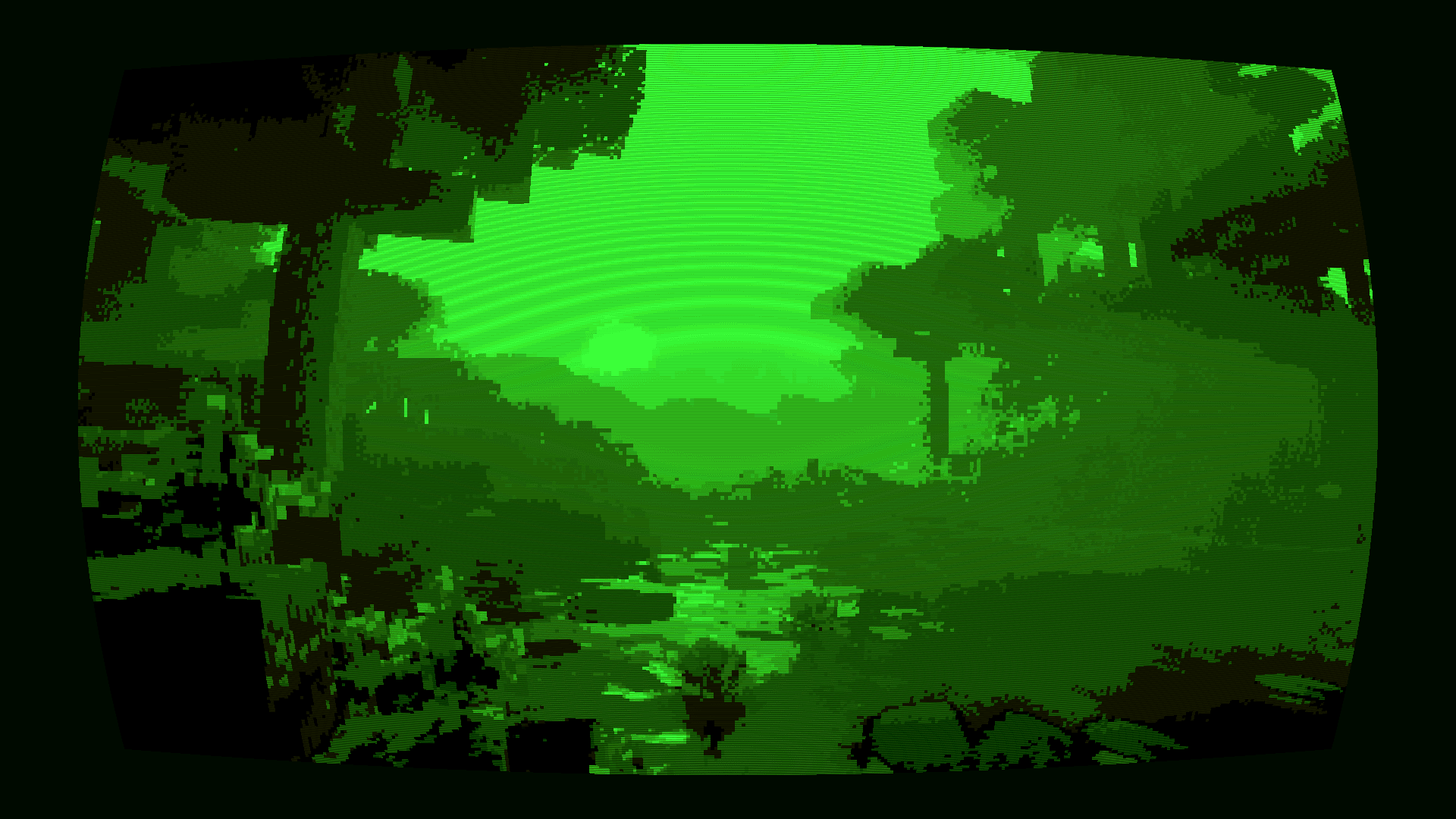
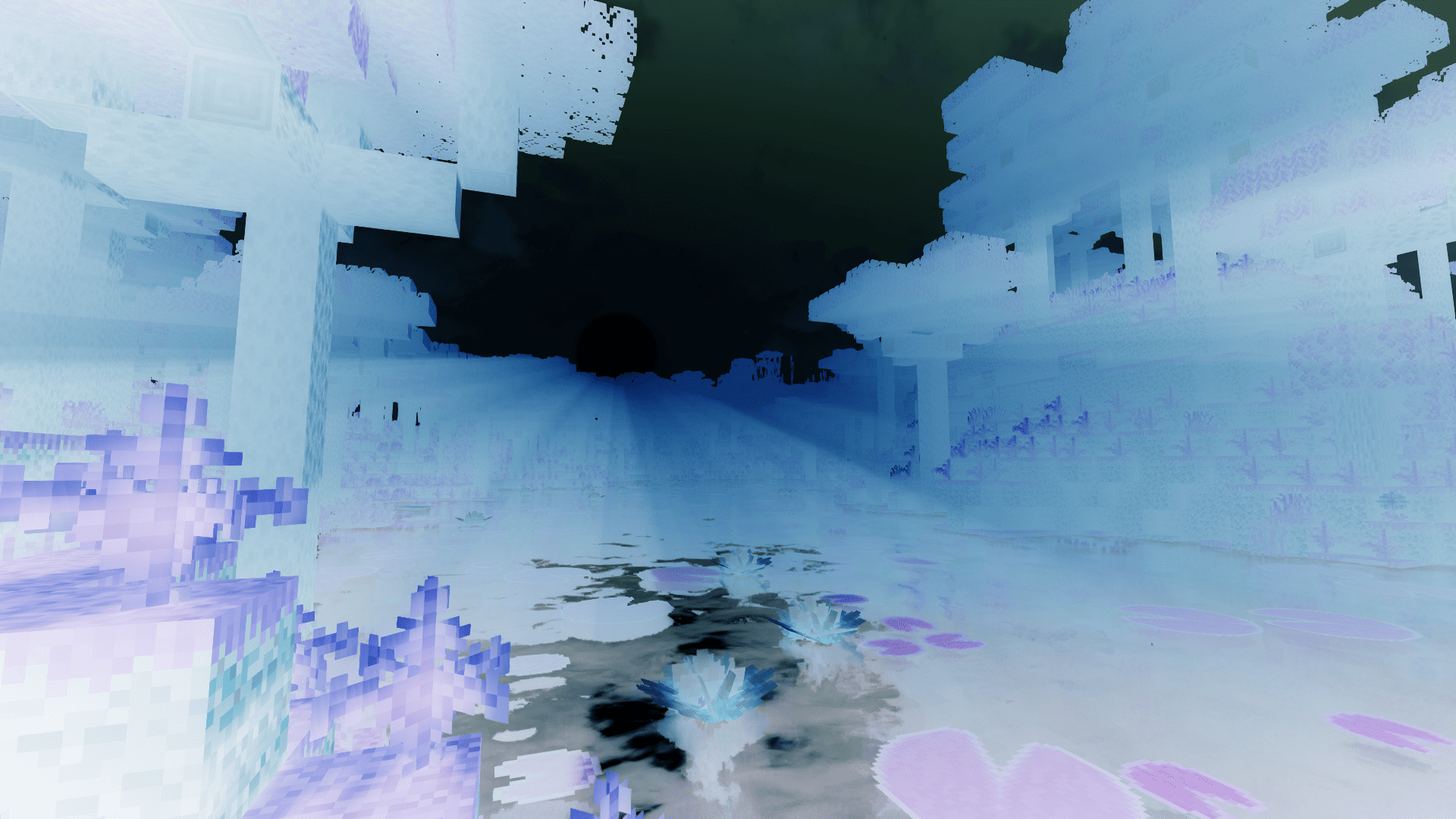
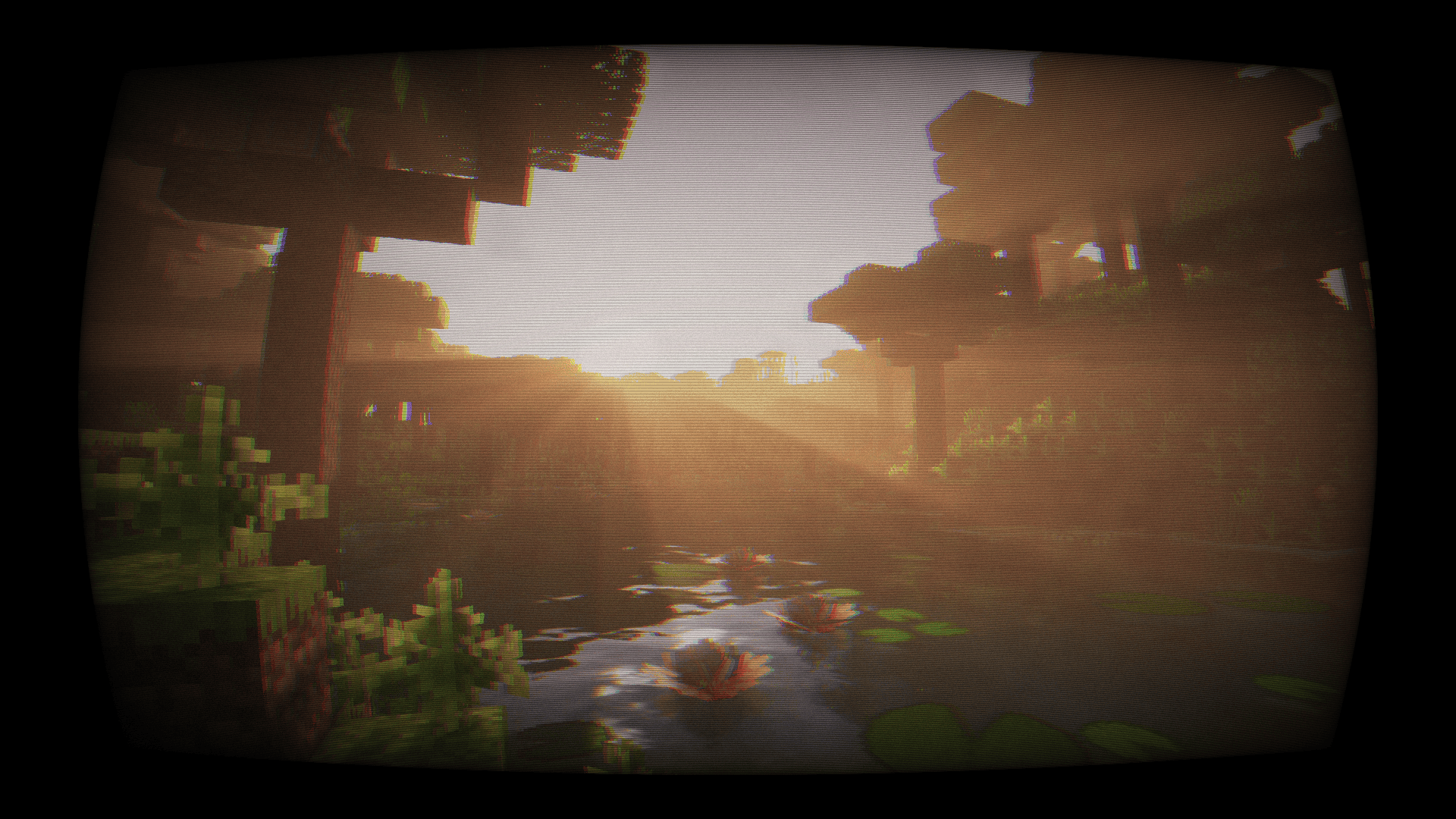
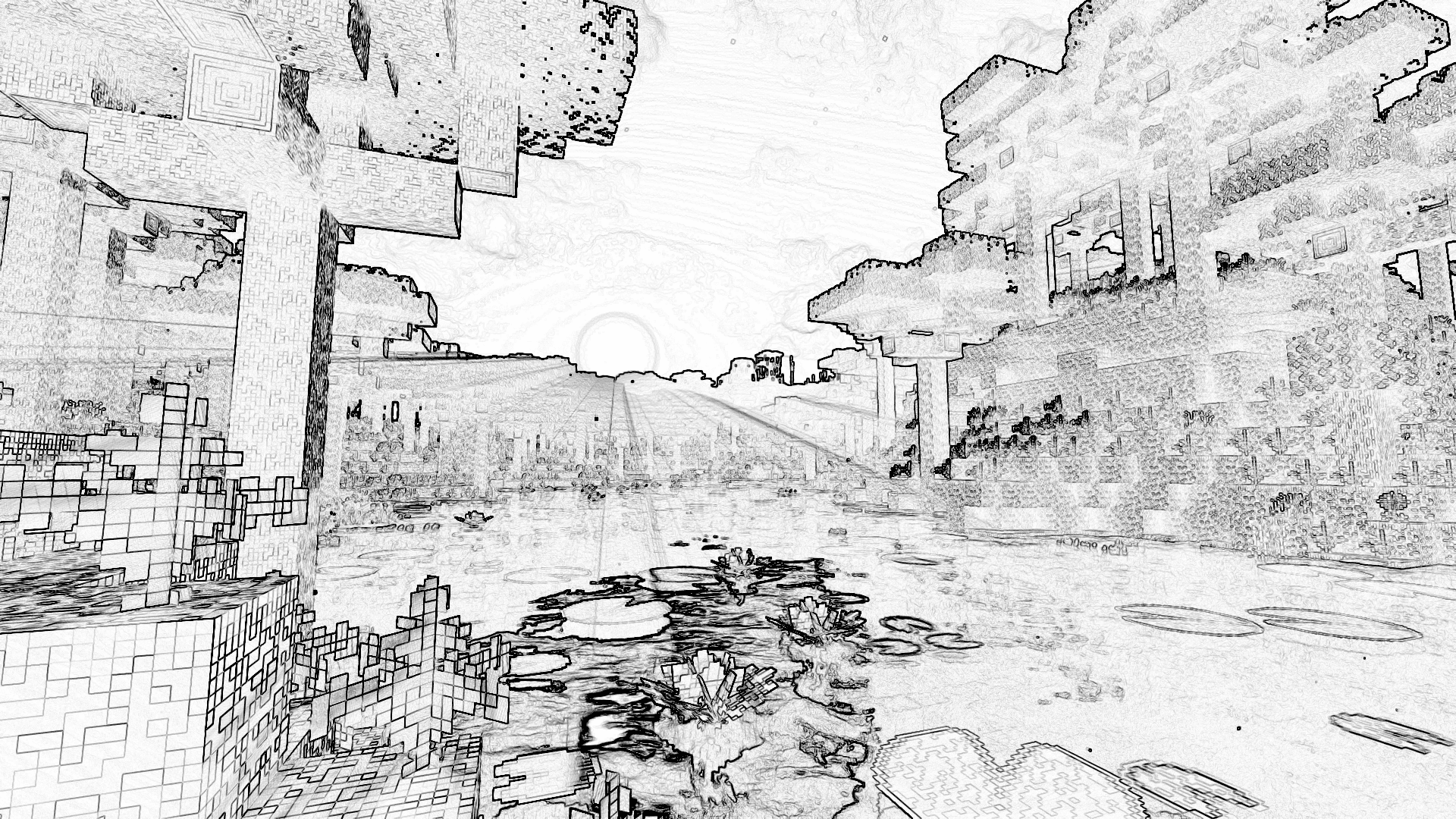
/shader Command
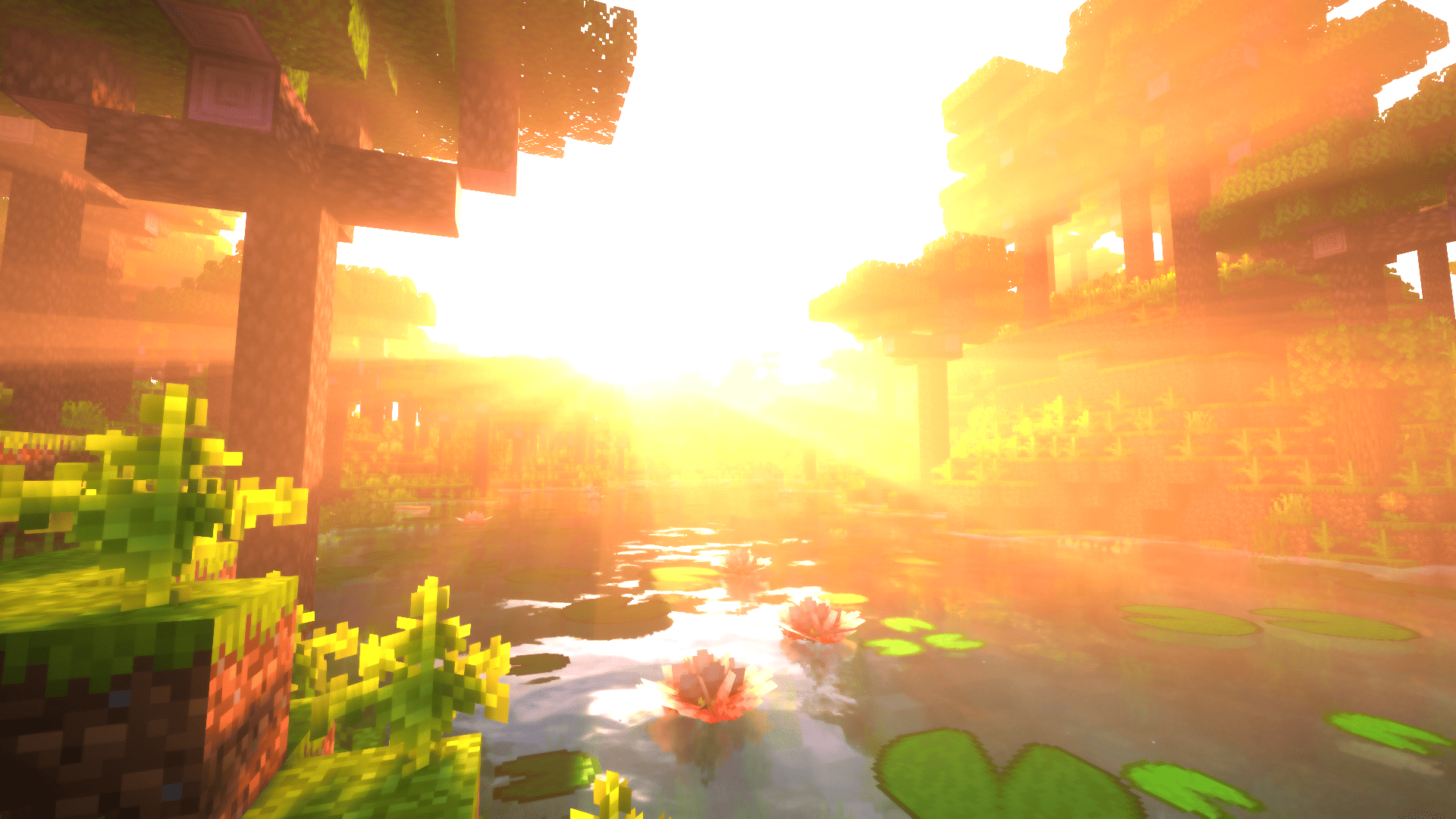
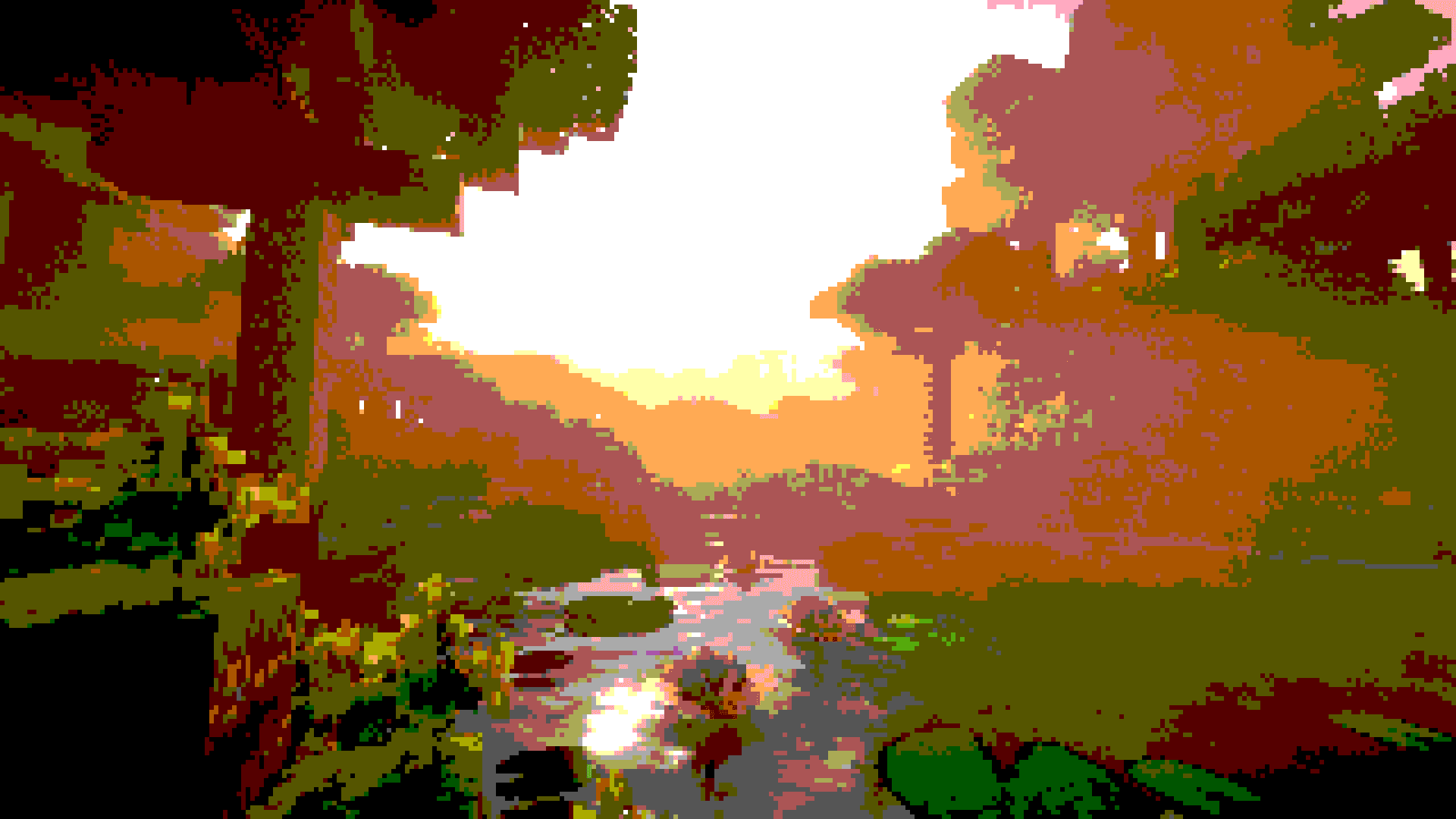
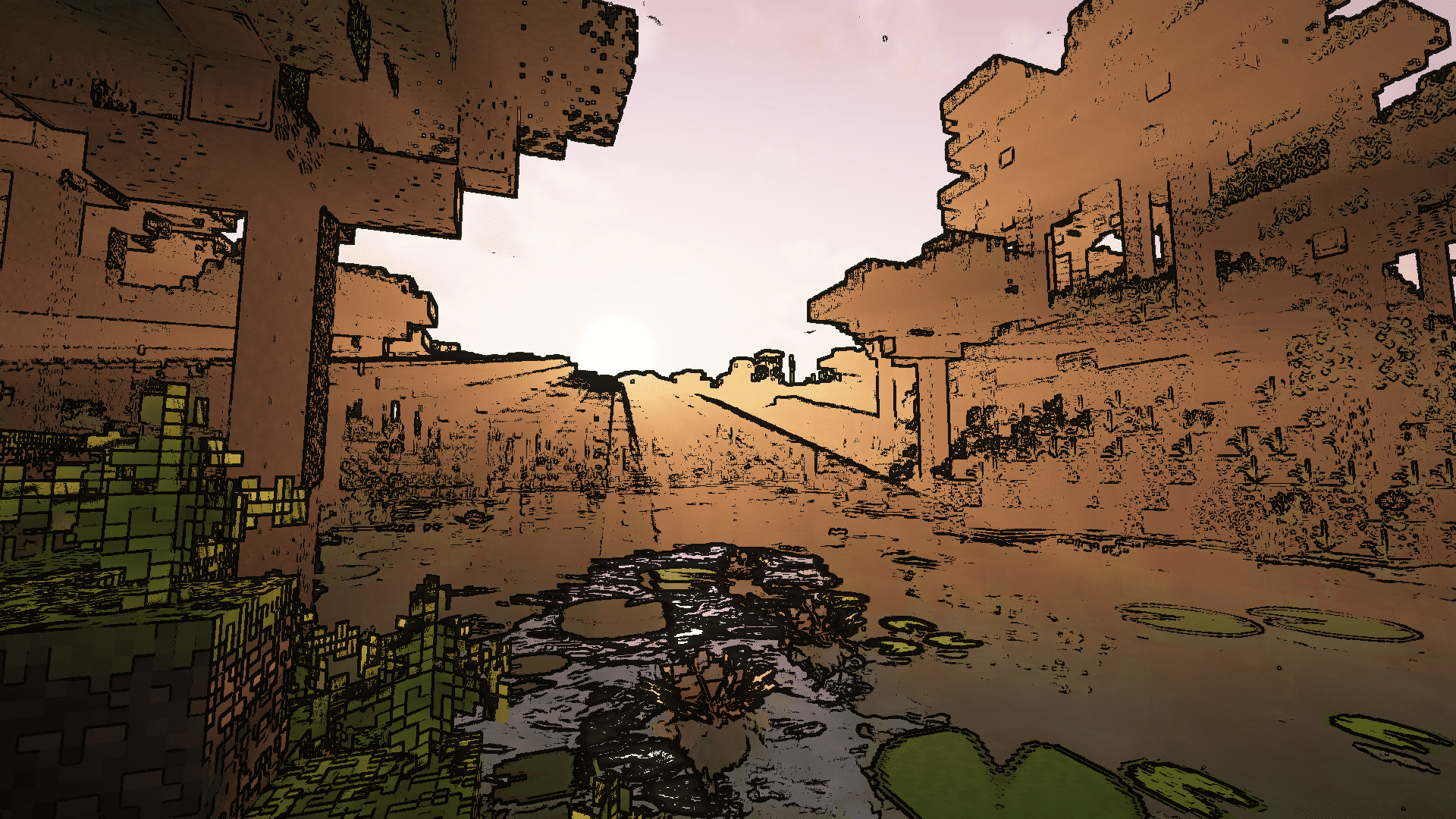
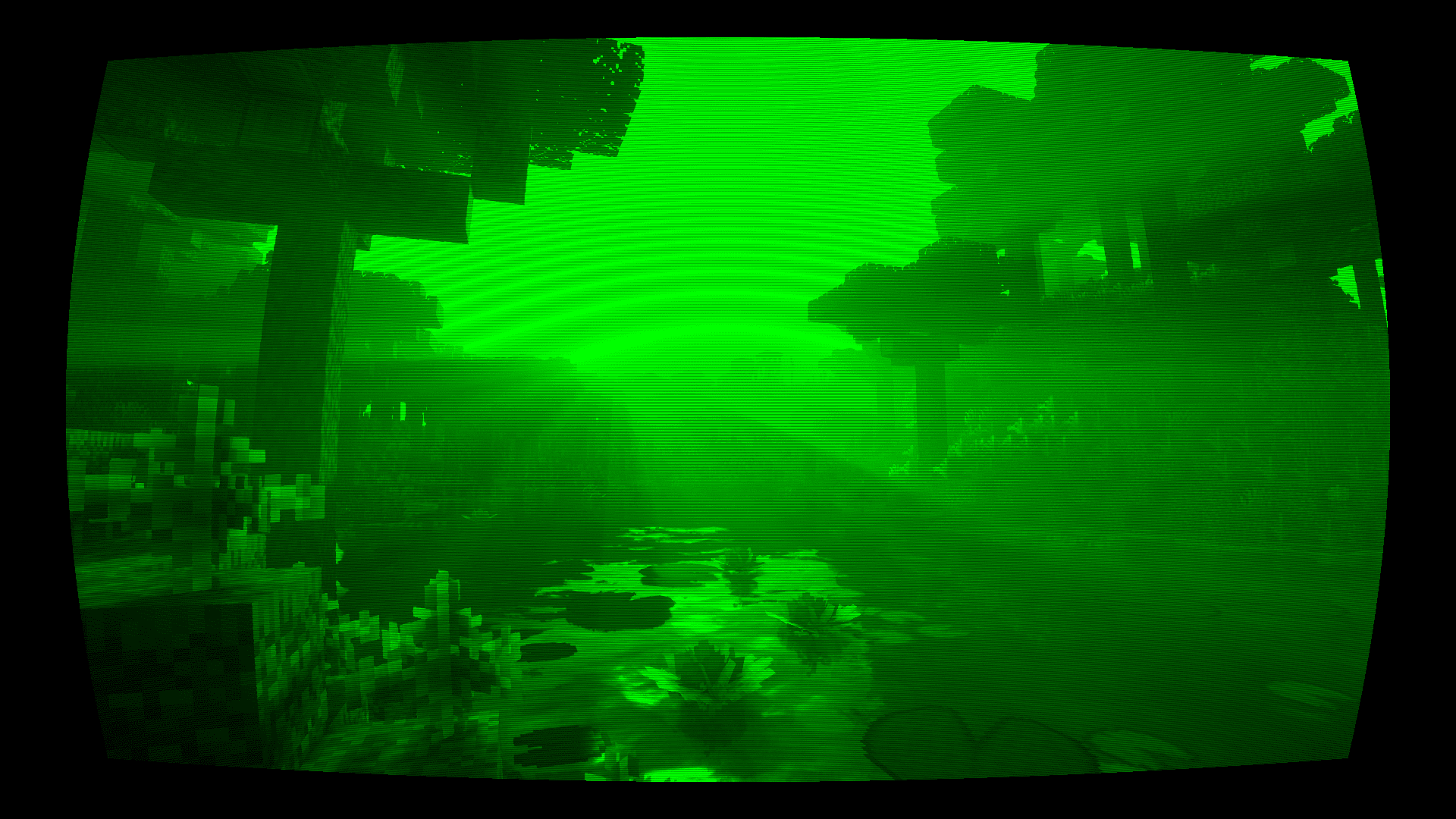
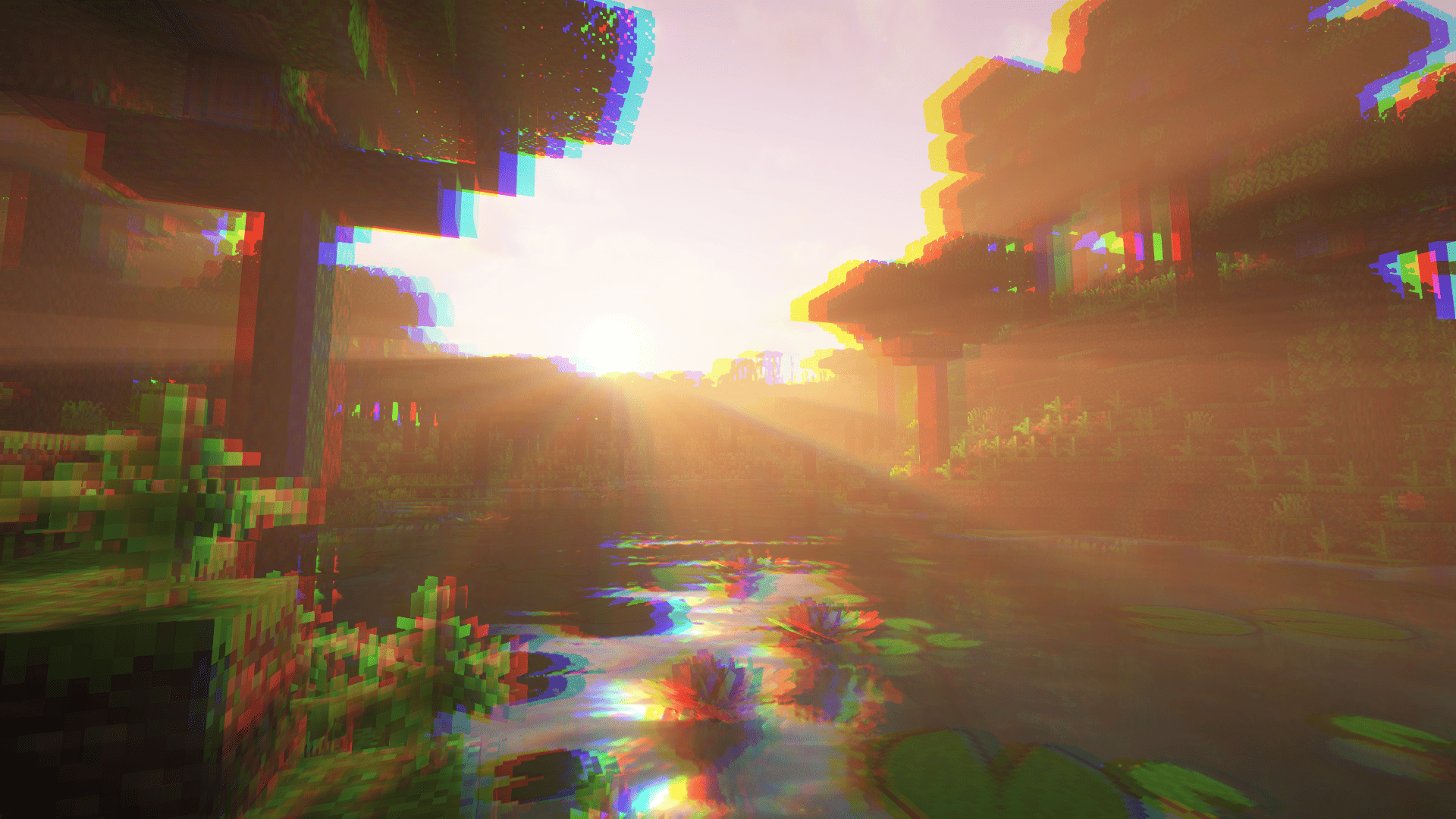
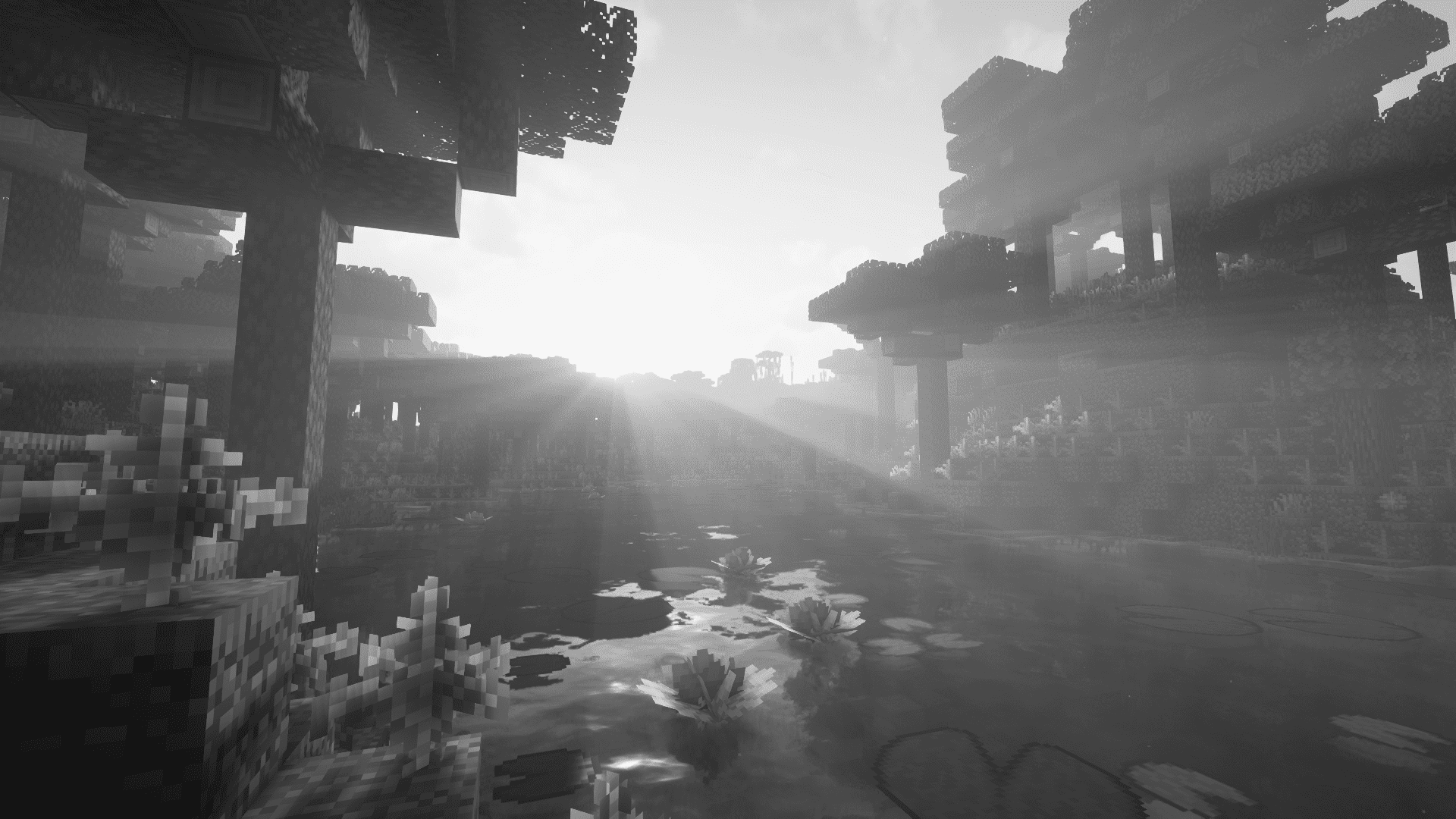
The /shader command triggers a visual post-processing effect for one or more players.
Syntax
/shader <name> [players] [position] [duration] [intensity]
| Argument | Description |
|---|---|
name |
Name of the effect to apply (see list below) |
players |
Target player(s) |
position |
Origin coordinates of the effect (used by shockwave and supernova) |
duration |
Duration of the effect |
intensity |
Intensity of the effect |
Available effects
shockwave

supernova

art

bits

blur

bumpy

creeper

deconverge

desaturate

green

invert

ntsc

pencil

phosphor

sobel

Effect names are suggested by in-game tab completion.
Credits
Textures and models adapted from Armor of the Ages.
License: MIT.
Please report any bugs

常见问题
GravityArmor 支持哪些 Minecraft 版本?
GravityArmor 支持 Minecraft Java 版 1.20.1,可用的加载器:Forge。下载时注意选择和你游戏版本一致的文件。
GravityArmor 怎么安装?
先用 PCL2 或 HMCL 启动器安装对应版本的 Forge,再把下载的 .jar 文件放进游戏目录的 mods 文件夹,重新启动游戏即可。开启了版本隔离的,mods 文件夹在 versions/版本名 下面。
评论
登录后评论和评分