GPTMine
An in-game assistant with offline Minecraft tools, optional AI chat, and visual crafting recipes.
截图
介绍
GPTMine (BETA)
Craft, explore and get help without leaving your game.
GPTMine brings an assistant into Minecraft Java Edition. Look up crafting recipes, use practical Minecraft tools, or connect your own Gemini or OpenAI API key for online conversations. A first-use tutorial with Codex shows you around.
Features
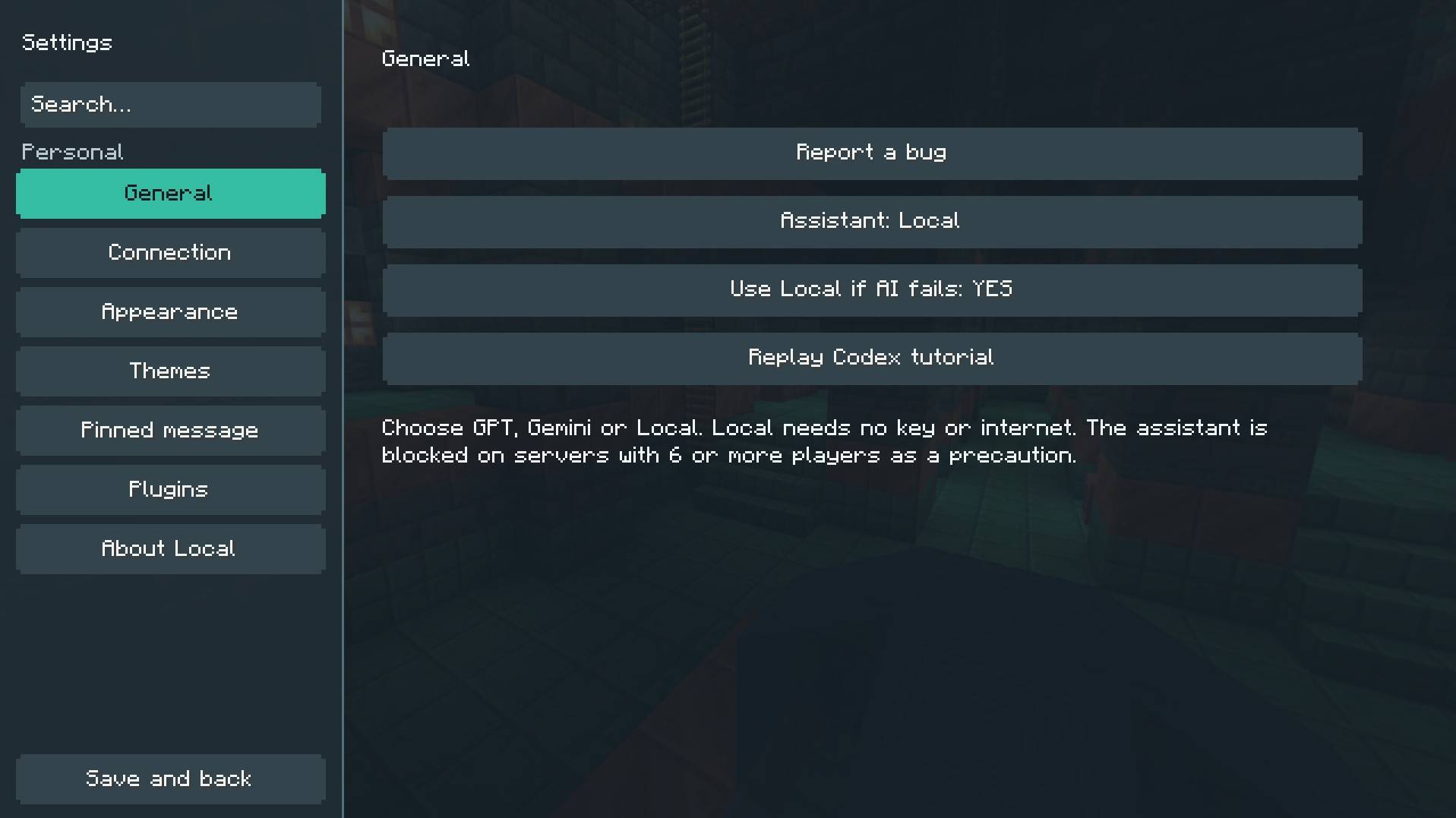
- Visual crafting recipes: view real recipes with Minecraft item icons and a 3 × 3 ingredient grid, plus optional crafting-table guidance.
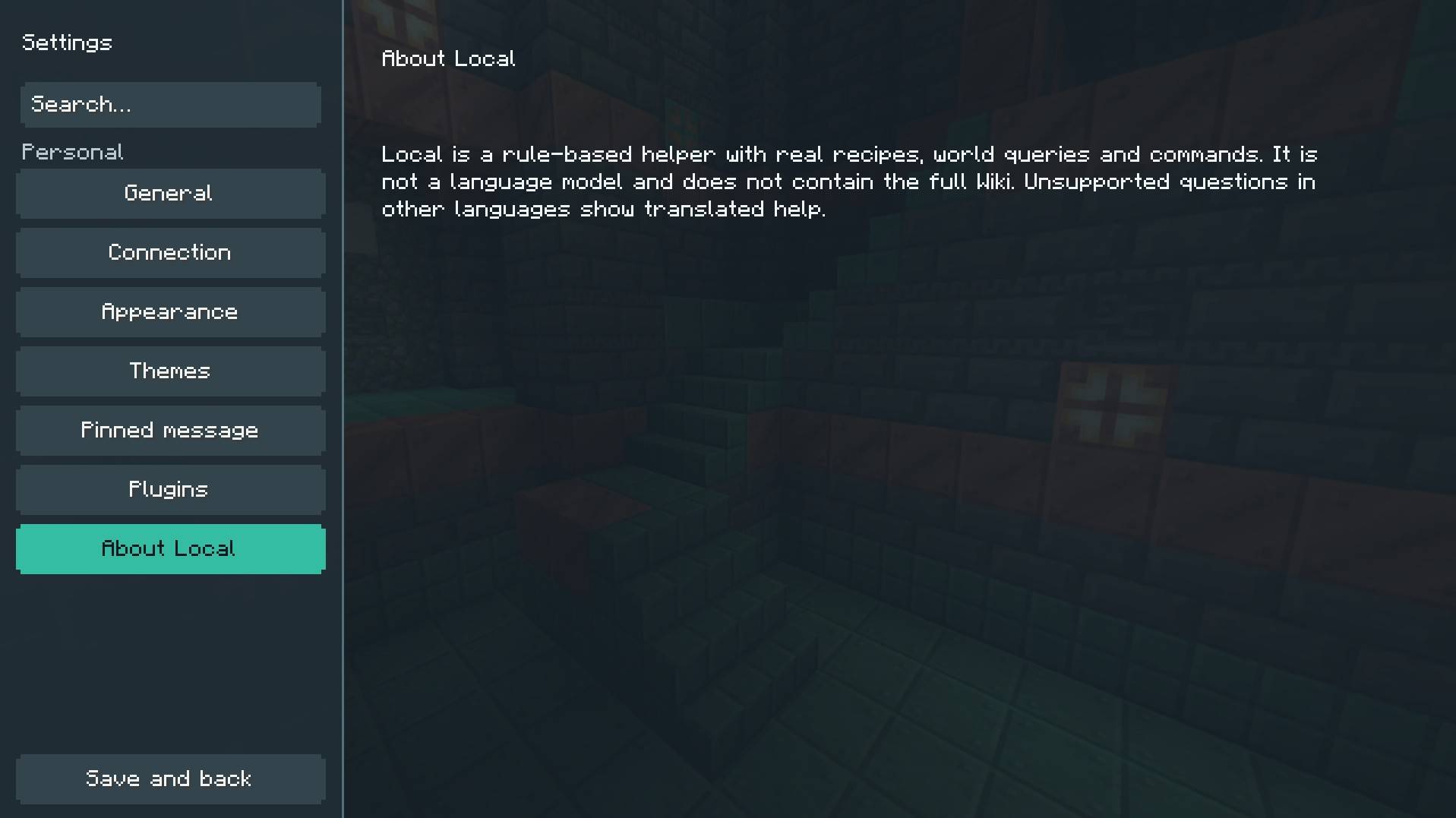
- Offline Local assistant: get help from built-in rules and Minecraft information without an account, API key or internet connection. Local is a limited rule-based assistant, not an offline language model.
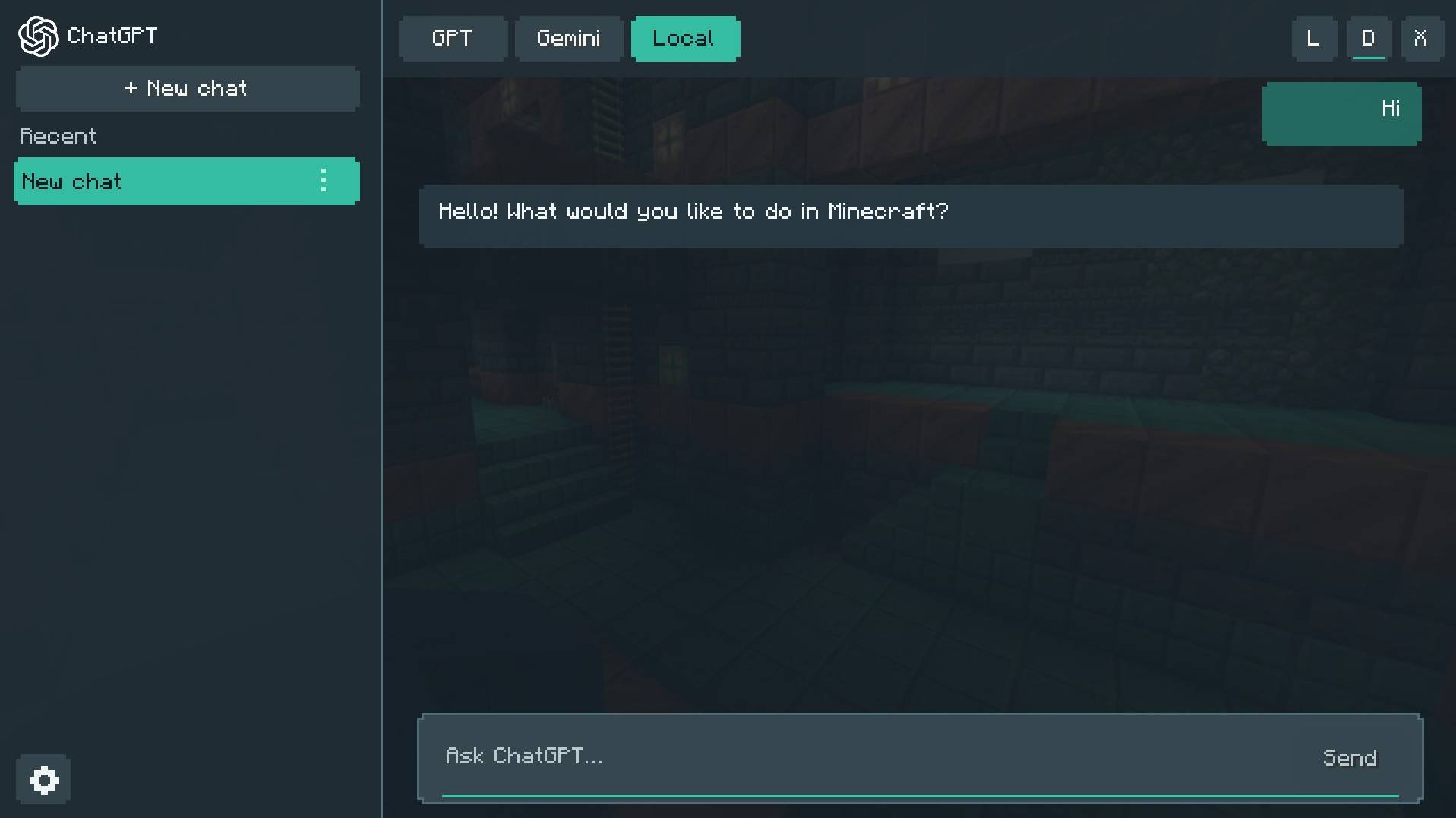
- Optional online chat: switch to Gemini or OpenAI using your own API key.
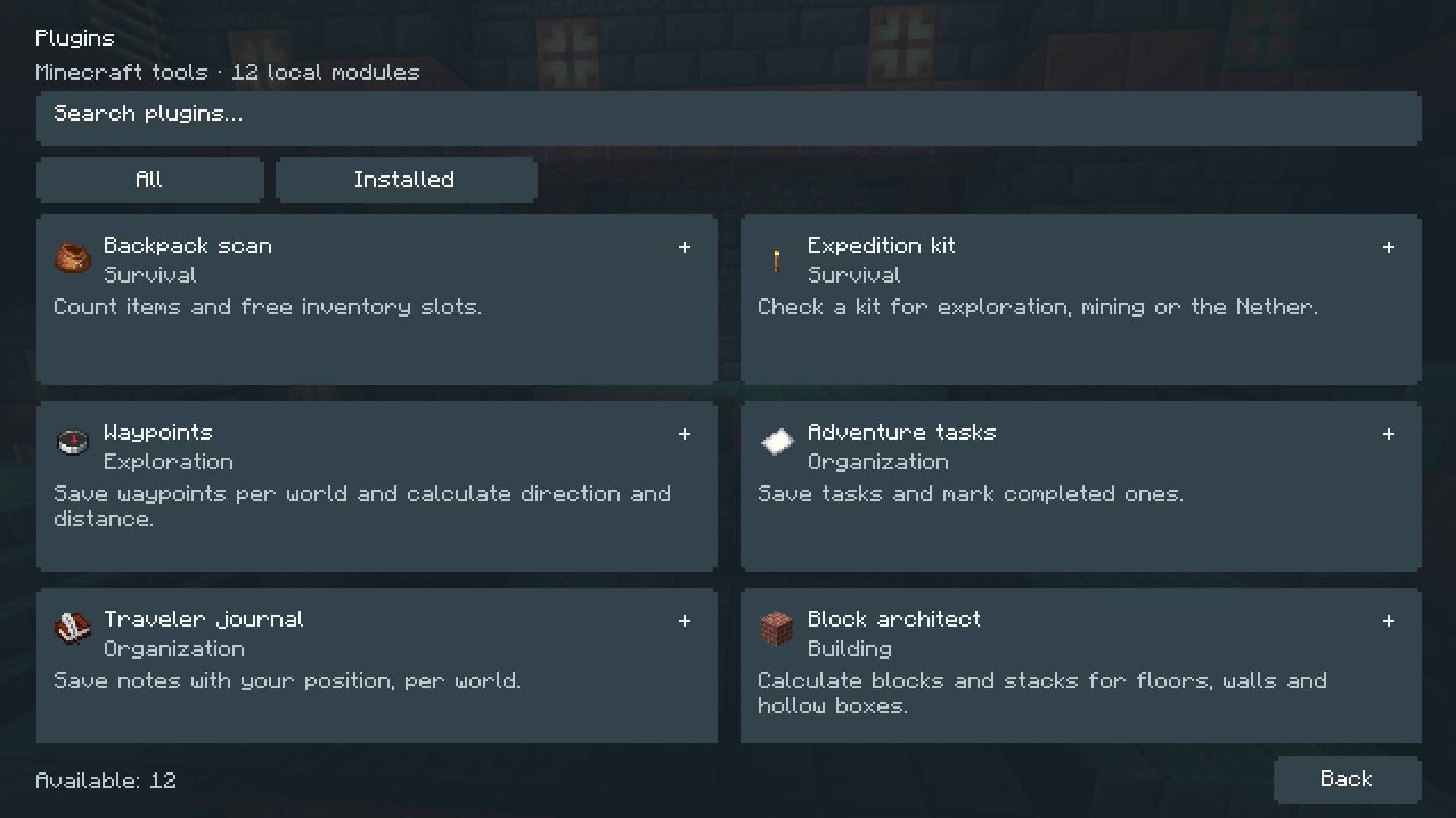
- 12 built-in Plugins: type “/” (When you install a plugin first) in the chat to browse tools for inventory checks, travel waypoints, building estimates, notes, tasks and more.
- Saved conversations: keep, rename, pin and manage your chats locally.
- Pinned replies: keep useful information visible while you play.
- Customizable appearance: choose light or dark mode, edit colors and transparency, adjust message size, or reduce animation.
- In-game bug reports: send a description and an optional image to the author, In that case something happens
Getting started
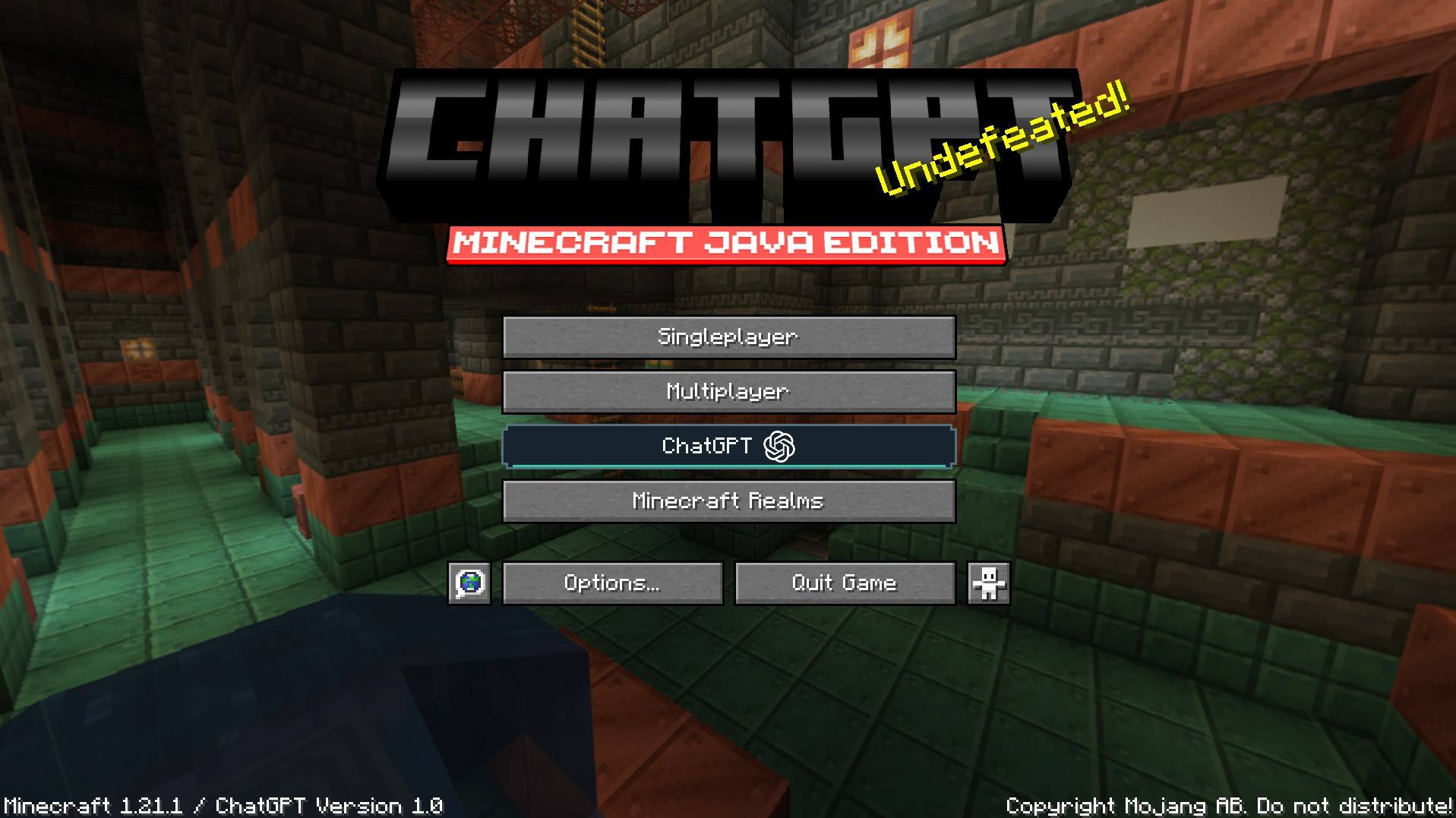
- Click the ChatGPT Button from the title screen or pause menu, or press G in a world.
- Choose Local or OpenAI/Gemini to start without/with a key, configure your own provider key api in settings for online chat (that OpenAI/Gemini can do)
- Ask a question or type / to select a plugin. Press H to hide or show a pinned reply.
Both key bindings can be changed in Minecraft’s controls. Replay the Codex tutorial from Settings → General whenever you need it.
Online features, privacy and multiplayer
Online providers require your own eligible API key and available quota. API usage may incur provider charges; a ChatGPT subscription does not include API credits. Questions, conversation context and relevant game context may be sent to the selected provider when you use online chat. Your saved conversations remain on your computer.
Bug reports are submitted only when you choose to send them. The form discloses its destination and sends the title, description, selected image, language and version information. It does not automatically upload your chat history, worlds or API keys.
Suggested commands require an explicit click and existing world permissions. Follow server rules: this beta disables the assistant on servers Like Complex Gaming and others, Online services depend on network access and provider availability.
An independent project by VoxelAurora. Not affiliated with Mojang, Microsoft, OpenAI or Google. Third-party names and artwork retain their respective rights.
Changelog
Version 1.0.0 is a beta. Translations and compatibility are still being improved.
The interface follows your game’s language. All 143 game language selections are registered: 105 draft catalogs, 7 adapted variants and 31 basic interfaces that still use English for custom explanations. Native-speaker review is ongoing; these are not 143 complete or fully reviewed translations.
Q&A
-Why did you make this?
R)Well, there’s some cases that people or/dont want to use GPT (Like i mean, switching tabs just to use gpt)
-How can we help the mod to get fully released and not Beta?
R)Simple!, or you report some of the bugs, or you suggest somethings to be in the mod!.
常见问题
GPTMine 支持哪些 Minecraft 版本?
GPTMine 支持 Minecraft Java 版 1.21.1,可用的加载器:Fabric。下载时注意选择和你游戏版本一致的文件。
GPTMine 怎么安装?
先用 PCL2 或 HMCL 启动器安装对应版本的 Fabric,再把下载的 .jar 文件放进游戏目录的 mods 文件夹,重新启动游戏即可。开启了版本隔离的,mods 文件夹在 versions/版本名 下面。

评论
登录后评论和评分