
Gothic Main Menu
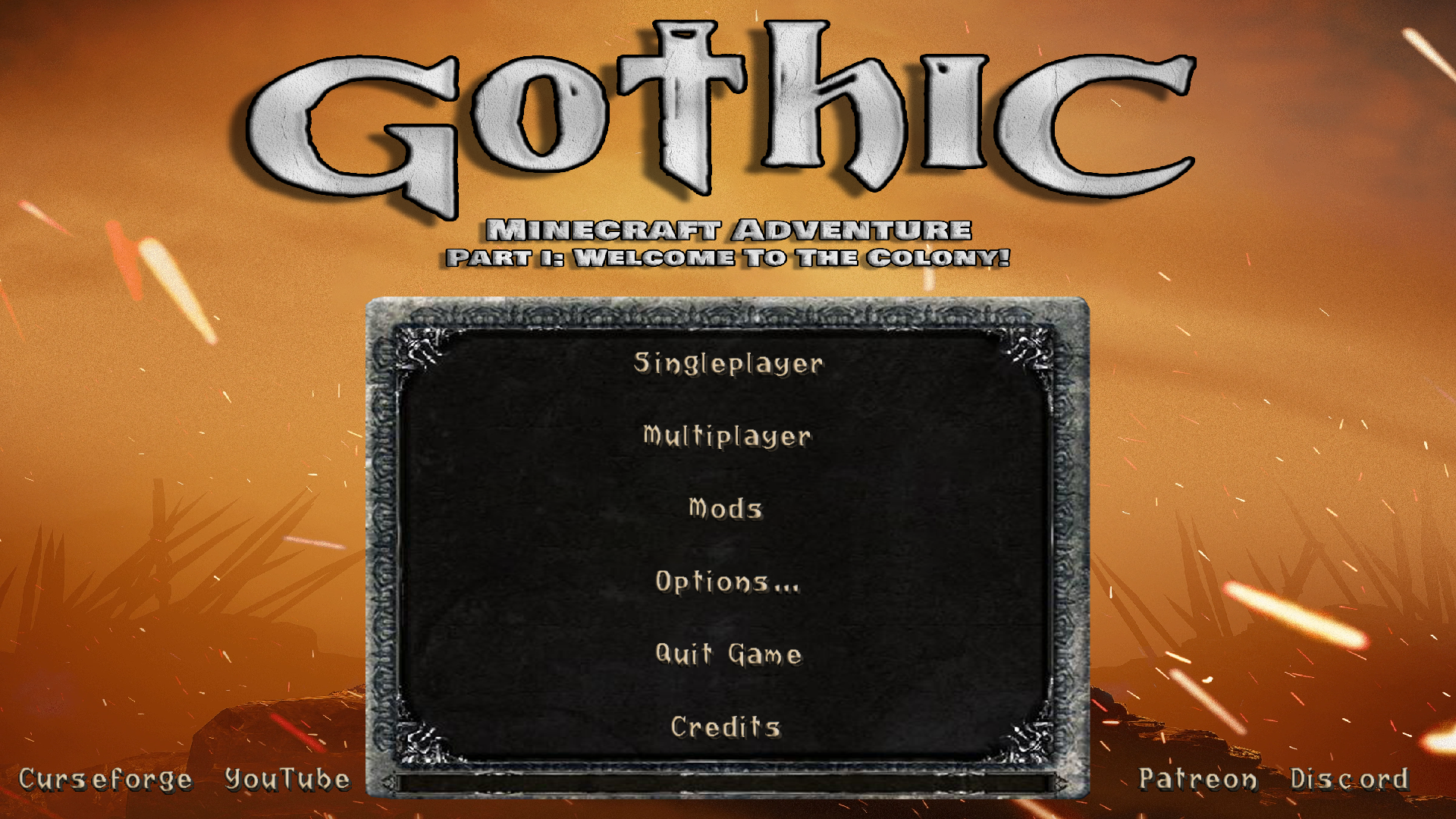
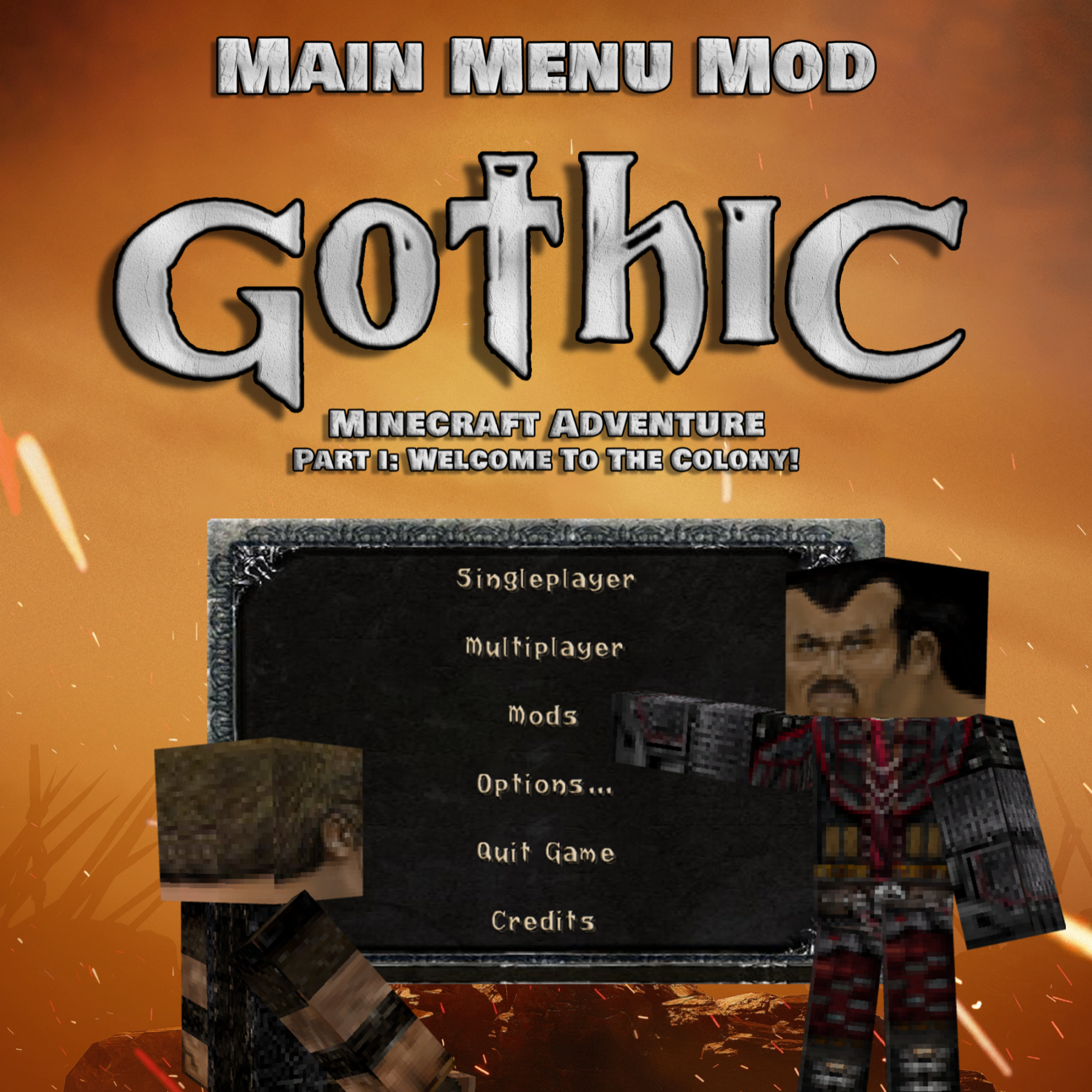
This mod introduces a brand new main menu inspired by the cult game "Gothic". Thanks to this modification, players will be able to feel the climate and atmosphere of the ''Gothic'' world from the very beginning of the game.
截图
介绍
“Gothic Main Menu” jest częścią większego projektu o nazwie ‘Gothic Minecraft Adventure’, który został podjęty przez naszą ekipę “Square Quest”. Mod ten wprowadza zupełnie nowe menu główne inspirowane kultową grą “Gothic”.
Dzięki tej modyfikacji gracze będą mogli poczuć klimat i atmosferę świata ”Gothic” już od samego początku gry.
Uwaga ważne!
“Gothic Main Menu” wymaga zainstalowanej modyfikacji “Custom Main Menu” oraz przygotowanego przez nas pliku .json
do których link znajdziecie poniżej:
Jak zainstalować?
Już spieszę z pomocą!
1. Pobierz i zainstaluj “Gothic Main Menu” oraz “Custom Main Menu”
2. Odpal Minecrafta, po czym go wyłącz.
3. W lokalizacji:
\minecraft\Instances\”nazwa twojej instancji Minecrafta”\config
Powinien pojawić się folder “CustomMainMenu” z plikiem “mainmenu.json”
Pobierz nasz plik mainmenu.json i zamień go z nim.
4. Gotowe!
Tak prezentuje się menu w grze:
Translated:
The “Gothic Main Menu” is part of a larger project called “Gothic Minecraft Adventure” that was undertaken by our “Square Quest” team. This mod introduces a brand new main menu inspired by the cult game “Gothic”.
Thanks to this modification, players will be able to feel the climate and atmosphere of the ”Gothic” world from the very beginning of the game.
Note important!
“Gothic Main Menu” requires the “Custom Main Menu” modification installed and the mainmenu.json file prepared by us
to which you can find the link below:
How to install?
I’m rushing to help!
1. Download and install “Gothic Main Menu” and “Custom Main Menu”
2. Start Minecraft, then turn it off.
3. At the location:
\minecraft\Instances\”name of your Minecraft instance”\config
The “CustomMainMenu” folder with the “mainmenu.json” file should appear
Download our mainmenu.json file and replace it with it.
4. Done!
This is how the menu looks like:
常见问题
Gothic Main Menu 支持哪些 Minecraft 版本?
Gothic Main Menu 支持 Minecraft Java 版 1.12.2,可用的加载器:Forge。下载时注意选择和你游戏版本一致的文件。
Gothic Main Menu 怎么安装?
先用 PCL2 或 HMCL 启动器安装对应版本的 Forge,再把下载的 .jar 文件放进游戏目录的 mods 文件夹,重新启动游戏即可。开启了版本隔离的,mods 文件夹在 versions/版本名 下面。运行环境:仅客户端。
SquareQuest 的其他作品
查看全部 →
Witcher Medalions
A mod that adds witcher medallions. Now you can pass the medallion trial to create your own medallion and hit the trail!

Gothic Remastered Music
Gothic Remastered Music is a fascinating modification for Minecraft, which introduces an unforgettable musical setting known from the cult game Gothic. We received permission from Denis Kolesnikov, who remastered the original tracks to accompany players.

Gothic Magic & Mages’ Staffs
"Gothic Magic & Mages' Staffs" is a texture pack that transforms the wands from the "Electroblob's Wizardry" mod into custom staff models inspired by the Gothic series.
评论
登录后评论和评分