
Goety:Astrology
This mod is an extension plugin for Goety, aimed at tapping into the power of the stars.
截图
介绍
This is a Goety expansion mod centered around astronomy. Through continuous exploration, players can gradually gain the powers of different celestial bodies. Each celestial body may correspond to unique abilities, items, or gameplay, allowing players to grow stronger throughout their adventures and slowly uncover the secrets hidden among the stars.
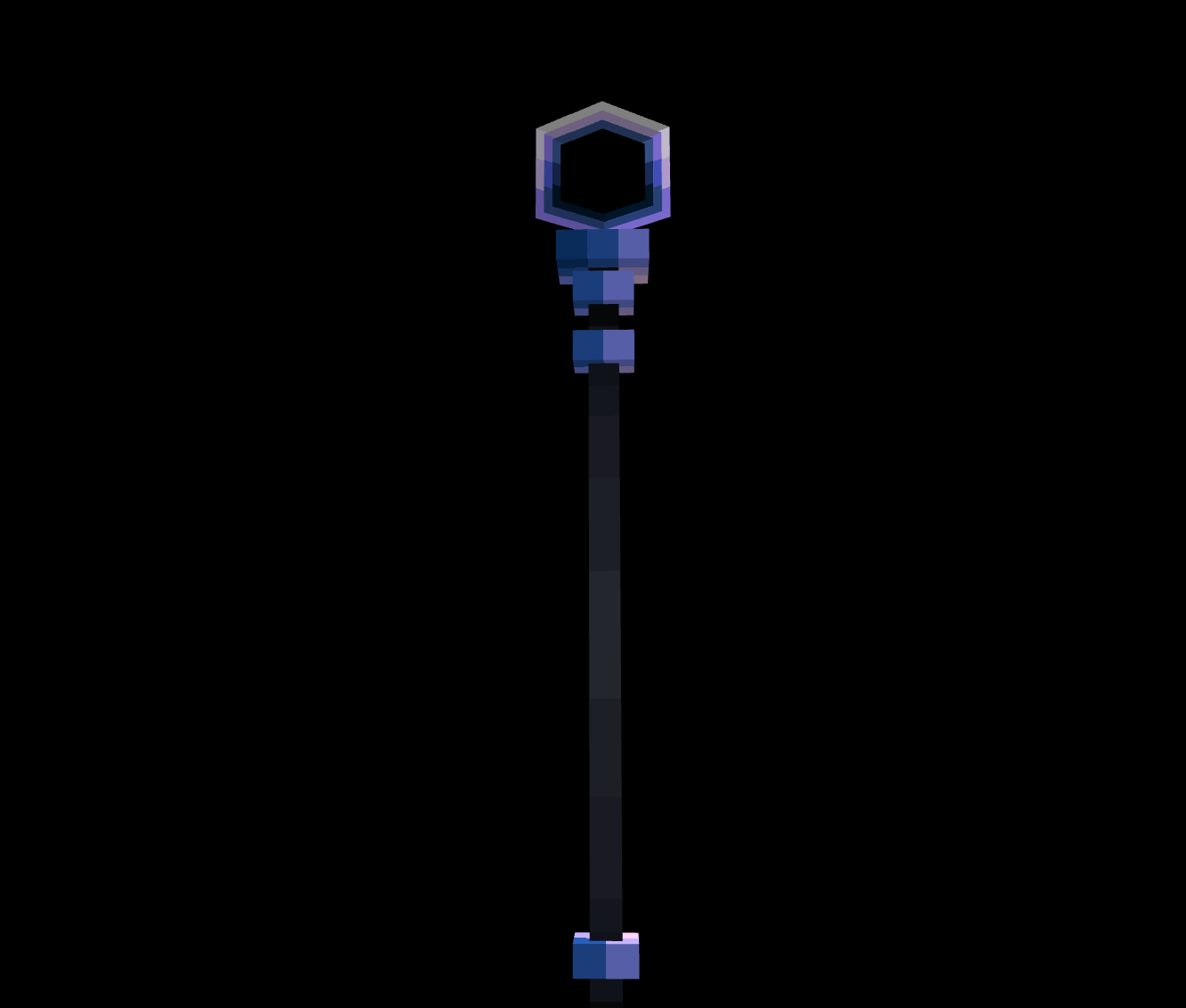
The mod adds a large number of new items and tools, offering players a richer variety of equipment and means of exploration. It also introduces many new creatures, structures, and events, making the world more vibrant and filling the journey with greater mystery and challenge. In different regions, players may encounter new enemies, discover mysterious structures, or trigger special events, thereby gaining new clues and powers.
At present, the mod has completed part of its main storyline and established the beginning of its overall narrative. Players can already experience the core gameplay of the mod’s early stages and gain an initial understanding of its worldview and power system. In the future, the development team will continue to expand more storylines, allowing players to further explore the powers and stories represented by different celestial bodies. The mod also plans to add more than one boss-level creature, bringing players more challenging battles and a more complete adventure experience.
Overall, this is an astronomy-themed expansion mod still in ongoing development, blending elements of exploration, collection, combat, and storytelling. With the continuous release of future content, it will present players with an even larger, more mysterious, and more captivating world among the stars.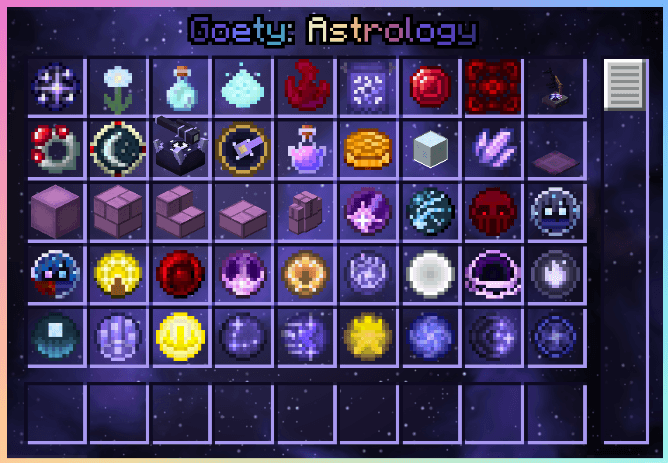
常见问题
Goety:Astrology 支持哪些 Minecraft 版本?
Goety:Astrology 支持 Minecraft Java 版 1.20.1,可用的加载器:Forge。下载时注意选择和你游戏版本一致的文件。
Goety:Astrology 怎么安装?
先用 PCL2 或 HMCL 启动器安装对应版本的 Forge,再把下载的 .jar 文件放进游戏目录的 mods 文件夹,重新启动游戏即可。开启了版本隔离的,mods 文件夹在 versions/版本名 下面。
评论
登录后评论和评分