
截图
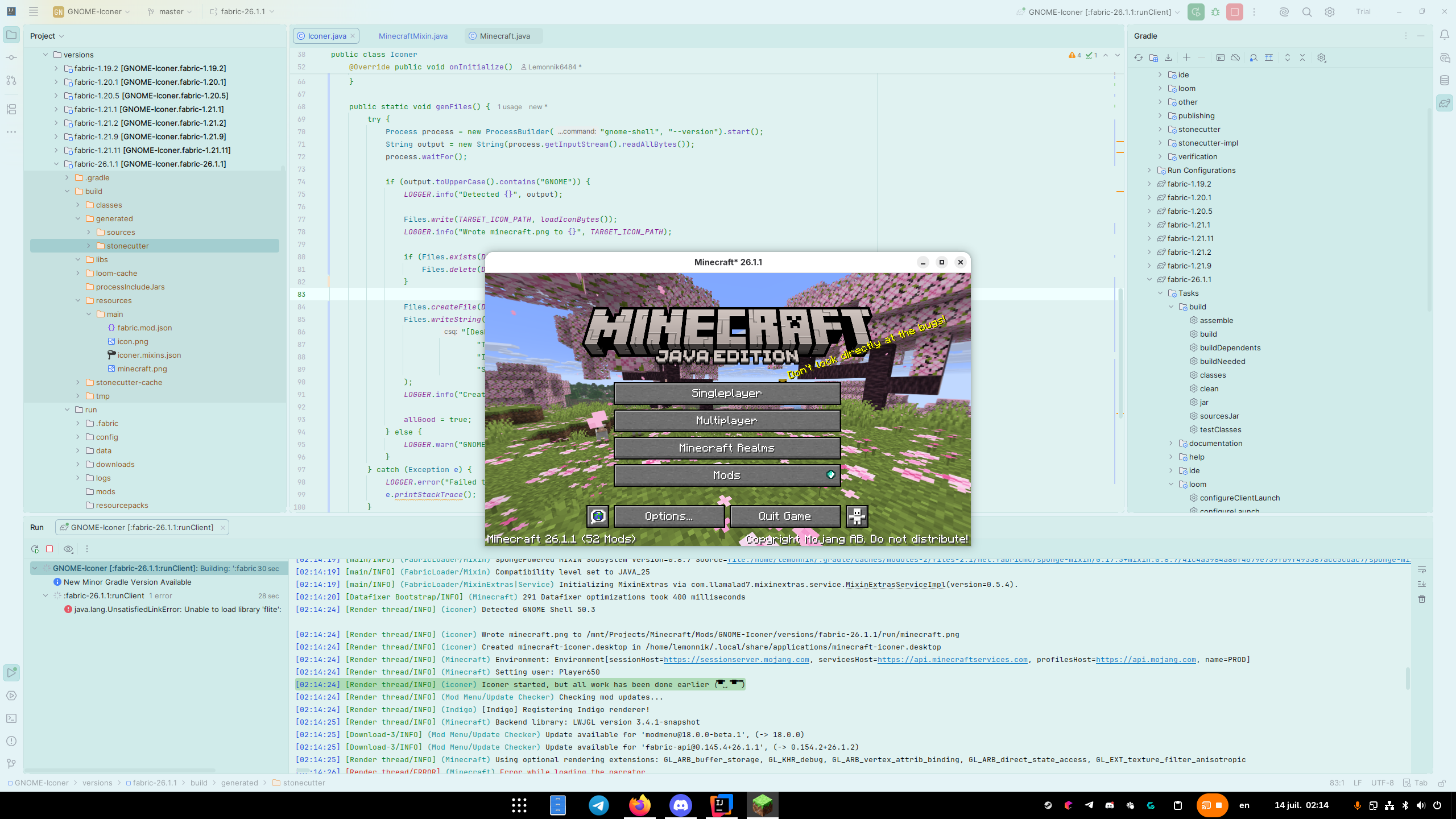
介绍
GNOME Iconer
The mod fixes the issue with minecraft’s icon missing in the taskbar on GNOME
It does that by generating .desktop file to set the minecraft icon for Minecraft* and setting game’s WMClass to Minecraft*
| TT20 | Fabric/Quilt | Forge | NeoForge |
|:———:|:————:|:—–:|:——–:|
| 26.X | ✅ | ❌ | ✅ |
| 1.21.11 | ✅ | ❌ | ✅ |
| 1.21.9/10 | ✅ | ❌ | ✅ |
| 1.21.2-8 | ✅ | ❌ | ⭐️ |
| 1.21(.1) | ✅ | ❌ | ⭐️ |
| 1.20.5/6 | ✅ | ❌ | ⭐️ |
| 1.20.2-4 | ✅ | ❌ | ⭐️ |
| 1.20(.1) | ✅ | ⭐️ | ❌ |
| 1.19.0-2 | ✅ | ✅ | ❌ |
| 1.18.X | ❌ | ✅ | ❌ |
✅ – Supported
⭐️ – Workaround
❌ – Not Planned
⭐️Workaround versions work by creating a separate .desktop entry for each minecraft version. As I can’t modify WM Class because of stupid early loading screen on newer forge and older neoforge versions. Alternatively you can disable early loading screen in config/fml.toml (earlyWindowProvider = "")
常见问题
GNOME Iconer 支持哪些 Minecraft 版本?
GNOME Iconer 支持 Minecraft Java 版 1.18–26.2,共 29 个版本,可用的加载器:Fabric / Forge / NeoForge。下载时注意选择和你游戏版本一致的文件。
GNOME Iconer 怎么安装?
先用 PCL2 或 HMCL 启动器安装对应版本的 Fabric / Forge / NeoForge,再把下载的 .jar 文件放进游戏目录的 mods 文件夹,重新启动游戏即可。开启了版本隔离的,mods 文件夹在 versions/版本名 下面。运行环境:仅客户端。
Lemonnik 的其他作品
查看全部 →
TT20 (TPS Fixer)
TT20 helps reduce lag by optimizing how ticks work when the server's TPS is low.

Better Walls
Fixes connections between fences, walls, panes, bars and nether fences
Better Walls
Fixes connections between fences, walls, panes, bars and nether fences

Toothless Totem
Animated toothless totem of undying
评论
登录后评论和评分