Gluon(胶子)
vertical slabs and stairs (including modded ones), mixed-material slabs, and smarter block connections.
截图
介绍
Gluon
Small changes, big difference.
Gluon is a building-focused expansion that works entirely on existing blocks. Its name comes from the particle that binds quarks together: it is small, but it holds the larger structure together. In the same way, Gluon focuses on the small details — a half-block here, a cleaner connection there — that make a build feel finished.
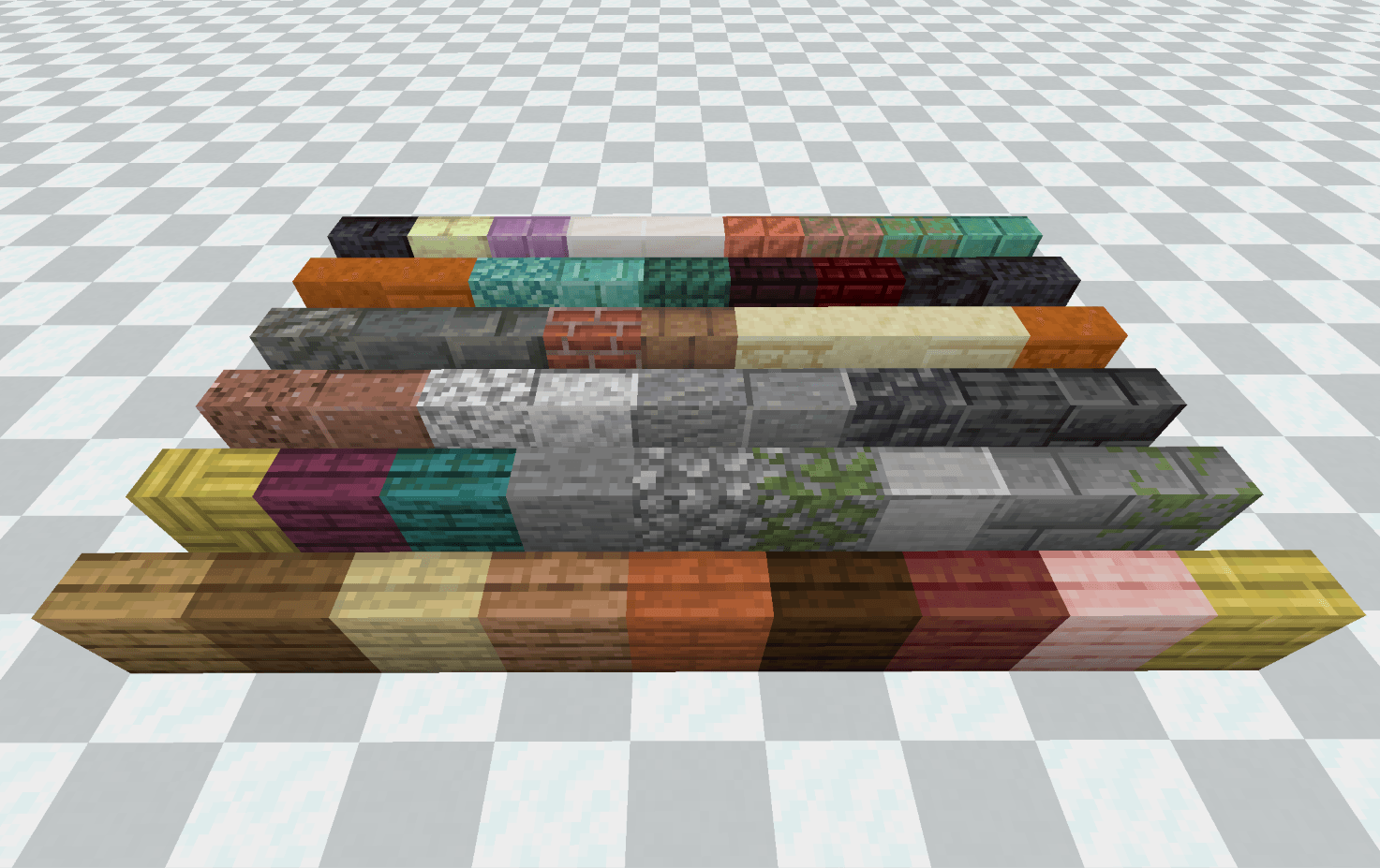
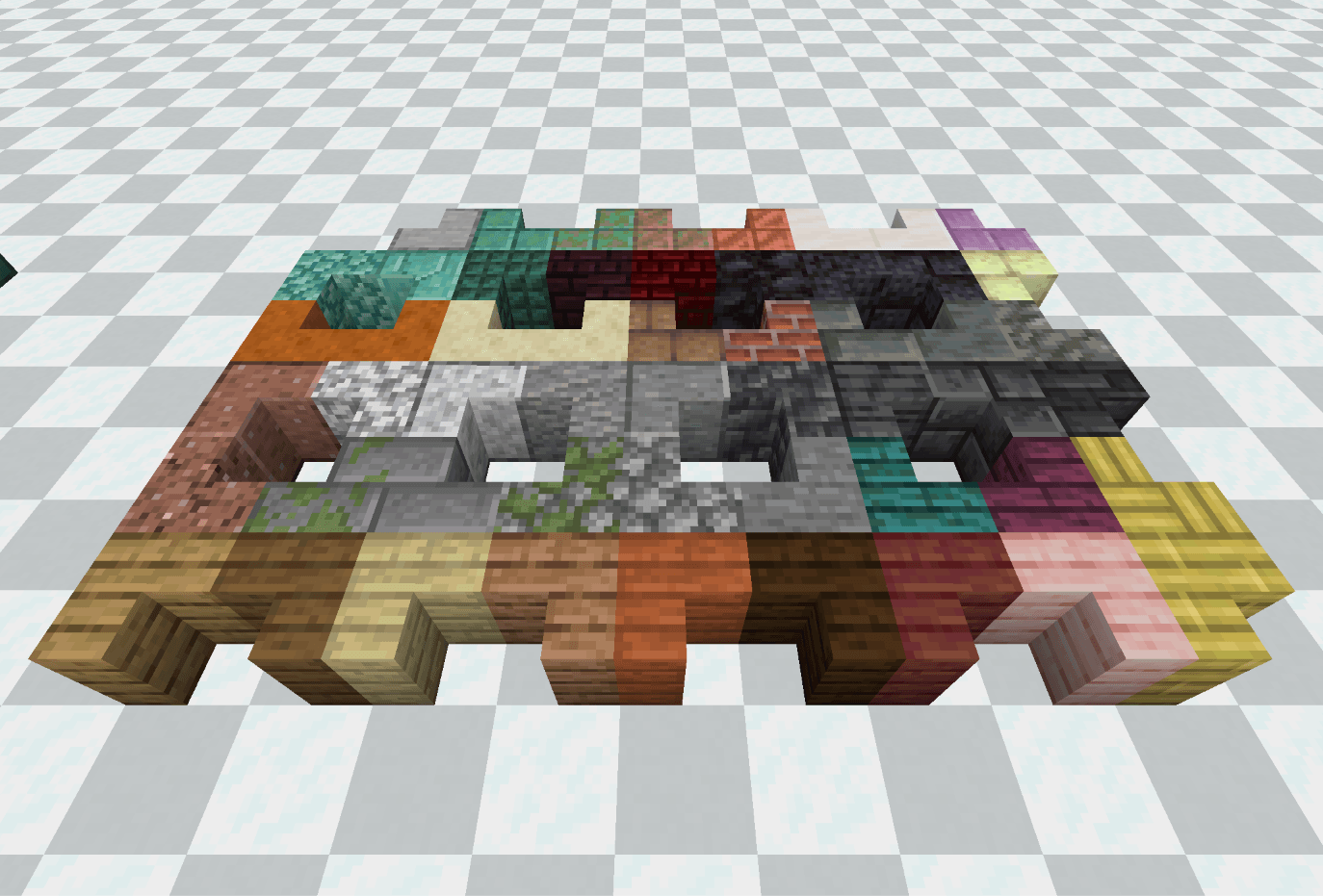
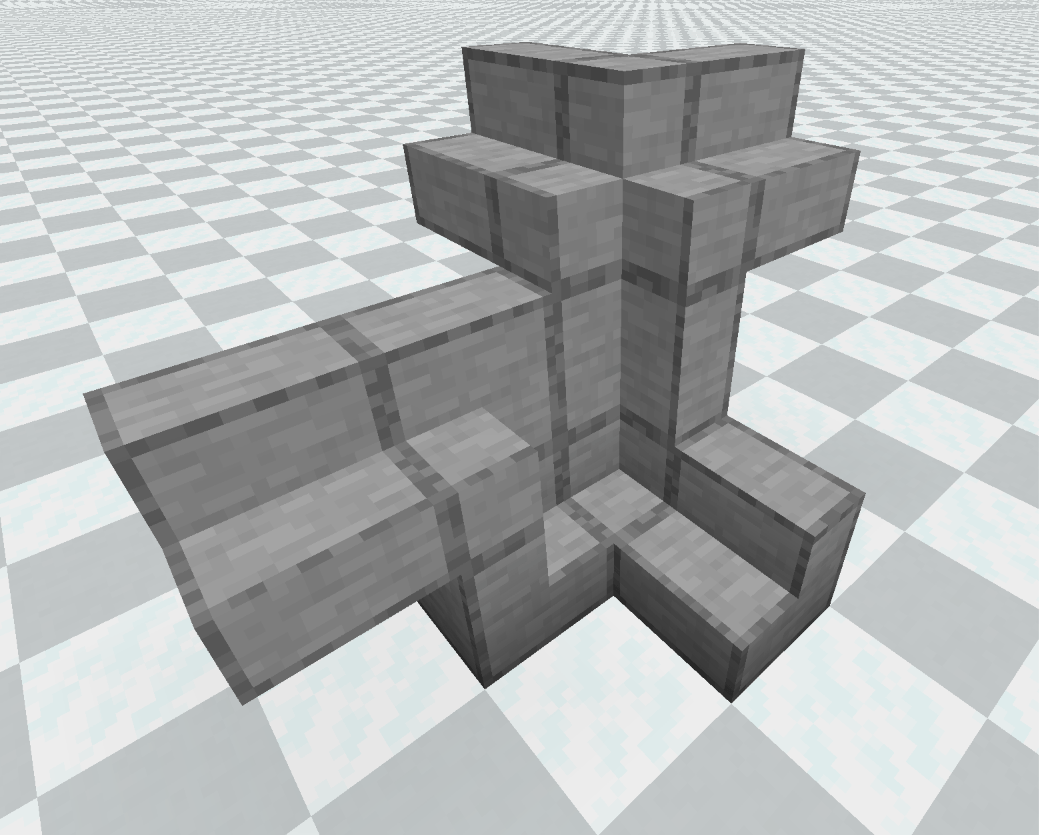
Vertical slabs and stairs
-
Any slab or stair can be placed vertically.
-
Slabs and stairs from other mods are supported by default.
-
Four placement modes: Default, Mixed, Flush, and Original. Switch with V (rebindable); each mode is remembered per save.
-
Guide lines show how the next piece will be placed.
-
Mixed-material slabs let you stack two different slabs in one block. Sneak-mine to remove only one half.
Smarter connections
-
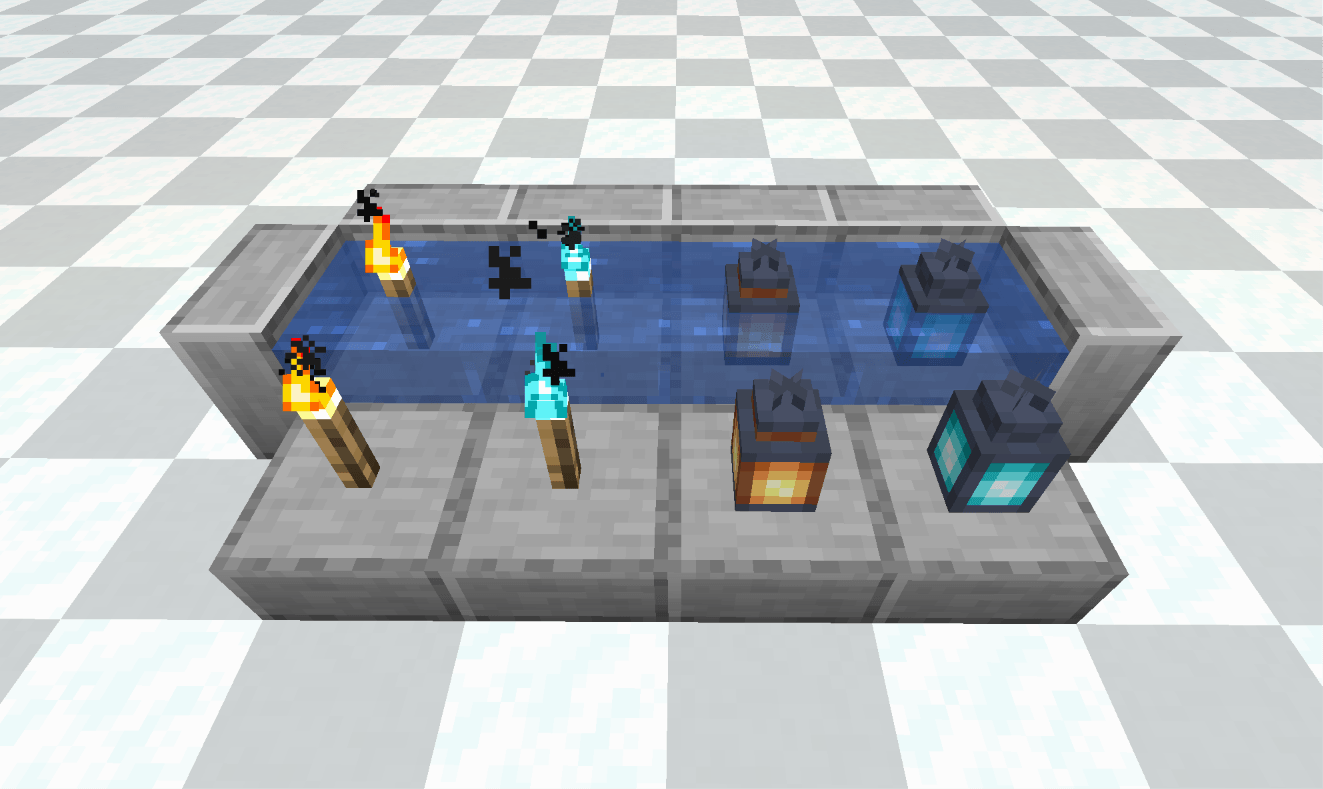
Torches, soul torches, redstone torches, lanterns, and soul lanterns sit flush on bottom slabs. Lanterns can also hang beneath top slabs.
-
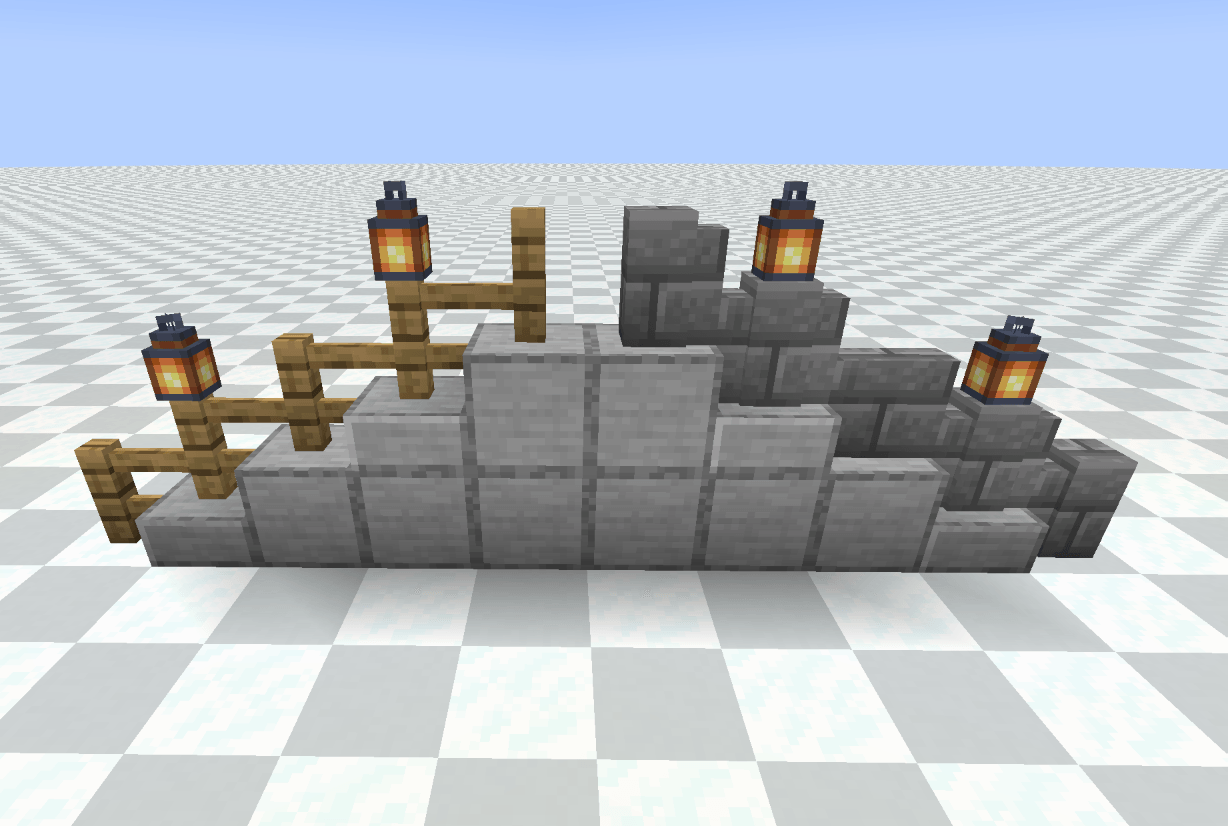
Fences and walls shift half a block to sit on bottom slabs and connect normally.
-
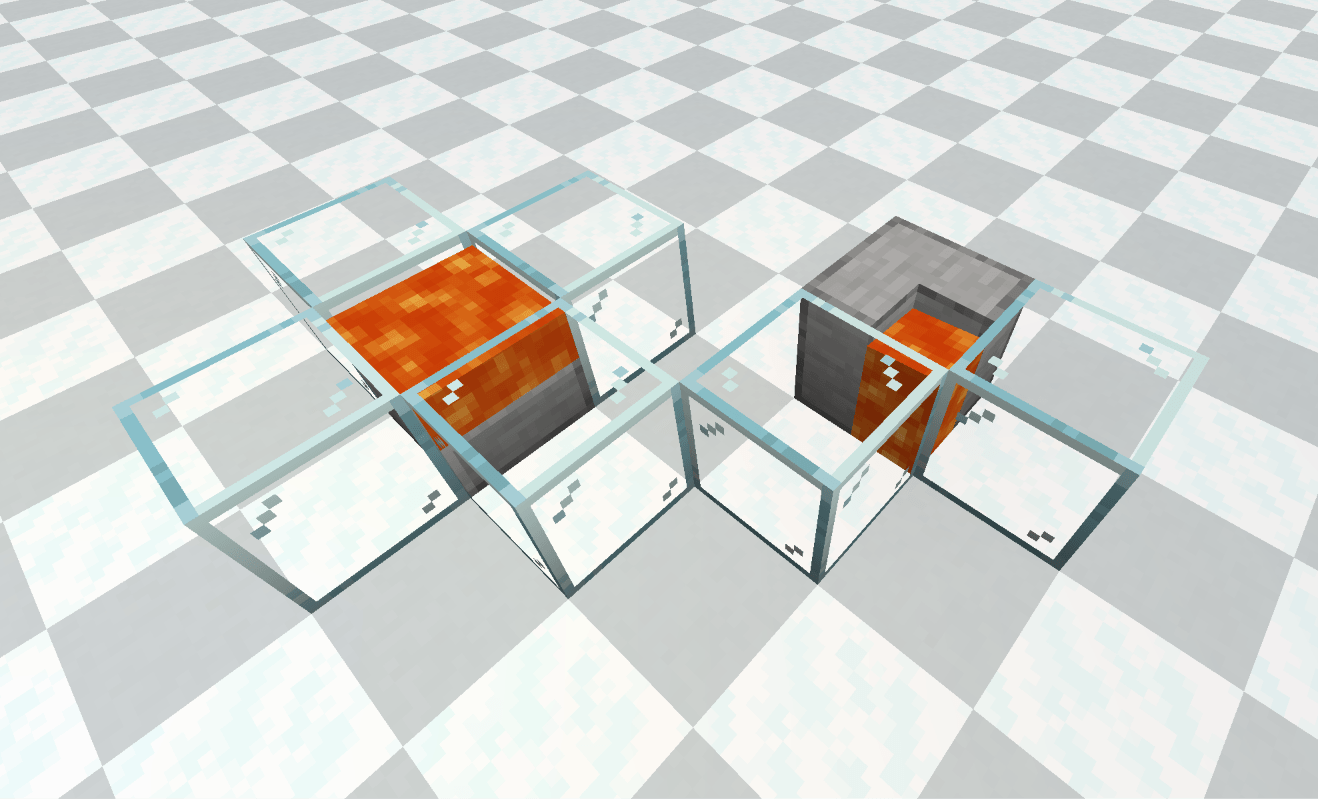
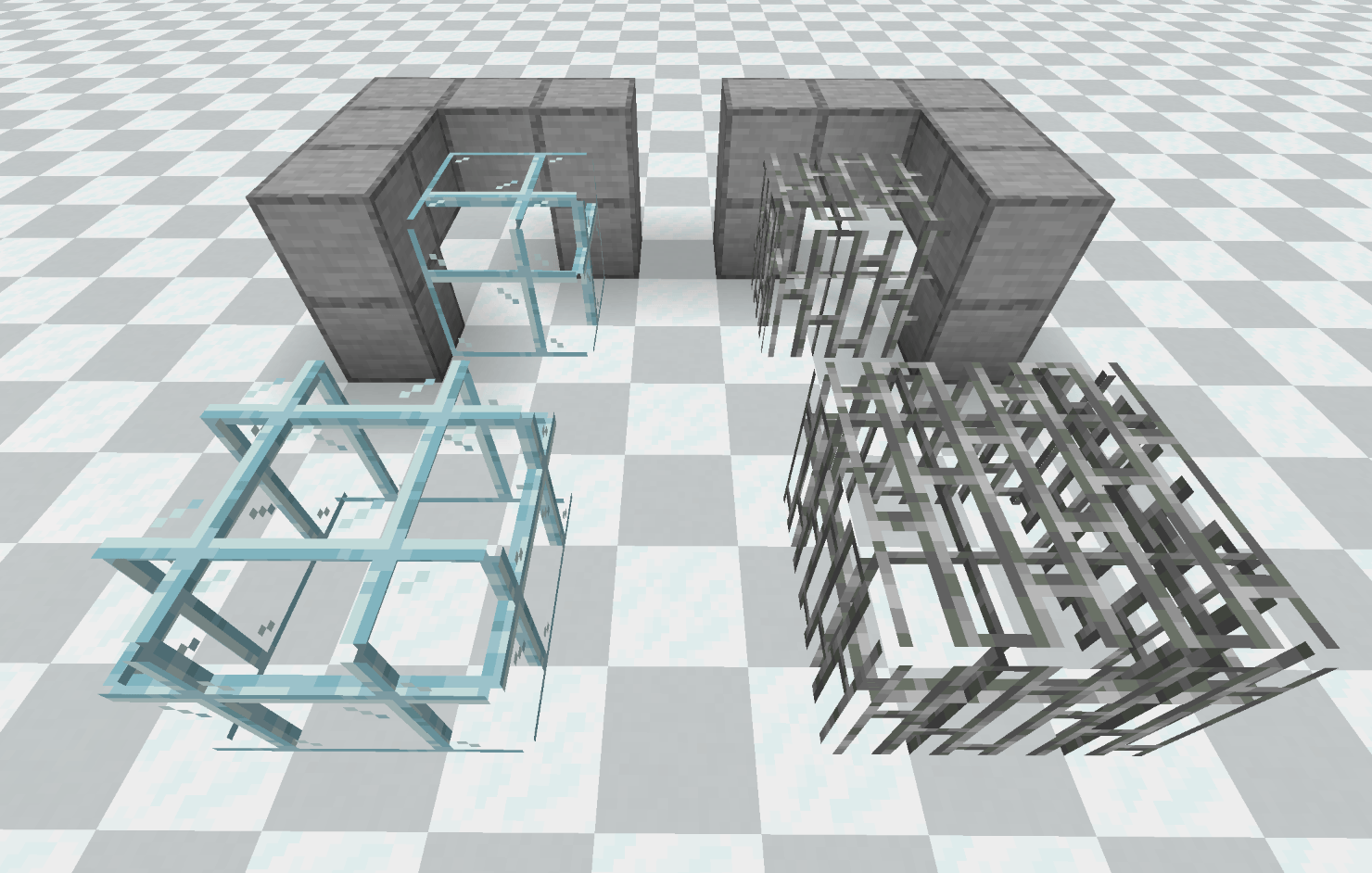
Glass panes and iron bars are assembled from 12 parts. Large panes hide their inner faces, and the result does not depend on placement order.
Quality-of-life changes
-
Glass blocks, glass panes, and iron bars can be mined faster with a pickaxe or an axe.
-
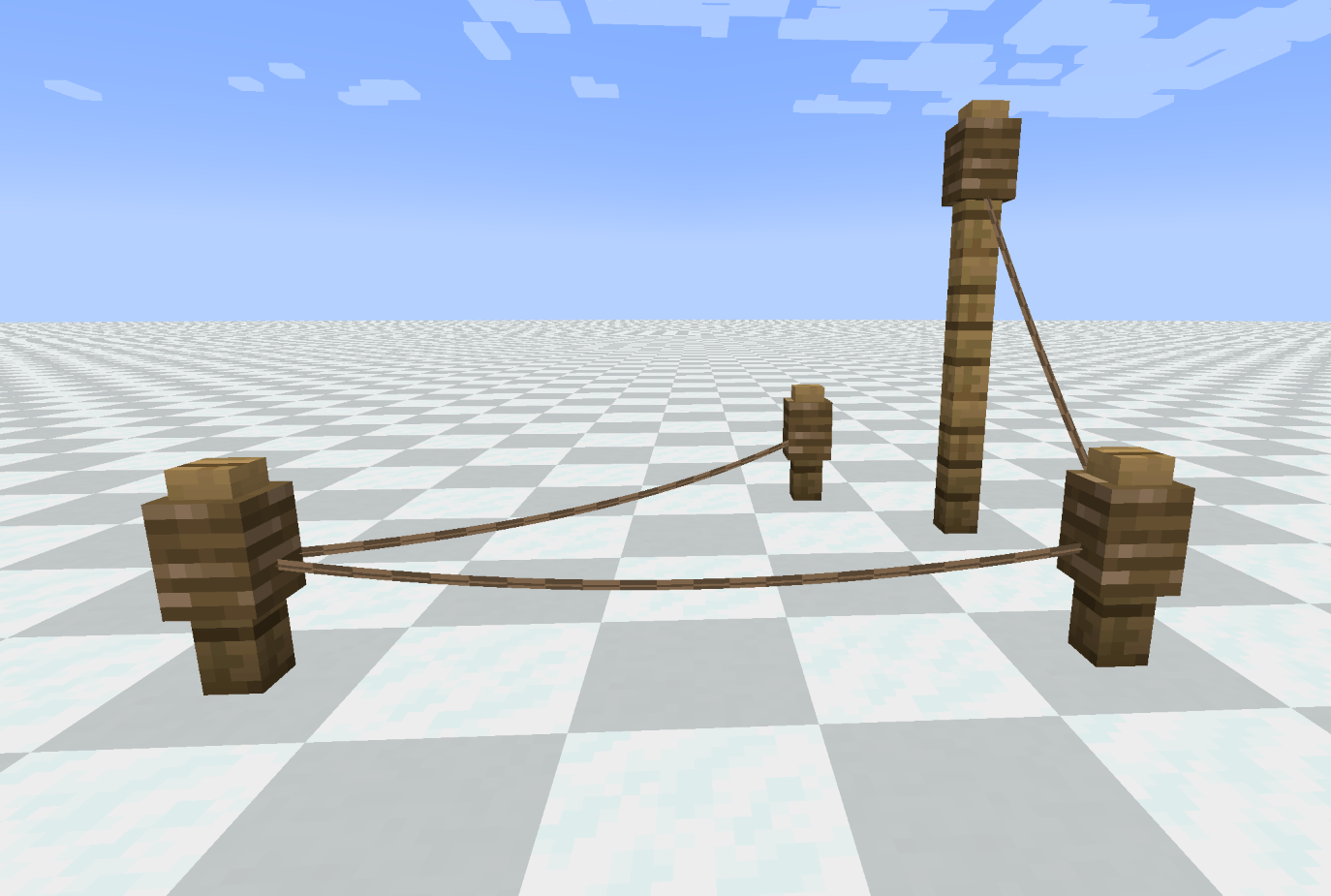
Leads can be strung between two fences as a catenary. Click the knot to untie it and recover the lead.
-
Anvils no longer wear down from use; fall damage still applies. Material repairs no longer add a cumulative penalty and restore 90% durability.
-
New keybinds: crawl (Ctrl) and sit (Z). Both are rebindable.
Compatibility
-
Base-game blocks: fully supported.
-
Slabs and stairs from other mods: supported by default; can be disabled or blocklisted in the config.
-
Walls and fences: supported when they extend the base-game classes.
-
Glass panes and iron bars: base-game blocks only for now.
-
Torches and lanterns: determined by tags, so modded blocks based on the base-game classes can opt in.
Gluon does not add new block IDs. Removing the mod will not delete blocks from your world — they simply return to their original appearance. Adding the mod to an existing world will not change blocks that are already placed.
Installation
-
Minecraft 1.20.1 — Forge
-
Minecraft 1.21.1 / 1.21.4 / 1.21.8 / 1.21.10 — NeoForge
-
One jar per game version. No dependencies.
-
Install on both client and server.
-
Back up existing worlds before first use.
常见问题
Gluon(胶子) 支持哪些 Minecraft 版本?
Gluon(胶子) 支持 Minecraft Java 版 1.21.1,可用的加载器:Forge / NeoForge。下载时注意选择和你游戏版本一致的文件。
Gluon(胶子) 怎么安装?
先用 PCL2 或 HMCL 启动器安装对应版本的 Forge / NeoForge,再把下载的 .jar 文件放进游戏目录的 mods 文件夹,重新启动游戏即可。开启了版本隔离的,mods 文件夹在 versions/版本名 下面。
评论
登录后评论和评分