Glow Ink to Glowstone Dust
Dynamically replace Glow Ink with Glowstone Dust & Squid Ink Sacs with Black Dye too! Moog's Glow Up, Supplementaries, and EMI/JEI Support included!
截图
介绍

Glow Ink Sacs were added to the game with 3 purposes:
- Making signs glow
- Crafting glowing item frames
- Being a drop for Glow Squids
This is obviously wasteful and causes inventory clutter for no reason. This lightweight mod solves this issue by replacing all of these uses with the already pre-existing glowing item, Glowstone Dust!
Compatibility
- Moog’s Glow Up
- Supplementaries
- EMI/JEI & EMI Loot
- Confirmed to automatically work with Iron’s Spells ‘n Spellbooks
- Confirmed to automatically work with Hybrid Aquatic
Features
- Glow Ink Sacs will no longer be present in the game, all recipes will be dynamically & performantly replaced with Glowstone Dust instead (should be compatible with all mods)
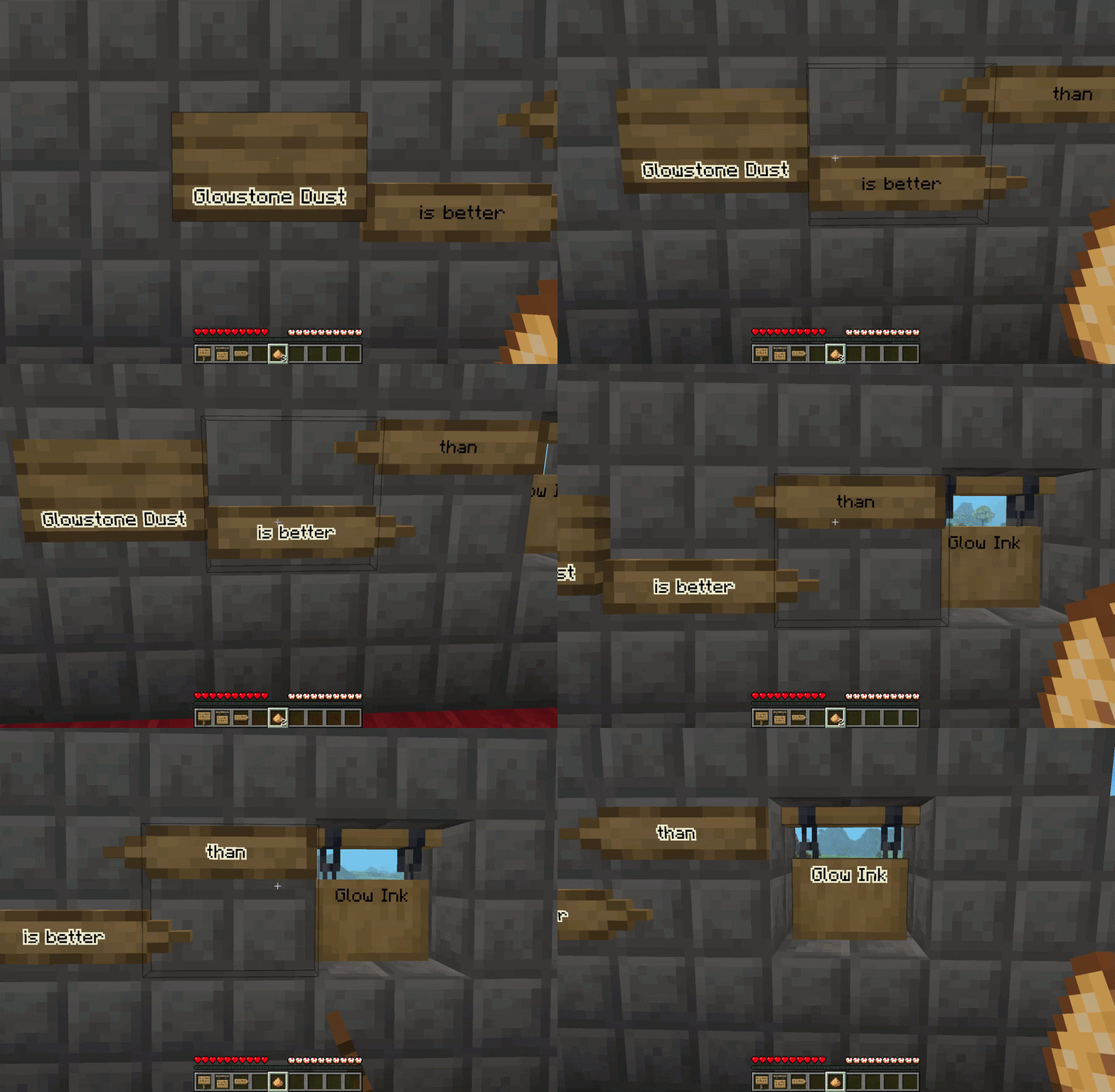
- Glowstone dust can now be used on signs to make them glow (Supplementaries’ Way Signs work too!)
- Glow Squids now drop a variable amount of Glowstone Dust instead of Glow Ink Sacs.
Optional: Squid Ink Changes
These changes are enabled by default, but can be disabled using the config.
- Ink Sacs will no longer be present in the game, all recipes will be dynamically & performantly replaced with Black Dye instead (should be compatible with all mods)
- Wet Sponges (reusable) and Water Bottles (turns into empty bottle) can clean glowing sign text, replacing vanilla Ink Sac functionality
Support
Submit feedback and suggestions on the Issues tab.
Multi-loader and Multi-version support will come… eventually. Add a issues post if you specifically want this mod on other versions or loaders.
Credits
evanbones – Reliable Remover and Reliable Recipes were essential to me figuring out a performant way to implement something like this.
常见问题
Glow Ink to Glowstone Dust 支持哪些 Minecraft 版本?
Glow Ink to Glowstone Dust 支持 Minecraft Java 版 1.21.1,可用的加载器:NeoForge。下载时注意选择和你游戏版本一致的文件。
Glow Ink to Glowstone Dust 怎么安装?
先用 PCL2 或 HMCL 启动器安装对应版本的 NeoForge,再把下载的 .jar 文件放进游戏目录的 mods 文件夹,重新启动游戏即可。开启了版本隔离的,mods 文件夹在 versions/版本名 下面。

评论
登录后评论和评分