Glowing Blocks
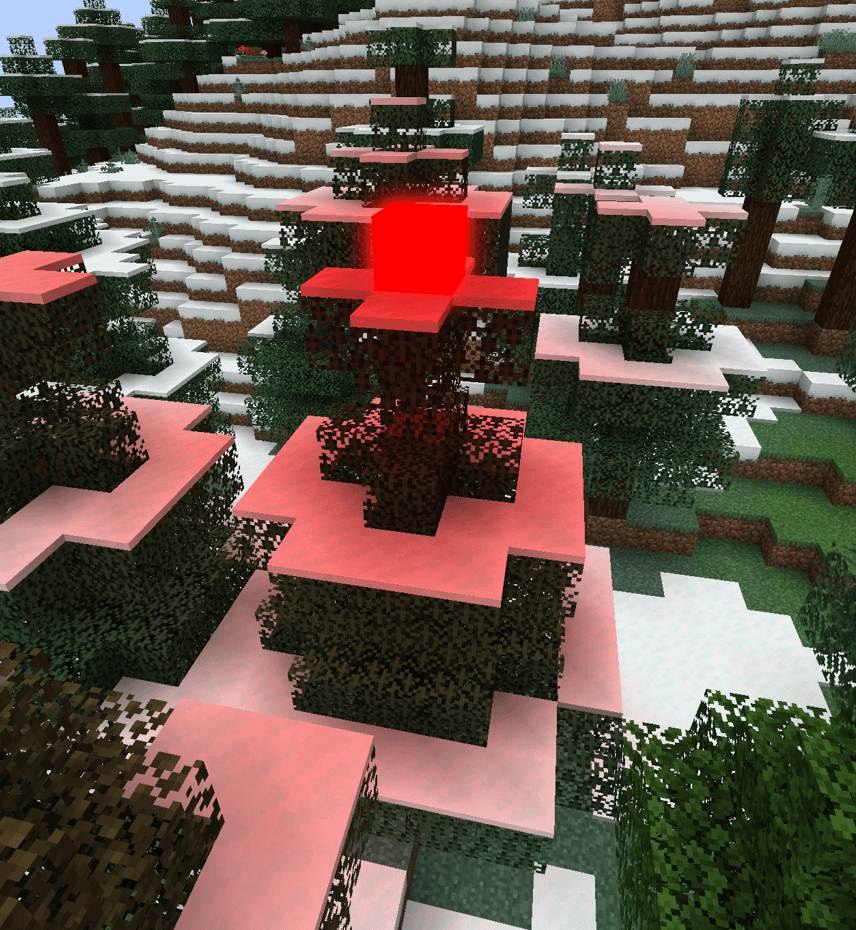
Light up your builds with 16 vibrant glowing blocks, stunning bloom, and colors that blend into endless possibilities!
截图
介绍
Glowing Blocks
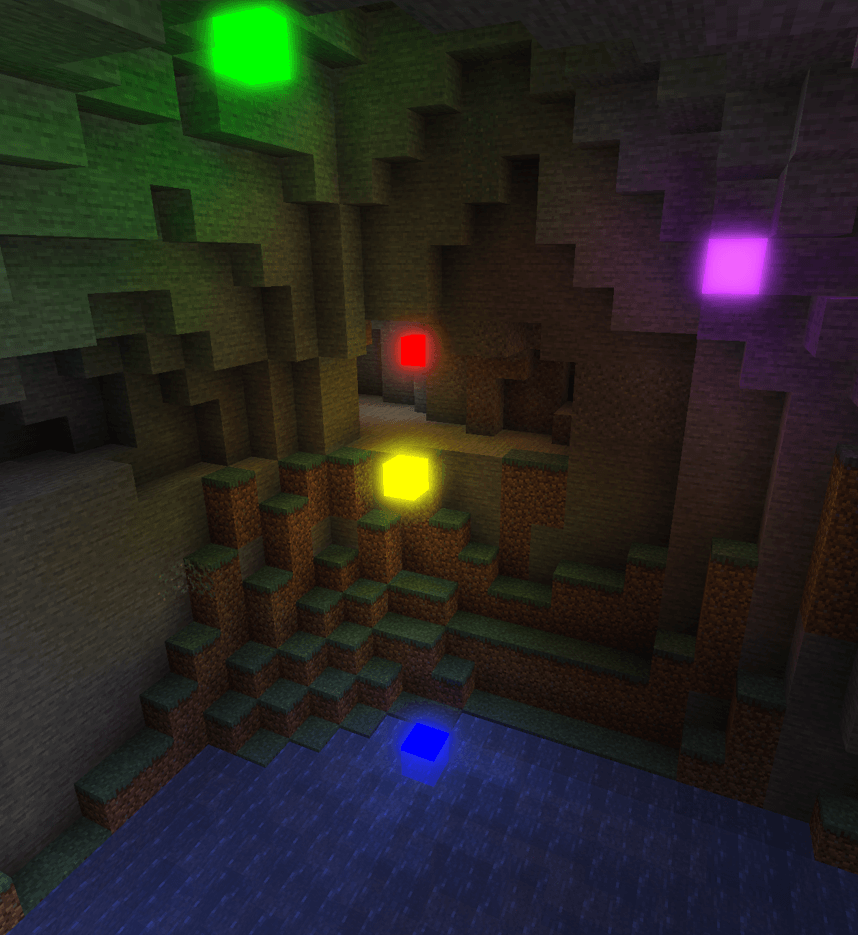
Bring color to your builds with **16 glowing blocks**, soft bloom, and colored lighting. Create neon accents, atmospheric rooms, futuristic structures, or colorful installations with the full Minecraft dye palette.
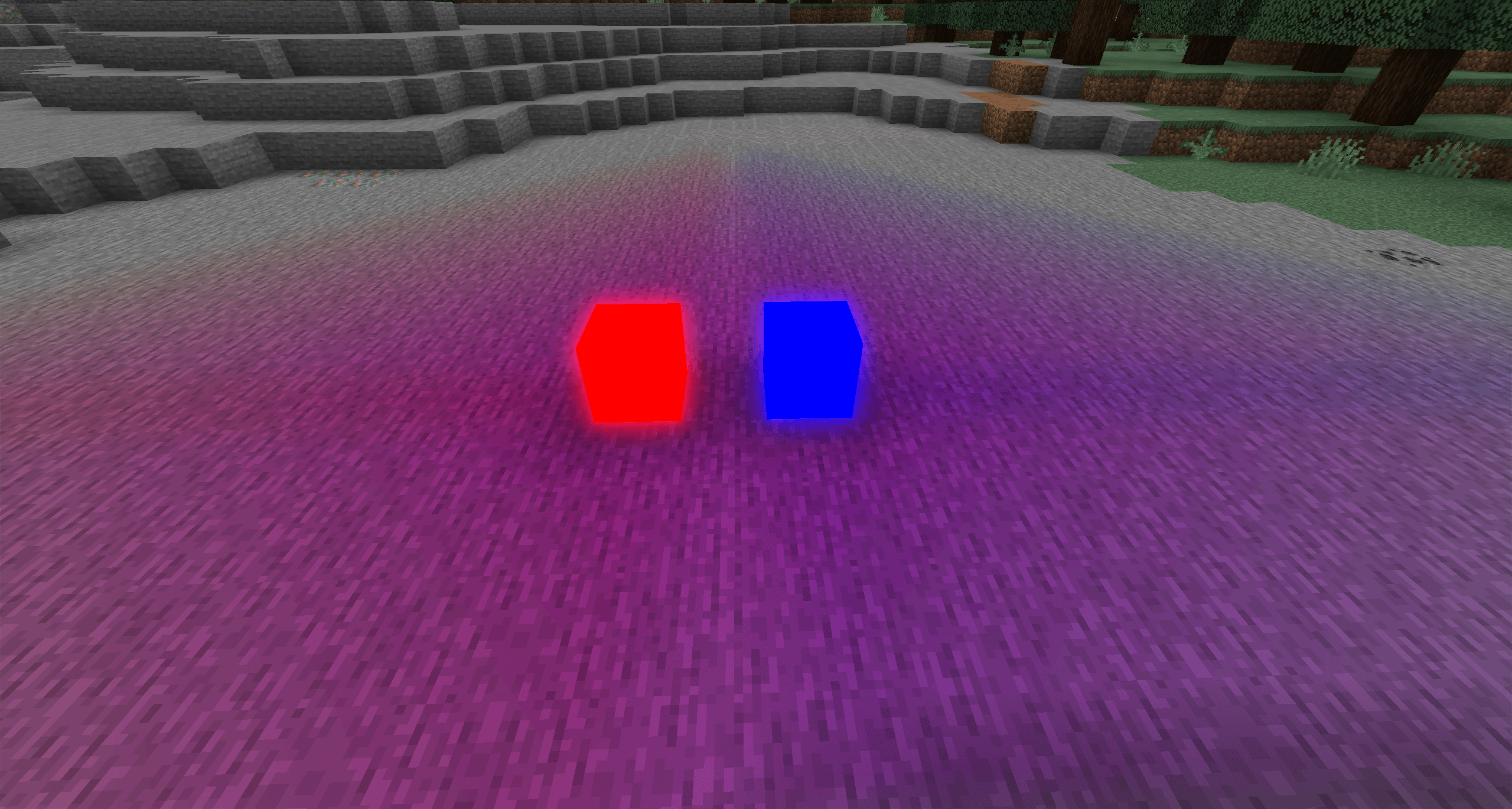
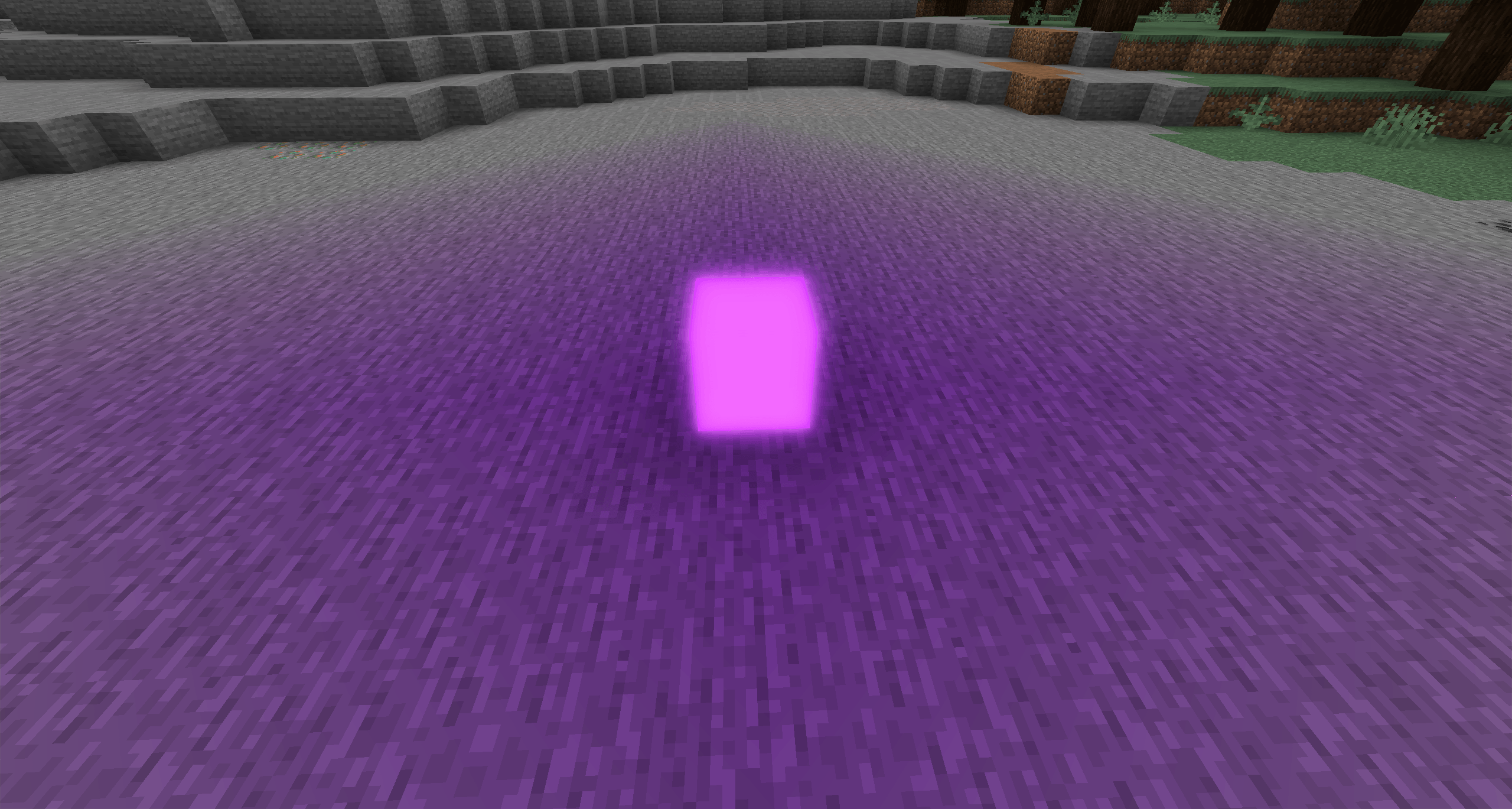
Each block casts its own color onto nearby surfaces. Enable light mixing to blend overlapping colors—combine red and blue for purple, or experiment with your own combinations. Light fades with distance and respects solid obstacles. Prefer distinct colors? Disable mixing to use the strongest light color in each area.
Features
– 16 colors, available in a dedicated creative tab.
– Soft bloom with adjustable intensity.
– Colored surface lighting with optional color mixing.
– Independent controls for bloom and colored lighting.
– Minecraft 1.20.1 / Forge 47.4.10.
## Configuration
Customize the effect in **`config/glowing_blocks-client.toml`**, created automatically when you launch the client:
| Setting | Purpose |
| — | — |
| `bloomEnabled` | Enable or disable bloom. |
| `bloomIntensity` | Adjust bloom strength from 0 to 8. |
| `coloredLightingEnabled` | Enable or disable lighting in each block’s own color. |
| `lightMixingEnabled` | Enable or disable overlapping color mixing. |
| `coloredLightIntensity` | Adjust colored lighting strength from 0 to 2. |
Colored lighting is a client-side visual effect, visible within 24 blocks of the camera. Blocks retain vanilla light level 15 for gameplay. Transparent surfaces and external shader packs have rendering limitations; shader-pack compatibility is not guaranteed.
常见问题
Glowing Blocks 支持哪些 Minecraft 版本?
Glowing Blocks 支持 Minecraft Java 版 1.20.1,可用的加载器:Forge。下载时注意选择和你游戏版本一致的文件。
Glowing Blocks 怎么安装?
先用 PCL2 或 HMCL 启动器安装对应版本的 Forge,再把下载的 .jar 文件放进游戏目录的 mods 文件夹,重新启动游戏即可。开启了版本隔离的,mods 文件夹在 versions/版本名 下面。

评论
登录后评论和评分