
截图
介绍
GLB BLOCKS
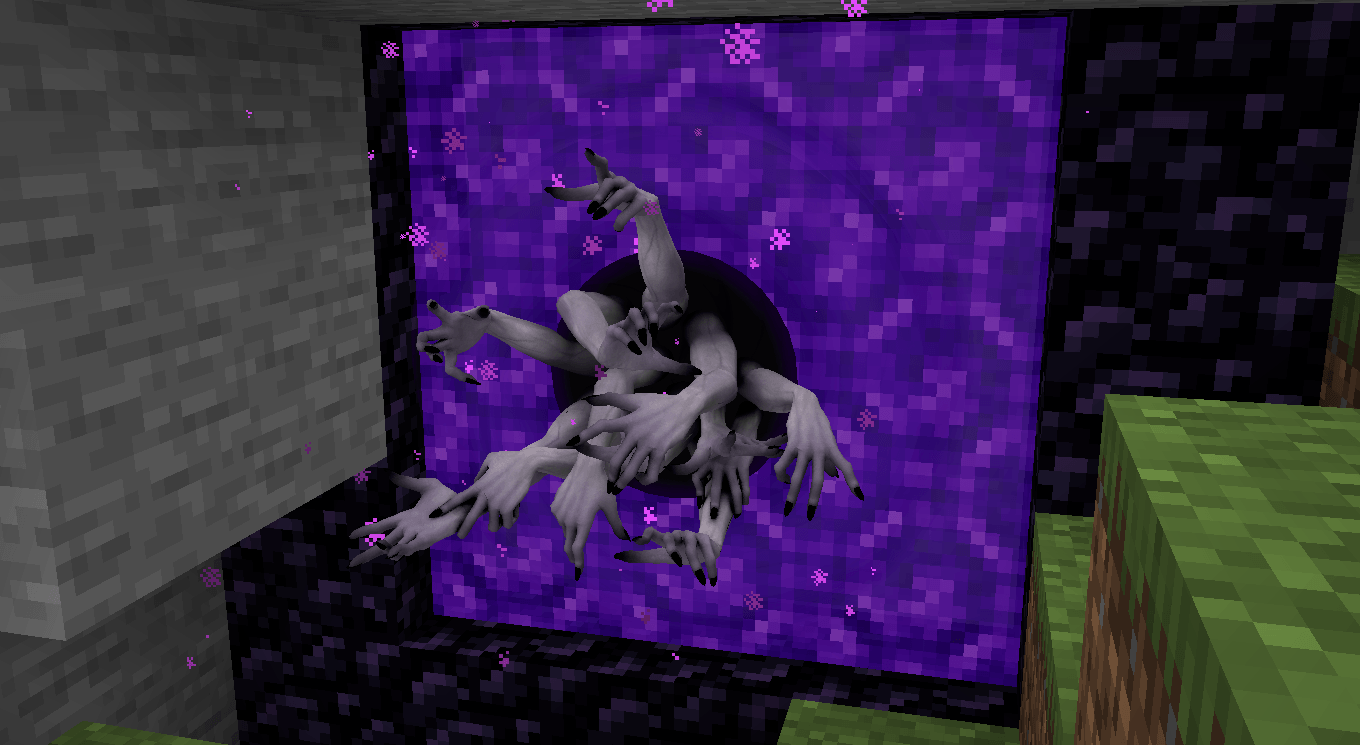
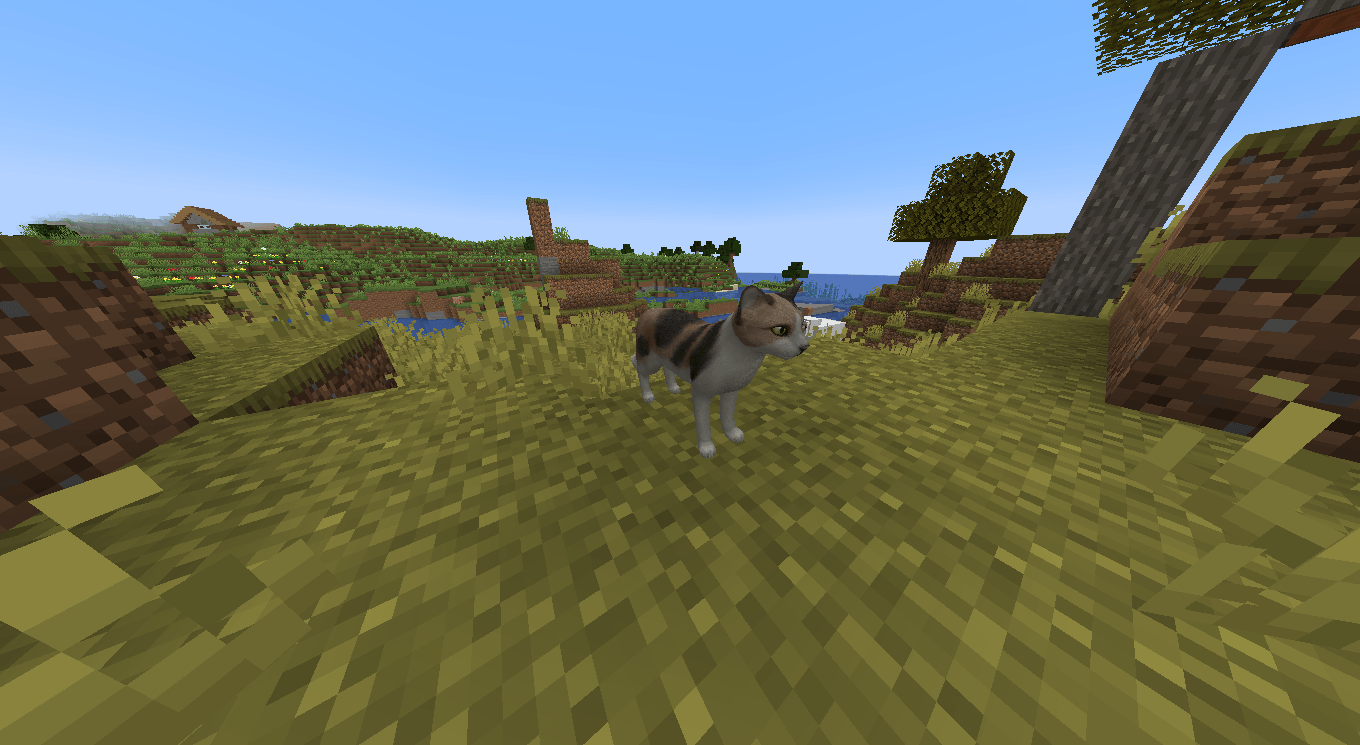
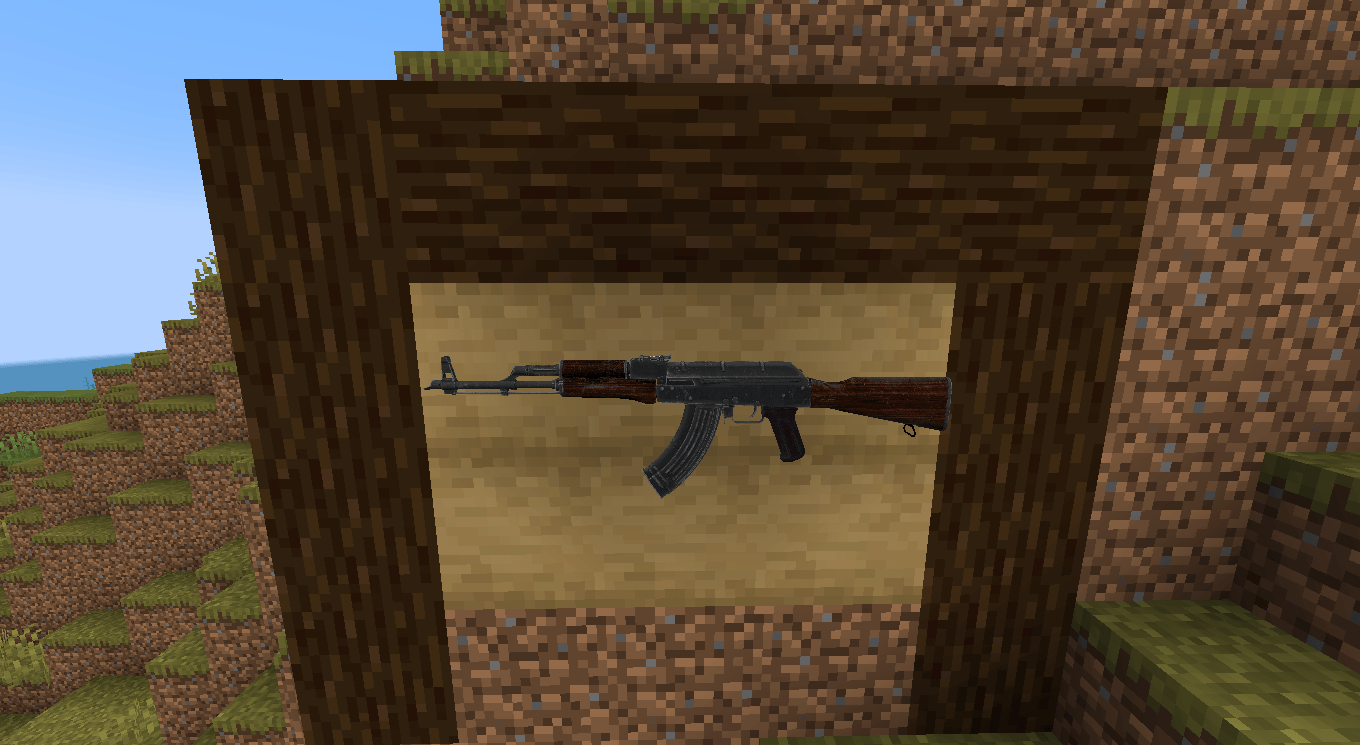
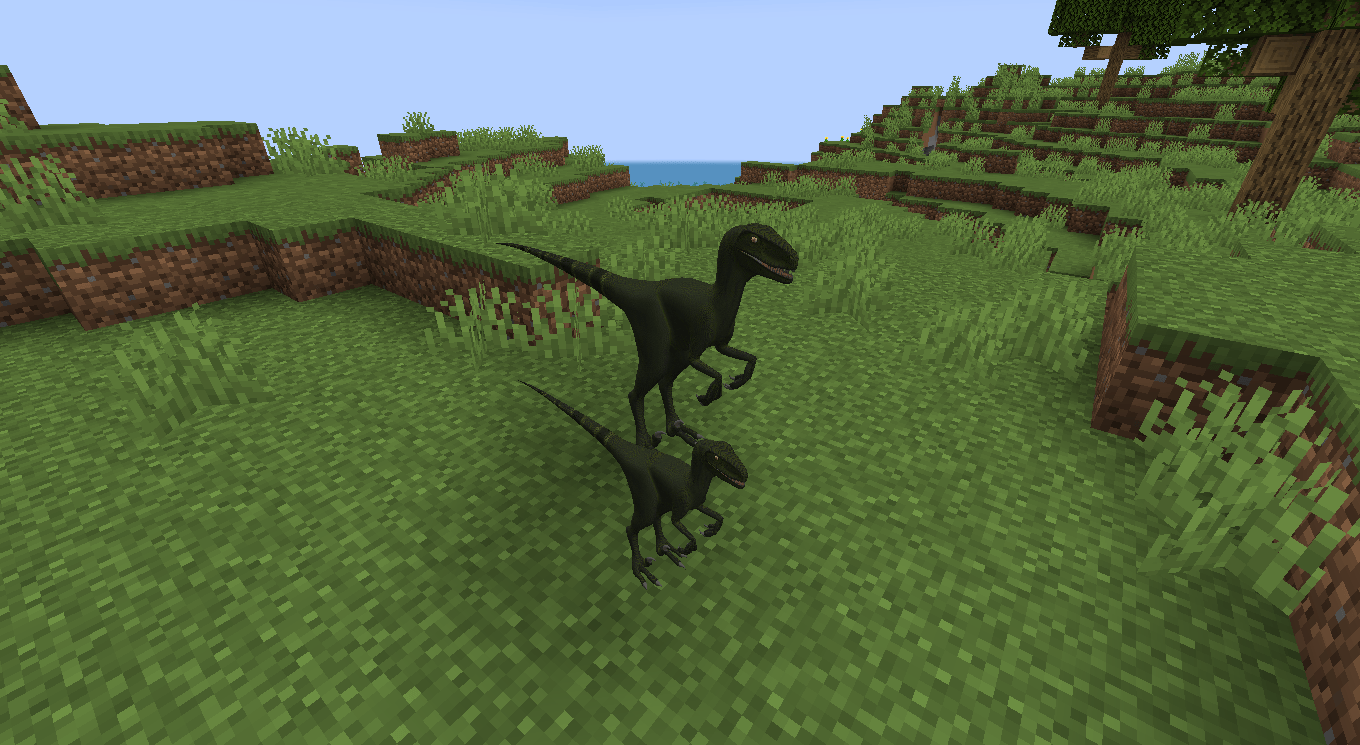
Turn your own 3D creations into placeable Minecraft blocks. Import models, customize their size, and build with assets beyond the default block shapes.
What is GLB Blocks?
GLB Blocks is a Minecraft Forge mod that lets you bring custom 3D .glb models into your world as placeable blocks and items.
Whether you’re creating decorations, structures, props, or entirely custom builds, GLB Blocks gives you a way to use your own models instead of being limited to vanilla block shapes.
Your models – Your world – Your creativity.
3D Model Importing
Import supported .glb models into the mods config folder
.minecraft → config → glbblocks → models → [place your models here]
Dynamic Resizing
Adjust the size of your models using the supported resize controls. Resizing works by holding the model you want to resize and holding Shift while scrolling up or down.
Getting Started
Install the Requirments
This mod requires a library mod found here on github, make sure its included in your mod folder
Add your models
Add any .glb models inside the config folder
Reload your models
When inside a save or world, enter the command /reloadmodels
All new models will appear inside the GLB creative tab
Compatibility
Currently contains some expected bugs, but are marked for fixing, these are:
- Particle breaking texture
- Rotation support
- Waterlog Support
- Multiplayer Support
- And much more…
常见问题
GLB Blocks 支持哪些 Minecraft 版本?
GLB Blocks 支持 Minecraft Java 版 1.20.1,可用的加载器:Forge。下载时注意选择和你游戏版本一致的文件。
GLB Blocks 怎么安装?
先用 PCL2 或 HMCL 启动器安装对应版本的 Forge,再把下载的 .jar 文件放进游戏目录的 mods 文件夹,重新启动游戏即可。开启了版本隔离的,mods 文件夹在 versions/版本名 下面。
评论
登录后评论和评分