
截图
介绍
中文介绍正在准备中,下面暂时显示原文。
_Requires Git to be installed. You can get Git from the official website: Git Official Website_

Git Worlds is a NeoForge mod that automatically creates Git repositories for your Minecraft worlds, providing version control, branching, and backup capabilities. Every world session is tracked as a separate Git branch with automatic commits and optional GitHub integration.

- Automatic Git Repository Creation: Each world gets its own Git repository
- Session-Based Branching: New branch created for each play session
- Auto-Commit System: Configurable interval commits (default: 10 minutes)
- GitHub Integration: Optional remote backup and sharing
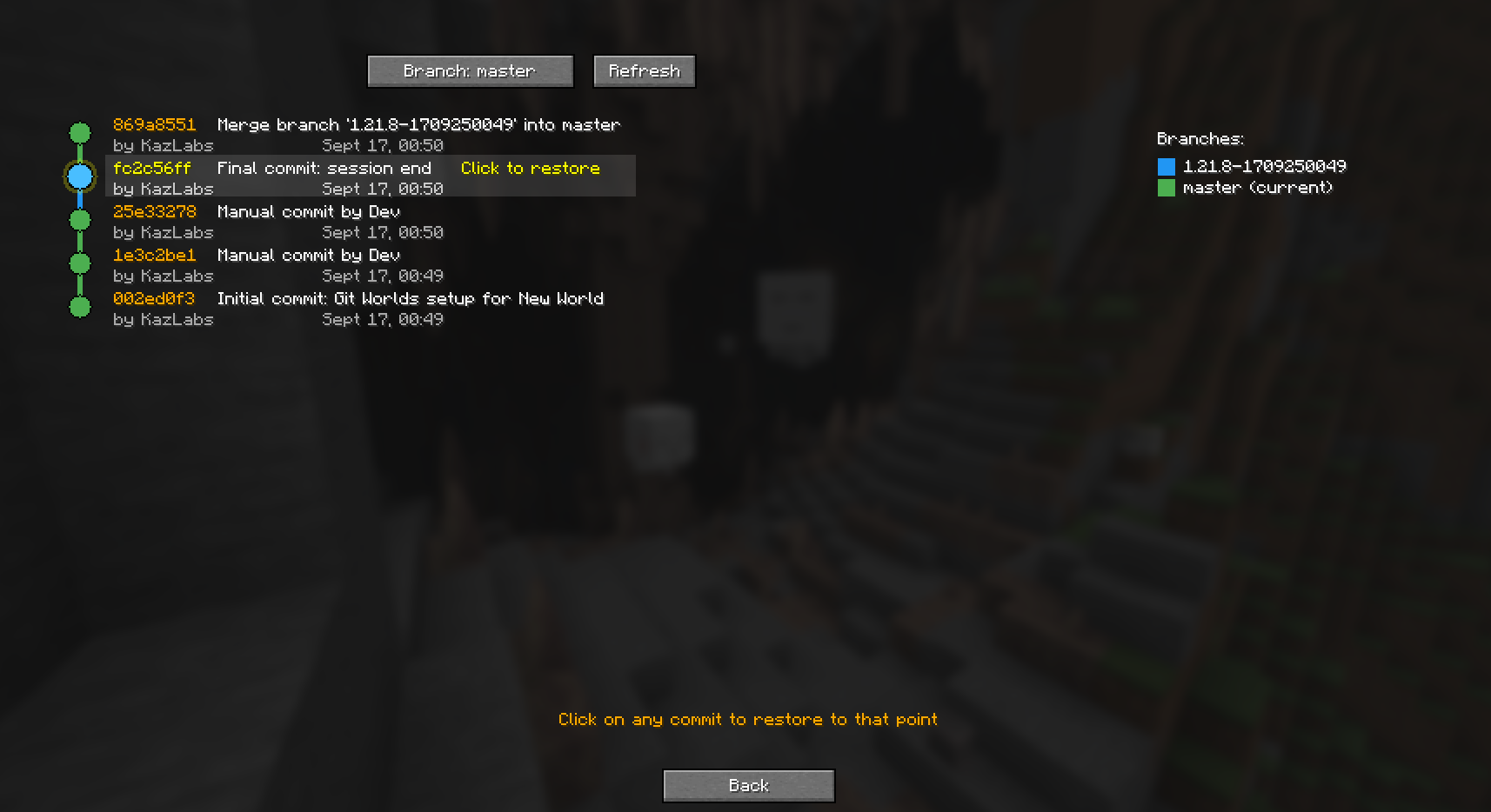
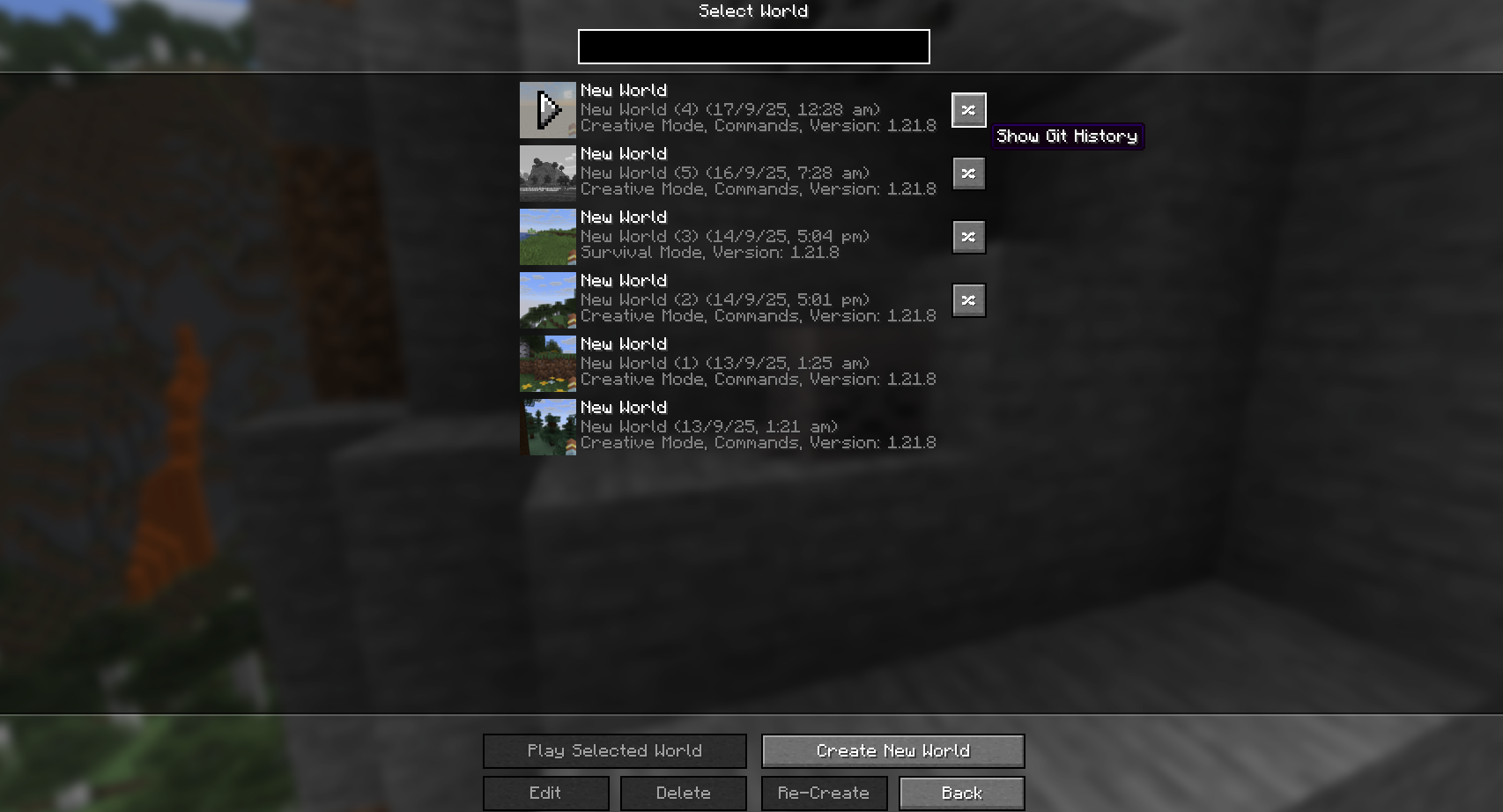
- Version History: View and restore from previous world states
- Crash Protection: GitWorldsAgent process ensures data safety even during crashes
- Configurable Settings: Extensive configuration options via in-game GUI

Basic Workflow
- Create or load a world
- Git Worlds automatically initializes a Git repository
- A new branch is created for your session
- Changes are automatically committed at configured intervals
- On world exit, changes are committed and merged to master
Commands (Planned)
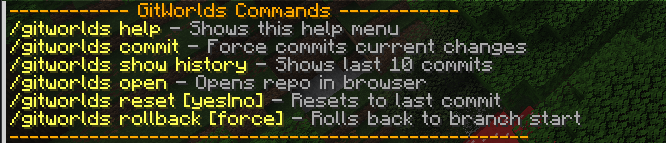
/gitworlds help– Show help menu/gitworlds commit– Force commit current changes/gitworlds show history– View commit history/gitworlds open– Open repository in web browser/gitworlds reset [yes|no]– Reset to last commit/gitworlds rollback [force]– Rollback to branch start
常见问题
GitWorlds 支持哪些 Minecraft 版本?
GitWorlds 支持 Minecraft Java 版 1.21.8,可用的加载器:NeoForge。下载时注意选择和你游戏版本一致的文件。
GitWorlds 怎么安装?
先用 PCL2 或 HMCL 启动器安装对应版本的 NeoForge,再把下载的 .jar 文件放进游戏目录的 mods 文件夹,重新启动游戏即可。开启了版本隔离的,mods 文件夹在 versions/版本名 下面。运行环境:客户端和服务端都要装。
评论
登录后评论和评分