
截图
介绍
中文介绍正在准备中,下面暂时显示原文。
Ghostprint
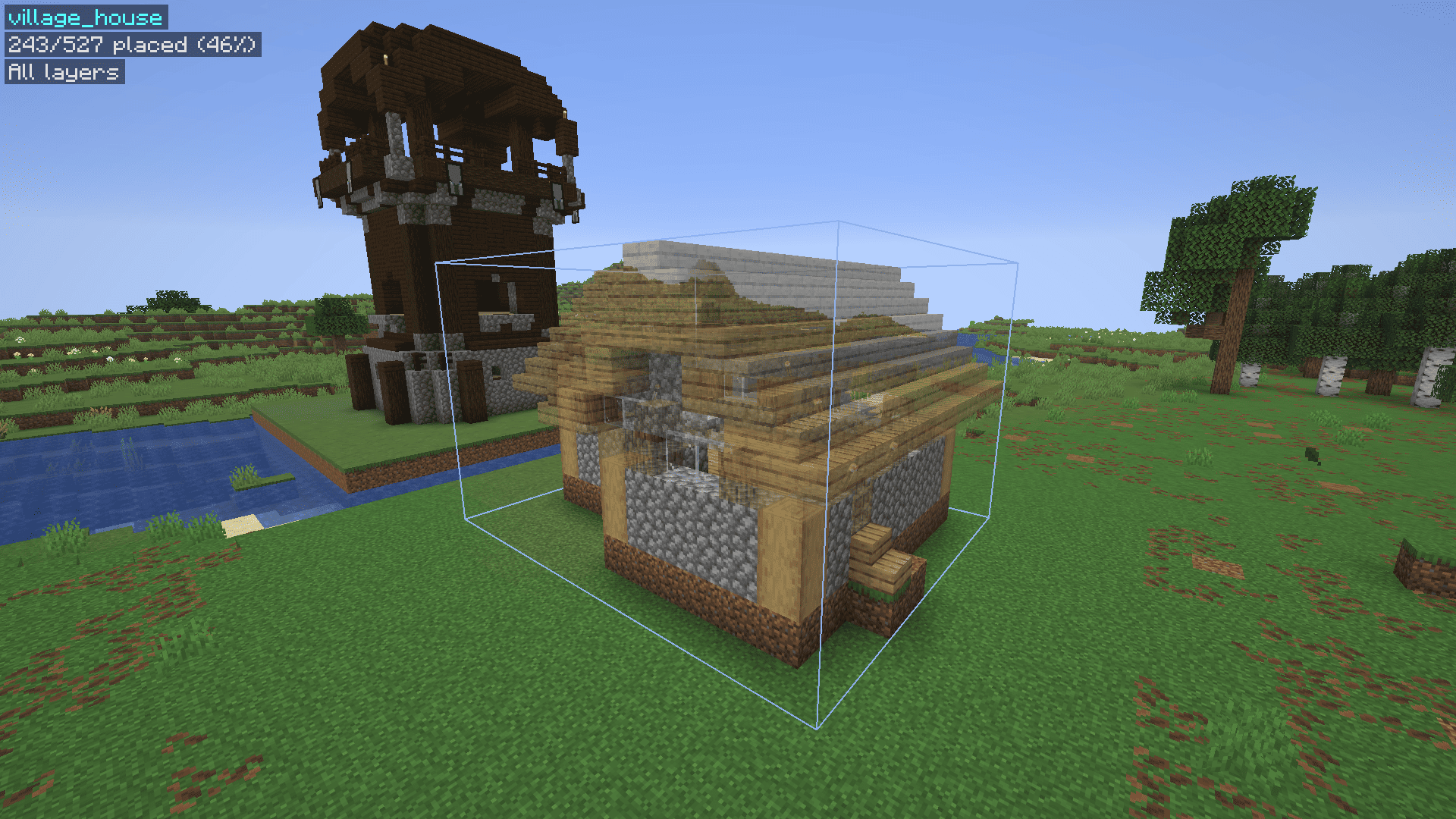
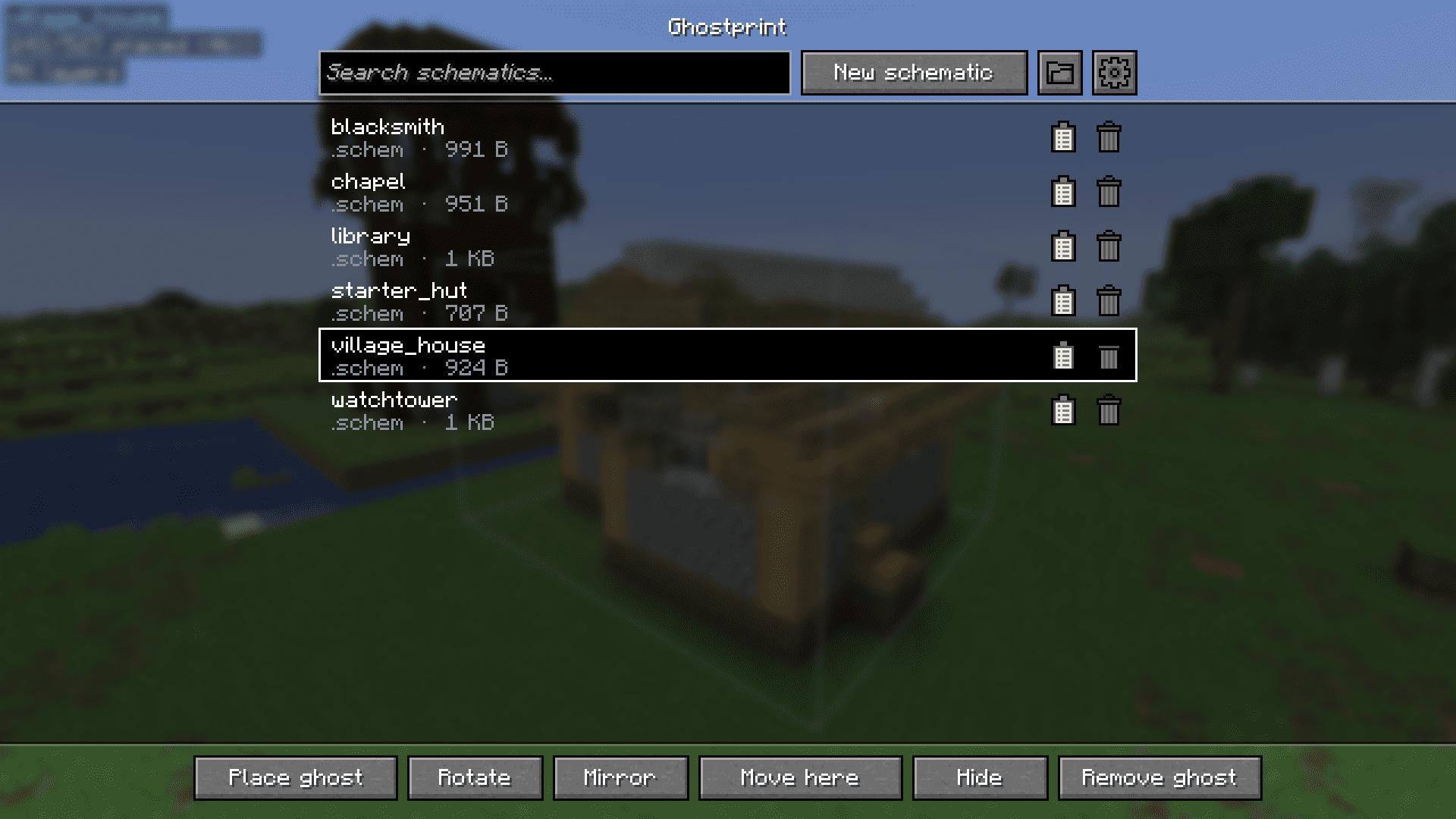
A client-side Fabric mod for Minecraft 26.3. Save builds as schematics, then place them as see-through "ghost" blocks to build from.
Made easier than some alternatives.
Works with WorldEdit (.schem) and can load Litematica (.litematic) files.
Requirements
- Minecraft 26.3
- Fabric Loader 0.19.5+
- Fabric API
How to use
- Press G to open the menu.
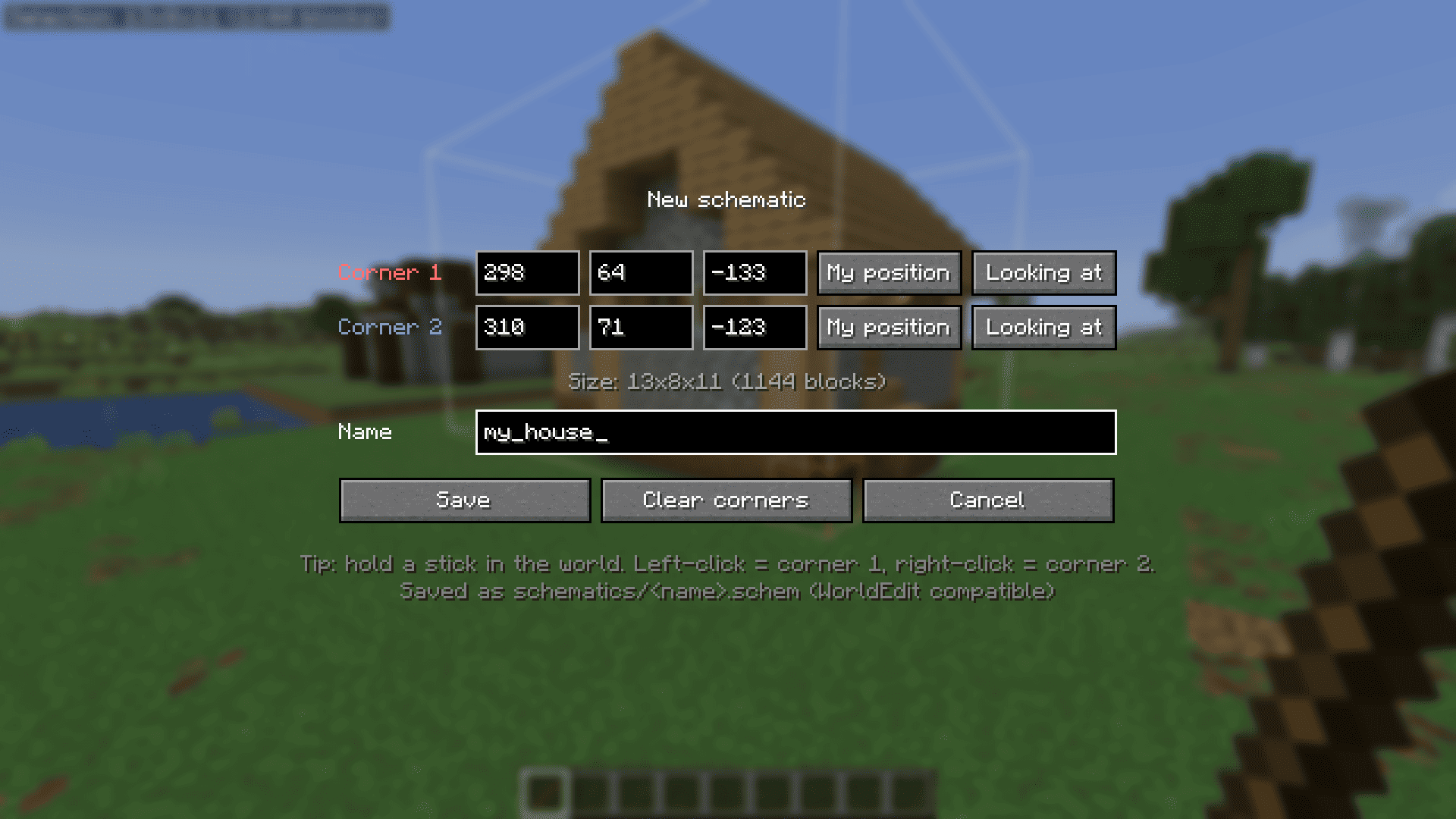
- New schematic: pick two corners (left/right-click blocks with a stick), name it, save.
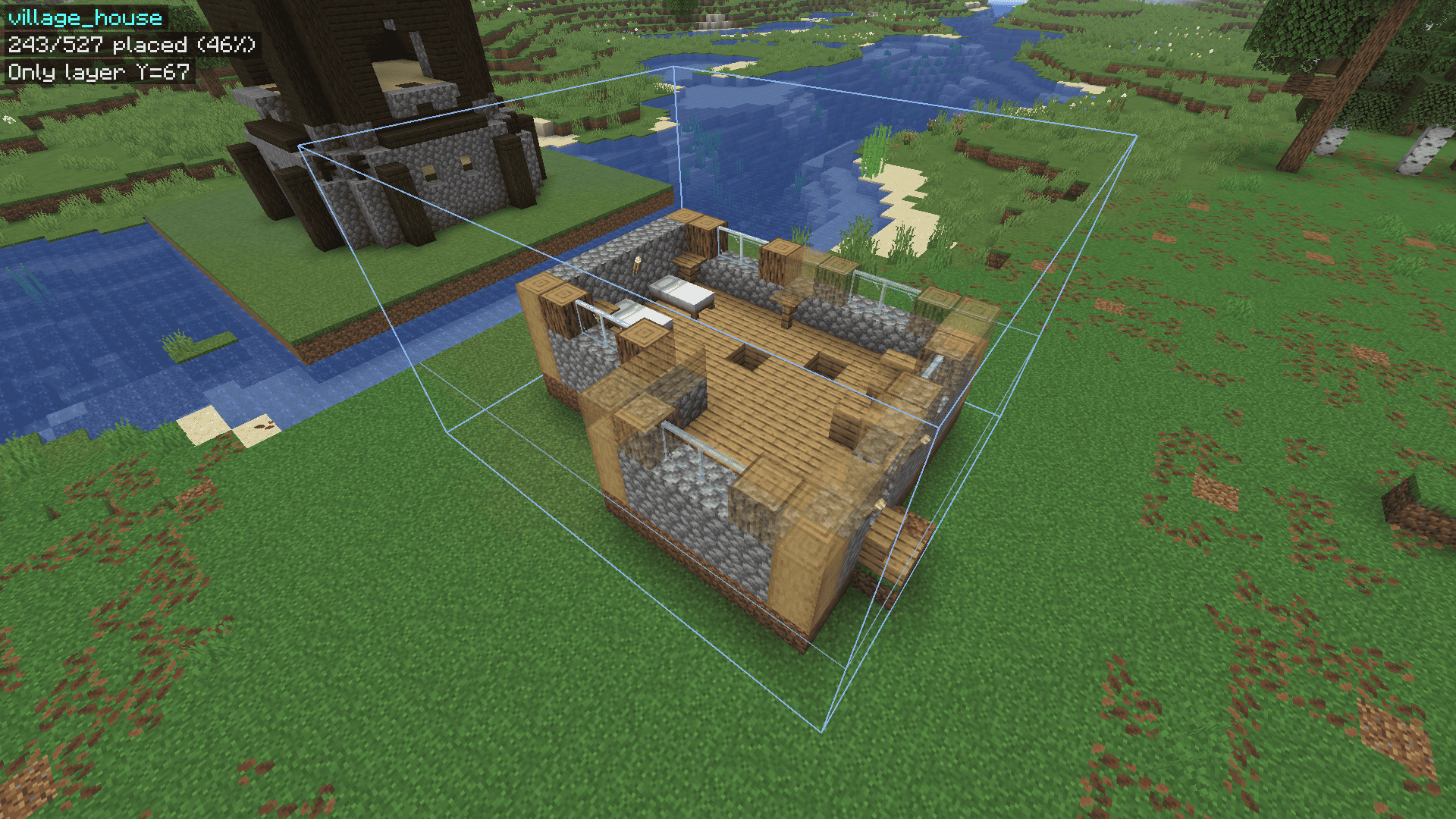
- Place ghost: select a schematic and place it at your feet. Move it with the arrow keys and Page Up / Down.
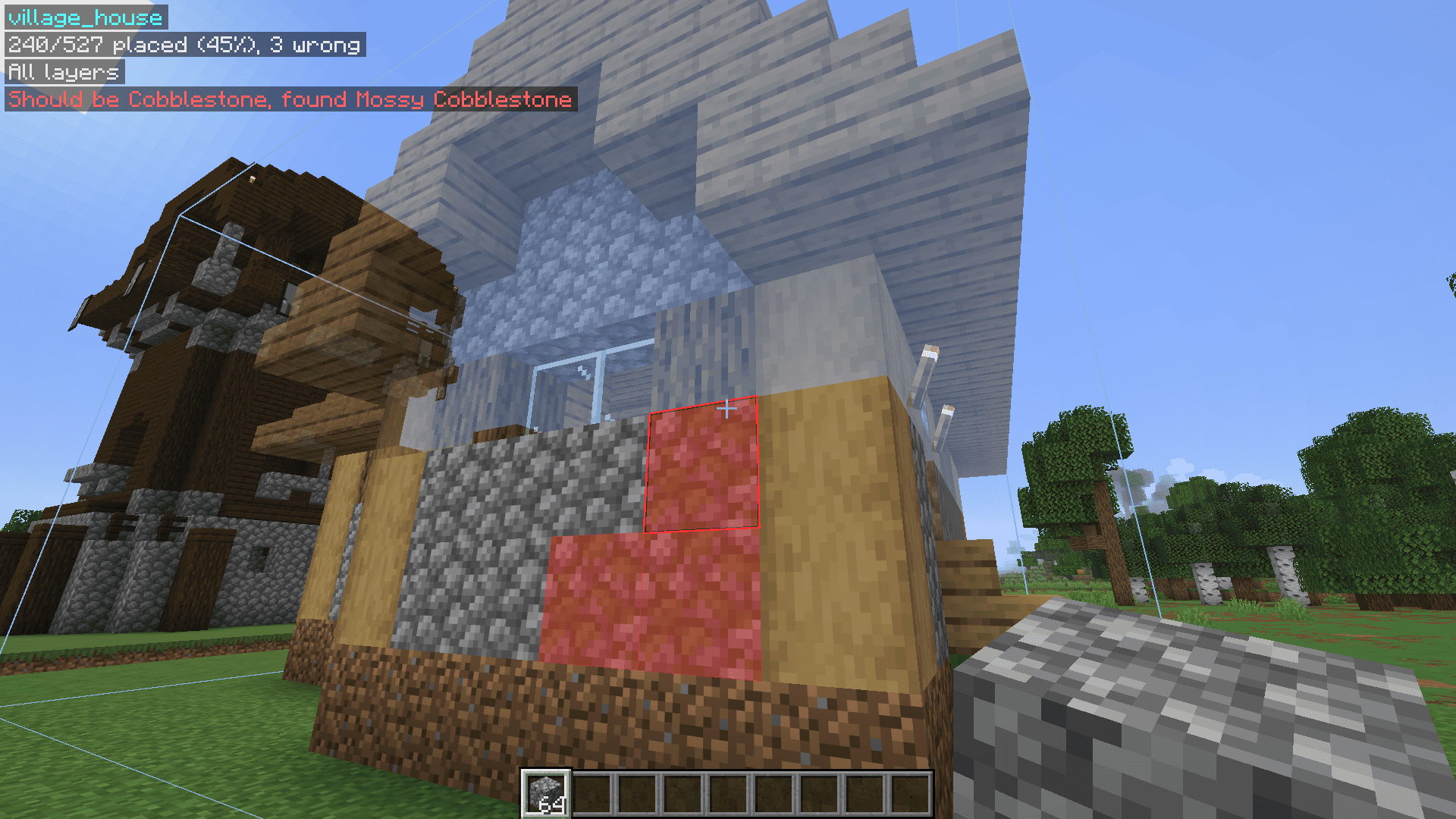
- Build: correct blocks disappear, wrong ones turn red, and the HUD tells you what goes where.
- Easy place: right-click a ghost block to place exactly the right block, facing the right way.
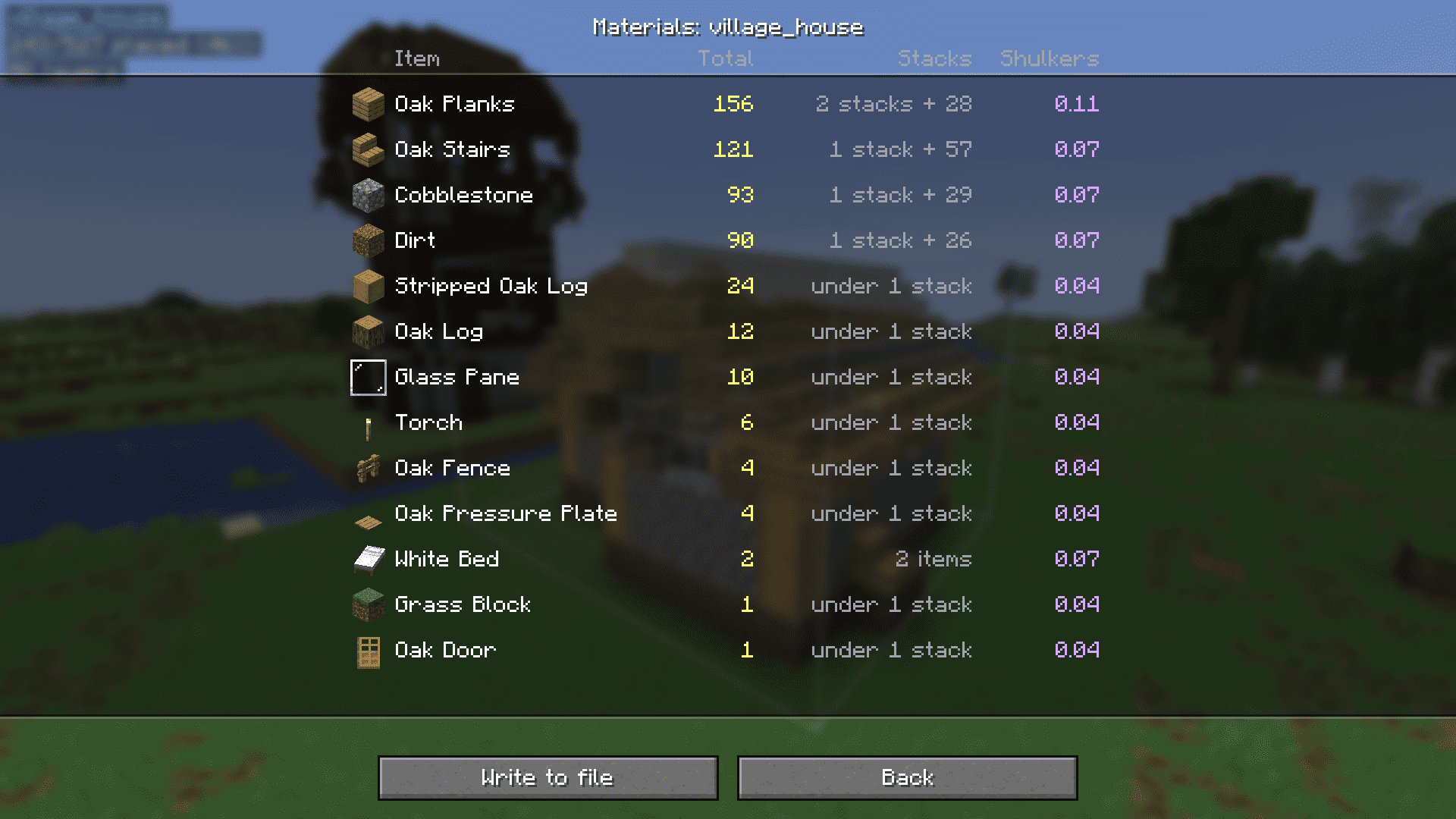
The clipboard icon next to a schematic shows its material list.
Good to know
- Schematics are saved in
.minecraft/schematics. (WorldEdit schematics folder also works) - Your ghost is remembered per world and server.
Issues
If you have any issues, feel free to DM me on discord. My username is sirkillian.
常见问题
Ghostprint 支持哪些 Minecraft 版本?
Ghostprint 支持 Minecraft Java 版 26.3,可用的加载器:Fabric。下载时注意选择和你游戏版本一致的文件。
Ghostprint 怎么安装?
先用 PCL2 或 HMCL 启动器安装对应版本的 Fabric,再把下载的 .jar 文件放进游戏目录的 mods 文件夹,重新启动游戏即可。开启了版本隔离的,mods 文件夹在 versions/版本名 下面。
SirKillian 的其他作品
查看全部 →
Ore Highlighter
by SirKillian
Minecraft 矿石轮廓 / 矿石高亮
21.2万
7 个月前
Modrinth · CurseForge

Cobblemon Rivals
by Cobblemon Rivals
热门Minecraft服务器Cobblemon Rivals的整合包
19.5万
9 个月前
Modrinth

Duskfall-UI
by SirKillian
深色界面主题。
12.1万
7 个月前
Modrinth · CurseForge

Pizza Cakes
by SirKillian
Replace your Minecraft cakes with pizzas!
1,036
2 年前
Modrinth
评论
登录后评论和评分